

Why Your Ad Campaign Keeps Getting Paused Mid-Flight (And How to Stop It)
Executive Summary
Payment infrastructure is the #1 cause of mid-flight campaign pauses. Card re-verification failures, credit limit ceilings, fraud flags, expired details, and bank-side blocks are responsible for the vast majority of unexpected delivery interruptions.
These pauses are expensive: they reset learning phases, inflate CPAs by 15–25%, and create lost spend and client trust issues.
Traditional business cards increase this risk due to low limits, manual updates, and fraud systems that don’t understand ad spend patterns.
Purpose-built infrastructure like Opal prevents mid-flight campaign stops because of features like auto-syncing cards, high spending limits, and ad-platform-aware fraud protection.
Campaign pauses are a problem no agency should be normalizing, because they directly interrupt revenue and performance. Most of them are caused by predictable payment and billing failures. Below are the usual reasons they happen.
The 5 Causes of Mid-Flight Campaign Pauses
Each of these triggers a payment failure that causes the platform to halt delivery. They're not random. They're predictable, and most of them are preventable.
1. Card Re-Verification Triggered by the Ad Platform
Ad platforms periodically re-verify the payment method on file. This happens when the platform detects a change in spend volume, when your card's BIN doesn't match expected patterns, or when the platform's fraud detection flags the transaction as unusual. When re-verification fails, because your bank requires a one-time code you don't receive in time, or because the billing address on file doesn't exactly match the card, the platform pauses delivery immediately.
Meta's re-verification process is particularly aggressive. In 2025 and into 2026, Meta updated its anti-fraud module to run additional screening on every payment, including long-trusted accounts. Cards without 3D Secure support are especially vulnerable to this trigger.
The fix (short-term): Ensure your billing address on file matches your card exactly. Confirm your card supports 3D Secure. Keep a backup payment method active.
The fix (structural): Use a card that auto-syncs its details to the platform, so re-verification never encounters stale or mismatched data.
2. Credit Limit Hit During Campaign Scaling
You scale a campaign from $500/day to $2,000/day. The card on file has a $15,000 monthly limit. By day nine of the month, you've hit it. The platform tries to charge, gets declined, and pauses your campaigns.
This is one of the most common causes for agencies managing multiple clients on a single card. The limit isn't just about one campaign; it's cumulative across every account billed to that card. Scaling one client's budget can inadvertently kill another client's campaigns.
The fix (short-term): Monitor cumulative spend across all accounts against your card's monthly limit. Set calendar reminders at 70% and 90% of limit.
The fix (structural): Use a card with a limit that scales with your actual spend. Standard business cards cap out at $25,000-$50,000. Agencies running $500K+ in monthly ad spend need infrastructure that matches.
3. Fraud Flags from High-Volume or Unusual Spend Patterns
Your bank's fraud detection sees a $45,000 charge to Meta Ads on a Tuesday morning and decides that looks suspicious. It blocks the transaction. Your campaigns pause. You spend 40 minutes on hold with your bank explaining that yes, you run digital advertising for a living, and yes, this is a normal charge.
Banks are not built to understand ad platform billing patterns. Large, repetitive charges to the same merchant at irregular intervals look like fraud to a standard fraud detection model. This problem compounds when you're running campaigns across multiple platforms, because each platform bills on its own cycle.
The fix (short-term): Call your bank proactively before scaling spend. Add a note to your account authorizing large recurring charges to ad platform merchants.
The fix (structural): Use a card whose issuer understands ad platform billing patterns and has pre-authorized those transaction types.
4. Expired Card Details on File
Your card expired in March. You got a new one in February, updated it in your wallet, and forgot that Meta Ads, Google Ads, Apple Search Ads, and Amazon Ads all still have the old number. The first billing cycle after expiration, all four platforms try to charge the dead card. All four pause.
This is entirely preventable and still happens constantly, because manually updating card details across four or more platforms is tedious and easy to forget.
The fix (short-term): Set a calendar reminder 45 days before your card's expiration date. Update every ad platform billing page before the expiration date, not after.
The fix (structural): Use a card that automatically pushes updated details to connected ad platforms when the card is renewed or replaced.
5. Bank-Side Blocks on Large or Repetitive Transactions
Separate from fraud flags, some banks have hard transaction limits or velocity controls that block charges above a certain dollar amount or frequency threshold. A $75,000 weekly charge to Google Ads might clear your credit limit fine but still get blocked by a transaction-level control your bank set without telling you.
These blocks are often invisible until they happen. Your bank doesn't notify you proactively. The platform just declines and pauses.
The fix (short-term): Request a review of your bank's transaction-level controls and ask specifically about velocity limits on card-not-present transactions.
The fix (structural): Use a card purpose-built for high-volume, high-frequency ad spend that doesn't treat your normal billing patterns as anomalies.
The Real Cost of a Mid-Flight Pause
Before getting into the causes, it's worth being specific about what a pause actually costs. Most advertisers think about it in terms of lost impressions. The real damage goes deeper.
A concrete scenario
You're running a Meta campaign for a client. It's day three of the learning phase, you've got 28 conversions tracked, and you're two days away from exiting learning. The algorithm has been building a model around your best-converting audience segments.
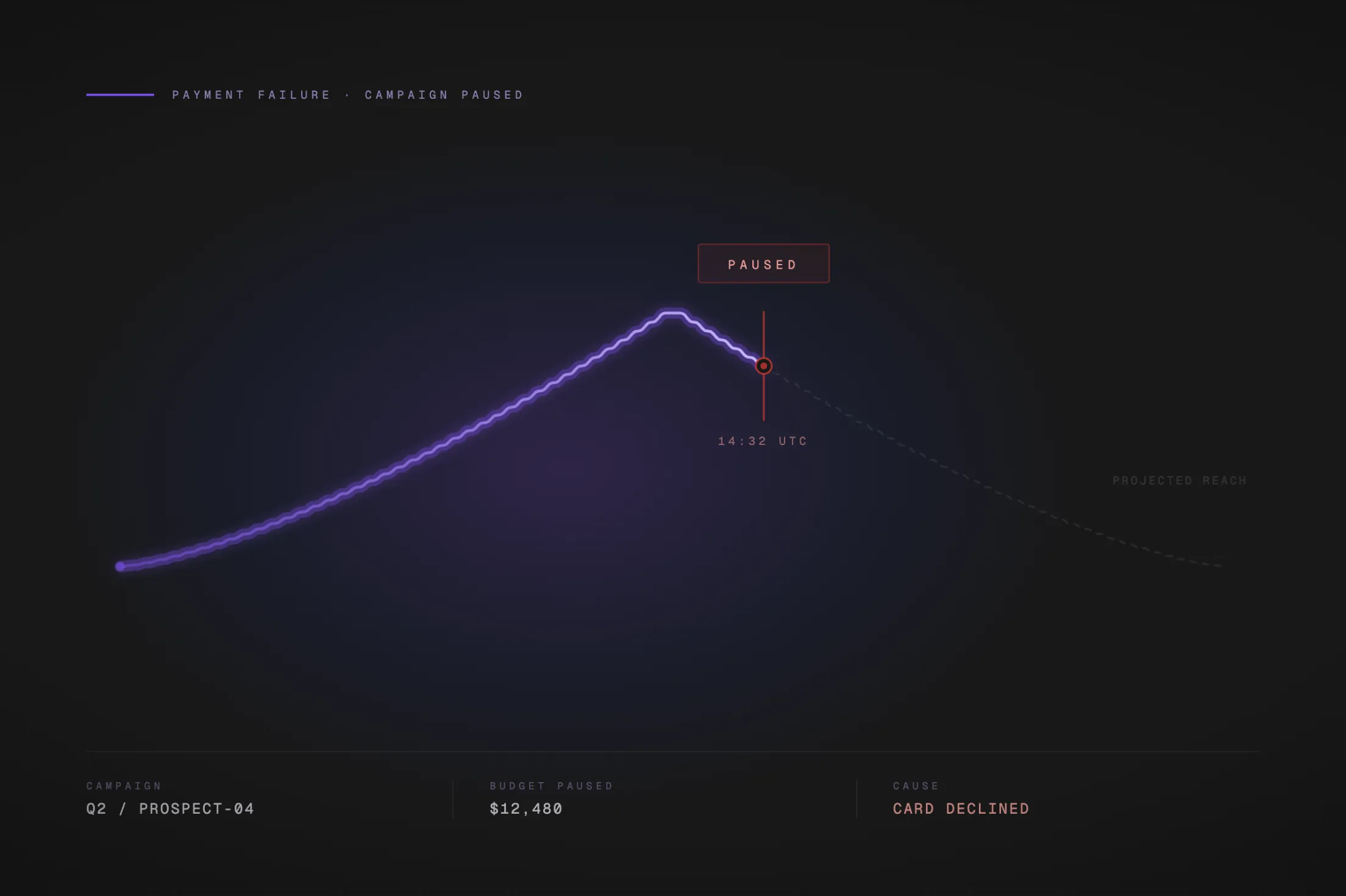
At 11:47 AM, your bank declines an auto-charge because the transaction looks unusual for the account. Meta pauses the campaign. You don't notice until 3:15 PM.
By the time you fix the payment issue and reactivate, you've lost 3+ hours of delivery at peak engagement time. But the real hit: Meta resets the learning phase. You're back to zero. Those 28 conversions, the audience signals, the bid calibration, all gone. You're paying to re-learn what the algorithm already knew.
What the pause window actually destroys
What Gets Disrupted |
Why It Matters |
|---|---|
Algorithm learning phase |
A reset means 7-14 more days of inefficient CPAs while the model rebuilds |
Impression momentum |
Platforms deprioritize campaigns that go dark, even briefly |
Auction position |
Competitors fill the inventory you vacated; recapturing it costs more |
Budget pacing |
Daily budgets don't "catch up" after a pause; you lose that spend window permanently |
Client trust |
Unexplained delivery gaps are hard to explain in a weekly report |
The conservative estimate: a 3-hour mid-flight pause on a campaign spending $1,000/day costs you roughly $125 in direct lost impressions, plus the compounding CPA inflation from a learning phase reset that can run 15-25% higher for the next 7-14 days.
How Meta and Google Handle Payment Failures Differently
The mechanics of how each platform responds to a declined payment matter, because the recovery path is different on each one.
Meta Ads
Meta operates on a postpaid billing model. It charges your card when you hit your billing threshold (which starts low and increases with account history) or at the end of your billing cycle, whichever comes first. When a charge fails, Meta pauses all active campaigns in that ad account immediately.
What makes Meta particularly difficult is the blast radius. If the declined card is linked to multiple ad accounts, or if the card was flagged on another account you're associated with, Meta can pause campaigns across all of them. A single payment failure can take down campaigns across multiple client accounts simultaneously.
Meta's recovery process:
Fix the payment method in Billing settings
Pay any outstanding balance manually via "Pay Now"
Campaigns resume, but the learning phase may reset depending on how long delivery was paused
Meta does not offer a grace period in the traditional sense. Once the charge fails, delivery stops. Some accounts with strong payment history may see a brief continuation window, but this is not reliable and should not be counted on.
Google Ads
Google Ads also pauses campaigns on payment failure, but with one meaningful difference: according to Google's own documentation, some qualifying accounts may continue running for a short period after a decline to give you time to fix the payment method before going offline. This grace window is account-dependent and not guaranteed.
Google's recovery process:
Go to Billing, find the declined payment, and click "Fix"
Retry the existing card, update card information, or add a new payment method
Pay the outstanding balance
Ads typically resume within 24 hours of a successful payment
Key difference: Google gives some accounts a brief grace window. Meta does not. If you're running campaigns on both platforms and a card fails, your Meta campaigns will go dark faster.
Why Traditional Business Cards Make This Worse
Standard business cards were designed for expense management, not ad platform billing. The mismatch creates structural problems that no amount of manual diligence fully solves.
The three ways a traditional card works against you
1. Conservative credit limits Most business credit cards top out at $25,000-$50,000 in credit. For an agency managing $200,000+ in monthly ad spend across clients, that ceiling isn't a limit, it's a trap. You either split spend across multiple cards (creating a tracking and reconciliation nightmare) or you hit the ceiling mid-month and watch campaigns pause across multiple accounts.
2. No auto-sync to ad platforms When your card expires, gets reissued, or gets replaced after fraud, you have to manually update the payment method in every ad platform: Meta Ads Manager, Google Ads billing, Apple Search Ads, Amazon Ads, and any other platforms you're running. Miss one, and that platform's campaigns pause on the next billing cycle. There is no native mechanism in any standard card to push updated details to connected platforms automatically.
3. Manual re-verification every time Every time you update a card on an ad platform, the platform initiates a re-verification process. Meta may send a small test charge. Google may require you to confirm card details. Each verification step is another opportunity for a mismatch, a failed code, or a billing address discrepancy to cause a pause.
The result: agencies running large ad budgets spend meaningful time every month managing payment infrastructure instead of managing campaigns. And despite that effort, pauses still happen, because the tools weren't built for this use case.
How Opal Eliminates the Root Causes
Most solutions to this problem are reactive: fix the payment, restart the campaign, call the bank. Opal is built to eliminate the causes before they trigger a pause.
Auto-sync across ad platforms
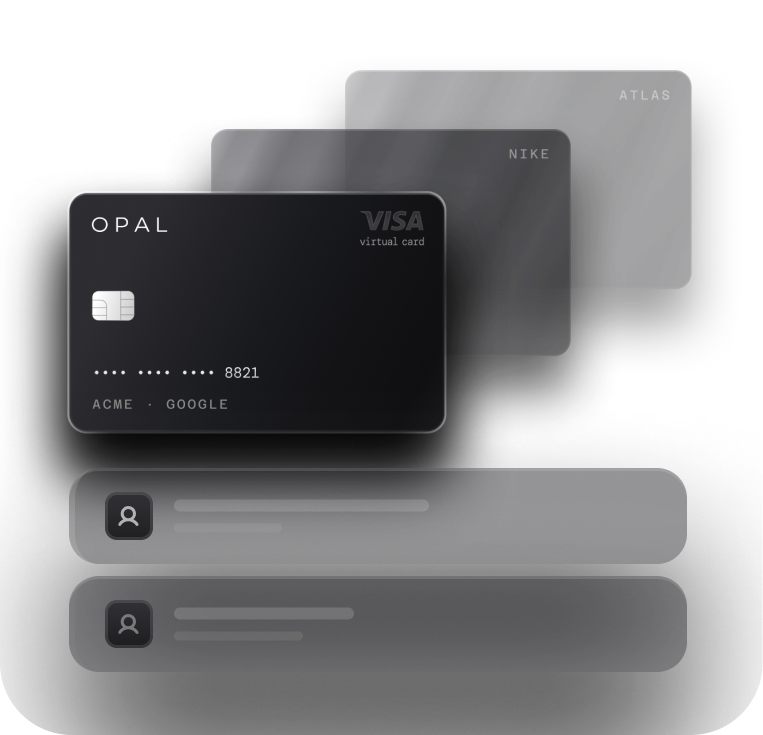
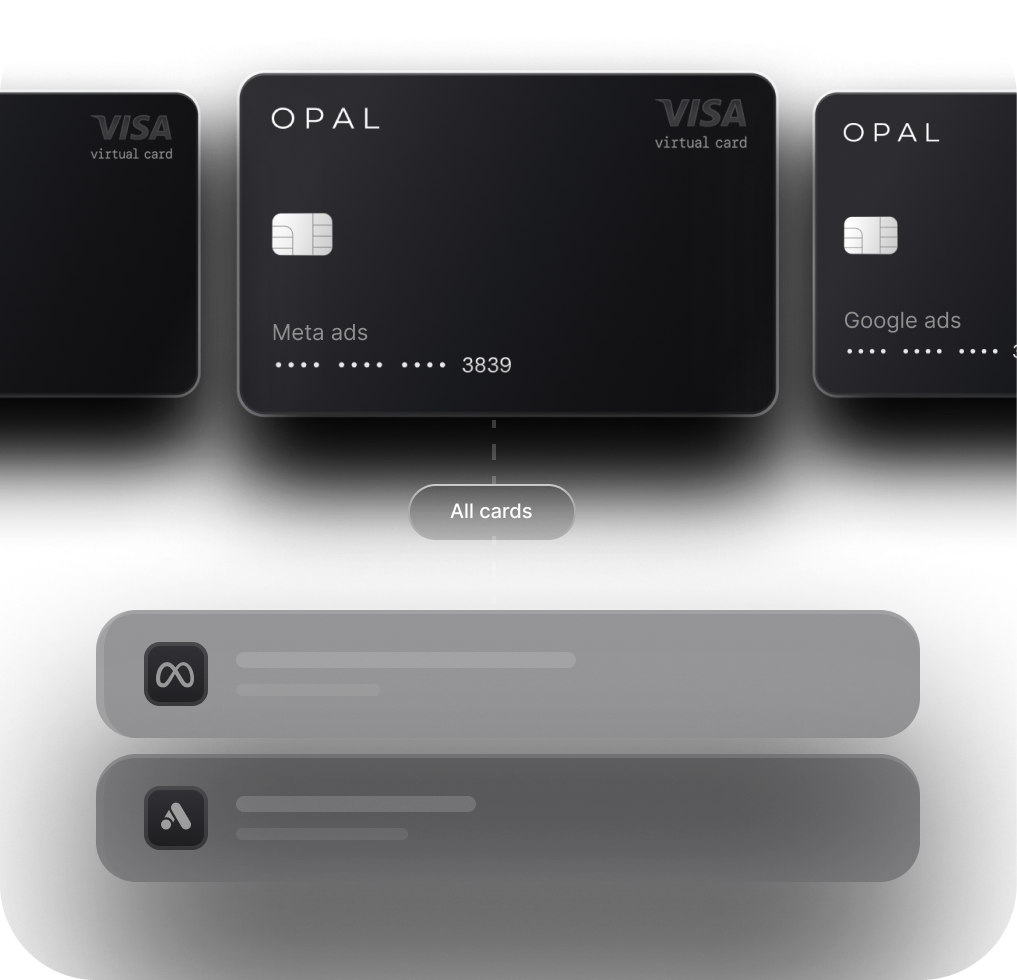
Opal cards automatically sync their details across Meta, Google, Apple Search Ads, and Amazon Ads. When a card is renewed, reissued, or replaced, the updated details push to connected platforms without any manual action required. No more logging into four billing dashboards. No more campaigns pausing because you forgot to update an expiration date.
This directly eliminates cause #4 (expired card details) and significantly reduces the exposure to cause #1 (re-verification failures caused by stale card data).
Credit limits up to $10M, no personal guarantee
Opal's charge card offers limits up to $10M, sized for agencies actually running significant ad budgets. There's no personal guarantee required, so you're not putting your personal credit on the line to fund client campaigns.
For context: an agency managing $500,000/month in ad spend needs a card that can handle that volume without hitting a ceiling mid-month. A $10M limit means the credit ceiling is effectively removed as a cause of mid-flight pauses.
Purpose-built for ad platform billing patterns
Opal's issuing infrastructure is designed around the billing patterns of ad platforms: large, repetitive charges to the same merchants at irregular intervals. The fraud detection model understands that a $75,000 charge to Meta Ads on a Tuesday morning is not suspicious; it's normal operations. This eliminates the bank-side blocks that cause cause #5.
What Opal addresses vs. what it doesn't
Pause Cause |
Traditional Card |
Opal |
|---|---|---|
Card re-verification failure |
Manual fix required |
Auto-sync reduces stale data risk |
Credit limit hit |
Hard cap at $25K-$50K |
Limits up to $10M |
Fraud flags from ad spend |
Bank flags normal patterns |
Built for ad platform billing |
Expired card details |
Manual update across all platforms |
Auto-sync to connected platforms |
Bank-side transaction blocks |
Requires proactive bank communication |
Issuer understands ad spend patterns |
The honest framing: Opal doesn't make ad platforms infallible. Platform-side bugs and policy changes can still cause pauses. But the five payment-related causes covered in this post, the ones responsible for the vast majority of mid-flight interruptions, are either eliminated or significantly reduced.
Campaign Pause Prevention Checklist
Steps you can take right now, before your next campaign pause happens.
Immediate actions (do these today)
-
Audit every ad platform billing page. Log into Meta Ads Manager, Google Ads, Apple Search Ads, and Amazon Ads. Confirm the card on file is current, not expired, and that the billing address matches the card exactly.
-
Add a backup payment method on every platform. Google Ads explicitly supports backup payment methods. Meta allows multiple payment methods. If your primary card fails, a backup prevents an immediate pause.
-
Check your credit utilization across all platforms. Add up the cumulative charges hitting your card this month across all ad accounts. Compare that to your card's monthly limit. If you're above 70%, you're at risk.
-
Call your bank and pre-authorize ad platform merchants. Tell them you run regular large charges to Meta, Google, Apple, and Amazon. Ask them to note this on your account and confirm there are no velocity limits that would block those transactions.
-
Confirm your card supports 3D Secure. This is a Meta-specific requirement that has caused a significant number of payment declines in 2025-2026.
Ongoing practices
-
Set a card expiration reminder 45 days out. Update all platform billing pages before expiration, not after the first failed charge.
-
Monitor billing thresholds before campaign scaling. When you increase a daily budget significantly, check that your remaining credit headroom can absorb the higher spend rate before the next billing cycle.
-
Review billing history weekly. Catch failed charges before they compound. A missed $500 charge that goes unresolved can trigger an account-level hold on Meta.
-
Separate cards by client or platform when possible. If one card fails, it limits the blast radius to that card's associated accounts, not your entire book of business.
The structural fix
If you're managing more than $50,000/month in ad spend across multiple clients, the checklist above is maintenance on a system that wasn't designed for your volume. The structural answer is payment infrastructure built for digital advertising: auto-sync to ad platforms, limits that match your actual spend, and fraud detection that understands your billing patterns.
That's what Opal is built for. If mid-flight pauses are a recurring problem for your agency, it's worth looking at whether your payment infrastructure is the root cause.
Frequently Asked Questions
What are the 5 causes of mid-flight campaign pauses?
The five most common causes are: card re-verification triggered by the ad platform, hitting your credit limit during campaign scaling, fraud flags from high-volume or unusual spend patterns, expired card details on file, and bank-side blocks on large or repetitive transactions. The result is the same: delivery pauses.
How do traditional business cards work against you?
In three ways. Limits that can’t keep up with scaling ad spend, no auto-sync across platforms (so expired or replaced cards break billing), and forced manual updates that trigger re-verification cycles — each one another chance for campaigns to pause.
How is Opal better than a traditional business card for ad spend?
Opal removes the root causes of payment failures with high spending limits (up to $10M), automatic card detail syncing across ad platforms, and fraud systems designed for ad spend patterns. This prevents declines, reduces re-verification risk, and keeps campaigns running continuously.
We're already using a business card that "works fine." Why would we switch?
If your campaigns have never paused mid-flight due to a payment issue, your current setup is working. If they have, even once, the card is the most likely culprit. The operational cost of a single learning-phase reset (7-14 days of inflated CPAs across a client account) typically exceeds what any rewards program returns in the same period. Opal also earns up to 2% cash-back on all ad spend, so the switch pays for itself.
How long does it take to get set up on Opal?
Setup is fast. You can apply, get approved, and issue virtual cards the same day. The auto-sync to ad platforms connects during onboarding. Most agencies are running live campaigns on Opal within 24-48 hours of signing up.
Can I issue separate cards per client or per platform?
Yes. Opal supports unlimited free virtual cards, so you can issue a dedicated card per client, per platform, or per campaign. This limits the blast radius if a card ever does get flagged: only that card's associated accounts are affected, not your entire book of business. It also makes reconciliation and client billing significantly cleaner.