

Upgrade your ad spend from Slash to Opal
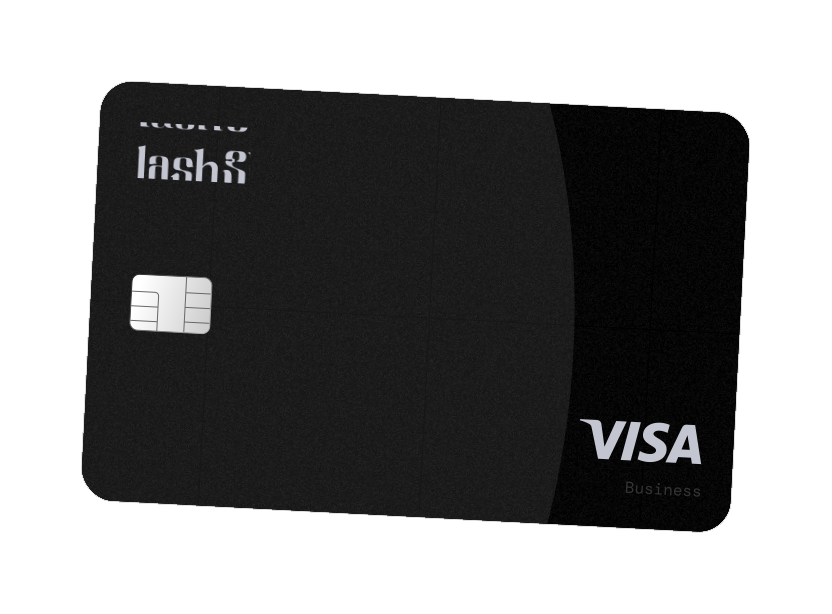
Opal is built for anyone spending at scale on ads: agencies, performance marketers, media buyers, and ecommerce and DTC brands. Slash combines business banking, corporate cards, virtual accounts and finance tools in one platform. Here's how the two compare once advertising is the line you need to fund, control and reconcile.



.svg)

.avif)
.avif)
.avif)

Is Opal or Slash better for high-volume ad spend?
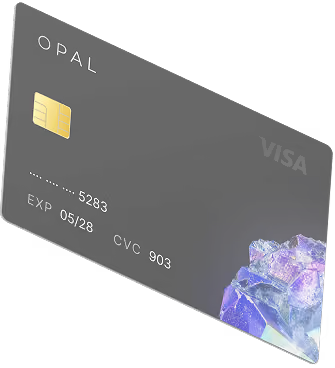
Opal is the more specialized choice if your main problem is funding and managing high-volume advertising spend. It offers up to 1.5% cashback on eligible ad spend with no annual cap and no monthly platform fee, credit limits up to $10M, monthly pay-in-full terms, unlimited virtual cards with their own limits, real-time visibility, no annual fee, no personal guarantee or hard credit check, and workflows organized around clients, platforms and campaigns.
Slash is built for banking and spend management in one platform: business checking, virtual accounts, unlimited virtual cards, broad accounting integrations, global payments, and up to 2% cashback on eligible card purchases on its Pro plan.
Bank with Slash if you like. Put the ad spend on Opal.
.avif)
Last verified September 1, 2026, against Slash's published product, help center and legal pages, including its cashback terms, Meta Invoice Rewards addendum and Unsecured Commercial Charge Card Agreement. Slash product features, card terms, pricing, credit structures, rewards programs and eligibility may change, and Slash's rewards terms reserve the right to change rates and apply caps. Confirm current terms with Slash before making a financial decision. Slash and related product names are marks of their respective owners. Opal is not affiliated with or endorsed by Slash. Opal credit availability, limits and cashback rates are subject to underwriting, product availability and applicable terms.
Your credit shouldn't depend on the cash you park.
Slash publishes two card structures, and which one you are on changes the answer. The standard Slash Card is a charge card that settles at the end of each business day, and your available credit is the lower of your approved limit and the balance in your Slash account. Slash's own example: a $100,000 limit against a $150,000 balance still caps card spending at $100,000. Slash also publishes an Unsecured Commercial Charge Card Agreement for a second program, bounded by a credit limit rather than deposits and repaid monthly.
For a company spending its own money, that structure can work very well. Spending at scale on ads creates a different problem. When the card is backed by your balance, the card stops when the balance runs low, and a paused campaign is the way you find out. An agency, an ecommerce brand or an in-house performance team may run $500,000 a month in media without wanting $500,000 of its own working capital sitting behind card spend.
Opal is designed around that distinction. Eligible businesses can access credit limits up to $10 million, with limits determined using factors including managed ad spend, cash flow and underwriting. The Opal Card is paid in full monthly, and the capacity is sized against the advertising you run rather than the cash you park.
Slash's deposit-backed card turns cash you already hold into spending capacity, and its unsecured program is underwritten on your business. Opal underwrites the advertising you manage.
Which structure Slash offers you depends on what your business qualifies for, so confirm the credit limit and repayment terms directly with Slash.
The cashback rate looks similar. How you earn it isn't.
On the headline rate, this one is close. Slash Free customers can earn up to 1.5% cashback on eligible card purchases and Pro customers up to 2%, with Pro currently starting at $25 a month. Slash markets that cashback as uncapped, though its rewards terms reserve the right to apply caps or other limits and to change rates, and qualified purchases exclude foreign-currency transactions, non-U.S. merchants and a list of restricted merchants.
Opal pays up to 1.5% on eligible ad spend, uncapped, with no annual cap and no monthly platform fee to unlock the higher rate. Slash's 2% sits on Pro at $25 a month, so at low volume that subscription eats into the reward before you earn it.
Slash Pro says 2%; Opal says up to 1.5%. What matters is what's funding the spend. On Slash's standard card, cashback is earned on money you already hold. Opal's is earned on credit sized against the advertising you manage, so you keep the working capital and the reward at the same time. At $500,000 a month of ad spend, up to 1.5% is up to $90,000 a year in cash, without $500,000 of your own money parked to unlock it.
Slash's cashback covers general business purchases. Opal's covers advertising, the line you need to fund, control and monetize.
Both platforms can separate client spend. They do it differently.
Slash separates client spend through virtual bank sub-accounts. Slash Virtual Accounts let you create separate sub-accounts for individual clients or campaigns, each with its own balance, transaction history and account and routing numbers, and cards can be linked to a specific sub-account. Slash's help documentation says there is no limit on how many virtual cards you can create.
The structural difference is where the money sits. With Slash, client spend runs through a client virtual account and its balance before it reaches a Meta or Google card. With Opal, the agency creates dedicated cards by client, platform and campaign, drawing on ad-spend credit rather than a funded sub-account.
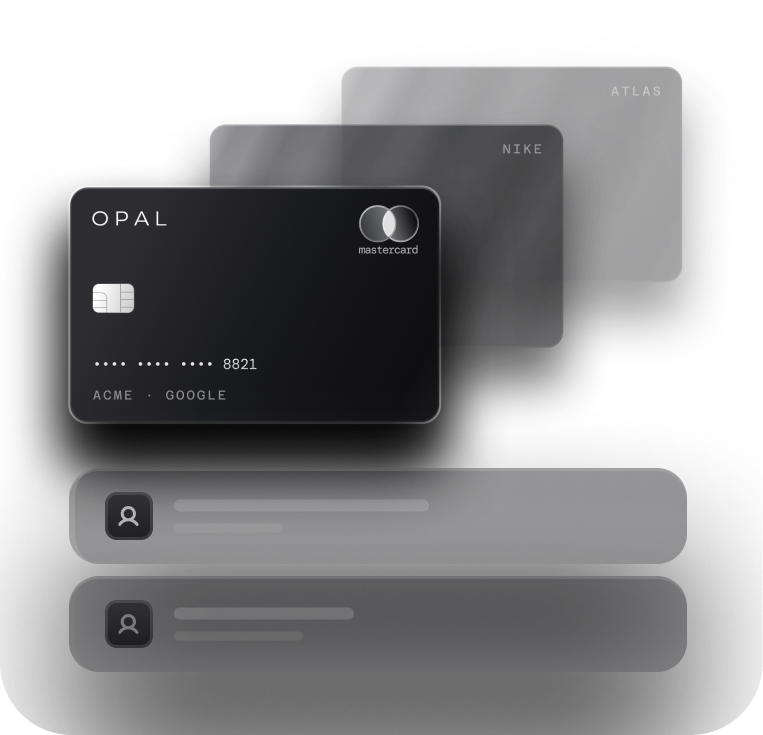
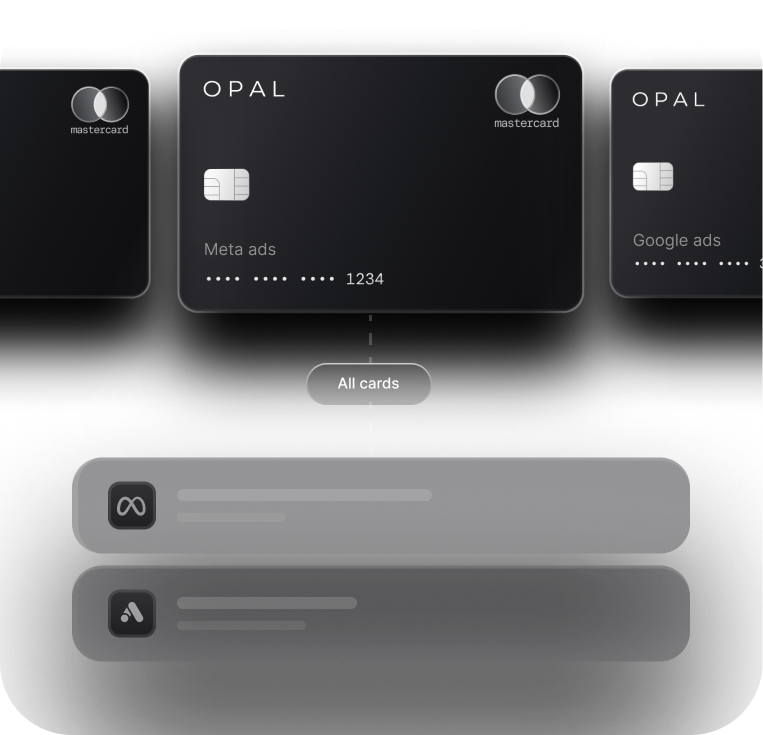
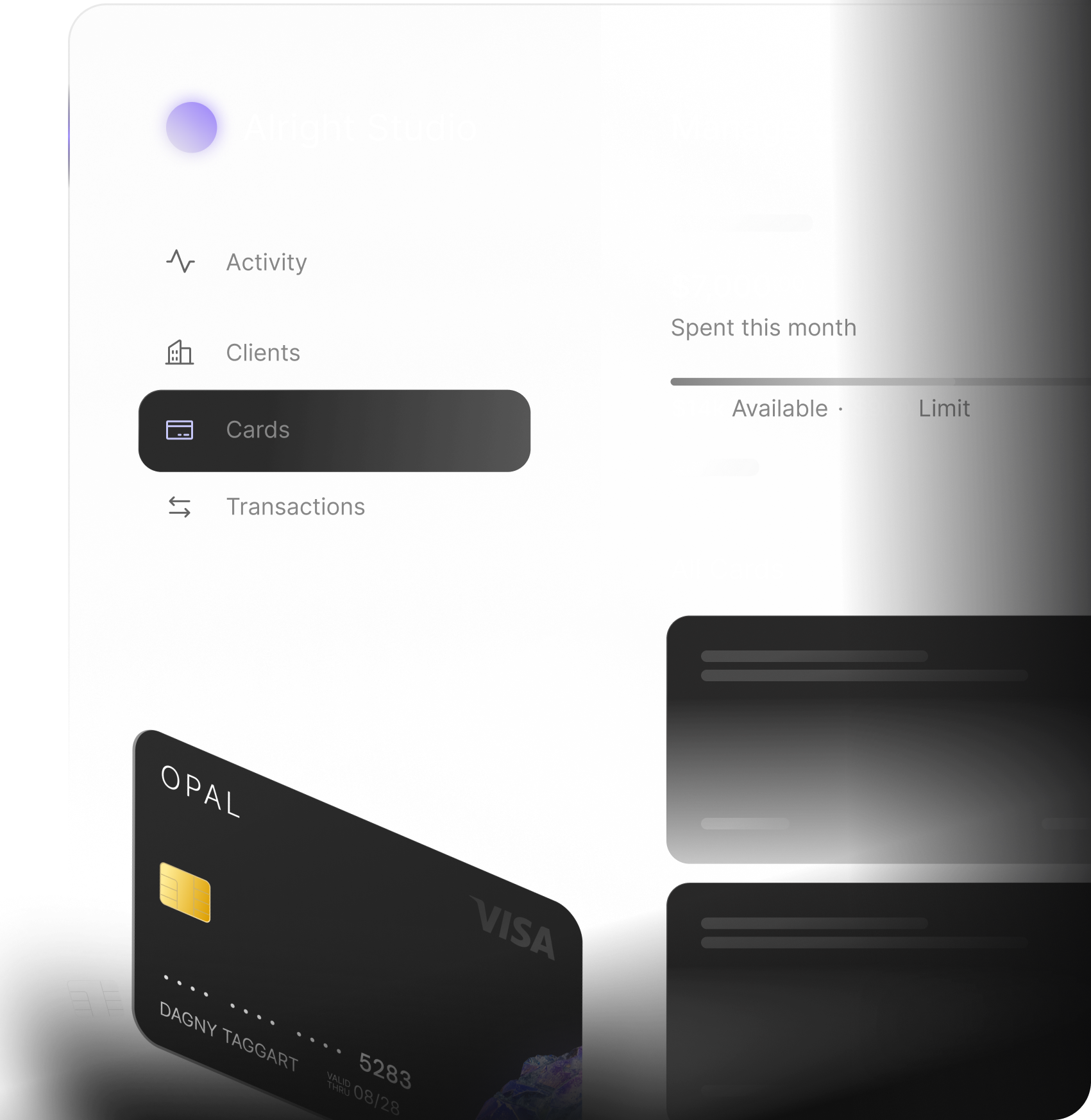
Every Opal card can be locked to one platform, given its own spend limit, and issued to a team member with its own permissions, and Opal enforces those limits automatically. New cards are created instantly, so a new client or campaign never waits on a card, and you see every transaction in real time. For agencies that work from pre-funded client budgets, Opal also supports the client-funded card model.
Slash can organize clients too. The choice is whether you want client ad spend sitting inside your bank or on dedicated ad-spend credit.
Accounting sync, ad-spend reconciliation and Meta invoices are three separate problems.
Slash has strong accounting infrastructure. It integrates with QuickBooks, Xero, NetSuite and others, and Virtual Accounts and card controls help organize transactions before they reach the books.
Opal is built around a narrower question, the one every advertiser asks at month end: which client, brand, platform and campaign does this transaction belong to? Dedicated cards create that structure before the transaction happens, and Opal syncs it to QuickBooks or Workday tagged by client, platform and campaign.
Instead of a shared card feeding transactions into a spreadsheet and then back to a client, the workflow runs client, then platform, then dedicated card, then transaction. That structure cuts the month-end work of matching Google, Meta and TikTok charges back to client budgets.
Both companies have built products for advertisers whose Meta spend has moved away from card billing. They solve it differently.
Slash's Meta Invoice Rewards Program can pay 1% cashback on eligible Meta payments made by qualifying ACH or wire transfer. The rate is flat, but how much monthly Meta spend earns it is tiered against your average qualifying Slash balance, running from $25,000 of eligible monthly spend at a $100,000 balance up to $4 million of eligible monthly spend at $16 million or more. It rewards paying Meta out of cash you already hold.
Opal Ad Pay takes a different approach. Instead of rewarding the bank transfer, Ad Pay lets eligible businesses fund supported Meta and Google invoices using Opal credit or a connected card. Opal can detect supported invoices, surface balances and due dates, and track payment status in one workflow. Payments using Opal credit currently carry a 3% processing fee, offset by the cashback earned on eligible spend. Payments made with a connected card currently carry a 3.5% fee.
The tradeoff is cash flow. Using Opal credit can extend the payment window by up to 55 days. Slash's 1% rewards paying Meta from cash you already hold, and how much of your Meta spend earns it depends on the balance you keep at Slash: $100,000 on deposit earns on the first $25,000 of monthly Meta spend. If preserving working capital or extending the payment window is the problem you are solving, Ad Pay lets you pay Meta on credit and keep the cash.
Where Slash may be the better choice
Slash is a strong banking and finance platform. Here is where it covers ground Opal doesn't.
Business Banking
If you want checking, treasury, cards, transfers, invoicing and broader finance tools in one platform, Slash covers significantly more ground than Opal. Banking services are provided through Column N.A., Member FDIC. Opal is not a business bank.
General Business Spending
Opal cards are limited to supported advertising and media platforms. Slash cards can handle a much broader range of eligible company expenses while still earning cashback.
Client Sub-Accounts
If you want client funds held in separate bank sub-accounts with their own balance and routing numbers, that is a banking feature Opal doesn't offer. Opal separates client spend at the card layer, on credit, so you aren't parking client cash to fund media.
Who Opal is for
Opal is the right fit if you are:


Outsmart Labs faced these same challenges. After switching, they recovered 15 hours per week in reconciliation time and added a recurring cashback revenue stream on client spend they were already running.
15+ h per week
15+
Your ad spend shouldn't be limited by your banking setup.
Slash is a strong platform for banking and broader company finance. Opal is built for the advertising itself: up to 1.5% cashback on eligible ad spend with no annual cap, credit up to $10M sized on the media you manage with no personal guarantee or hard credit check, dedicated virtual cards for every client, platform and campaign with their own limits and merchant locks, real-time visibility, Ad Pay for Meta and Google invoices, and reconciliation that syncs to QuickBooks or Workday. Apply online in 2 to 3 minutes, with support from a real person on Opal's team.
Frequently asked questions
For ad spend, yes. Slash is a strong choice if you want business banking, virtual client accounts, corporate cards, accounting integrations and general financial operations in one platform. Opal is built for high-volume digital advertising: up to 1.5% cashback on eligible ad spend with no annual cap, credit limits up to $10M, monthly pay-in-full terms, cards organized by client, platform and campaign with their own limits, real-time visibility, reconciliation that syncs to QuickBooks or Workday, help restoring Meta ad accounts and supporting Meta whitelist applications, no personal guarantee or hard credit check, and no requirement to make Opal your operating bank.
The biggest difference is product structure. Slash is a full business-finance platform combining banking, cards, treasury, virtual accounts, transfers and accounting tools. Opal is an ad-spend financial platform designed specifically around funding, controlling and reconciling digital advertising. For most teams the decision comes down to whether they need a new finance platform or a dedicated layer for ad spend.
For the standard Slash Card, effectively yes. Slash's help documentation says available credit is the lower of your approved maximum credit limit and the amount held in your Slash account, and that the card settles its outstanding balance automatically each business day. Slash also publishes an Unsecured Commercial Charge Card Agreement, effective August 9, 2026, for a card bounded by a credit limit rather than by deposits and repaid monthly. Which structure you are offered depends on what your business qualifies for, so confirm it with Slash.
Yes, in more than one form. The standard Slash Card is a charge card whose available spending cannot exceed the balance held in the Slash account. Slash separately publishes an Unsecured Commercial Charge Card Agreement, effective August 9, 2026, describing a card that accesses an open-end credit account with a credit limit and monthly required payments. Confirm which you qualify for directly with Slash. Opal provides eligible businesses with credit limits up to $10M, based on factors including managed ad spend, cash flow and underwriting.
They solve different problems. Slash can pay 1% cashback on eligible Meta invoice payments made by qualifying ACH or wire transactions, and the amount of monthly spend eligible for cashback depends on the customer's qualifying Slash balance tier. Opal Ad Pay lets eligible businesses pay supported Meta and Google invoices using Opal credit or a connected card. Using Opal credit can extend the cash-flow window by up to 55 days and currently carries a 3% processing fee, offset by the cashback earned on eligible spend. Slash's 1% needs the cash on deposit with Slash. Opal Ad Pay is for keeping that cash working.
No. Opal works with existing eligible U.S.-based bank accounts, so businesses do not need to make Opal their operating bank. Slash's card and financial products are integrated into the Slash banking platform and require an eligible Slash account. You can keep another bank while using Slash, but money must move into the relevant Slash account for its banking and standard card workflows.
Yes. A business could use Slash for its operating accounts, treasury, general company spending and broader finance stack while using Opal specifically for client advertising spend, ad-spend credit and invoice financing. The products are not mutually exclusive.
See how Opal compares.
Opal vs Mercury compares Opal's ad-spend credit model with Mercury's business banking and card infrastructure.
Opal vs Ramp compares Opal's agency ad-spend workflows with Ramp's broader expense and finance platform.
Opal vs Brex compares the two on credit capacity, virtual cards and reconciliation for agencies.
Opal for marketing agencies shows how agencies separate client budgets, create dedicated virtual cards and manage paid media.
See how Opal compares.

Opal vs Dash.fi
Cashback terms, eligible platforms and credit limits at high volume.
Opal vs Ramp
Agency ad-spend workflows next to Ramp's broader expense and finance platform.
Opal vs Brex
Credit capacity, virtual cards and reconciliation for agencies.
.avif)
Opal vs Mercury
Opal's ad-spend credit model next to Mercury's business banking and cards.
Opal vs Amex
Business Gold and Platinum on rewards, annual caps and personal liability.
Opal vs Chase
Ink Business Preferred on the $150K bonus cap, credit limits and joint liability.