

Ad Spend Management for Marketing Agencies
Give every client its own virtual card, control spend on every ad platform, and earn up to 1.5%* uncapped cashback on eligible ad spend, with credit sized on the ad spend you manage and no annual fee or personal guarantee.
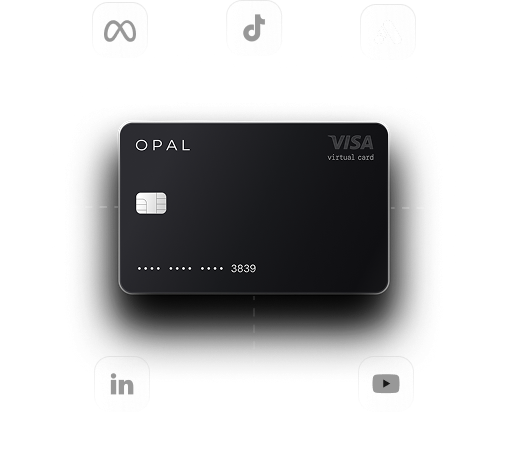
Opal Spend is a pay-in-full business charge card and spend platform built for advertising spend, used by agencies running client media across Google, Meta, TikTok, LinkedIn and other platforms.








Everything You Need to Run Client Ad Spend

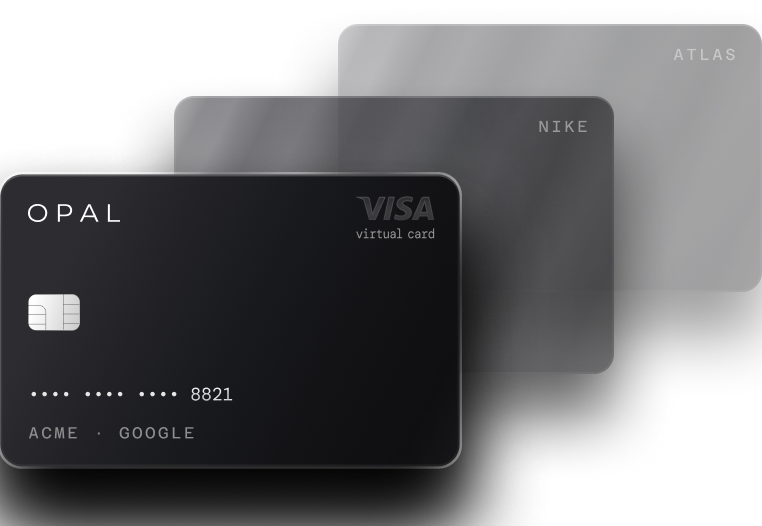
A free card for each client, ad account, platform or campaign.
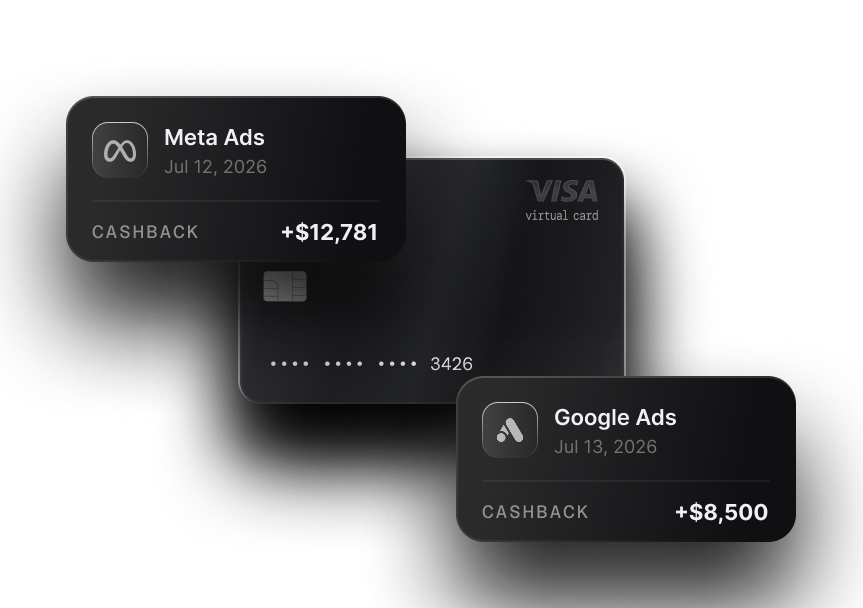
Cash back on eligible ad spend, with no annual cap.
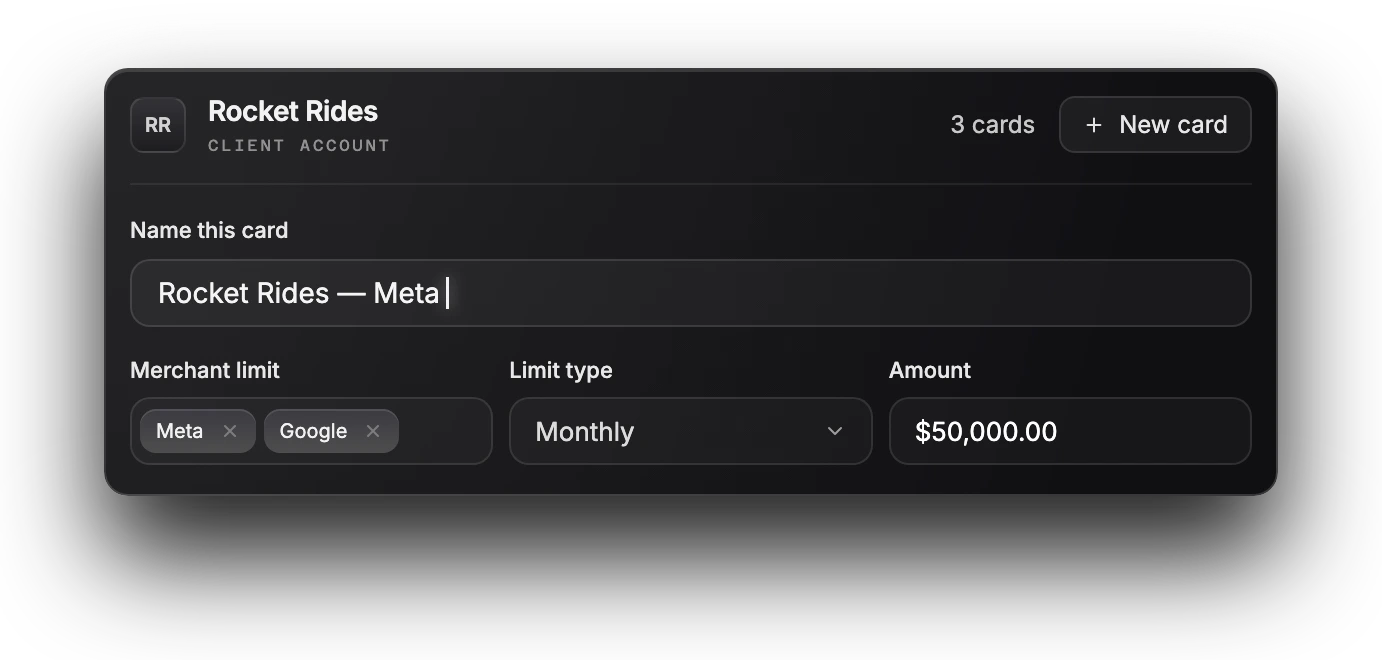
A limit, merchant restriction and team permissions on every card.
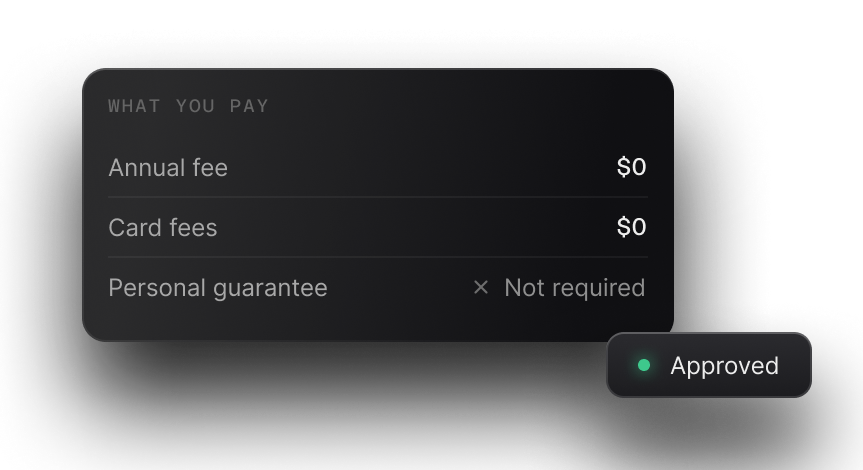
The card isn’t backed by your personal assets.
Managing Client Spend Shouldn’t Be This Complicated
When every client runs on one shared card, a single declined charge can leave several clients’ campaigns paused, budgets blur together on one statement, and finance spends month-end matching charges to clients by hand.
few company cards
across several clients
on one statement
rebuilt after the fact
charges to clients by hand
Manage Client Ad Spend Without Shared Cards
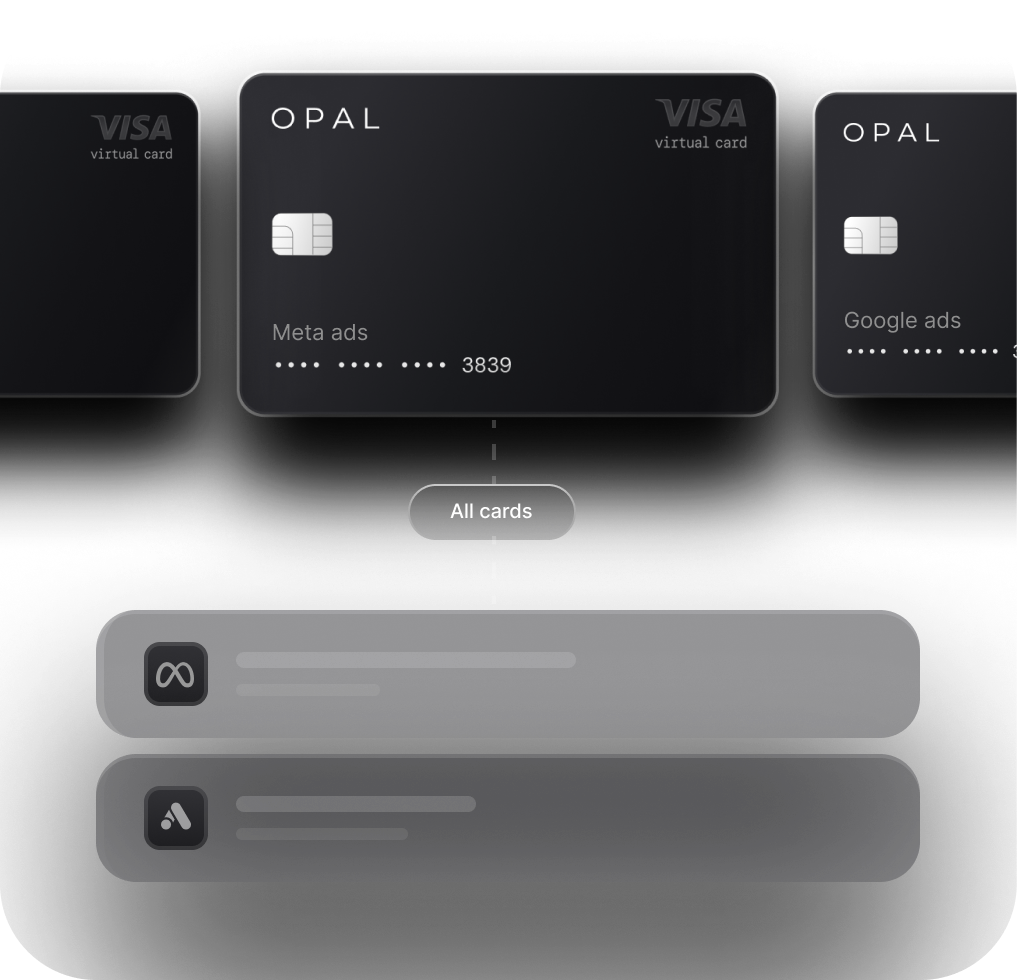
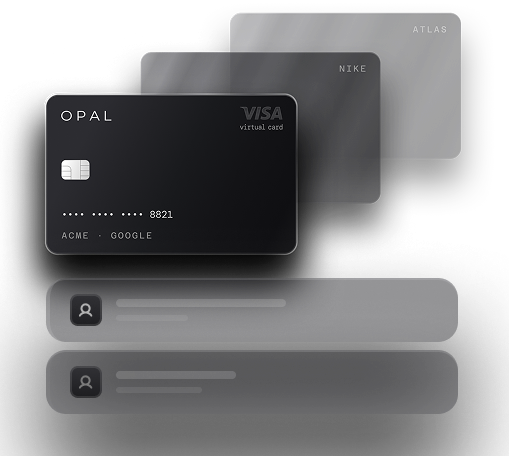
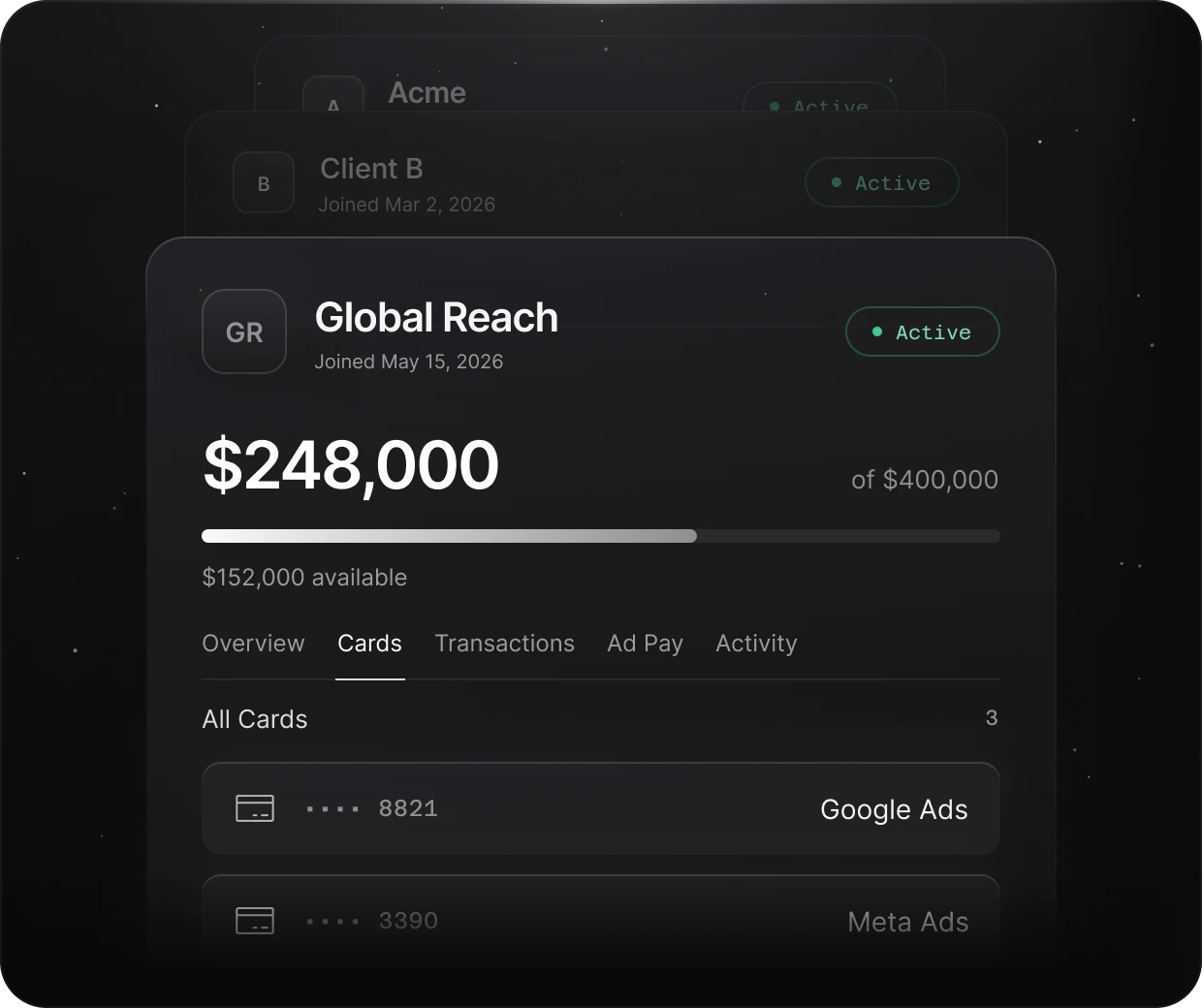
Opal gives each client, campaign or ad platform its own virtual card.
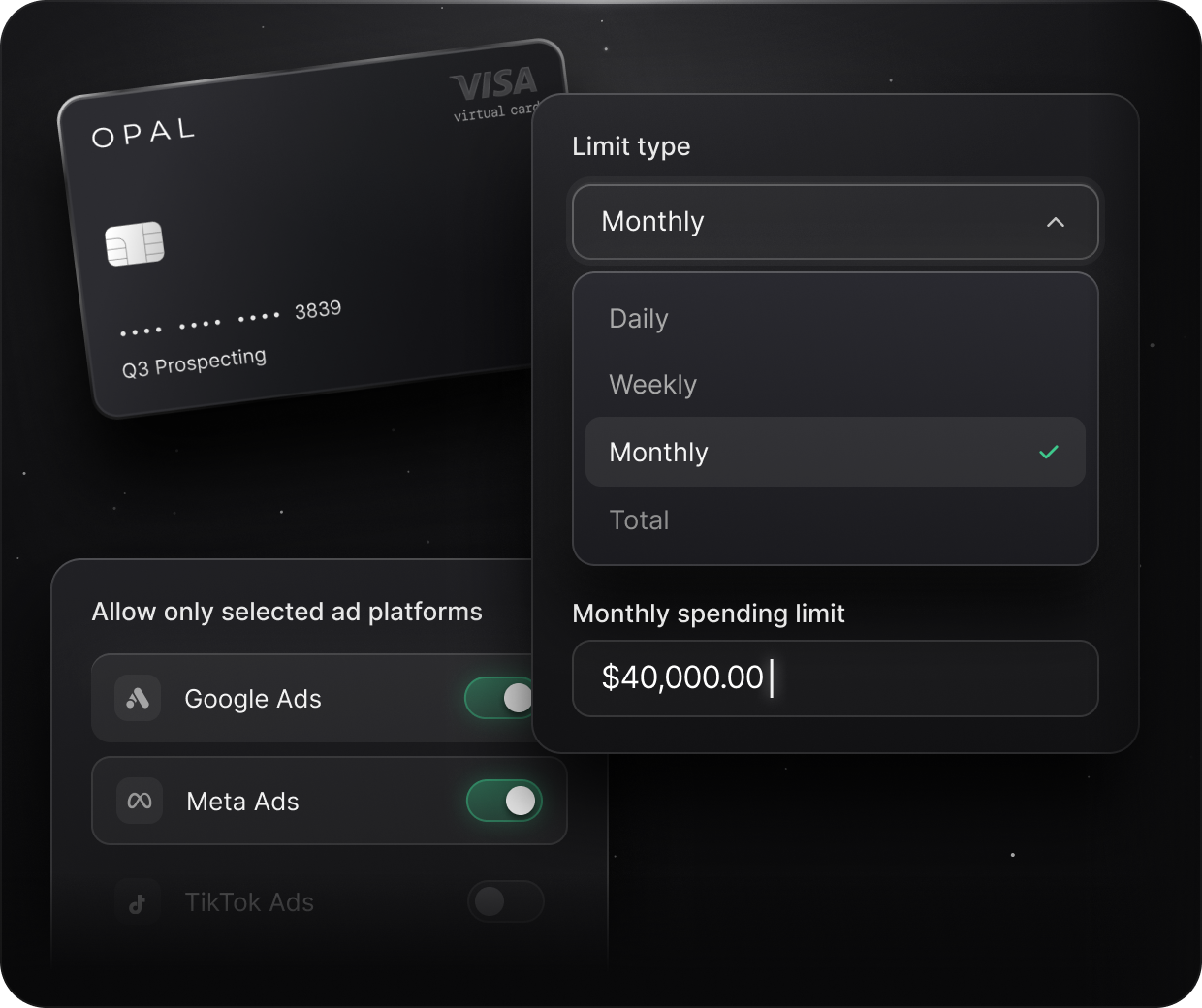
Every card carries its own spend limit and merchant restriction, so a client’s Meta card can only be used on Meta and is capped at the limit you set. Spend is organized at the card level, which is the simplest way of organizing client advertising payments without unpicking a shared statement.
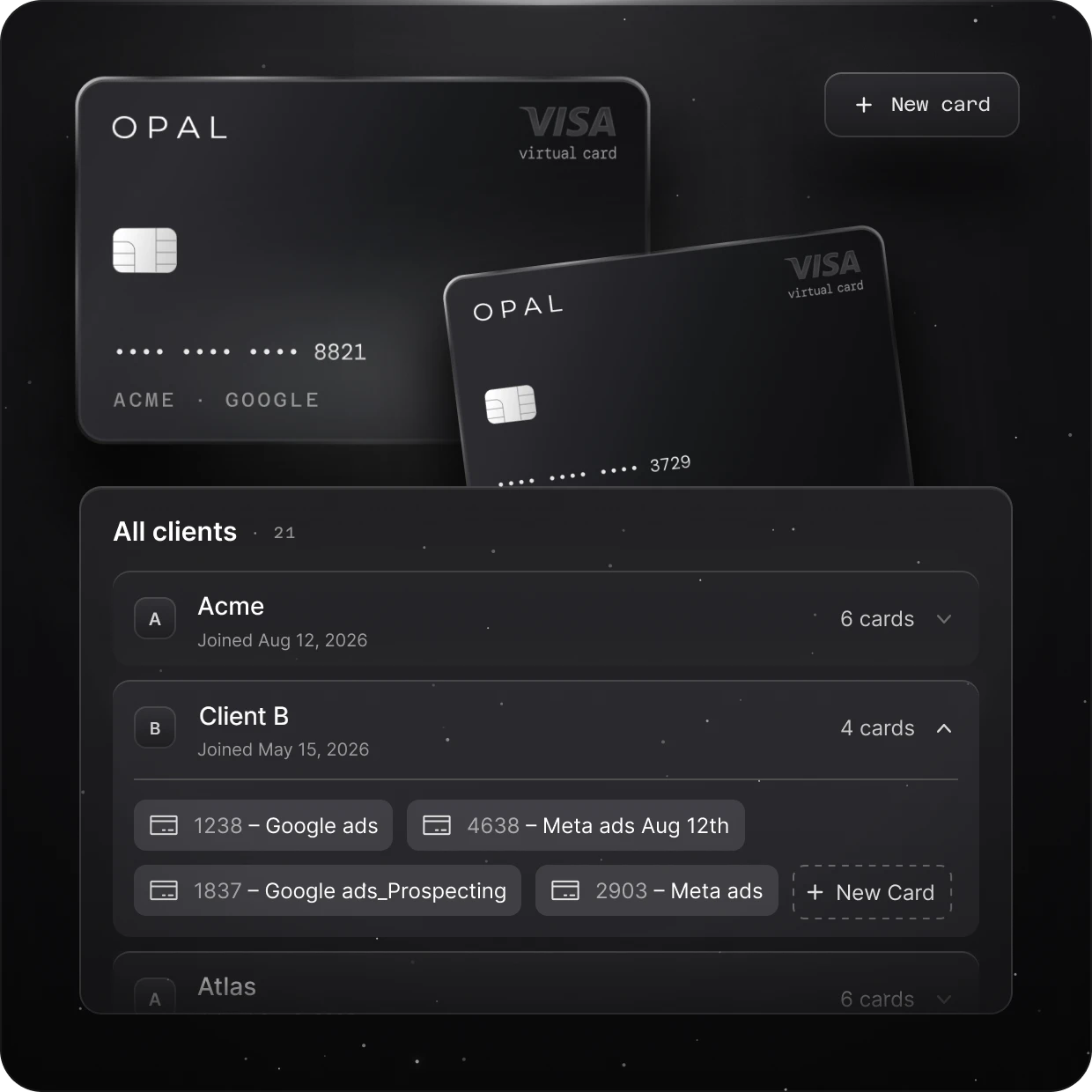
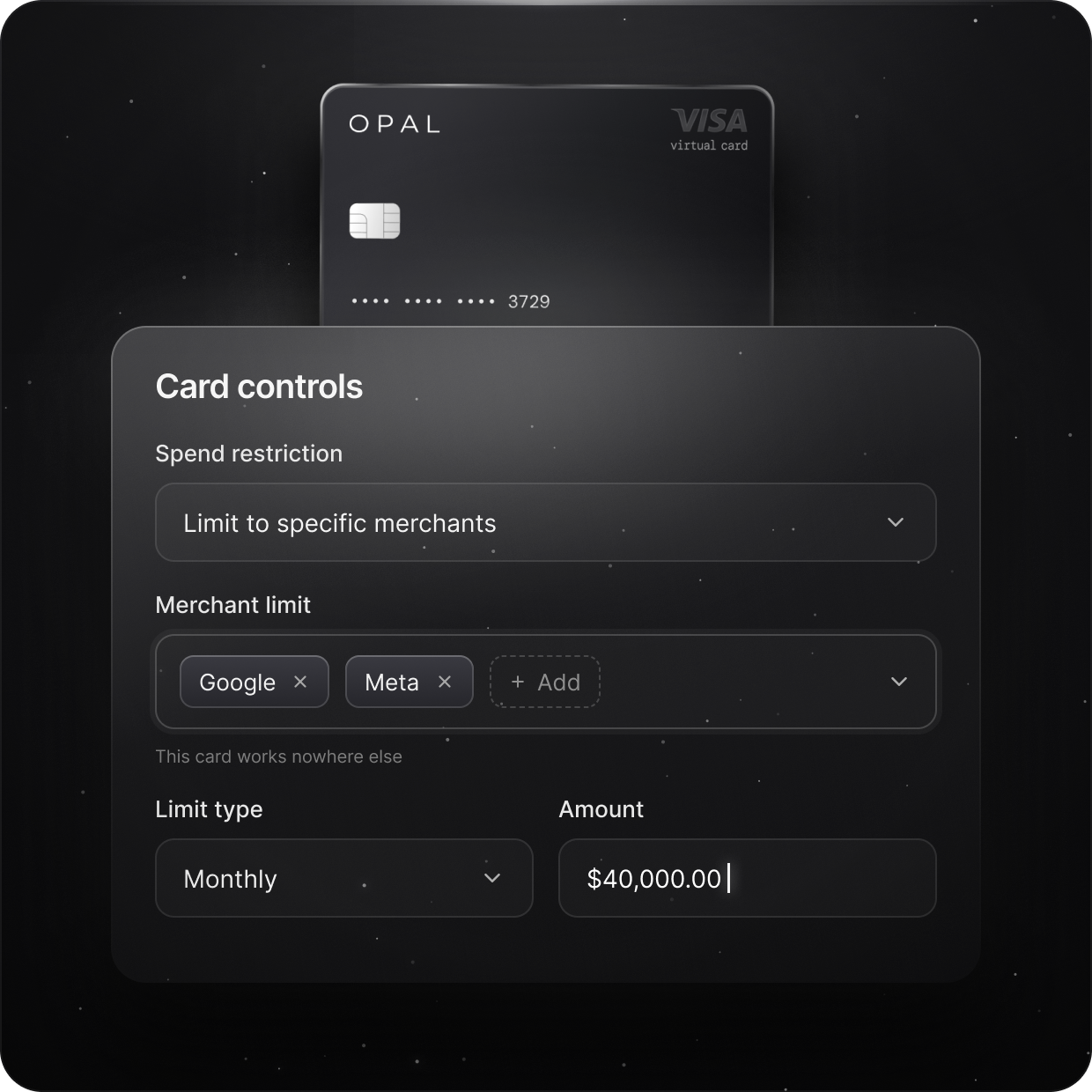
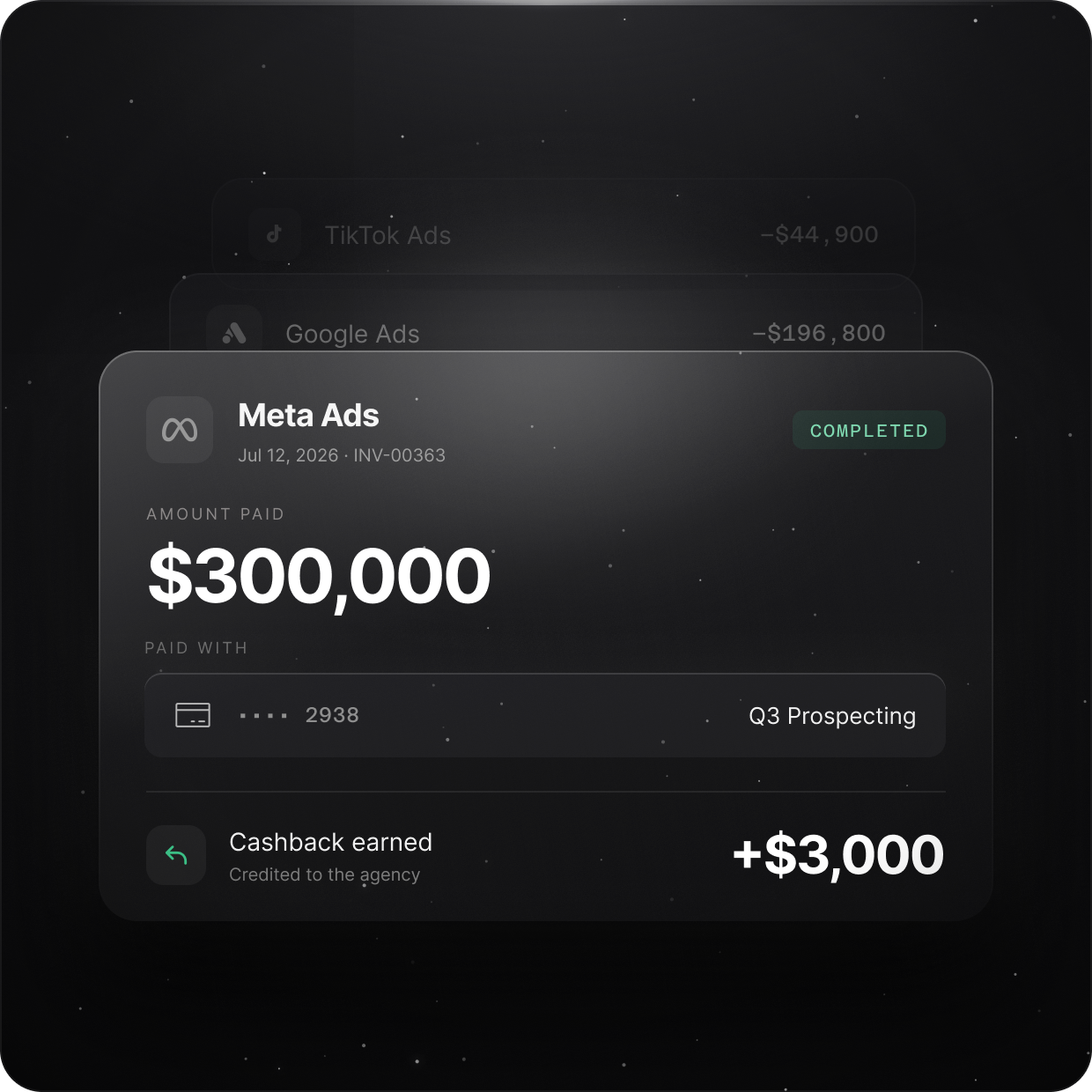
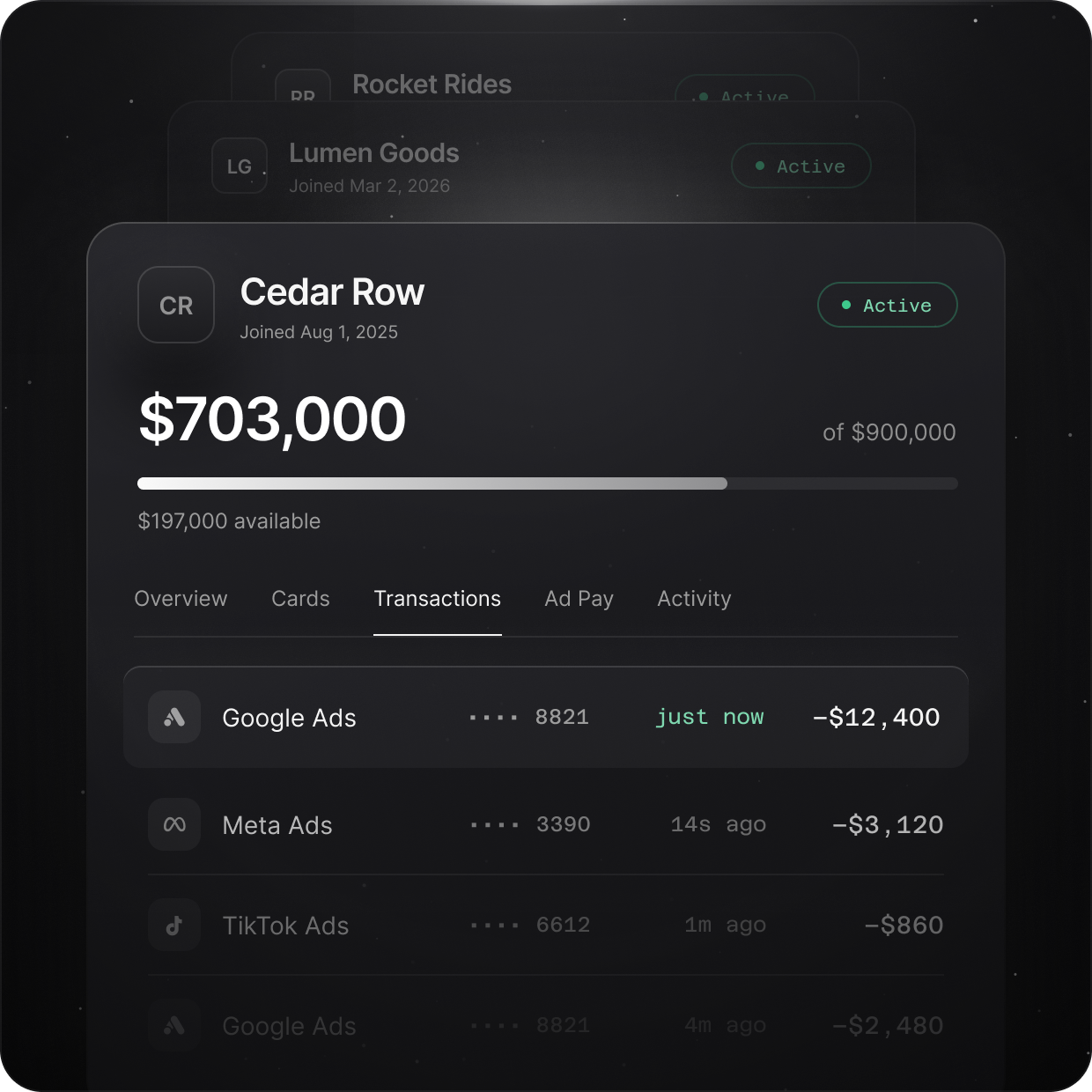
One Card Per Client. Total Control Over Ad Spend.
Give every client and ad platform its own virtual card. Set spending limits, track transactions, and simplify reconciliation without the spreadsheets.
How Agencies Manage Client Ad Spend With Opal
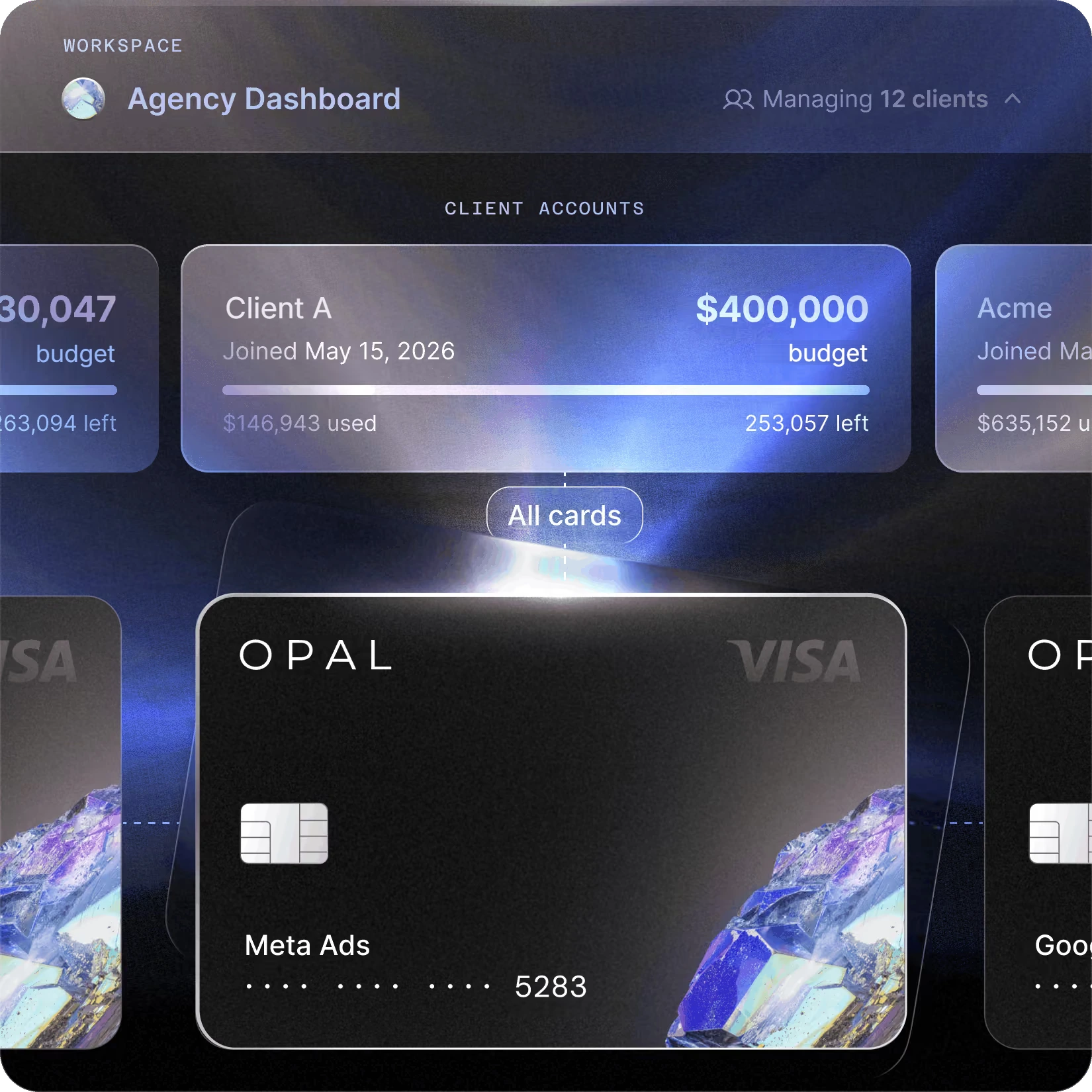
Every card sits on one Opal account, so the agency manages all client billing in one place while each client’s spend stays on its own card. Set it up in four steps:
 •••• 3390Meta Ads•••• 6612TikTok Ads•••• 8821Google Ads

 Google Ads
 Meta Ads
 TikTok Ads
 LinkedIn Ads
 •••• 3390Meta Ads•••• 6612TikTok Ads•••• 8821Google AdsGoogle AdsMeta AdsTikTok AdsGoogle Ads · Client A · BillingGoogle Ads•••• 8821−$4,400Google Ads•••• 8821−$4,640




Create a card per client account
Issue a virtual card for each client, and one per platform if you want Google and Meta split. Name it so finance can match it later, such as “Client A · Google Ads”.
Set the limit and controls
Give the card a spend limit that matches the client’s approved budget, restrict it to the ad platform, and choose which team members can use it.
Add it to the client’s ad account
Enter the card as the payment method in the billing section of that client’s Google Ads or Meta ad account.
Reconcile by card
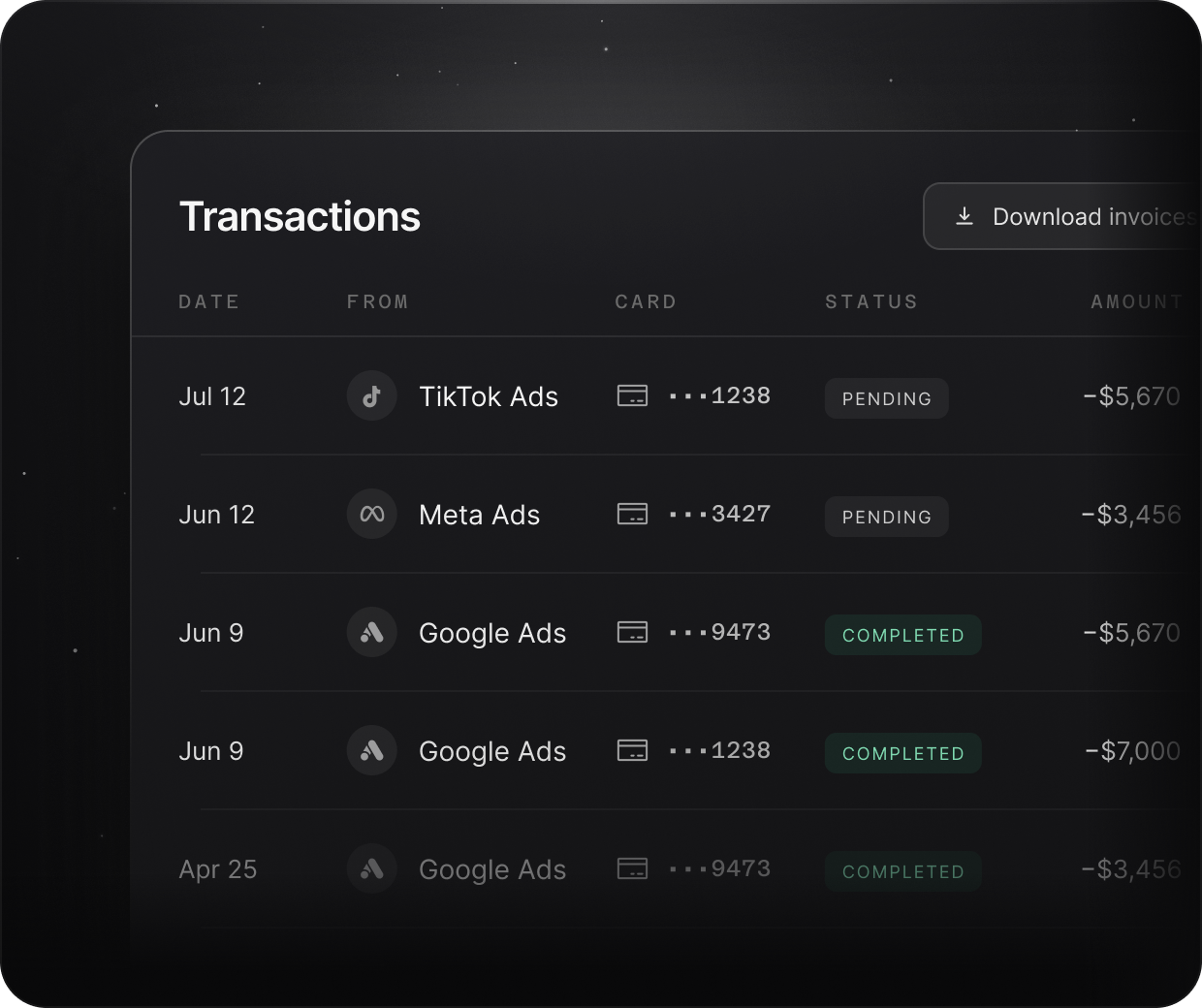
Each charge lands on the card for that client and platform, so month-end is a check of each card against the client’s approved budget, with transactions synced to QuickBooks or Workday.
Built Around
Agency Workflows
From media buyers to finance teams, Opal helps every part of your agency manage client spend.
Credit Capacity Built Around Your Agency’s Ad Spend
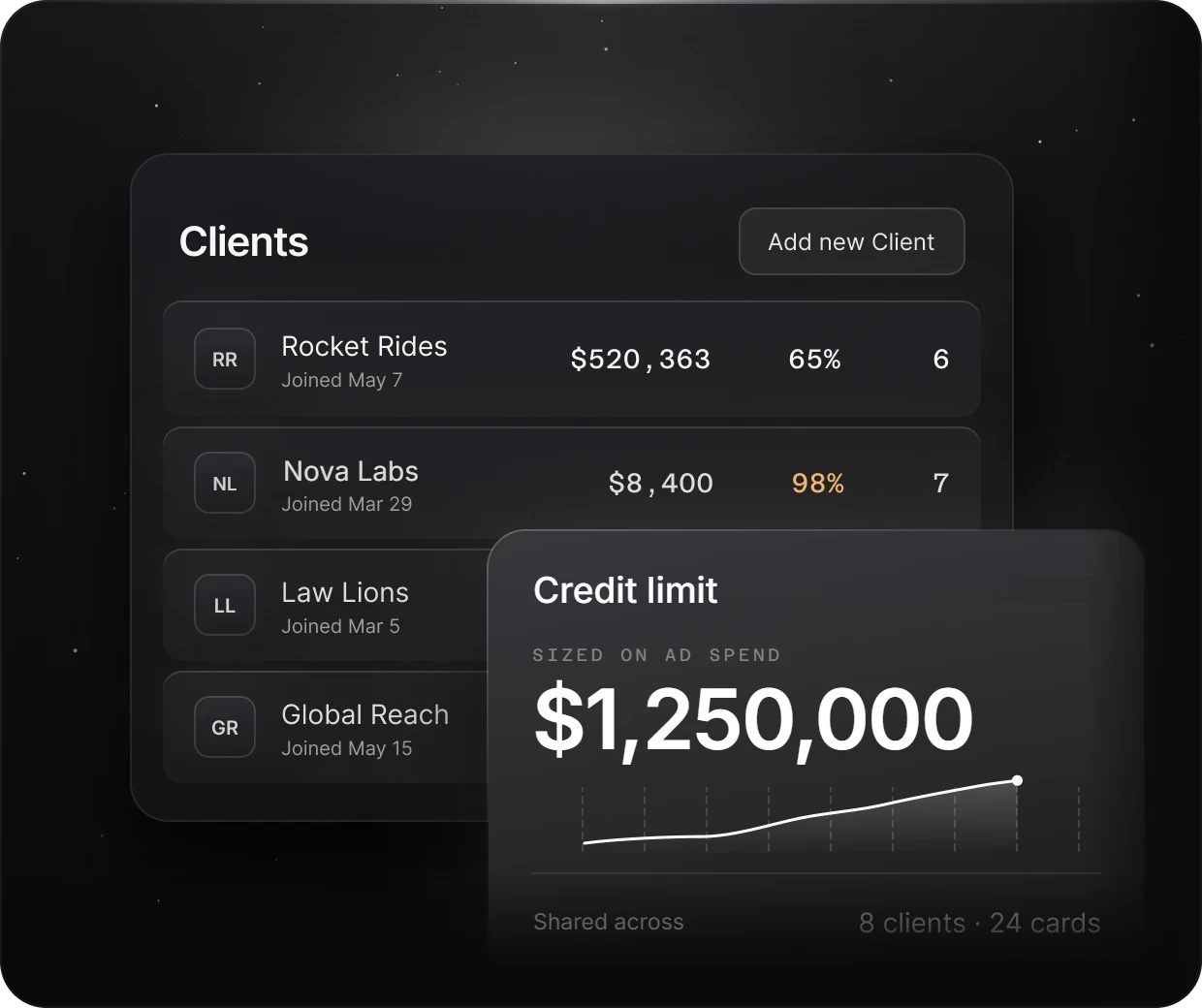
Traditional business card limits can fall behind once client budgets grow. Opal sizes credit on your advertising spend instead of your bank balance, using managed ad spend, cash flow and underwriting, and may periodically review performance and offer a credit increase.
No hard credit check is needed. See how agencies get credit limits without a personal guarantee.
The Opal Card is a pay-in-full charge card. The full statement balance is debited automatically from your business bank account on each monthly due date, and the card may be locked if a payment can’t be processed. Opal works alongside your existing bank, so there’s no bank switch, and it’s available to U.S.-based businesses.
Earn Up to 1.5%* Uncapped Cashback on Eligible Ad Spend
Opal pays cashback in cash, not points, on eligible ad spend across Google, Meta, TikTok and other supported platforms, with no annual cap.
Cashback is 1% on credit accounts and 1.5% on pre-funded accounts, subject to Opal’s eligibility requirements and terms. Because nothing is capped, it grows with the client budgets you manage. See how agencies earn cashback on ad spend.
GoogleMetaPaying Meta or Google by invoice?
Opal Ad Pay is a separate product, now taking a waitlist, that pays those invoices on Opal credit (3% processing fee) or a connected card (3.5%) and extends the cash-flow window by up to 55 days.
Opal at a Glance
The terms agencies ask about most, in one place:

Card type
Pay-in-full business charge card, with the full statement balance debited automatically each monthly due date

Credit
Sized on your advertising spend, not your bank balance, subject to underwriting

Cashback
Up to 1.5%* uncapped on eligible ad spend

Virtual cards
Unlimited and free, each with its own spend limit, merchant restriction and team permissions

Annual fee
$0

Personal guarantee
Not required

Credit check
No hard credit check

Bank account
Works alongside your existing business bank account

Application
Online in 2 to 3 minutes; virtual cards usually arrive within 24 to 48 hours

Accounting
Transactions and exports sync to QuickBooks and Workday

Where cards work
Supported advertising and media platforms

Who can apply
U.S.-based businesses
Why Agencies Switch to Opal
How a shared business card compares with Opal for client media. For a wider view, compare ad spend cards for media buyers.
Trusted by Ad Agencies

“Opal has made managing our ad spend seamless. Reconciliation is simple, payments happen automatically, and we haven’t experienced any issues with card declines or funding delays. The cashback gives us more value than points, and the team is incredibly responsive. We would absolutely choose Opal again.”

Agency Ad Spend Frequently Asked Questions (FAQs)
A clean setup gives each client its own card, often one per ad platform, with a spend limit that matches the client’s approved budget. Charges then land on the right client from the start, so reconciliation becomes a check of each card against its budget. Opal lets agencies run every client card from one account.
Yes. Opal virtual cards are unlimited and free, so an agency can issue one for each client, ad account, platform, campaign or team member. Each card has its own spend limit, merchant restriction, expiration date and team permissions, and adding a new client adds no card cost.
Yes. Issue one card for a client’s Google Ads account and another for their Meta account, each with its own limit and restricted to that platform, so each platform’s spend stays on its own card. See how Opal works for Google Ads and Meta, or read about credit cards for Google Ads.
Opal sizes credit on your advertising spend rather than your bank balance, using managed ad spend, cash flow and underwriting. After approval, Opal may periodically review performance and offer a credit increase. Credit availability, limits and terms are subject to underwriting, product availability and applicable terms.
No. Opal requires no personal guarantee and no hard credit check, so the card isn’t backed by an owner’s personal assets. Eligibility is assessed on managed ad spend, cash flow and underwriting, and Opal is available to U.S.-based businesses.
Opal is a pay-in-full business charge card. Charges build up over the month, and the full statement balance is debited automatically on each monthly due date, so no balance carries over. If a payment can’t be processed, the card may be locked until the balance is paid.
Yes. Eligible ad spend on supported platforms earns uncapped cashback: 1% on credit accounts and 1.5% on pre-funded accounts, subject to Opal’s eligibility requirements and terms. With no annual cap, cashback grows with the client budgets the agency manages. See how agencies handle cashback on client ad spend.
Yes. Opal transactions and exports sync to Workday and QuickBooks, and because each charge sits on the card for its client and platform, entries arrive already organized by client. Teams on other accounting tools can work from Opal’s transaction exports.
The online application takes 2 to 3 minutes, and virtual cards usually arrive within 24 to 48 hours of applying. Once the account is open, the agency can issue cards for each client and platform from the Opal dashboard.
Spend Less Time Managing Cards. Spend More Time Growing Your Agency.
Give every client its own card, keep spend inside each approved budget, and close the month with charges already sorted by client. Apply online in 2 to 3 minutes.