

How to Earn Rewards on Google Ads and Meta Ads Spending
TL;DR
Most advertisers running Google and Meta are earning less cashback than they should because their business card wasn't built for how these platforms actually bill. Google and Meta charges may code as advertising, computer services, or online services depending on your card network, and most bonus-category cards only pay the higher rate on one of those codes. At $100k/month in combined spend, that mismatch costs you $12,000 a year in lost rewards. The fix is a card with no category restrictions, no cashback cap, and high daily limits designed for ad platform billing.
If you're running serious spend on Google Ads and Meta Ads, you're probably earning some cashback on that spend. The question is whether you're earning what you should be.
Most advertisers aren't. Not because good reward options don't exist, but because the card they're using was designed for general business expenses, not the specific way Google and Meta charge you. The billing mechanics of both platforms create a mismatch with how most cards calculate rewards, and that mismatch quietly reduces what you earn every single month.
Here's what's actually happening, and how to fix it.
Why Generic Business Cards Underperform on Ad Spend
Every business card that advertises a bonus category for "advertising" sounds appealing to a media buyer. The catch is in the fine print: the bonus rate only applies if the merchant category code (MCC) on the charge matches the card's definition of advertising.
Here's the problem. Charges from Google and Meta may code as advertising, computer services, or online services depending on your card network and issuer. The MCC isn't set by you or by Google and Meta. It's assigned by the card network based on how the platform registered as a merchant, and it can vary. Most bonus-category cards only pay the elevated rate on one of those codes.
The result: your Google and Meta charges often earn base rate, which is typically 1% or less, even if your card advertises 2-3% back on advertising.
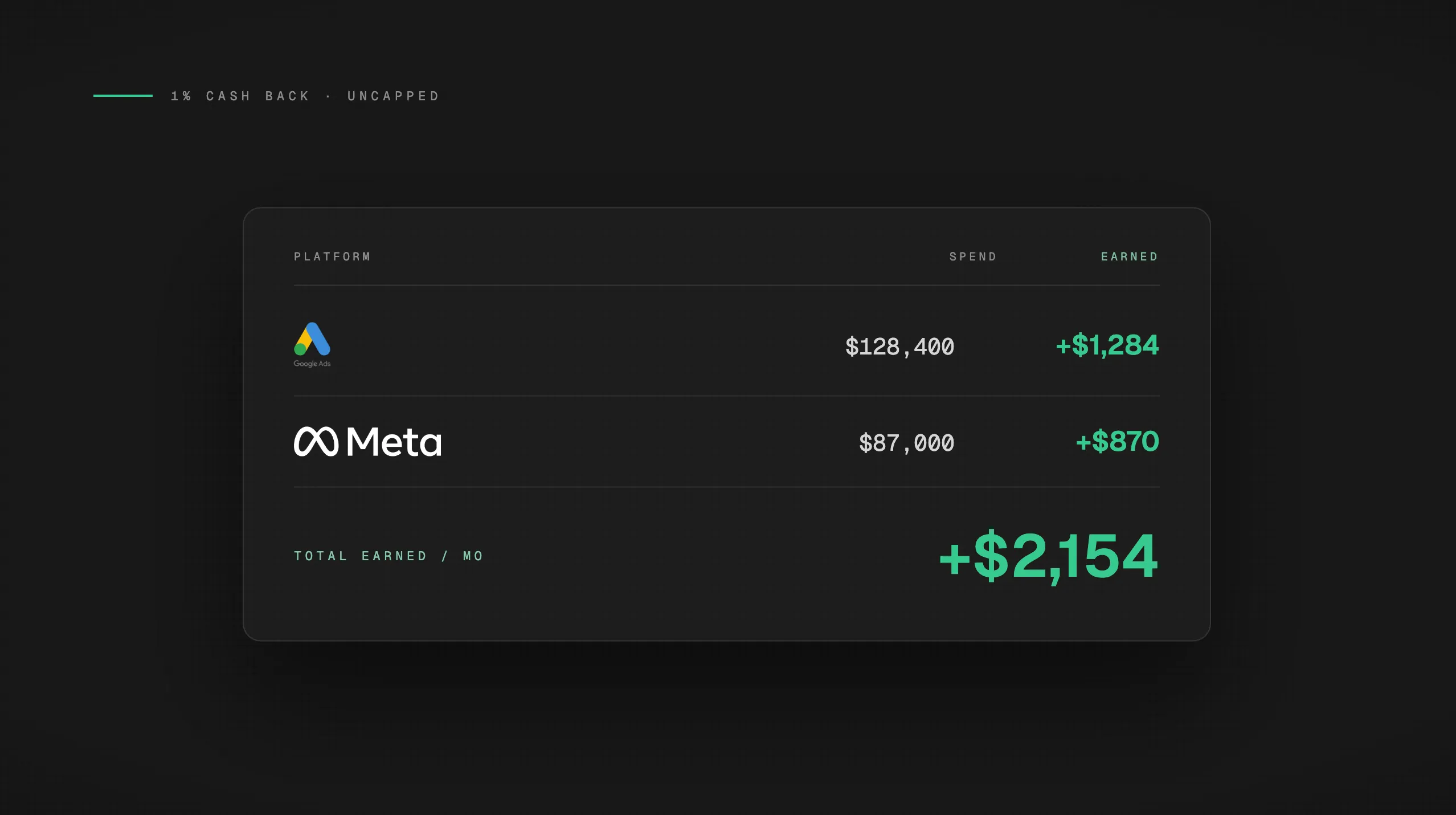
The math is direct. At $100k/month in combined Google and Meta spend:
Cashback rate |
Annual earnings |
|---|---|
1% (base rate, most generic cards) |
$12,000 |
2% (purpose-built ad spend card) |
$24,000 |
That $12,000 gap is the cost of assuming your card earns the same rate on everything. It doesn't. And if you're running $200k or $500k/month, the gap scales accordingly.
There's a second problem beyond the merchant code issue: cashback caps. Many business cards that do offer elevated rates on advertising cap the bonus at $25k or $50k in annual spend. If you're spending $100k/month, you hit that ceiling in the first few weeks of January and earn base rate for the remaining eleven months. For a deeper look at how caps quietly erode rewards at scale, see our breakdown of cashback caps on ad spend.
How Google Ads Billing Affects Your Rewards
Google Ads doesn't charge you once a month. It charges you on a threshold system.
How threshold billing works
When you first set up a Google Ads account, Google assigns a low initial payment threshold, often $25 or $50. Each time your spend hits that threshold, Google charges your card. As you make payments and build account trust, the threshold increases automatically, eventually reaching $500 or more per charge.
This means a $50k/month Google Ads account might generate anywhere from a handful of large charges to dozens of smaller ones, depending on where the threshold sits and how fast campaigns are spending.
Why this matters for reward earning
The threshold system creates two specific card problems:
-
Monthly spend caps: If your card has a cap on bonus-rate earning (say, $5,000 per month), Google's threshold charges can exhaust that cap faster than you expect. One threshold increase mid-month can push you past the ceiling before the month is half over. Everything after that earns base rate.
-
Daily charge limits: Google can charge your card multiple times per day if campaigns are spending aggressively. A card with a low daily transaction limit will start declining charges, which pauses campaigns and means you're not earning on spend that never processes.
For most advertisers on threshold billing, the right card needs two things: no monthly cap on bonus earnings, and high enough daily limits that Google's charge pattern never hits a ceiling. Monthly invoicing is available for qualifying Google Ads accounts, but the majority of advertisers are on threshold billing and need to plan accordingly.
How Meta Ads Billing Affects Your Rewards
Meta uses a similar threshold model, but with a different set of complications.
Meta's charge pattern is less predictable
Meta's billing thresholds reset monthly and can behave less consistently than Google's. A $50k/month Meta spender might see 8-12 separate charges in a single month, at irregular intervals and varying amounts. The charges may post as "Facebook Ads," "Meta," or "Instagram" depending on which campaign type triggered the charge, which means the merchant name on your statement can change from charge to charge.
That variability in posting name is part of why the MCC problem is more pronounced on Meta than on Google. When the same underlying ad spend posts under three different merchant names, card networks have more room to assign different codes.
The fraud flag problem
The bigger operational risk with Meta billing is fraud alerts.
Generic business cards aren't built to expect 8-12 charges per month from the same merchant at irregular amounts. That pattern looks like fraud to a card's risk algorithm, and many cards will flag the account, decline a charge, or require manual verification before processing resumes.
When a charge gets declined, Meta pauses your campaigns. You lose delivery, potentially lose auction position, and miss spend you can't get back.
This is a rewards problem as well as a campaign stability problem. Declined charges mean unearned cashback. And if you're managing a client's account when the pause happens, you have a much bigger conversation to have than just the missed rewards.
A card purpose-built for ad spend has established merchant relationships with Meta's billing systems. Charges process without triggering fraud review because the card already expects this pattern. That's a structural advantage that a general-purpose business card can't replicate.
The Agency Layer: Per-Client Card Separation
If you're an agency running Google and Meta for multiple clients, the card problem has an additional dimension: attribution.
A single shared card across ten clients on both platforms earns rewards in a blended pool. You can see the total cashback earned, but you can't tell which client generated which portion of it. That matters if you pass cashback back to clients, use it to offset media costs, or simply want clean reporting by account.
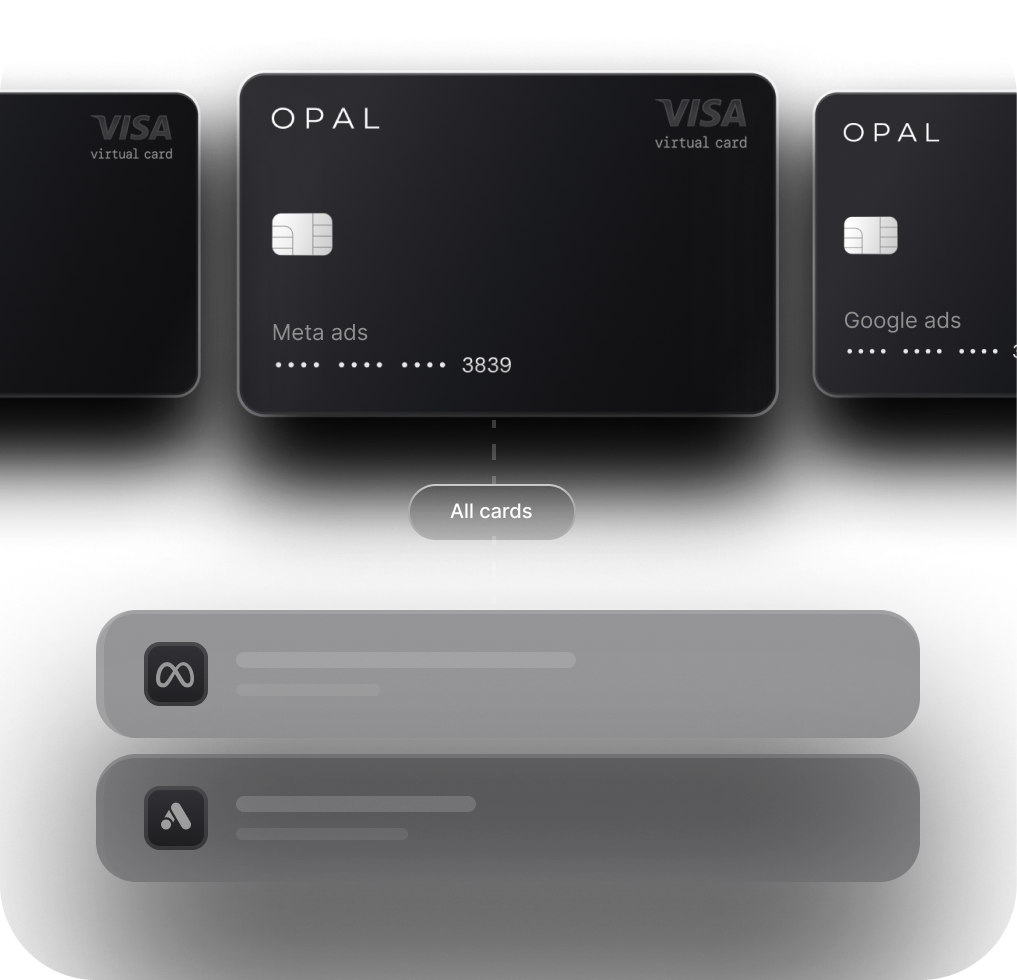
The fix is one card per client, per platform. Dedicated cards mean every dollar of cashback is attributable to the client whose spend generated it. Reconciliation becomes straightforward instead of a manual allocation exercise.
This is especially important on Meta, where the frequency of charges makes a shared card statement nearly impossible to parse cleanly. Agencies that try to reconcile ten clients' Meta spend from a single card statement typically spend hours on a problem that proper card setup eliminates entirely. For a look at how to automate that reconciliation process, see our guide on automating ad spend reconciliation with QuickBooks.
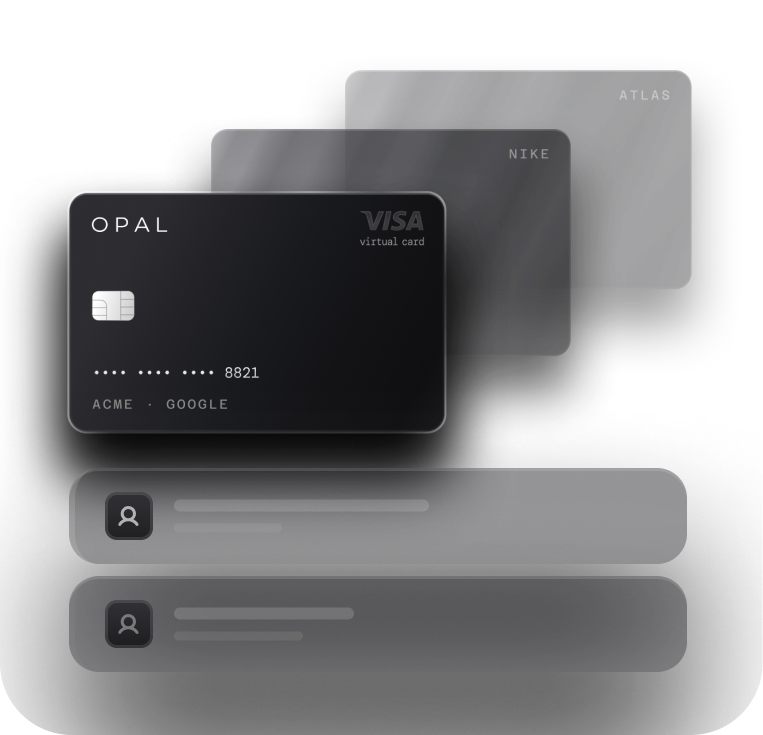
The ability to issue unlimited virtual cards per client, at no additional cost, is what makes this setup practical at scale.
What to Actually Look for in a Card for Google and Meta Spend
Not all business cards are the same, and the differences that matter most for ad spend aren't always the ones advertised. When evaluating a card for Google and Meta spending, four criteria separate a purpose-built option from a general-purpose card dressed up with an advertising category.
The four criteria
-
No cashback cap. Both Google and Meta bill at scale. A card that caps bonus earnings at $25k or $50k annually is effectively a base-rate card for any advertiser spending more than that. You need uncapped earning to maximize cashback on ad spend across both platforms.
-
No merchant category restrictions. The card should earn the same rate regardless of whether a Google or Meta charge codes as advertising, computer services, or online services. Category-dependent bonus rates are where most advertisers lose money without realizing it.
-
High daily transaction limits. Google and Meta can charge your card multiple times per day at scale. A card that can't handle that volume will decline charges, pause campaigns, and leave rewards unearned.
-
No personal guarantee. Agencies in particular shouldn't carry personal liability for client ad spend. A card that requires a personal guarantee puts the agency owner's personal finances behind every dollar of client media spend.
Opal is built around these four requirements. It earns up to 2% cashback on ad spend with no category restrictions, no personal guarantee, and credit limits up to $10M that scale with your managed spend volume rather than your personal credit history. Unlimited free virtual cards make per-client separation practical without adding overhead.
If you want a broader comparison of options for credit card rewards for digital advertising, see our guide to the best credit card for online advertising.
Frequently Asked Questions
Do Google Ads and Meta Ads charges qualify for bonus cashback on business cards?
Sometimes, but not reliably. Charges from Google and Meta may code as advertising, computer services, or online services depending on your card network and issuer. Most bonus-category cards only pay the elevated rate on one of those codes. If the charge codes differently than expected, it earns base rate regardless of what the card advertises for advertising spend.
How does Google Ads billing threshold affect my card rewards?
Google charges your card each time your spend hits a threshold, not once at month-end. If your card has a monthly cap on bonus earnings, those threshold charges can exhaust it faster than you expect. A card with no monthly cap and high daily limits ensures you earn on every Google charge, regardless of how many times the threshold triggers.
Why does Meta Ads sometimes trigger fraud alerts on business cards?
Meta can generate 8-12 charges per month at irregular intervals and amounts, posting under different merchant names (Facebook Ads, Meta, Instagram). Generic cards aren't built to expect that pattern and may flag it as suspicious activity, declining charges and pausing your campaigns. A card purpose-built for ad spend has pre-established relationships with Meta's billing systems that prevent this.
How should agencies track cashback across multiple client ad accounts?
The cleanest approach is one dedicated card per client per platform. With separate cards, every cashback dollar is attributable to the client whose spend generated it. A single shared card across multiple clients earns rewards in a blended pool that can't be broken down by account, which creates reconciliation headaches and makes client-level reporting impossible.
What is the best card for earning rewards on Google and Meta ad spend?
Look for four things: no cashback cap, no merchant category restrictions, high daily transaction limits, and no personal guarantee. Opal is purpose-built for ad platform billing and meets all four criteria, earning up to 2% cashback on Google, Meta, and other ad platforms with credit limits that scale with your managed spend volume.