
How to Set Spend Permissions for Your Media Buyers (Without Micromanaging Every Transaction)

It's 9 a.m. on a Tuesday. One of your media buyers messages you: the campaign that was supposed to scale overnight hit the card limit. They need a budget increase now, or the campaign goes dark. You're already on a client call. By the time you get out, respond, and push through the change, three hours have passed. The campaign underdelivered. The buyer has already sent an apologetic note to the client.
Nobody did anything wrong. Your buyer caught the problem early. You responded as fast as you could. But the system required your involvement to do something your buyer should have been able to handle independently.
That's the micromanagement trap. Not the kind that comes from wanting to control everything, but the kind that gets built into your operations by accident, one shared card at a time.
The problem isn't your team. It's how spend authority is structured.
Why Agencies End Up With Shared Card Access
Nobody designs a shared card system on purpose. It happens because the first version of your agency was simple: one owner, one card, one or two clients. The card worked. Nobody questioned it.
Then you hired a buyer. Then another. You added a second card. A third platform. More clients. And instead of redesigning access, you just... expanded it. The card number went into a spreadsheet. Limit increases started happening over Slack. Approvals became informal because formalizing them felt like overkill.
By the time most agencies notice the problem, the "system" looks like this:
5+ buyers sharing 2-3 card numbers
Limit increases routed through the owner's phone
No clean way to see who spent what without pulling exports
Offboarding a buyer means updating every ad account they touched
This isn't carelessness. It's a setup that worked at one size and never got rebuilt for the next one.
The Four Problems With Shared Card Access at Scale
Shared cards aren't a disaster at two buyers and three clients. At five buyers and fifteen clients, they create four compounding problems.
1. You become the approval layer by default
Every limit increase, every unexpected charge, every "is it okay if I..." routes back to you. That's not delegation. It's a slower version of doing it yourself. Your buyers are waiting on you to do their jobs, and you're doing approval work instead of whatever you were supposed to be doing.
2. One buyer's mistake can affect every client
When a buyer overspends on Client A's campaign using a shared card, there's no automatic stopping point at the client level. The card limit is shared, which means Client B's campaigns are now competing for the same remaining balance. One error creates downstream risk across your entire client roster. For more on how this plays out, see how to eliminate ad spend disputes with clients before they happen.
3. Offboarding a buyer is a security event
When a buyer leaves, you have two options: cancel the card and update every ad account that used it, or change the card number and do the same. Neither is fast. Both create a window of exposure. And if you're running campaigns across Google, Meta, TikTok, and LinkedIn, that window is longer than you want.
4. Auditability requires manual work
When a client asks for a spend breakdown by buyer or by campaign, you're pulling exports and doing math. There's no clean answer unless you built the structure upfront. That's reconciliation drag that compounds every month. If this is already a pain point, automating ad spend reconciliation in QuickBooks can help in the interim, but it doesn't fix the root problem.
What a Permissioned Spend Structure Looks Like
The shift from shared card access to permissioned spend access isn't a technology change. It's a management philosophy change. Instead of controlling spend through your own availability, you control it through the rules you set in advance.
Here's what that looks like in practice:
Shared Card Setup |
Permissioned Card Setup |
|---|---|
2-3 cards shared across all buyers |
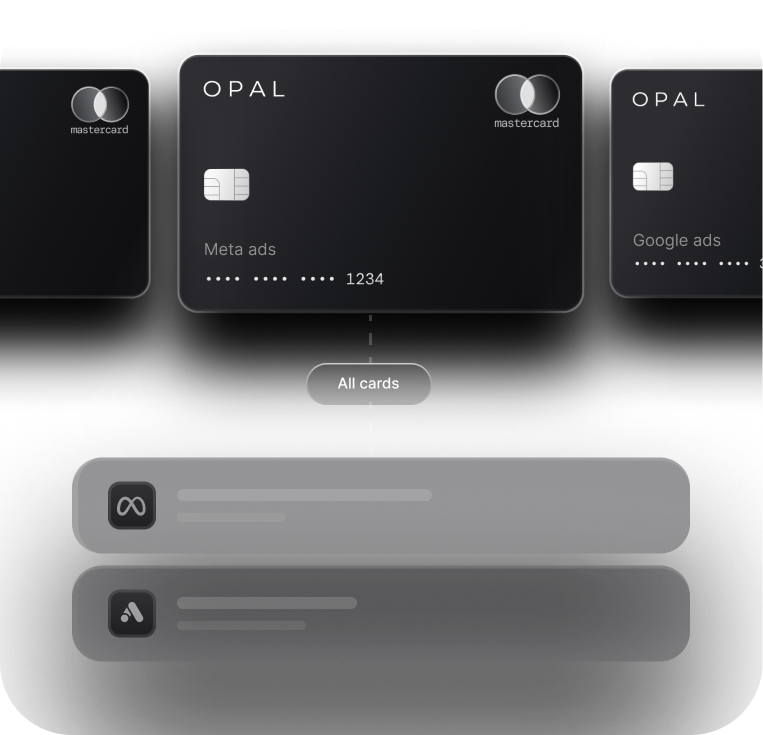
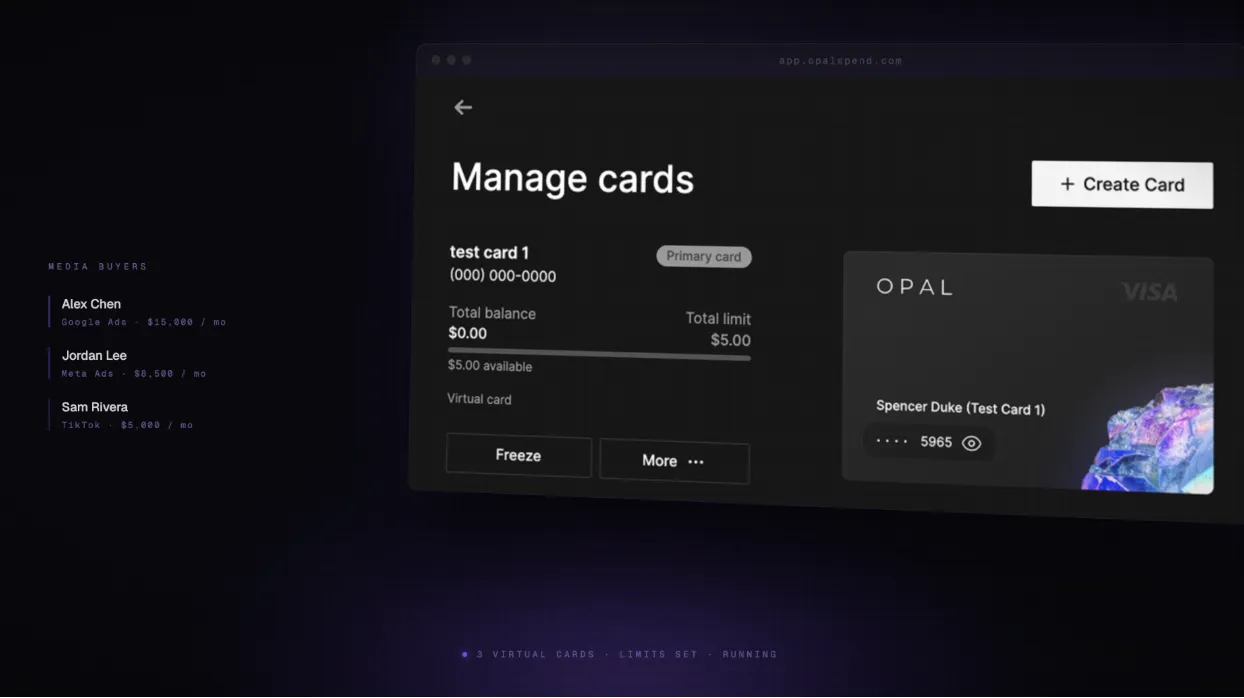
Each buyer gets their own virtual card(s) |
Limits apply across the whole team |
Limits set per card, per client or platform |
Owner approves every limit change |
Card stops automatically at the limit |
Spend visibility requires exports |
Real-time dashboard view for owner and ops |
Offboarding means updating all platforms |
Cancel one card, access is gone instantly |
The agency owner's role shifts from approving individual transactions to setting the rules that govern them. That's a fundamentally different relationship with your team, and with your time.
Each buyer operates within a defined scope: their card works on the platforms it's supposed to, up to the limits that match their client's budget. When the limit is reached, the card stops. No conversation needed.
For a deeper look at how to structure this across multiple clients, how agencies structure ad spend by client covers the card architecture in more detail. And if you're curious about the client-funded model that makes this even cleaner, what a client-funded card is and why agencies need one is worth a read.
How to Set Limits Without Putting Yourself Back in the Loop
Most agency owners who try to implement spend controls get one thing wrong: they set limits too tight. Buyers hit them constantly, requests pile up, and the owner is right back in the approval loop. Here's a framework that avoids that.
1. Match the limit type to the scope of control you need. Platform-level limits work when a buyer manages one client across one channel. Client-level limits work when a buyer runs multiple platforms for the same client. Campaign-level limits give you the most granularity but require more maintenance. Start with client-level and add granularity only where you've had problems.
2. Build in a buffer. Set limits at 110-120% of planned spend, not exactly at it. Campaigns pace unevenly. A campaign that's supposed to spend $10,000 this month might legitimately hit $10,400 on a strong week. A hard stop at $10,000 kills a performing campaign over normal variation.
3. Set threshold alerts before the hard stop. Alerts at 80% of the limit give you and your ops lead time to intervene if something looks off, without waiting for a campaign to go dark.
4. Define the escalation path in advance. "Message the owner" is not an escalation path. Build a clear process: buyer submits a limit increase request through the dashboard, owner or ops lead approves with one action. No Slack threads. No back-and-forth.
5. Review limits monthly. Limits are not set-and-forget. Client budgets change, campaigns scale, and buyers take on more responsibility. A 30-minute monthly review keeps limits calibrated to reality.
How to Explain This to Your Team
When you introduce card controls, some buyers will read it as a signal that you don't trust them. Get ahead of that conversation before it starts.
"This isn't about whether I trust you. It's about making sure you never have to wait on me to do your job. Your card has the budget. You have the authority. The limit is there so we don't accidentally overspend a client's budget, not to slow you down."
A few things worth reinforcing when you have this conversation:
The old system required you to be the safeguard. This system makes the safeguard structural.
Buyers get more independence, not less. They can act without waiting for approval on every move.
When something does need escalation, there's a clear path that doesn't depend on catching you at the right moment.
Is This the Right Setup for Your Agency?
Permissioned card structures add a layer of intentional design to your spend operations. That's worth it for some agencies and unnecessary for others.
This setup makes sense if you:
Have 3 or more media buyers running campaigns simultaneously
Manage multiple clients with separate budgets and platforms
Have dealt with at least one shared-card incident (overspend, blocked campaign, offboarding headache)
Want buyers to operate independently without routing approvals through you
You can probably wait if you:
Are still a solo operator or running a very small team
Have one or two clients with straightforward, predictable spend
Have never had a shared-card problem and your current setup is working
The goal isn't to add complexity early. It's to add structure before the lack of it starts costing you client relationships and owner time.
FAQ
How granular can I get with spend limits? It depends on the tool, but the best setups let you scope limits by platform, by client, or by campaign. Start at the client level and add granularity only where you've had issues. More granularity means more maintenance.
What happens when a buyer hits their limit mid-campaign? The card stops. That's the point. With a 110-120% buffer and an 80% alert, you'll usually catch it before it becomes a problem. If a campaign is genuinely scaling and needs more room, the buyer submits a request through the dashboard rather than messaging you directly.
Can a buyer request a limit increase without going through me? Yes, if you've set up a dashboard-based request flow. The buyer submits the request, you or your ops lead approves it in one action. No back-and-forth, no Slack thread, no waiting to catch you between calls.
How do I handle a buyer who leaves the team? Cancel their card. That's it. Because access lives at the card level rather than a shared card number, there's nothing else to update. Their card stops working immediately, and every other buyer's card is unaffected.
Can I see what each buyer is spending without asking them? Yes. Real-time transaction visibility is one of the core advantages of permissioned card structures. You can see spend by buyer, by client, or by platform at any point without pulling exports or waiting for a report.
If your current setup requires you to be in the loop on every limit increase and card issue, the problem isn't your team. It's the structure.
See how Opal gives media buyers the access they need and agency owners the visibility they want, or read how Outsmart Labs runs their team's ad spend.