

How Opal’s QuickBooks Integration Works for Agency Ad Spend
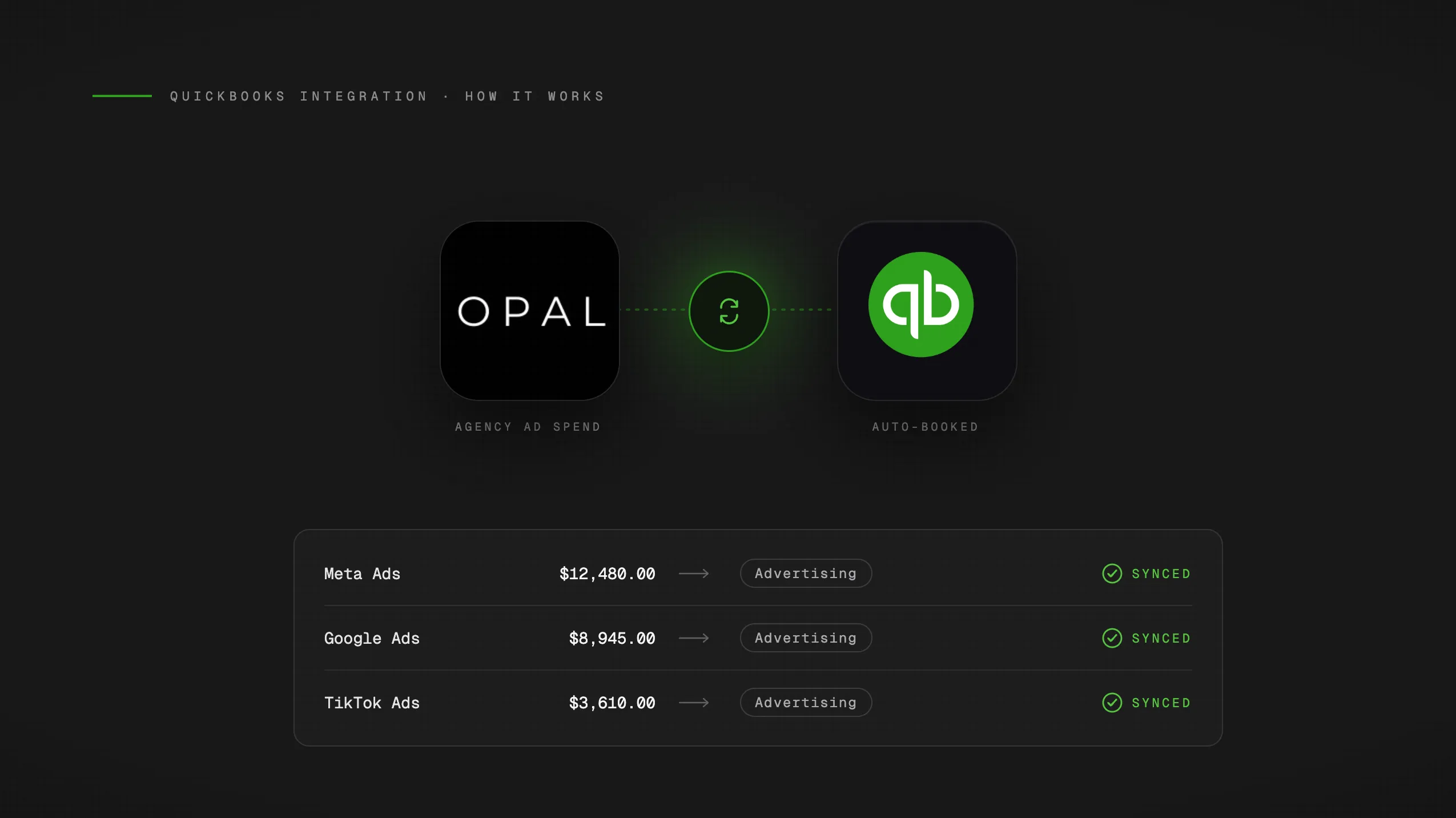
If you've read our guide to automating ad spend reconciliation, you already know the workflow. This post goes one level deeper: exactly what the QuickBooks integration does, what data it moves, and what you can stop doing once it's live.
No strategy here. Just the facts on how it works.
What the Integration Does
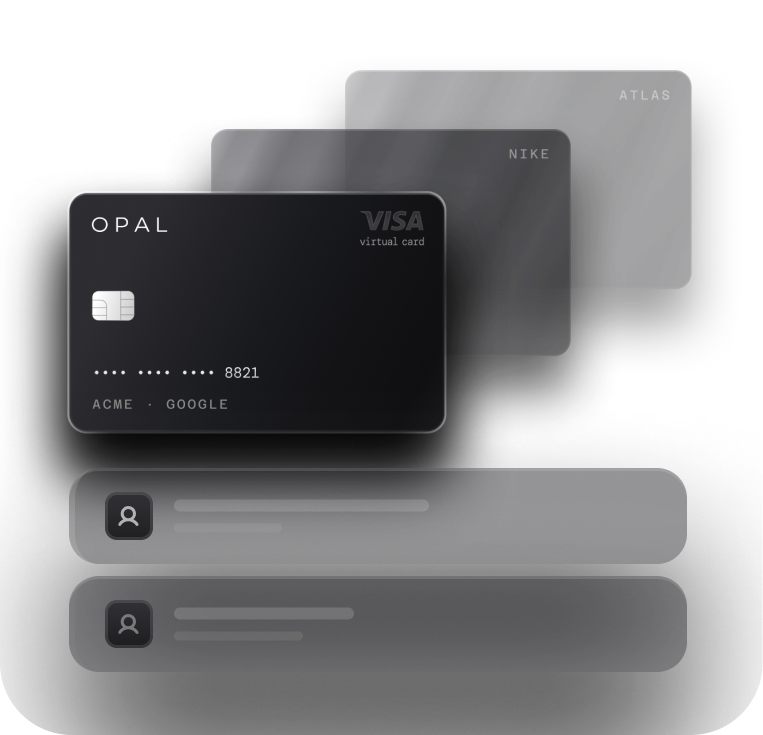
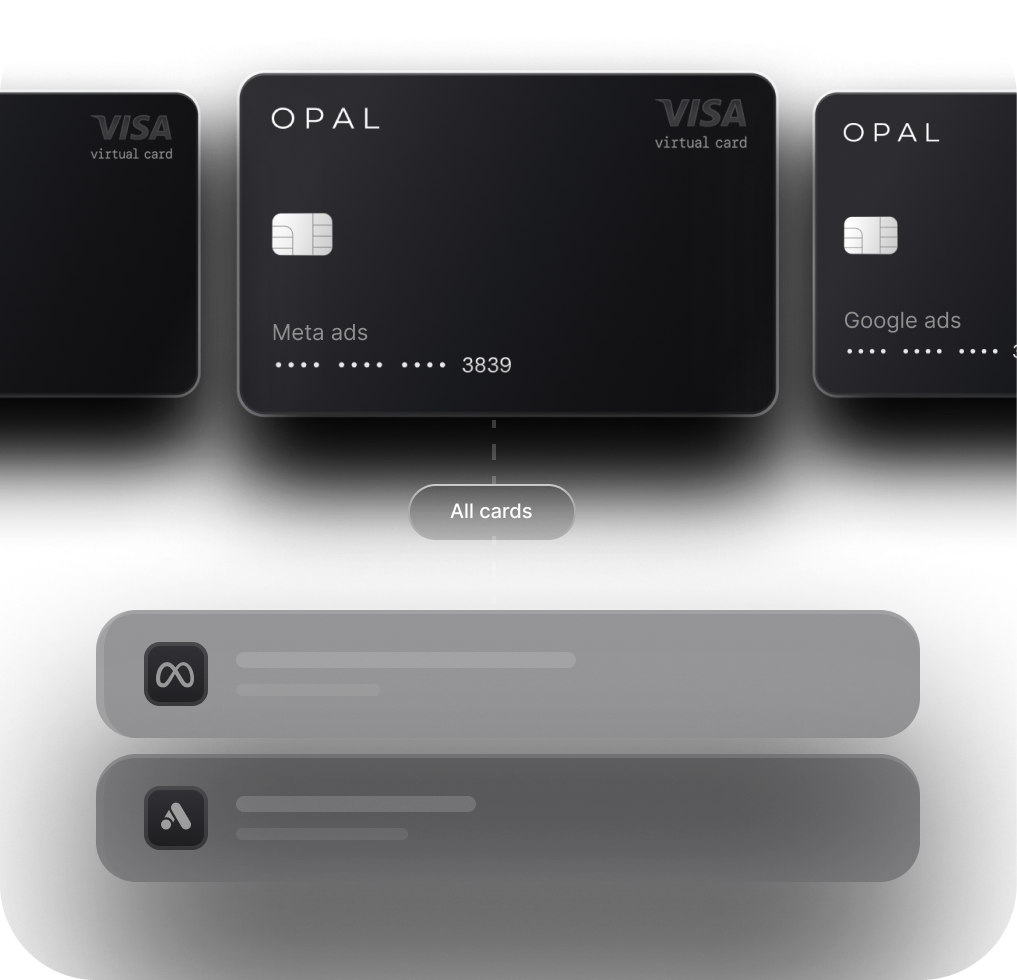
Opal's QuickBooks integration automatically syncs every transaction from every Opal virtual card into QuickBooks as it posts. Because you can issue unlimited dedicated virtual cards and organize them however makes sense for your agency (by client, by platform, or both), each transaction already carries the correct attribution before it ever reaches QuickBooks. There are no manual exports, no CSV imports, and no end-of-month data entry. The transaction posts on the ad platform, syncs to Opal, and lands in QuickBooks pre-tagged and categorized. That's the full loop.
What Data Actually Flows into QuickBooks
Each synced transaction includes the following fields:
-
Merchant name (e.g. Google Ads, Meta, TikTok)
-
Transaction amount
-
Transaction date
-
Client attribution (pulled from the card the transaction ran on)
-
Platform (tied to the card's platform lock)
Your bookkeeper opens QuickBooks and the data is already there, already sorted by client. No interpretation required, no cleanup pass before the books are accurate.
What It Eliminates from the Monthly Close
The Opal QuickBooks integration removes three specific tasks from your monthly close process:
Manual CSV exports from ad platforms. Pulling spend reports from Google, Meta, and TikTok separately, then formatting them for import, typically costs agencies 4-6 hours per month. With the integration live, those exports don't happen.
Manual categorization of shared card statements. When multiple clients or platforms run through the same card, someone has to sort each charge after the fact. For agencies managing 10 clients, that work runs 5-8 hours a month. Organizing cards by client or platform means categorization is done at the point of spend, not after.
Manual QuickBooks data entry. Keying transaction data into QuickBooks, or reconciling imported data against your chart of accounts, adds another 1-2 hours per billing cycle at minimum.
The combined result: agencies managing 10 clients across Google, Meta, and TikTok have reduced reconciliation from 12-15 hours per month down to 30-60 minutes. At a standard ops rate, that's $900-$1,125 in labor recovered every month.
Outsmart Labs, after implementing this workflow, reported saving 15+ hours per week across their client base.
How to Connect It
Setup takes three steps:
-
Connect Opal to QuickBooks from the integrations section of your Opal dashboard.
-
Map each virtual card to the correct client in QuickBooks so the attribution carries through.
-
Transactions start syncing immediately from that point forward.
That's it. No ongoing maintenance, no scheduled exports, no manual reconciliation steps.
For the complete setup walkthrough, including how to configure your virtual cards and chart of accounts before you connect, see the full ad spend reconciliation guide.