

How to Handle Amazon Ads Invoicing as an Agency
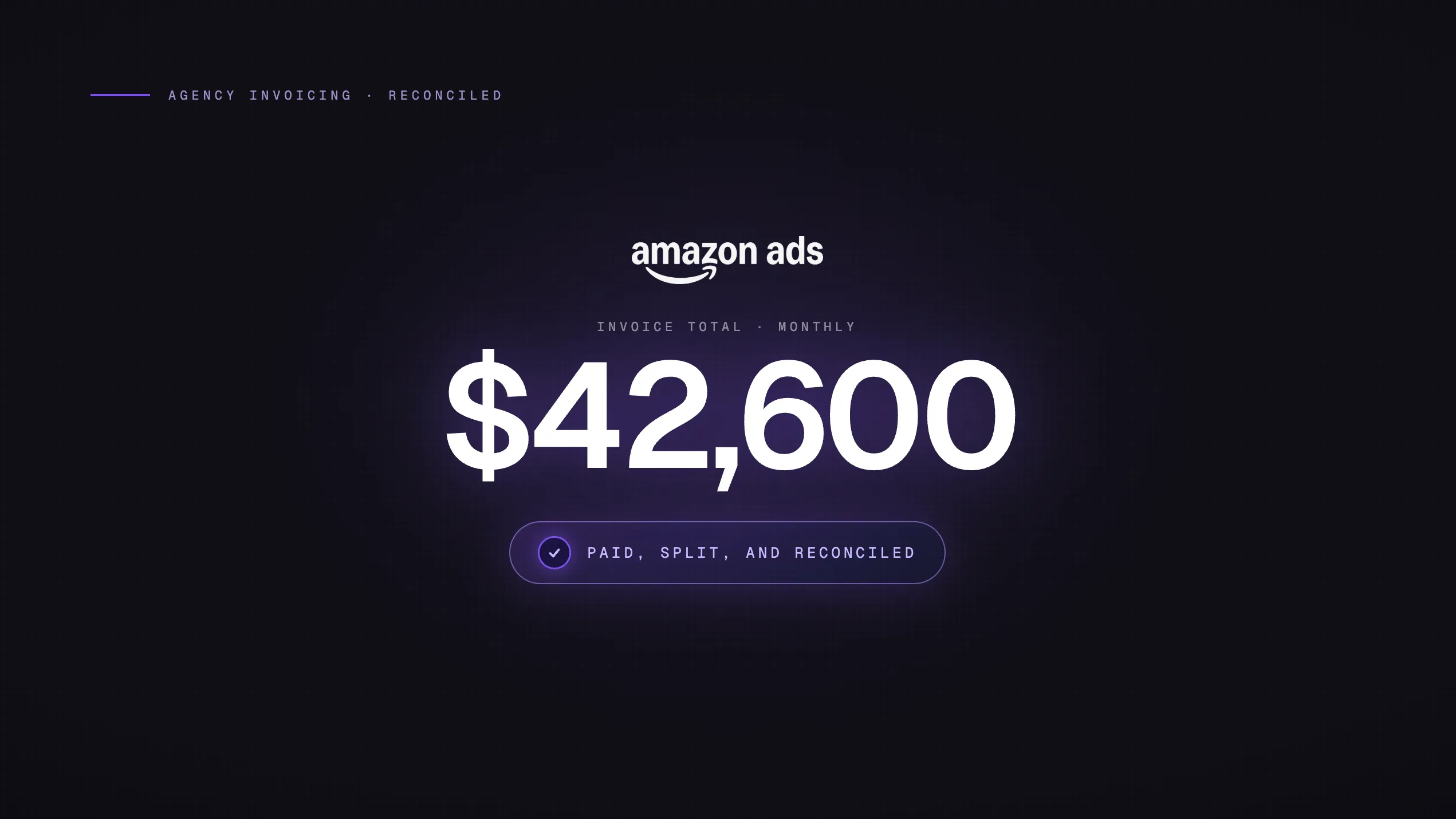
Amazon Ads invoicing can be more complicated than most of the paid media stack. Depending on the account type, spend volume, region, and product you are running, Amazon may bill through card charges, prepaid balances, invoice billing, or separate billing streams for Sponsored Ads and DSP.
If you manage Amazon Ads for multiple clients, you already know the feeling: month-end arrives, you open the Billing tab, and there are six invoices for one account, a separate console for DSP, and a currency mismatch on the international marketplace. That's before you've touched reconciliation.
This guide breaks down how Amazon Ads billing actually works, what each payment model means for agencies, and how to set up your payment infrastructure so you're not chasing invoices or explaining campaign pauses to clients.
TL;DR
Amazon Ads billing can involve threshold-based card charges for Sponsored Ads, separate invoice workflows for DSP, and multiple payment methods with different operational tradeoffs. For agencies, the biggest risks are card declines, campaign interruptions, and reconciliation gaps across clients, marketplaces, and billing streams. Dedicated virtual cards and a consistent invoice download process make the system much easier to manage.
How Amazon Ads Billing Actually Works
Most agencies assume Amazon bills like every other platform: one charge, once a month, tied to a card on file. That assumption causes reconciliation headaches.
Amazon Sponsored Ads uses a threshold-triggered billing model. Here's how it works:
Sponsored Ads accounts may be assigned a billing threshold based on account history, payment method, spend volume, and region.
As spend accumulates, Amazon may charge the card when the account reaches its billing threshold and issue billing documentation for that period.
Any remaining balance that has not triggered a threshold charge may be billed on the regular billing date.
Thresholds may increase over time as the account builds a successful payment history, but exact amounts and timing can vary.
The practical result for agencies: a single high-volume client account can generate 5 to 10+ invoices in a single month. None of them align with your card statement dates. None of them align with each other.
What triggers a campaign pause
If your card declines during a billing event, Amazon may flag the account for payment failure and eventually pause campaigns if the balance is not resolved. The timing can vary by account and billing setup. Warning emails usually go to the billing contact, which is often not the same person managing campaigns day to day.
This is the most common operational failure mode for agencies running Amazon Ads on a shared or maxed-out card. For a full breakdown of what causes campaigns to go dark, see why ad campaigns pause mid-flight.
The 90-day invoice window
Amazon invoice access windows can vary by console, region, and account setup, but agencies should not rely on being able to pull old invoices indefinitely from the UI. If your bookkeeper only pulls invoices quarterly, you increase the risk of missing documents or needing to contact support. Build a monthly or weekly download cadence instead.
The Three Payment Models: What Each One Means for Your Agency
Amazon offers three ways to pay for Sponsored Ads. Each has a different operational profile, and the right choice depends on your client's spend volume and your agency's cash flow situation.
Payment Model |
How It Works |
Best For |
Key Risk |
|---|---|---|---|
|
Postpay (default) |
Card charged each time you hit the threshold, or at month-end |
Most accounts |
Card decline pauses campaigns |
|
Prepay |
Deposit a balance upfront; Amazon draws down as spend runs |
Budget-controlled clients, no card-on-file required |
Cash tied up; campaigns pause when balance depletes |
|
Invoice (net-30) |
Monthly invoice paid by wire or check, 30-day terms |
$50K+/mo spenders with an Amazon account team |
Invite-only; not available to most accounts |
Postpay: the default, and the riskiest for agencies
Most accounts run on postpay. Your card is charged at every threshold crossing. The problem for agencies is card limit exposure: if you're managing five clients on one card and three of them hit their thresholds on the same day, you need enough headroom to cover all three charges simultaneously.
A shared card with a $20K limit is not a card infrastructure strategy. It's a liability waiting to happen.
Prepay: good for budget control, bad for cash flow
Prepay removes the card decline risk entirely. You deposit a balance into the advertising account in advance, and Amazon draws down from it. There's no card-on-file for running spend.
The downside is obvious: you're fronting cash that earns nothing while it sits in Amazon's system. For agencies managing multiple clients, that's capital tied up across several accounts simultaneously. Unused prepay balances can be refunded, but the process takes 5 to 10 business days.
Invoice billing: worth pursuing if you qualify
Net-30 invoice billing aligns Amazon Ads with a standard accounts-payable workflow. You get one formal monthly statement, paid by wire or check. Amazon doesn't publish exact eligibility criteria, but the practical threshold is typically $50,000+ in monthly ad spend and an active relationship with an Amazon advertising account team.
If your clients are at that volume, it's worth asking your Amazon rep. The reconciliation simplification alone justifies the conversation.
Sponsored Ads vs. Amazon DSP: Two Completely Different Billing Systems
This is the part that catches most agencies off guard.
If you run both Sponsored Ads and Amazon DSP for a client, you are dealing with two entirely separate billing systems. They don't appear in the same console. They don't share a billing cycle. And they don't reconcile against each other automatically.
Sponsored Ads billing
Sponsored Products, Sponsored Brands, and Sponsored Display all fall under the threshold model described above. They're CPC-based, they accumulate against the same payment threshold, and they appear together on the Sponsored Ads billing statement.
Amazon DSP billing
DSP is different in every way that matters:
-
Pricing model: CPM-based (cost per thousand impressions), not CPC
-
Billing cycle: One invoice per month, issued separately from Sponsored Ads
-
Minimum spend: Typically $10,000/month for self-serve DSP; higher for managed service
-
What's on the invoice: Ad serving fees, data fees (if using Amazon audience segments), and any managed service fees as separate line items
DSP invoices do not appear in Campaign Manager alongside your Sponsored Ads. They're in a different console entirely. If your reconciliation process only pulls from one place, you're missing a portion of the client's total Amazon media spend.
The global Billing Center (as of December 2024)
Amazon launched a consolidated global Billing Center in December 2024, covering Sponsored Ads across 32 countries and DSP across 19 countries from a single page. Before this, agencies running international campaigns had to switch marketplace selectors and download invoices country by country.
The global Billing Center is now the primary download path. But the invoices themselves are still separate streams: Sponsored Ads invoices and DSP invoices are distinct documents, even if you can access both from one page. Don't treat them as interchangeable in your downstream reconciliation.
How to Reconcile Amazon Ads Invoices as an Agency
Reconciling Amazon Ads is a multi-step process because the billing model produces multiple invoice documents that don't map cleanly to a single monthly charge. Here's the workflow that actually works.
Step 1: Download from the global Billing Center
Navigate to Administration → Billing and Payment → Billing in the Amazon Advertising Console. From the global Billing Center, you can bulk-download invoices across all countries for both Sponsored Ads and DSP.
Download in CSV format, not just PDF. The CSV contains structured data you can import directly into your accounting software or reconciliation spreadsheet.
Step 2: Separate your invoice streams
Once downloaded, split your files into two buckets before touching any numbers:
-
Sponsored Ads invoices: threshold-triggered charges plus the month-end residual
-
DSP invoices: monthly CPM-based invoices with line items for serving fees, data fees, and managed service
Mixing these two streams in a single reconciliation pass is the most common source of unexplained variances.
Step 3: Reconcile against dashboard spend, not card statements
Card statement charges and invoice totals will not match. Card charges hit at every threshold crossing in real time. Invoices are issued at the threshold trigger and at month-end. The two don't share a timestamp.
Reconcile your invoices against the Sponsored Ads performance report (found under Reporting in the Advertising Console), not against your card or bank statement. The performance report gives you spend by campaign and by ASIN, which is what you need to tie back to invoice totals.
If your invoice total exceeds your dashboard spend, the delta typically comes from one of four sources: invalid-click traffic quality adjustments, refunds, disputes, or taxes. These are documented in the Adjustments report.
Step 4: Pull the Adjustments report
Amazon issues credits and adjustments separately from invoices. Invalid click refunds, billing disputes, and tax adjustments all appear in the Adjustments report, not on the invoice itself. If you skip this step, your reconciliation will show a variance every month that you can't explain.
Step 5: Set a monthly download cadence
Don't wait until month-end to pull invoices. With threshold billing, charges accumulate throughout the month. A weekly download keeps your reconciliation current and surfaces payment failures before they become campaign pauses.
Key rule: The 90-day invoice window is the hard limit. Any invoice older than 90 days is no longer accessible in the UI. Weekly downloads prevent you from ever hitting that wall.
The Card Infrastructure Problem for Multi-Client Agencies
Amazon's threshold billing model creates a specific problem that doesn't exist on other platforms: unpredictable, mid-month charges that can hit multiple client accounts simultaneously.
On Meta or Google, your card gets charged on a known cycle. On Amazon, charges fire whenever a threshold is crossed. If you're managing eight clients, each running $30K to $100K in monthly Sponsored Ads spend, you could have multiple threshold charges hitting your card on the same day with no advance notice.
This is why running all Amazon Ads spend through a single shared card is a structural risk, not just an operational inconvenience.
What proper card infrastructure looks like for Amazon Ads
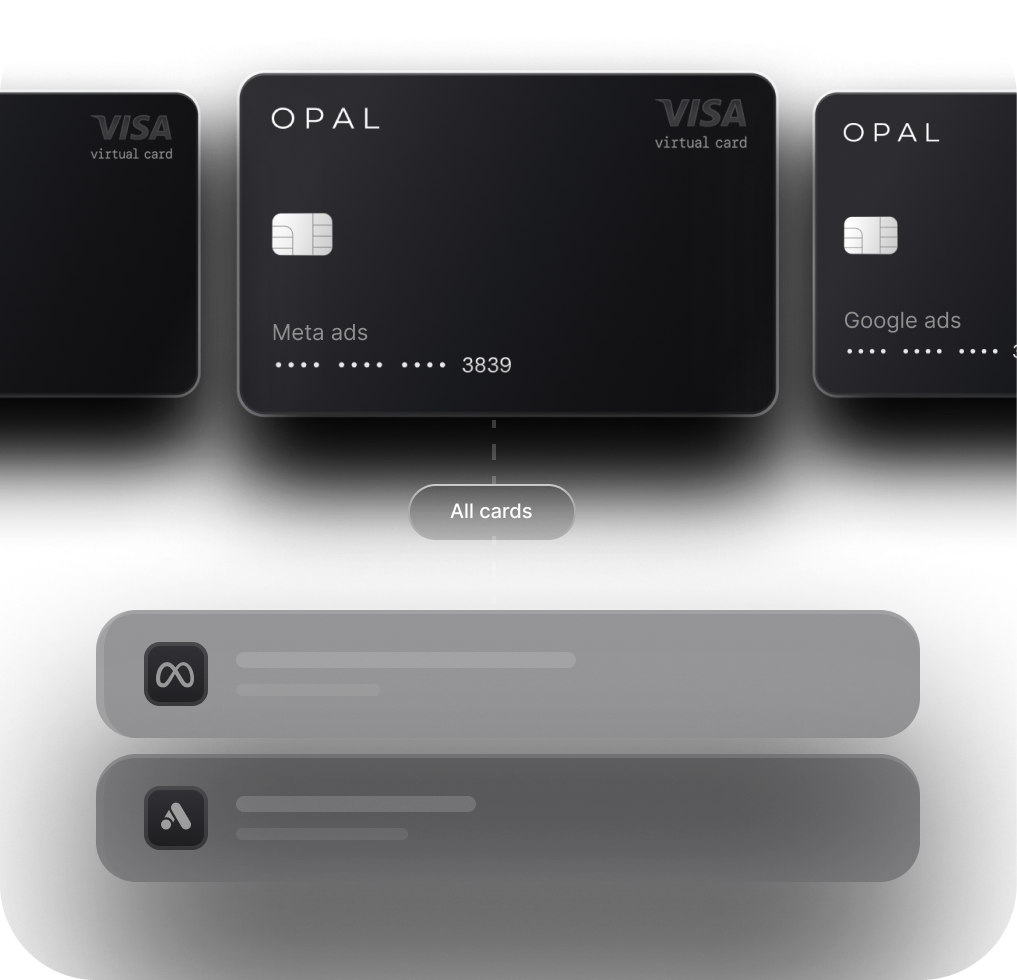
The right setup uses dedicated virtual cards per client account, not a single shared card across all clients. This gives you:
-
Spend isolation: A threshold charge on Client A's account only draws from Client A's card. It doesn't affect Client B's available balance.
-
Reconciliation clarity: Every charge on a virtual card maps directly to one client. No splitting, no allocation, no guesswork at month-end.
-
Limit headroom: Each card has its own limit, sized to the client's monthly spend volume. You're not competing for headroom across accounts.
-
Campaign continuity: A declined card on one client account doesn't cascade into pauses across your entire book.
This is the same logic that applies to managing ad spend across Meta, Google, and TikTok. Amazon is just a fourth platform that needs to be in the same infrastructure model.
The cashback angle
If you are running $200K in monthly Amazon Ads spend across your client book, the card you use can materially affect agency margin. A cashback rate of up to 2% would generate up to $4,000 per month, or $48,000 per year, on spend the agency is already managing.
The issue with many generic business cards is that rewards may be capped, category-limited, or not optimized for high-volume ad spend. At agency scale, those limits can quietly reduce the value of the spend passing through the card.
A purpose-built ad spend card with up to 2% cashback on Amazon Ads spend turns the same payment infrastructure into a margin lever. The virtual card setup that helps isolate client spend and reduce reconciliation issues is also the setup that helps capture cashback consistently.
Frequently Asked Questions
How often does Amazon charge my card for Sponsored Ads?
Amazon may charge your card when accumulated Sponsored Ads spend reaches the account's billing threshold, and it may also bill any remaining balance on the regular billing date. Threshold amounts can vary by account, region, currency, payment history, and billing setup. This means agencies can receive multiple charges or invoices in a month rather than one clean monthly charge.
Where do I find Amazon Ads invoices?
Go to Administration → Billing and Payment → Billing in the Advertising Console. As of December 2024, the global Billing Center consolidates invoices across all countries for both Sponsored Ads and DSP from a single page. You can bulk-download as CSV or PDF. Only the trailing 90 days are accessible through the UI.
Are Amazon DSP invoices in the same place as Sponsored Ads invoices?
They're accessible from the same global Billing Center page, but they are separate documents on separate billing cycles. Sponsored Ads invoices are threshold-triggered (multiple per month). DSP invoices are monthly. Keep them in separate reconciliation pipelines.
What happens if my card declines on an Amazon Ads charge?
Amazon flags the account for payment failure. Campaigns typically pause within 24 to 48 hours. You'll receive warning emails to the billing inbox, but if no one monitors that inbox, campaigns can go dark without the media buyer knowing. A dedicated card per client account prevents a single decline from affecting multiple clients.
Can I use prepay for Amazon Ads instead of a card?
Yes. With prepay, you deposit a balance into the advertising account and Amazon draws down from it as spend runs. There's no card-on-file risk of a decline. The tradeoff is that your cash is tied up in Amazon's system earning nothing. Unused prepay balances can be refunded, but it takes 5 to 10 business days.
Is invoice billing (net-30) available for agencies?
Invoice billing may be available to eligible advertisers or agencies, often depending on spend volume, account history, region, and relationship with an Amazon Ads account team. If your clients have consistent high monthly spend, ask your Amazon rep whether invoice billing is available. When approved, it can simplify reconciliation by moving some billing away from repeated card charges and into a more standard accounts-payable workflow.
How do I automate Amazon Ads invoice reconciliation?
Download invoices in CSV format from the global Billing Center, then import into your accounting software or reconciliation tool. If you're using QuickBooks, Opal's QuickBooks integration can automate the tagging and sync process across all ad platforms, including Amazon.