



How to Set Monthly Ad Spend Limits Per Client Without Slowing Down Media Buyers
Managing ad spend across multiple clients, platforms, and campaigns is one of the more operationally demanding parts of running an agency. The budget is approved. The campaigns are live. And somewhere between the spreadsheet and the ad platform, spend slips past the approved limit before anyone notices.
The problem is not that agencies lack budgets. It is that the budgets live in the wrong place. When limits only exist in a Google Sheet, finance may feel in control, but media buyers are still working off shared cards, informal approvals, and after-the-fact reconciliation. By the time the month-end statement arrives, the damage is done.
The goal is a system where spend is controlled at the right level without blocking campaign execution. That means setting limits that are enforced in the payment workflow, not just tracked in a document.
Key Takeaways
Monthly ad spend limits work best when they are enforced in the payment workflow, not just tracked in spreadsheets.
Agencies should separate client limits, platform limits, and media buyer limits because each one controls a different type of risk.
Hard limits work for strict budget caps; alerts work better when media buyers need room to optimize and scale.
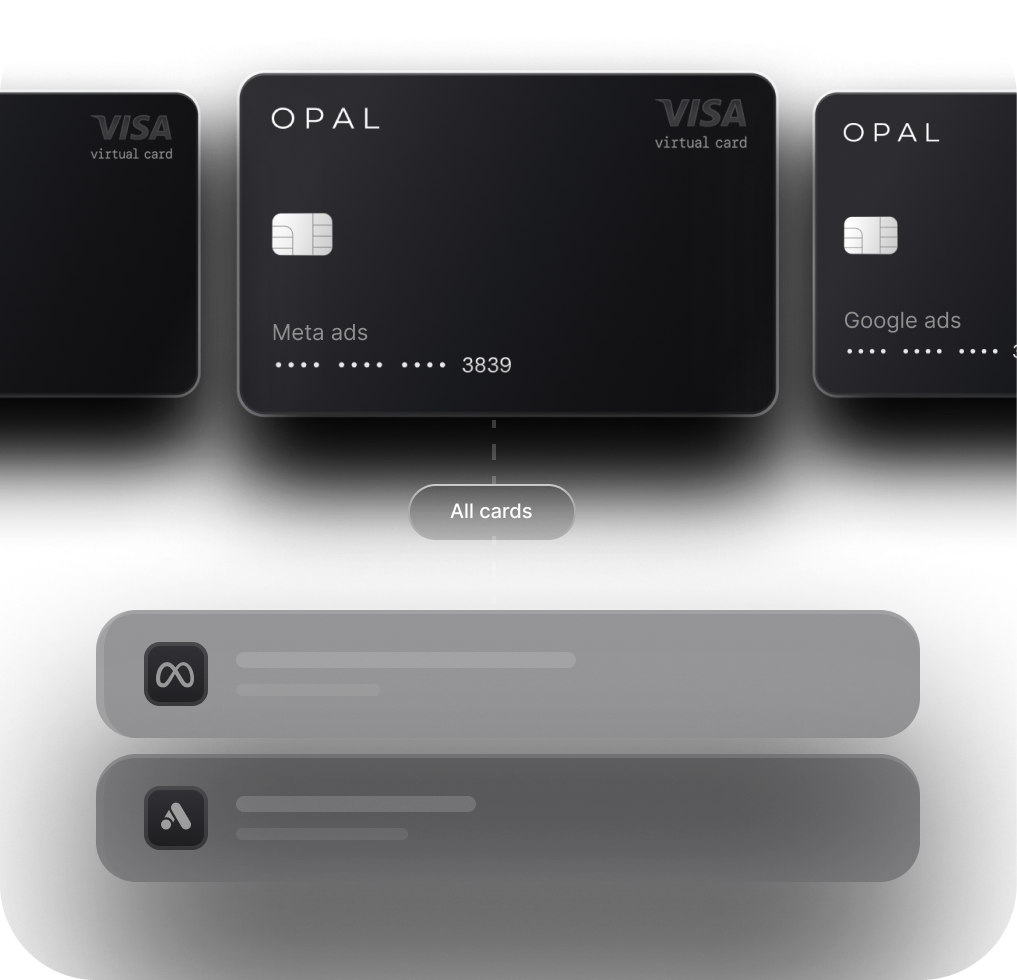
Virtual cards let agencies create cleaner spending boundaries by client, platform, or campaign type without relying on shared cards.
-
Opal is one option agencies can use to issue virtual cards, set spend controls, track client ad spend, and earn up to 2% cashback.
Why Monthly Client Limits Fail When They Live Only in Spreadsheets
Spreadsheets are useful for planning. They are weak for enforcement.
A budget approved in a document does not stop a media buyer from pushing spend past that number inside Google Ads or Meta. Ad platforms do not know what your spreadsheet says. They charge whatever the campaign is set to spend, and they charge it to whatever card is on file.
This creates a predictable chain of problems:
-
Finance sees the problem after it happens. By the time the statement arrives, the overage has already been billed.
-
Shared cards obscure the source. When multiple clients or platforms run through the same card, it is nearly impossible to know which client, campaign, or platform caused a specific charge without manual reconciliation.
-
Manual approvals create bottlenecks. When a campaign is scaling and a media buyer needs to increase a daily budget by 20%, waiting 24 hours for finance sign-off can cost real performance.
-
Media buyers move fast across channels. A buyer managing Google, Meta, TikTok, and LinkedIn simultaneously cannot pause for approval every time pacing shifts.
The fix is not more spreadsheet columns. It is moving the limit from the planning document into the payment layer, where it can actually be enforced.
The Difference Between Client Limits, Platform Limits, and Buyer Limits
Not all limits serve the same purpose. Agencies that treat them as interchangeable end up with either too much control (media buyers can't move) or too little (finance can't see what's happening until it's too late).
Here is how to define each one:
Limit Type |
What It Controls |
|---|---|
|
Client limit |
The total approved monthly spend for a specific client, across all platforms and campaigns |
|
Platform limit |
The amount approved for a specific channel, such as Google Ads, Meta Ads, TikTok Ads, or LinkedIn |
|
Buyer limit |
The amount a specific media buyer can adjust or request without additional approval |
A Simple Example
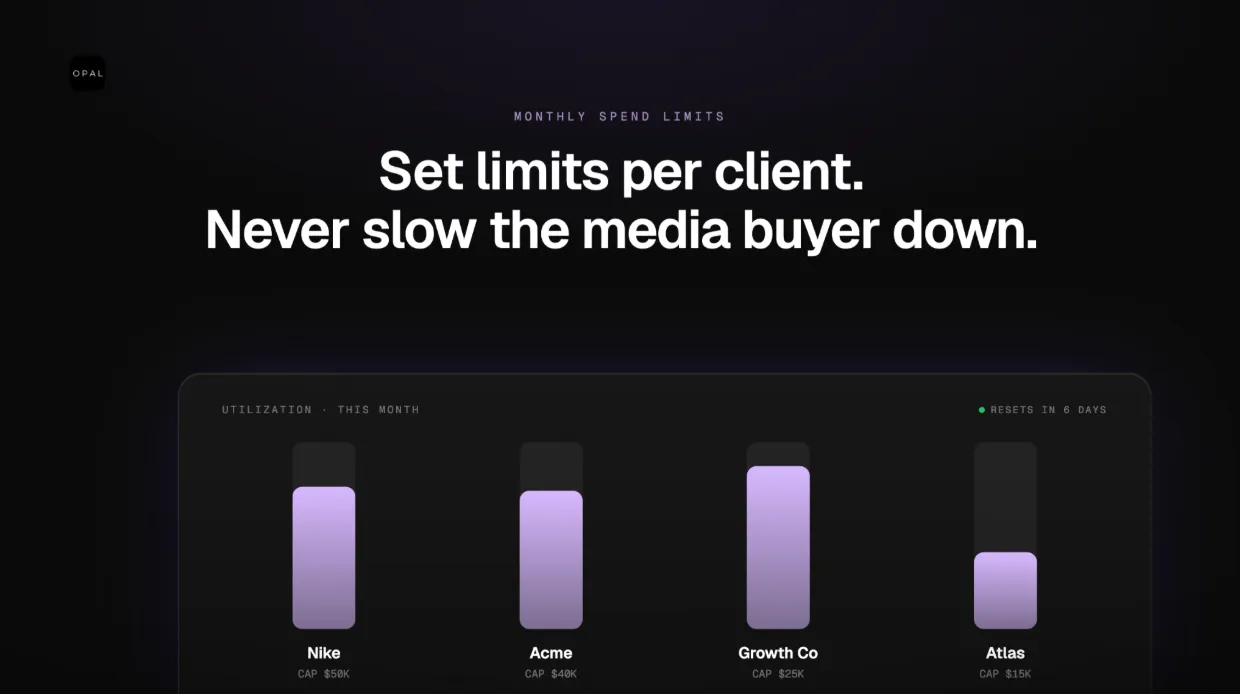
A client approves $50,000 per month. The agency allocates $30,000 to Meta, $15,000 to Google, and $5,000 to testing. A senior buyer can shift up to 10% between campaigns without approval. Anything larger requires account lead or finance sign-off.
That structure gives finance a clear ceiling, gives the buyer room to optimize day-to-day, and keeps the client's approved budget intact. Each limit type controls a different risk. All three need to be defined separately.
How to Set Limits by Client, Platform, and Campaign Type
Once you have defined the three limit types, the setup process becomes straightforward. Here is a practical framework:
-
Start with the client's approved monthly budget. This is your ceiling. Everything else flows from it.
-
Break the budget into platform-level allocations. Decide how much goes to each channel before the month starts.
-
Separate always-on campaigns from testing campaigns. Testing budgets should be isolated so overruns in one area do not eat into proven campaigns.
-
Set a buffer for billing timing. Ad platforms bill at thresholds, not on a schedule. A 5-10% buffer prevents surprise overages from timing differences or retries.
-
Define what media buyers can change without approval. Small shifts (10-15%) within a platform allocation should not require a ticket to finance. Larger increases should.
-
Review limits weekly during active periods. Monthly limits set on day one rarely survive the month unchanged.
-
Reconcile card spend against platform spend at month-end. This catches discrepancies before they become client billing problems.
Matching Card Structure to Account Complexity
The right card setup depends on client size and spend volume:
-
Small accounts: One card per client keeps it simple.
-
Mid-sized accounts: One card per platform gives cleaner platform-level visibility.
-
Large or complex accounts: One card per campaign type (always-on, testing, seasonal) gives the most granular control.
There is no universal answer. The right structure is the one that matches how your team actually manages the account.
When to Use Hard Limits vs. Alerts
Hard limits stop spend when a threshold is hit. Alerts notify someone when spend is approaching a threshold. Both are useful. Neither works well everywhere.
Use Hard Limits When:
The client has a strict monthly cap with no room for overrun
The agency is fronting the media spend
A platform is in a testing phase and budget risk is high
A campaign has known fraud or overspend risk
The client has not approved additional budget
Use Alerts When:
Campaigns need room to scale based on performance
Budget shifts between platforms are expected mid-month
The account has strong pacing oversight from a senior buyer
Finance wants visibility without blocking execution
A buyer is actively optimizing and needs to move quickly
The best system uses both. Hard limits set the financial boundary. Alerts give finance and account leads operational visibility before that boundary is reached. A well-configured account might have a hard limit at 100% of the approved budget and alerts at 75% and 90%, so the team has time to review before spend is cut off.
How Virtual Cards Help with Multi-Client Ad Account Management
Virtual cards are not the only way to enforce spending boundaries, but they are one of the cleanest ways to connect budget controls directly to payment activity.
When agencies manage ad spend for multiple clients using shared physical cards, the reconciliation problem is structural. Every charge from every platform lands in the same statement, and someone has to sort it out manually at month-end.
Dedicated virtual cards solve this by separating spend upfront:
-
One card per client means every charge is already attributed before reconciliation starts.
-
One card per platform means a billing issue on Meta does not affect Google campaigns.
-
One card per campaign type means testing spend is isolated from always-on spend.
Beyond cleaner reconciliation, virtual cards also make it easier to replace a card if a platform flags it, suspend spend on a specific account without touching others, and troubleshoot payment failures faster because the scope is narrower.
For agencies managing ad spend across multiple clients and channels, this separation is operationally significant. It reduces the time spent on reconciliation, reduces shared-card risk, and gives both finance and media buyers a clearer picture of where money is going.
How Opal Lets Agencies Create Cleaner Spending Boundaries
Opal is one option built specifically for agencies that want to manage client ad spend with virtual cards and spend controls in the same place.
With Opal, agencies can:
Create virtual cards for specific clients, platforms, or campaign types
Set spend limits tied to approved client budgets
Give media buyers controlled flexibility within defined boundaries
Track transaction-level spend for cleaner reconciliation
Reduce reliance on shared agency cards
Earn up to 2% cashback on eligible ad spend
Opal works best as part of a broader agency process that includes client budget approvals, pacing reviews, and monthly reconciliation. The card controls enforce the limits. The process ensures the limits are set correctly in the first place.
It is not the only solution. Agencies can also manage limits through platform-level budget caps, manual approval workflows, or other spend management tools. But for agencies that want the payment layer and the control layer in the same system, it is worth evaluating.
A Simple Monthly Limit Workflow Agencies Can Use
Here is a workflow you can adapt and apply immediately:
-
Client approves the monthly budget. This is the starting point. Nothing runs without a signed-off number.
-
Account lead breaks the budget into platform allocations. Meta, Google, TikTok, LinkedIn, and any testing budget are defined before the month starts.
-
Finance creates or updates cards and limits. Each card gets a limit that matches the approved allocation.
-
Media buyer confirms the launch and pacing plan. The buyer knows what they have to work with and what requires approval.
-
Alerts are set before spend reaches key thresholds. At 75% and 90% of the approved limit, the right people get notified.
-
Media buyer requests approval for major budget shifts. Small adjustments happen within defined rules. Larger increases go through a fast approval step, not a full review cycle.
-
Finance reconciles card spend against platform spend monthly. Any variance between what the card was charged and what the platform reports gets flagged and resolved.
-
Account lead reports approved spend, actual spend, and variance to the client. Clients see a clean summary, not a raw statement.
This workflow does not require a new tool. It requires clear ownership at each step and limits that are enforced somewhere other than a spreadsheet.
Final Thoughts
Monthly ad spend limits should make your agency faster, not slower. When limits are set correctly and enforced in the right places, finance has clear visibility, media buyers have room to work, and clients have confidence that their budgets are being managed properly.
Spreadsheets are a starting point, not a control system. Agencies that want to scale their multi-client operations without scaling their reconciliation burden need limits, alerts, approvals, and payment controls that match how media buying actually works.
The agencies that get this right are not the ones with the most complex processes. They are the ones with the clearest ownership at each step.
FAQ
How do agencies set monthly ad spend limits per client?
Start with the client's approved monthly budget, divide it by platform and campaign type, define clear approval rules for budget shifts, and enforce limits through cards, platform-level budgets, alerts, or spend management tools. The key is making sure the limit lives somewhere that can actually stop or flag overspend, not just track it.
What is the difference between a client limit and a platform limit?
A client limit is the total approved monthly budget for a specific client across all channels. A platform limit controls how much can be spent on a specific channel, such as Google Ads, Meta Ads, TikTok Ads, or LinkedIn Ads. Both need to be defined separately because they control different types of risk.
Should media buyers be able to change ad spend limits?
Media buyers should be able to manage small budget shifts within approved rules without requiring finance approval. Larger increases, typically anything above 10-15% of the platform allocation, should require account lead or finance sign-off. The goal is giving buyers enough flexibility to optimize without removing financial oversight entirely.
When should agencies use hard spend limits?
Hard limits are best for clients with strict monthly caps, test campaigns where budget risk is high, agency-funded media spend, accounts with fraud or overspend risk, and any situation where the client has not approved additional budget. For accounts with strong pacing oversight and expected budget flexibility, alerts are often more appropriate than hard stops.
How do unlimited virtual cards help with multi-client ad account management?
Unlimited virtual cards let agencies create separate cards by client, platform, or campaign type. This makes spend easier to control, monitor, and reconcile because charges are separated before they hit the statement. It also reduces shared-card risk and makes it faster to isolate and resolve payment issues on individual accounts.
Is Opal the only way to manage client ad spend limits?
No. Agencies can manage limits through spreadsheets, platform-level budget caps, alert systems, card controls, or manual finance workflows. Opal is one option for agencies that want virtual cards, spend controls, cleaner reconciliation, and up to 2% cashback in the same platform. The right tool depends on your agency's size, client mix, and operational complexity.