
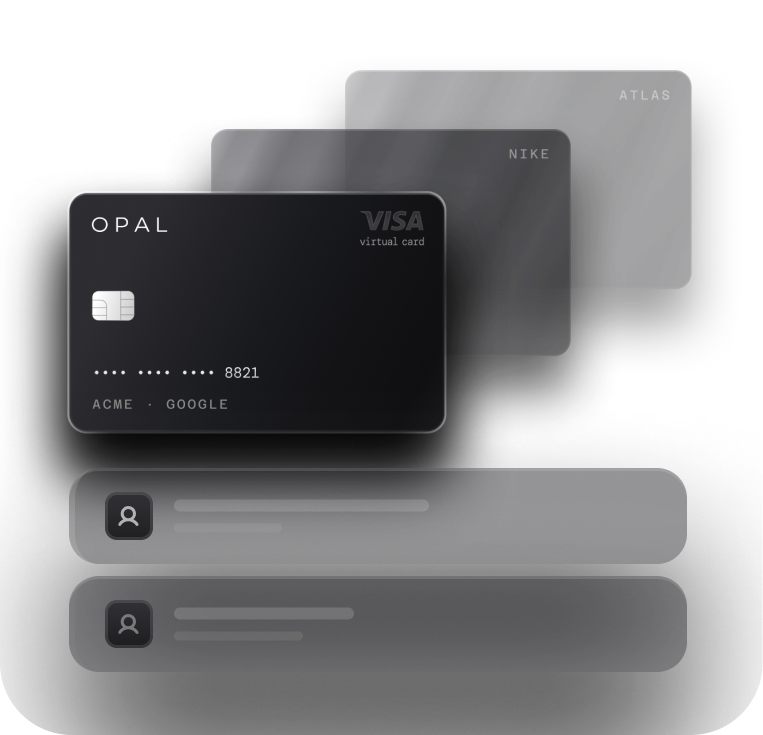
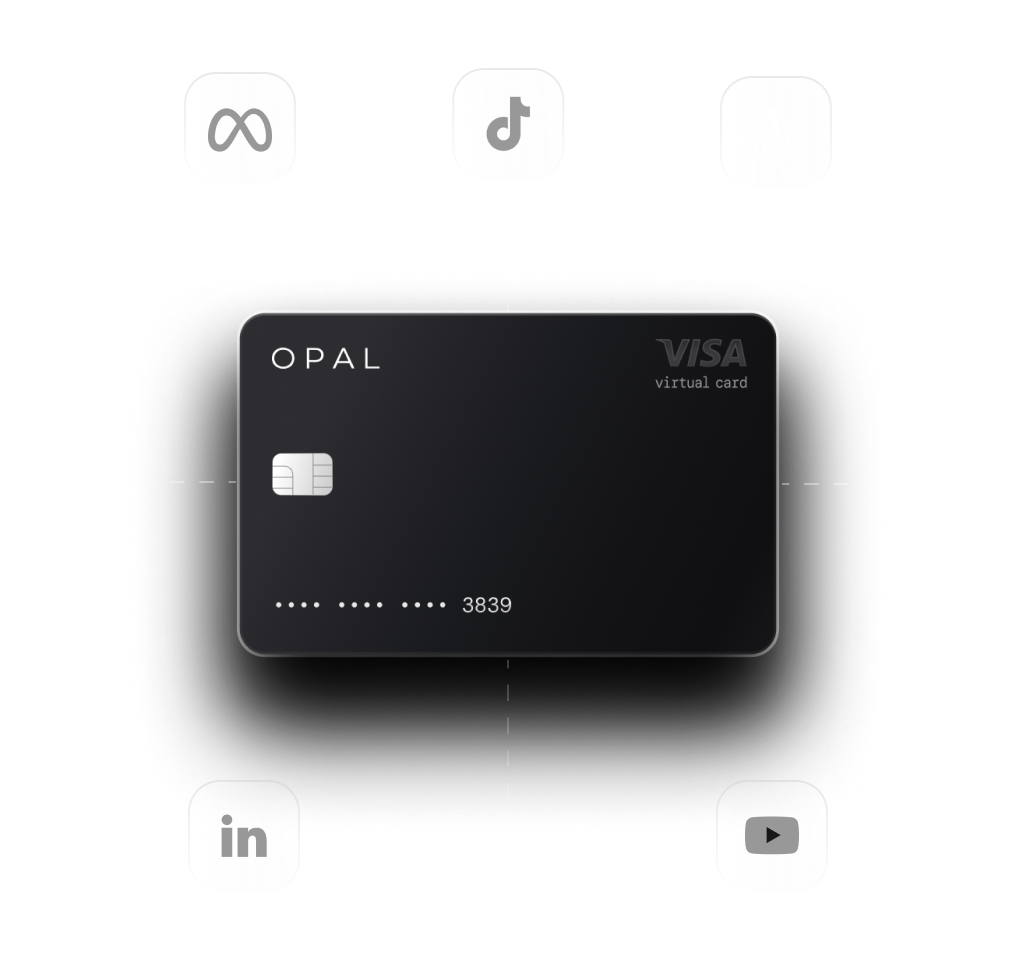
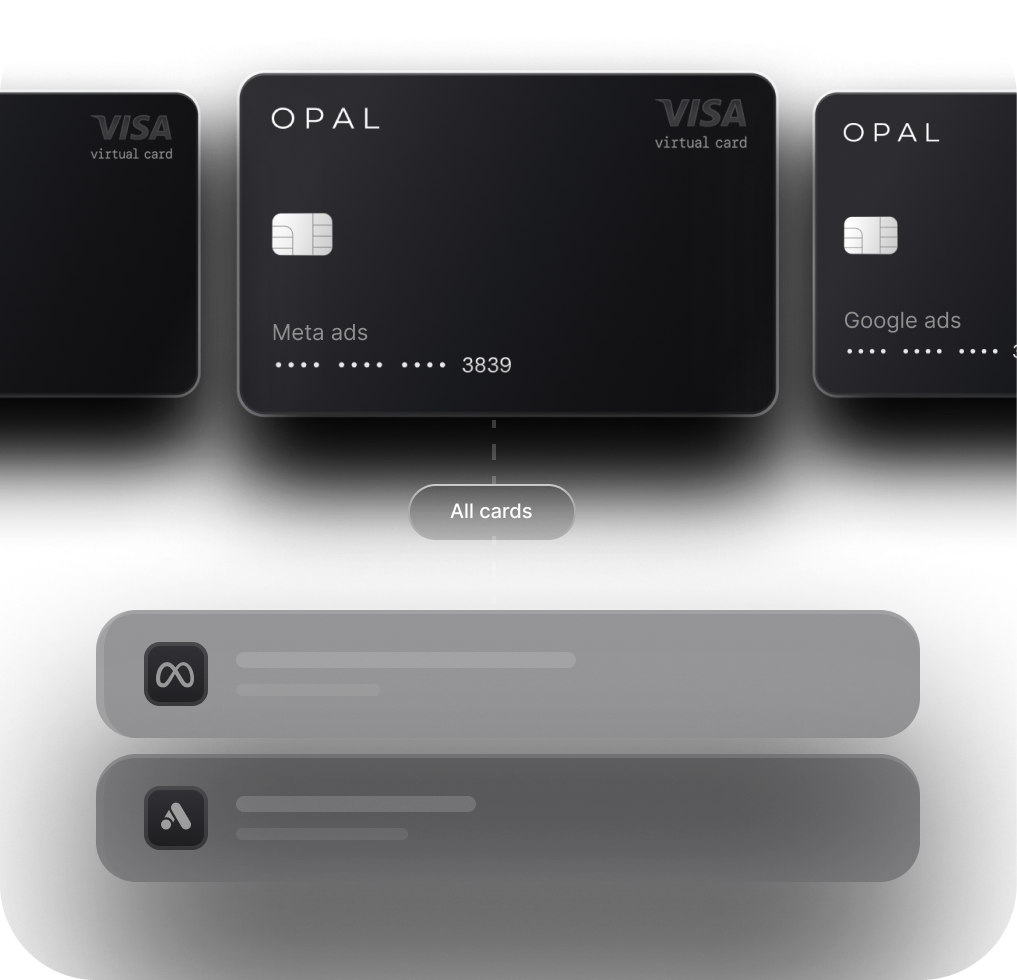

The TikTok Ads Card Built for How TikTok Bills
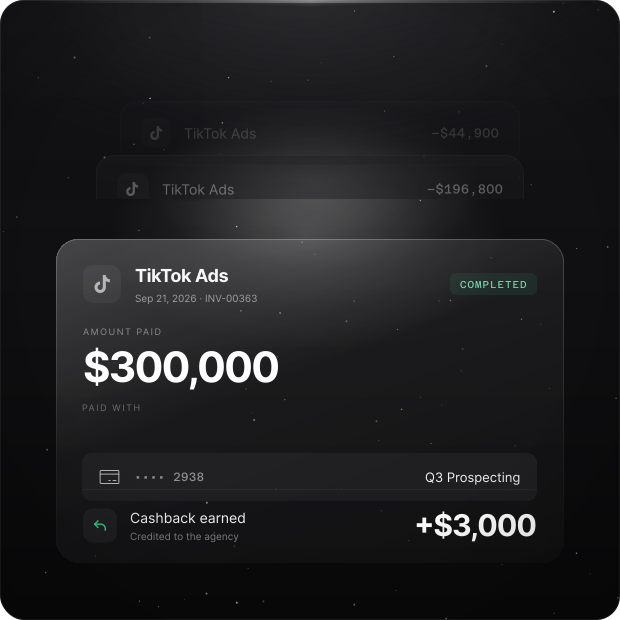
Fund prepaid balances, cover automatic charges, and give every TikTok ad account its own virtual card. Set spend limits, see transactions as they come in, and earn up to 2% cashback on eligible ad spend.



Failed Charges

Empty Prepaid Balances

One Card Behind Every Account

Tangled Reconciliation
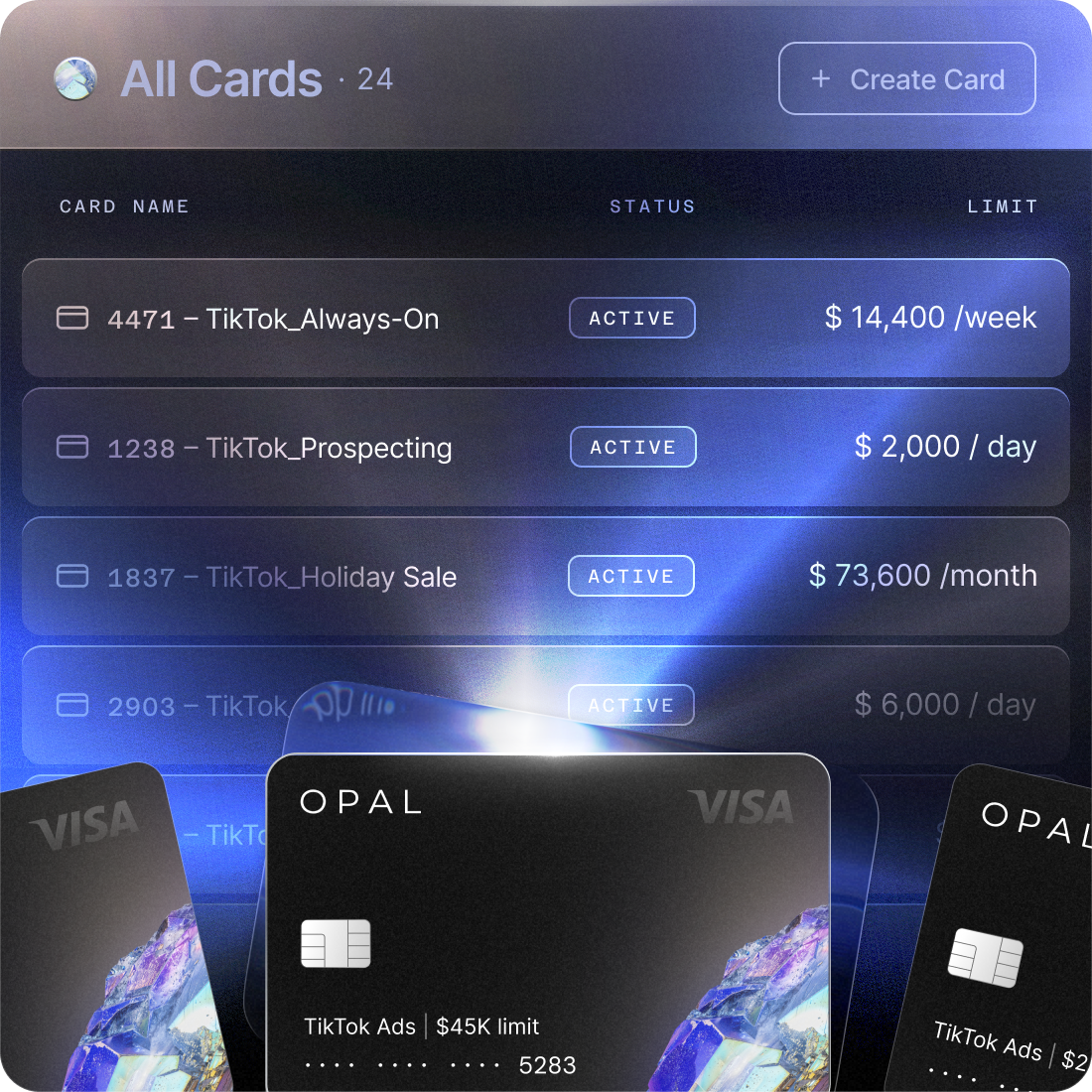
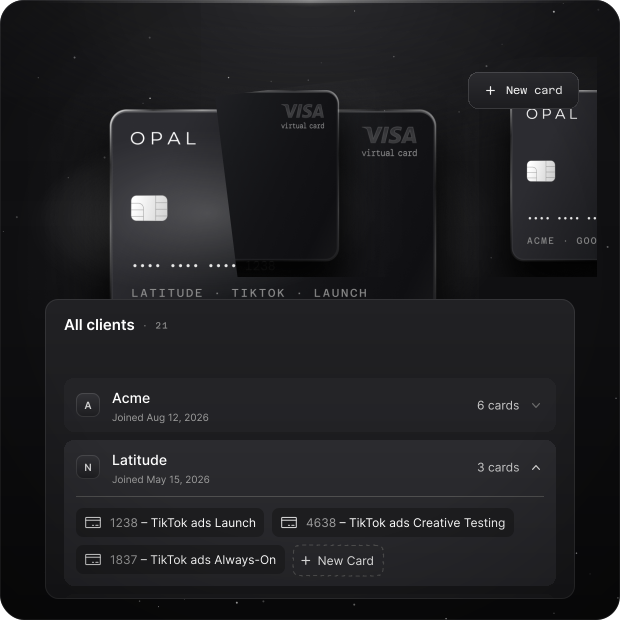
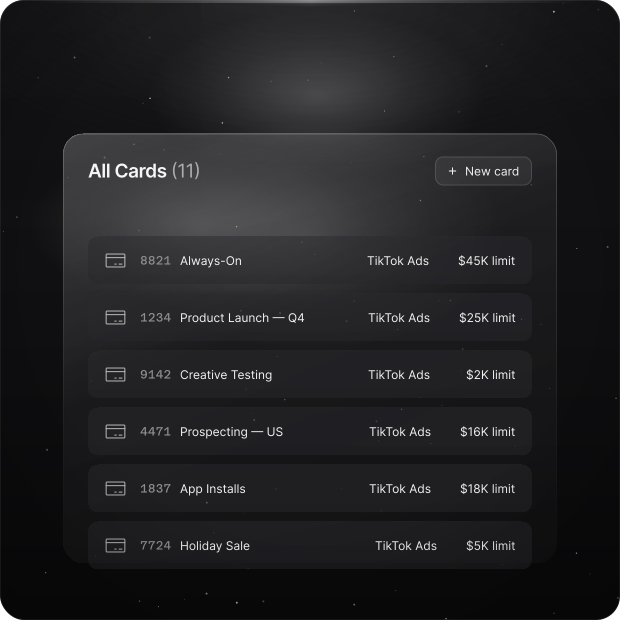
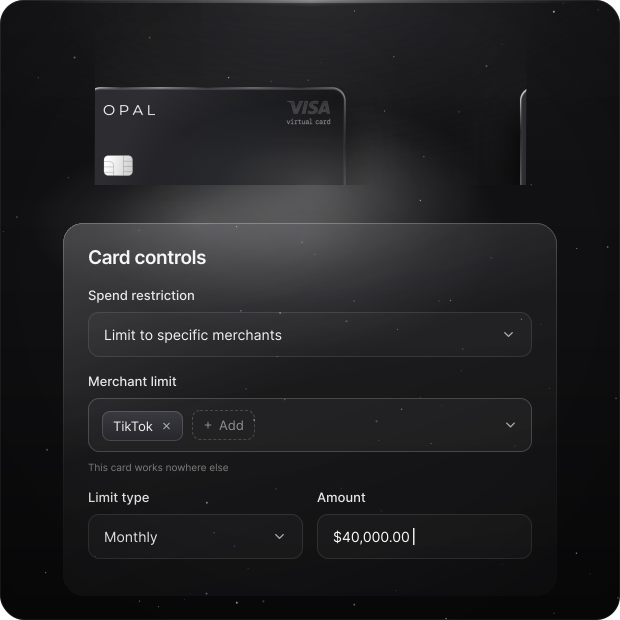
Every TikTok ad account gets its own card, its own limit, and its own line on the statement
How Opal Pays for TikTok Ads
Fund TikTok Ads Under Any Billing Option
Manual Payment
Top up your ad account balance with the TikTok card. The top-up runs on Opal credit, so prepaying TikTok doesn't draw down your bank balance until your statement is due.
Automatic Payment
Keep the card on file as your primary payment method. TikTok charges it when spend reaches your billing threshold or your bill date, whichever comes first.
Monthly Invoicing
Eligible accounts receive a monthly invoice due 30 days from the invoice date. In the U.S., TikTok accepts credit and debit cards for invoice payments, so the invoice can go on the same dedicated card.
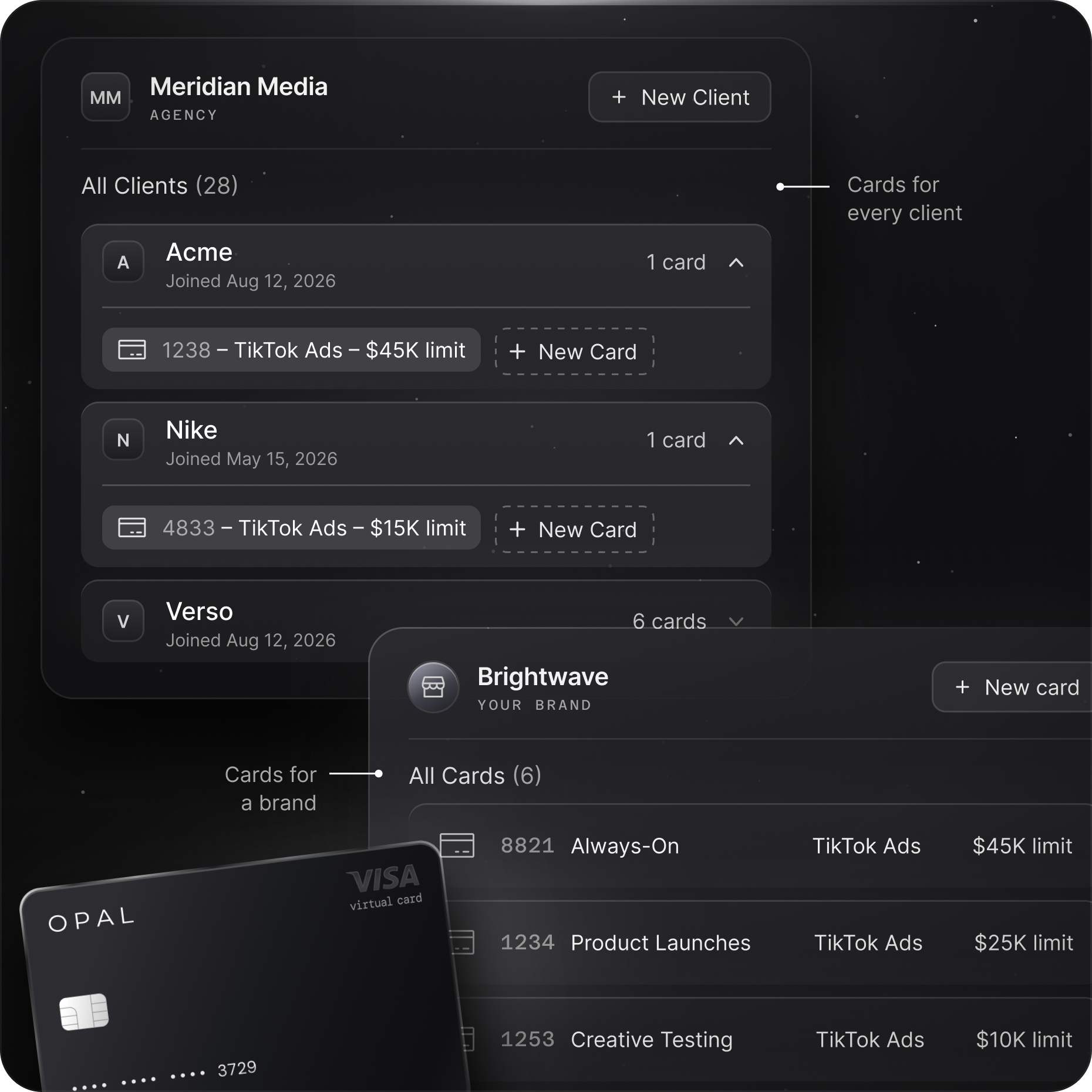
Map Your Cards to Your TikTok Ad Accounts
Limits stay tied to real budgets, and every charge already carries its client or campaign by the time it reaches reconciliation.
What Teams Say After Moving Ad Spend to Opal

“Opal has made managing our ad spend seamless. Reconciliation is simple, payments happen automatically, and we haven’t experienced any issues with card declines or funding delays. The cashback gives us more value than points, and the team is incredibly responsive. We would absolutely choose Opal again.”

Manage Google Ads Invoices with Opal
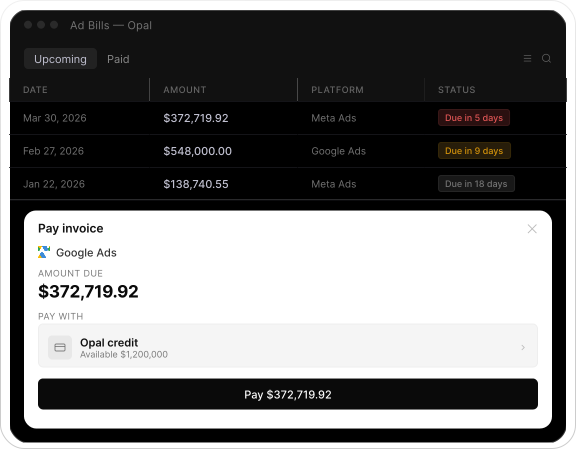
Automatically detect Google Ads invoices and pay them from one place.Connect your ad billing emails and Opal automatically detects incoming Google Ads invoices, including the amount and due date. Review upcoming bills and choose when and how you want to pay.
Connect your ad emails
Opal automatically detects Google Ads invoices from your inbox.
Review upcoming invoices
See invoice amounts, due dates, and platform details in one place.
Pay with one click
Pay using Opal credit or your own connected card.
Frequently asked questions
A TikTok Ads card is a payment card dedicated to TikTok advertising, used to top up an ad account balance or as the payment method TikTok charges automatically. Keeping TikTok on its own virtual card separates that spend from other platforms, clients, and business expenses, so it's easier to control and reconcile.
Yes. TikTok accepts credit and debit cards as payment methods, and a virtual card is added in TikTok Ads Manager or Business Center the same way as a physical one. With Opal, you can create a dedicated virtual card for each TikTok ad account, client, or campaign stream.
TikTok offers manual payment, automatic payment, and monthly invoicing. On manual payment, you use the card to top up the ad account balance. On automatic payment, TikTok charges the card at your billing threshold or bill date. For eligible accounts on monthly invoicing, TikTok accepts cards for invoice payments in the U.S.
If an automatic payment fails, TikTok records an outstanding balance, pauses your campaigns, and suspends the account until the balance is paid. Common causes include billing address mismatches, failed 3D Secure checks, and card limits. A dedicated card with a limit set above your largest expected charge helps rule out the last one.
Yes. Opal offers unlimited virtual cards at no extra cost, so agencies can give every client's TikTok ad account its own card, limit, and merchant restrictions. Each client's TikTok charges then arrive separated, and a payment issue on one client's card stays with that client.
Yes. Opal supports card-level spend limits, so each TikTok card can match the budget approved for that ad account. TikTok's campaign and account budgets pace delivery inside the platform, and the card limit caps what can be charged to that card.
Opal offers up to 2% cashback on eligible ad spend, including TikTok, subject to Opal's eligibility requirements and terms. Your rate is confirmed when your application is approved.
Give Every TikTok Ad Account a Card Built for Ad Spend
Top up balances, cover automatic charges, and keep each client or campaign stream on its own virtual card. Set limits, see every transaction as it happens, and earn up to 2% cashback on eligible TikTok spend with Opal.