
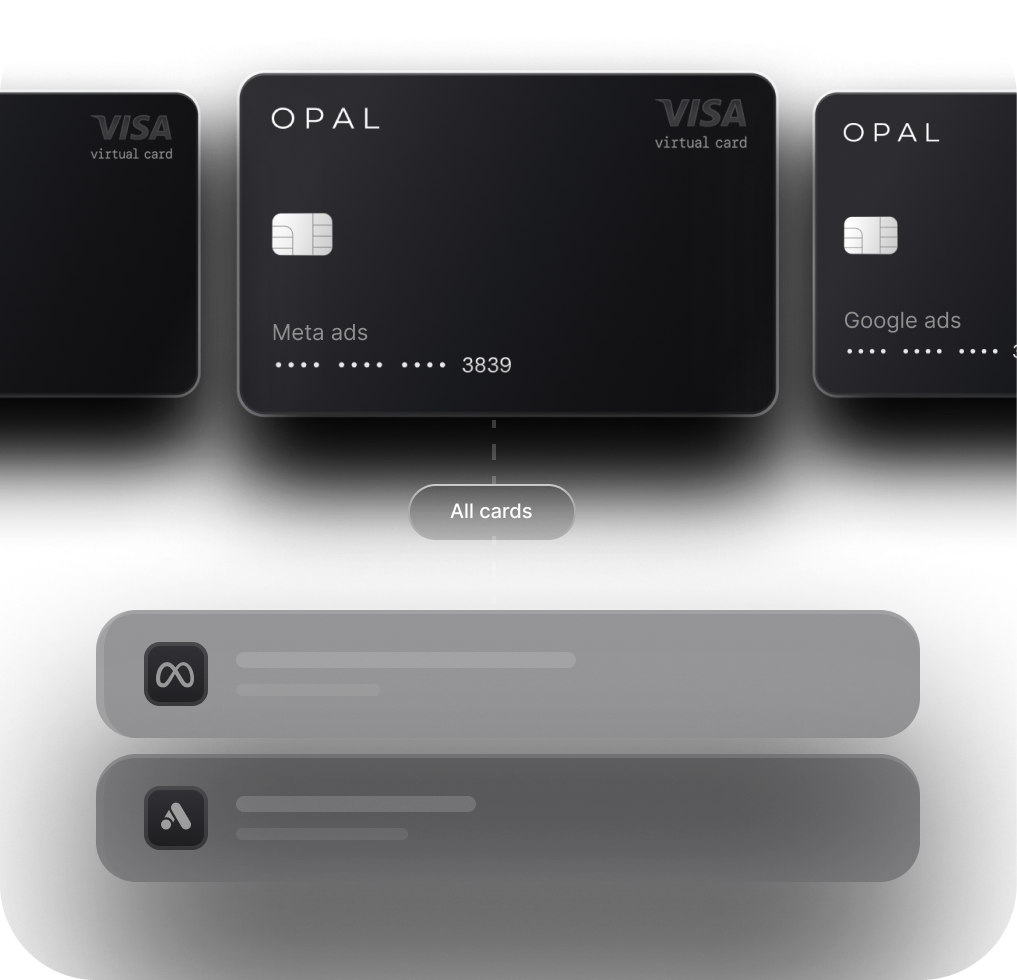
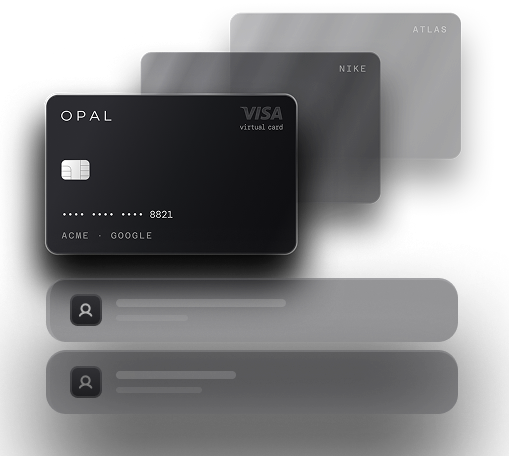

The Ad Spend Card Built for Google Ads
Run Google Ads campaigns with dedicated virtual cards, flexible spend controls, real-time visibility, and up to 1.5%* cashback on eligible ad spend.


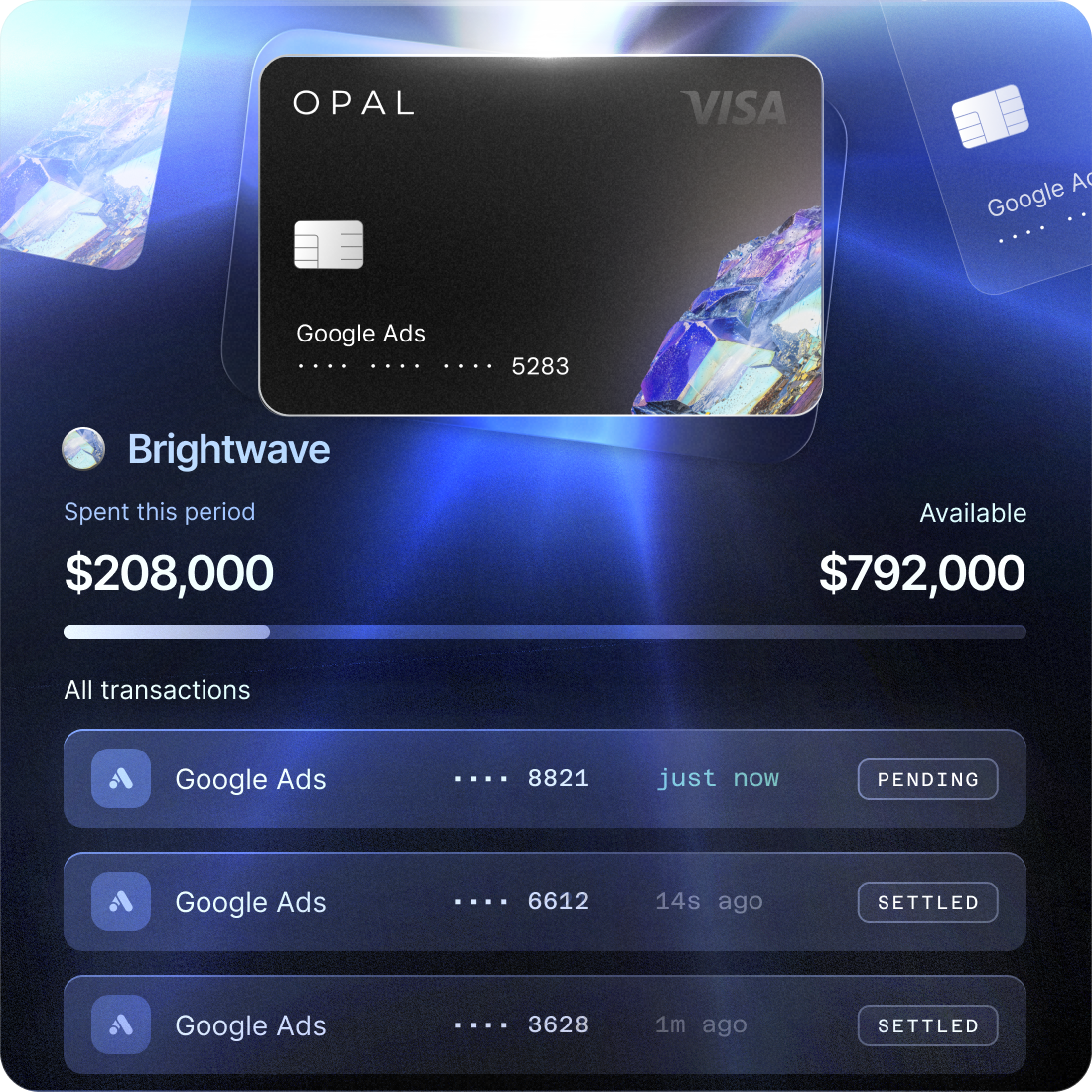

Card Declines

Shared Cards

Card Limits

Messy Reconciliation
One Google Ads account. One dedicated card. Clear control over every dollar.
A Better Way to Pay for Google Ads
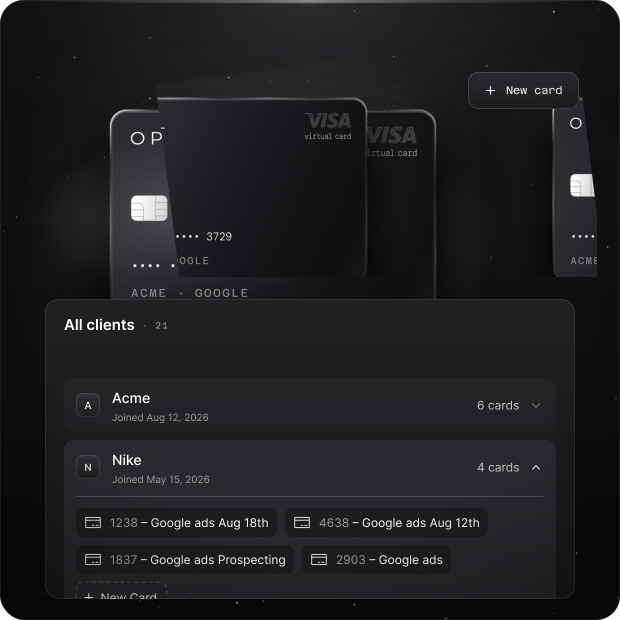
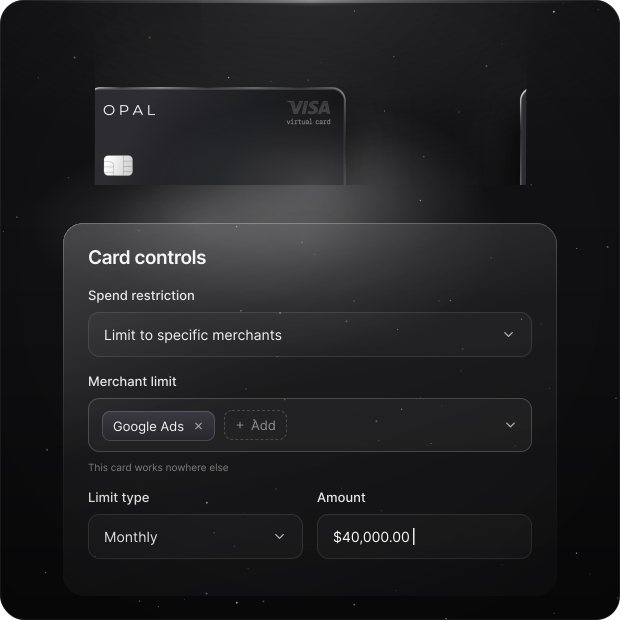
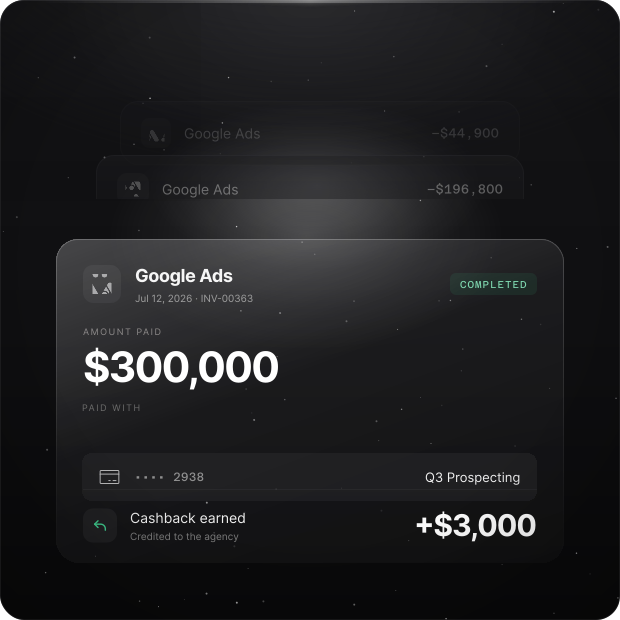
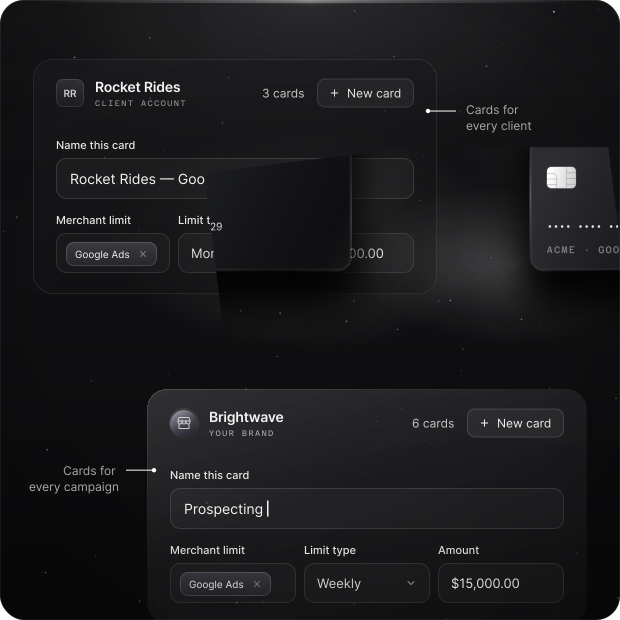
Organize Google Ads Spend Your Way
Trusted by Modern Marketing Agencies


“Opal has made managing our ad spend seamless. Reconciliation is simple, payments happen automatically, and we haven’t experienced any issues with card declines or funding delays. The cashback gives us more value than points, and the team is incredibly responsive. We would absolutely choose Opal again.”

Manage Google Ads Invoices with Opal
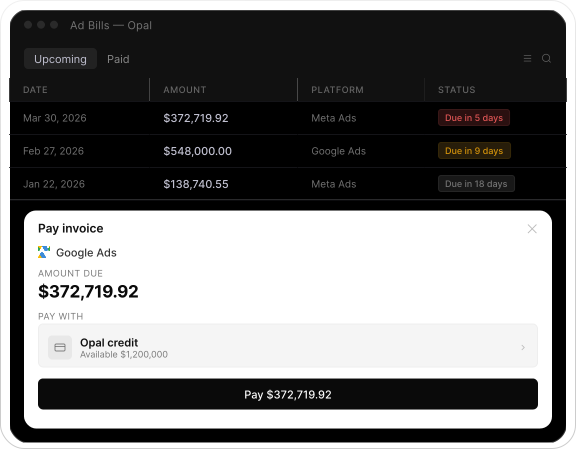
Automatically detect Google Ads invoices and pay them from one place.Connect your ad billing emails and Opal automatically detects incoming Google Ads invoices, including the amount and due date. Review upcoming bills and choose when and how you want to pay.
Connect your ad emails
Opal automatically detects Google Ads invoices from your inbox.
Review upcoming invoices
See invoice amounts, due dates, and platform details in one place.
Pay with one click
Pay using Opal credit or your own connected card.
Frequently asked questions
A Google Ads card is a payment card used specifically for Google advertising spend. Using a dedicated virtual card can help teams separate Google Ads expenses from other business, client, or advertising platform spend.
Virtual cards can be used as payment methods for supported Google Ads billing. With Opal, teams can create dedicated virtual cards around different clients, accounts, campaigns, or other advertising spend.
A dedicated card makes Google Ads spend easier to identify, control, troubleshoot, and reconcile instead of mixing Google charges with unrelated business expenses.
Yes. Opal offers unlimited virtual cards, allowing agencies to organize cards by client, advertising platform, account, or campaign.
Yes. Opal supports card-level spend controls, allowing teams to structure limits around individual advertising budgets.
Opal offers up to 1.5% cashback on eligible digital advertising spend, subject to Opal’s eligibility requirements and terms.
Put Your Google Ads Spend on a Card Built for Advertising
Create dedicated virtual cards, control advertising spend, simplify reconciliation, and earn cashback on eligible Google Ads spend with Opal.