

X (Twitter) Ads Billing for Agencies: Payment Failures, Holds, and Virtual Card Setup

For agencies, the safest X Ads billing setup is one dedicated virtual card per client ad account. Keep the card active, match its billing details to the account, and set limits high enough to cover threshold charges so one payment issue does not affect other clients.
X Ads charges the card on file every time accumulated spend hits the account's credit limit, not on a fixed calendar date. A failed charge can pause all active campaigns with little or no warning. Here is how the billing system works, why payments fail, and how to set up virtual cards that keep campaigns running.
Key Takeaways
-
X Ads charges on a credit-limit threshold, not a monthly cycle. The card is billed every time accumulated spend reaches the account's credit limit, which can happen multiple times a day on high-spend accounts.
-
New accounts start with low credit limits. X Ads typically sets new self-serve accounts at a low initial threshold. Limits increase over time as the account builds a clean payment history.
-
A single failed charge can stop all campaigns. X's documentation notes that failed or suspicious payment activity can put an account or campaign at risk of being halted. Resolve the underlying issue before retrying.
-
Frequent card changes and repeated retries carry operational risk. Swapping payment methods often, retrying a declined card multiple times, or adding a card that does not match the account's billing region can contribute to payment friction and account complications. Treat card changes as infrequent, deliberate actions.
-
Shared cards across multiple client accounts create single points of failure. One decline on a shared card can affect every account attached to it, and using the same card number across multiple ad accounts is a pattern worth avoiding from a risk management standpoint.
-
Virtual cards contain the damage. One card per client account means failures are isolated, reconciliation is clean, and spend limits are enforced automatically at the card level.
-
A card built for ad spend, with limits sized to managed spend and unlimited virtual cards, like Opal, handles X Ads billing without the cash flow constraints of a traditional business card.
How does X Ads billing work?
X Ads self-serve accounts run on card-based billing. There is no monthly invoice by default. Instead, X charges the primary payment method on file each time the account's accumulated spend reaches its assigned credit limit. X's own billing and payments documentation confirms that a self-serve account must have an active card before campaigns can start, and that failed or suspicious payment activity can put an account or campaign at risk of being halted. Once charged, the balance resets and the account keeps running.
The credit limit itself is not a fixed number. X sets it based on account age, payment history, and spend patterns. New accounts start low, often in the range of a few hundred dollars per charge cycle. Accounts with a clean, consistent payment history see their limits raised over time. High-volume accounts can have limits in the thousands per cycle, meaning the card gets hit multiple times a day.
Two ways to pay on X Ads
Payment method |
How it works |
Who it's for |
|---|---|---|
Credit or debit card |
Charged automatically each time spend hits the credit limit |
All self-serve advertisers |
Insertion order |
Invoiced directly by X's sales team |
Large advertisers with a managed account relationship |
Most agencies run on card billing. Insertion order billing is only available to accounts with a direct relationship with X's sales team and typically requires significant committed spend. Self-serve card billing is the default for everyone else, and it is where almost all the billing friction happens.
One thing X does differently from other ad platforms: X charges the card when the account hits its credit limit, not on a fixed daily or weekly schedule. On a high-spend day, a single account can trigger multiple charges. Finance teams accustomed to one monthly statement from other platforms are often caught off guard the first time they run X at scale.
Why do X Ads payments fail?
X Ads payment failures come from a predictable set of causes. The platform's billing system applies stricter fraud and risk controls than most other ad platforms, which means patterns that work fine on Meta or Google can trigger a decline or flag on X.
The most common causes of X Ads payment failures
-
Insufficient card balance or credit limit. The charge exceeds what the card can authorize. This is the most straightforward failure, and the most common on new accounts with low credit limits.
-
Bank-side fraud blocks. A new, large, or unusually frequent charge to X Corp often triggers a bank's automated fraud filter. The card is not declined because it lacks funds; it is declined because the bank's system flagged it as suspicious. Agencies scaling spend quickly are especially vulnerable here.
-
Card country or currency mismatch. A card issued in a different country from the ad account's billing region can fail address verification or be declined during payment processing. Always confirm the card's issuing details match the account's billing settings before adding it.
-
Repeated failed retries. Retrying a declined card multiple times in quick succession can compound the problem and make recovery harder. Identify the root cause of the decline before attempting another charge.
-
Shared card across multiple ad accounts. Using one card number across several separate X Ads accounts creates operational risk. A single decline affects every account attached to that card, and it is a billing pattern worth avoiding regardless of whether the accounts are legitimate.
-
Card details mismatch. A billing address, ZIP code, or cardholder name that does not match the card's records will fail address verification and cause the charge to bounce.
The key thing to understand: A normal agency billing pattern (high frequency, multiple accounts, varying spend levels) can trigger payment friction on any ad platform. Troubleshooting each incident individually is reactive and slow. Setting up card infrastructure that avoids the conditions that cause failures is the more reliable approach.
What happens when an X Ads account goes on hold?
When a charge fails on X Ads, campaigns can pause with little or no warning. X's own documentation notes that failed or suspicious payment activity can put an account or campaign at risk of being halted. Treat any billing failure as urgent.
The account typically stays on hold until the payment issue is resolved. Campaigns are unlikely to resume until the outstanding balance is cleared and a valid payment method is confirmed.
How to recover a paused X Ads account
-
Go to Ads Manager and open Billing & Payment. The billing section will show the failed charge and the outstanding balance.
-
Do not retry the same declined card. Repeated attempts on a failing card compound the problem and can escalate the account into a payment review state that is harder to exit.
-
Fix the root cause first. If the card was declined due to a bank fraud block, call the bank to approve future charges to X Corp before adding the card again. If it was a balance issue, ensure the card has enough headroom for the outstanding charge plus the next billing cycle.
-
Add a new, valid payment method. Once the underlying issue is resolved, add the corrected or replacement card and process the outstanding balance.
-
Resume campaigns gradually. Restarting all campaigns at full budget simultaneously can create a sudden spend spike that stresses the billing system. Bring campaigns back up in sequence to allow delivery to stabilize.
The outstanding charge is recoverable. The campaign downtime is not. Paused campaigns lose their delivery pacing and algorithmic momentum. X's help center guidance on billing issues outlines the steps to resolve a failed charge, but it does not restore the delivery efficiency lost during the pause. A campaign that was running efficiently before the hold often needs time to re-optimize after it restarts. For agencies with client SLAs tied to campaign performance, that downtime is a business problem, not just a billing inconvenience.
How should agencies set up virtual cards for X Ads?
Virtual cards are the structural fix for X Ads billing at the agency level. The principle is the same as it is on Meta, LinkedIn, or TikTok: one card per client account, never shared, never changed unless something breaks.
Unlike TikTok, X Ads does not offer a prepay balance model. Every charge hits the card directly, which makes card headroom more critical than on platforms where you can top up a balance in advance.
The reason this matters on X is straightforward: a single card number attached to multiple ad accounts creates operational exposure. If that card declines, every account it touches is affected. Virtual cards eliminate that exposure by design, because each card is a unique number issued specifically for one account.
The agency virtual card setup for X Ads
Card setup |
What it solves |
|---|---|
One virtual card per client X Ads account |
Removes shared-card risk signal; isolates failures |
Spend limit set at the card level |
Prevents a single account from running over client budget |
Billing address matching the card's issuing details |
Passes X's address verification check cleanly |
Card limit set above the expected charge cycle |
Avoids declines from insufficient headroom during high-spend days |
Backup payment method on each account |
Gives X a fallback if the primary card has a transient issue |
What to do when adding a virtual card to X Ads
-
Navigate to Ads Manager, then Billing & Payment, then Add Payment Method.
-
Enter the virtual card details exactly as they appear in your card platform. The cardholder name, billing address, and ZIP code must match the card's records. Even a minor mismatch fails address verification.
-
Set the card as the primary payment method on that specific account.
-
Do not attach the same virtual card to a second account. Issue a new card for each account. One card per account is what makes the isolation work.
-
Set a spend limit on the card that reflects the client's monthly budget, with enough headroom to absorb the credit limit charges that come in before the end of the billing cycle.
The one thing agencies consistently get wrong: setting the card limit equal to the client's monthly budget. X's billing system charges the card every time the account hits its credit limit, and those charges can stack up quickly. For example, if a client's monthly budget is spread across multiple charge cycles, the card needs enough single-transaction headroom to cover each individual charge, not just the total monthly amount. Size the card limit to the largest expected single charge, not the monthly total.
For agencies running X Ads across a large client roster, the guide to managing ad spend across 50+ clients covers the full card architecture for multi-platform, multi-client billing.
How Opal handles X Ads billing for agencies
Opal is a charge card built specifically for ad spend. Opal virtual cards work for X Ads billing, as well as Meta, Google, TikTok, LinkedIn, Snap, and other platforms. It is designed around the exact billing problems above.
What agencies get with Opal:
-
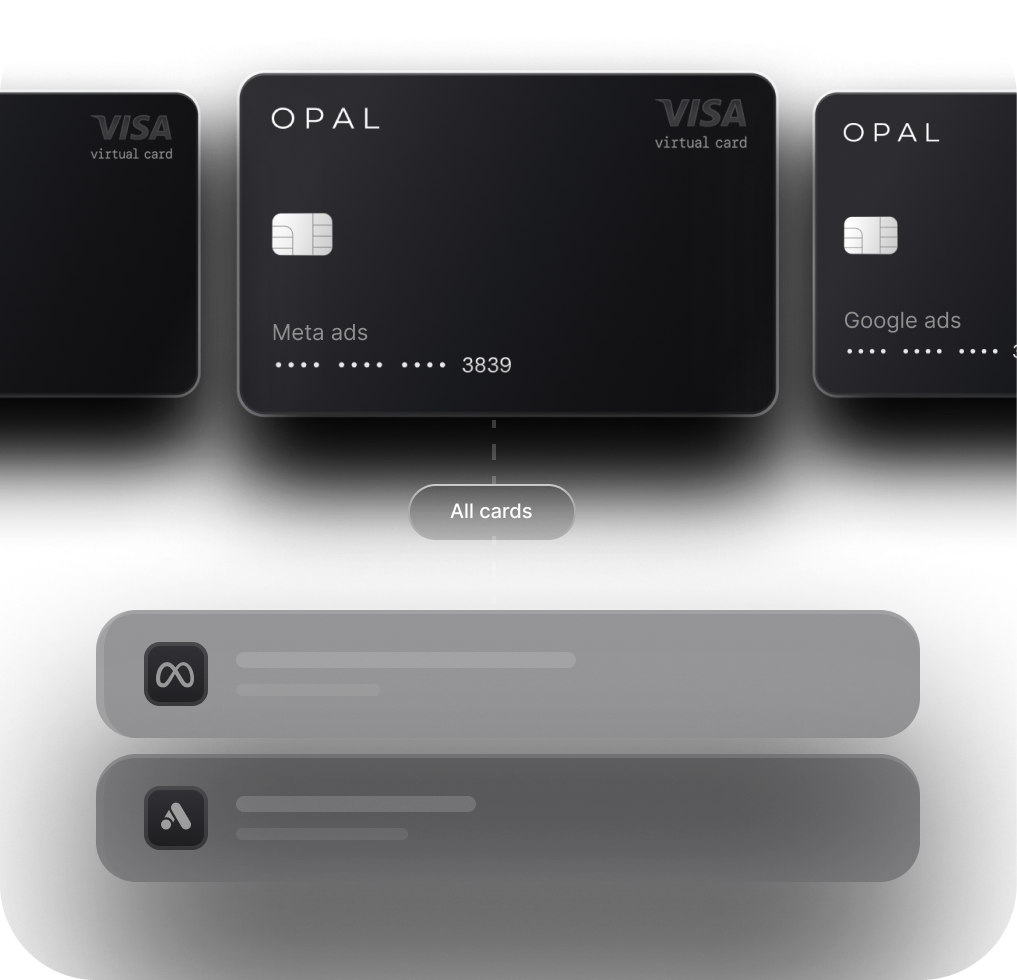
Unlimited free virtual cards: issue one per client X Ads account, each with a unique card number, billing details, and spend limit. No shared cards, no commingled spend.
-
Credit limits up to $10M: Opal extends credit to your agency based on managed spend volume, not personal financials or deposits. No personal guarantee, no hard credit check.
-
Up to 2% cashback: on ad spend across all platforms, with no category caps.
-
Spend limits at the card level: enforced automatically, so no campaign runs past the client's budget.
The cash flow problem is real on X Ads. Agencies carry client spend on their own card, then wait on net-30 or net-45 terms to collect. On a platform that charges the card multiple times a day, that float adds up fast. A traditional business card with a $25,000 limit becomes the bottleneck the moment a client scales. A card sized to managed spend removes that ceiling entirely.
For agencies managing invoice billing across ad platforms, Opal's Ad Pay feature auto-detects invoices and lets you pay with Opal credit in one click, extending cash flow up to 55 days. Ad Pay is currently in early access.
The billing setup that works for X Ads at the agency level is one virtual card per account, a credit line that scales with managed spend, and reconciliation that does not require a spreadsheet at month-end. Opal is built around exactly that use case. See how it compares to a traditional business card in the guide to the best card for ad platforms.
Frequently asked questions
Can I use a virtual card for X Ads?
Yes. X Ads accepts virtual cards as a payment method. The card details need to pass X's standard payment-method review, so make sure the billing address and cardholder name match the card's issuing records exactly. One virtual card per client account is the recommended setup for agencies: it isolates billing, enforces spend limits at the card level, and means a single decline does not affect other accounts.
Why is my X Ads payment method being declined?
The most common causes are insufficient card balance or available credit, a bank-side fraud block triggered by an unfamiliar charge to X Corp, a billing address or ZIP code that does not match the card's records, and repeated retries on a card the issuer has already declined. Before swapping the payment method, confirm with the issuing bank that the card is authorized for the charge. Replacing a card without resolving the underlying issue often does not clear the hold.
How do agencies separate client X Ads spend?
The standard approach is one dedicated virtual card per client X Ads account. Each card gets a unique number, its own billing details, and a spend limit tied to that client's budget. This keeps spend isolated by client, makes reconciliation straightforward, and prevents a billing issue on one account from affecting the rest of the book.
Does X Ads bill monthly or by threshold?
X Ads bills by threshold. The card on file is charged each time the account's accumulated spend reaches its assigned credit limit, not on a fixed calendar date. New accounts start with a low threshold. Accounts with a consistent payment history see that limit increase over time. On high-spend days, a single account can trigger multiple charges.
What should I check before replacing a declined payment method?
First, identify why the card was declined: insufficient balance, a bank fraud block, or a billing detail mismatch. Contact the issuing bank to confirm the card is authorized for charges from X Corp. If the decline was a bank-side block, get that resolved before adding any card. If it was a detail mismatch, correct the billing address or cardholder name before re-entering the card. Adding a new card before fixing the root cause often does not resolve the hold and can make recovery harder.