


Client-Facing Ad Spend Reports: Agency Guide
Every month, agencies need to show clients where ad spend went, how it was allocated, and whether actual spend matched approved budgets. But many teams still rebuild reports from platform exports, screenshots, card statements, and manual spreadsheets. That process is slow, error-prone, and hard to scale across multiple clients.
The fix is not a better spreadsheet template. It is structuring spend data before the month ends, so the report practically builds itself. Agencies that create clean, repeatable client-facing ad spend reports do not scramble at month-end. They close fast because the data is already organized.
This guide covers what to include, how to structure it, and how to build a monthly workflow that works the same way for every client.
Key Takeaways
Client-facing ad spend reports should show approved budget, actual spend, platform allocation, variance, and billing context, not just raw platform numbers.
Platform screenshots and CSV exports are rarely enough. They often do not match card charges, invoices, refunds, credits, or billing timing.
Agencies should standardize reporting fields so every client report follows the same structure and is easier to review.
Card-level spend data can make reporting significantly cleaner by separating spend by client, platform, campaign, or card.
Opal is one option agencies can use to map spend by client, platform, and card while improving visibility, reconciliation, and controls.
Why Client-Facing Ad Spend Reports Matter
Ad spend reporting is not just a finance task. It is a trust exercise.
Clients approve budgets based on the expectation that their agency will spend the money as agreed, report on it clearly, and flag anything that did not go to plan. When reporting is vague, delayed, or inconsistent, clients start asking questions. Those questions turn into disputes. Disputes damage the relationship.
The most common source of billing disputes is a mismatch between what the platform reports and what actually appears on the card statement. Billing timing, platform fees, taxes, retries, and refunds all create gaps between reported spend and actual charges. If your client-facing report does not account for those gaps, you will spend more time defending your numbers than explaining your results.
Clean agency ad spend reporting also serves a second audience: the client's own finance team. A media buyer understands what a campaign-level CSV means. A CFO reviewing an invoice does not. Client-facing reports need to be simple enough for a non-media buyer to follow, while still accurate enough for finance to reconcile against card statements and invoices.
Better client ad spend visibility also reduces the back-and-forth that slows down monthly reviews. When clients can see approved budget, actual spend, platform allocation, and variance in one place, approvals move faster and disputes are easier to eliminate before they escalate.
What Clients Actually Want to See in Ad Spend Reports
Most clients do not want a data dump. They want to understand what happened and feel confident approving the next month.
Here is what clients typically care about:
How much budget was approved
How much was actually spent
Where the money went by platform
Which campaigns or initiatives used the budget
Whether spend was over or under plan, and why
Whether there were failed payments, refunds, credits, or disputed charges
What budget you recommend for next month
Keep It Simple Enough to Explain in One Paragraph
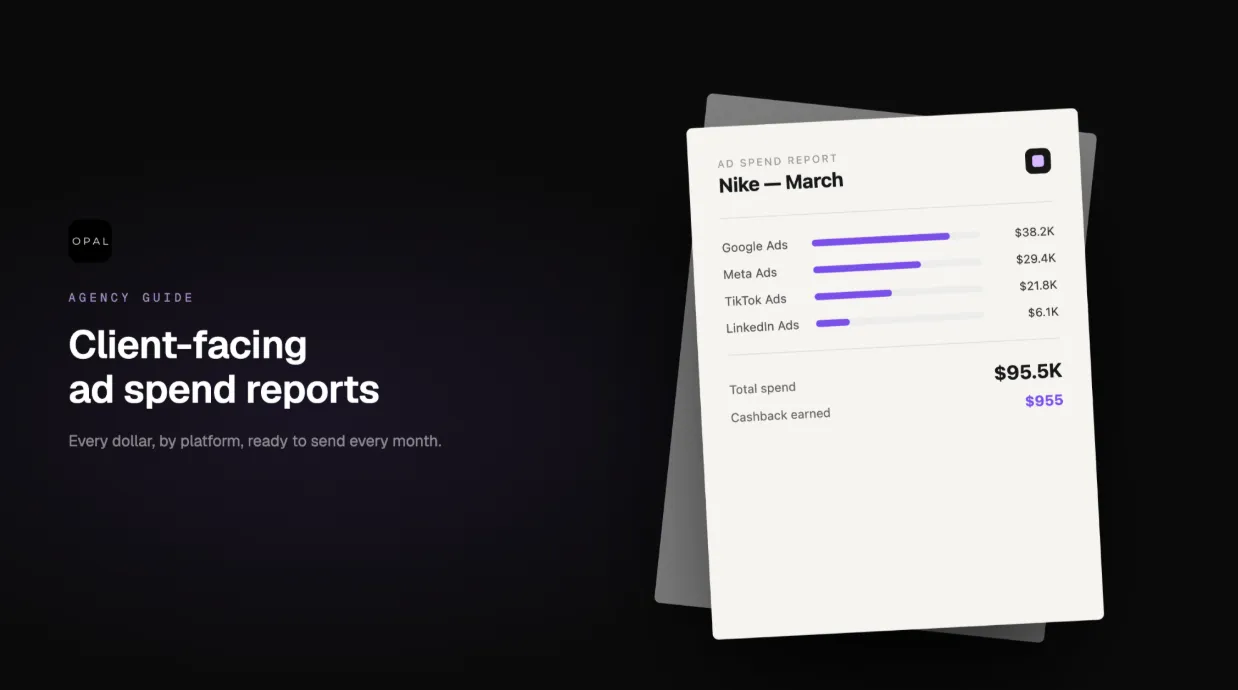
A client does not need 14 exported CSVs from Google Ads and Meta. They need to know that they approved $40,000, the agency spent $38,700, Meta used $24,000, Google used $12,500, LinkedIn used $2,200, and the $1,300 underspend happened because one campaign launched late.
That is the entire story. Everything else is supporting detail.
The goal of a client-facing ad spend report is not to show how much data you have. It is to make the client comfortable that their budget was managed correctly and that you have a clear plan for the next month. When reports are clear, monthly reviews are shorter, approvals are faster, and clients feel confident in the relationship.
Why Platform Screenshots and Exported CSVs Break Down
Platform exports can support your reporting process. They should not be your entire reporting system.
Here is where they fall short:
-
Platform spend does not always match card charges. Platforms bill asynchronously, and timing differences between reported spend and actual card charges are common.
-
Billing dates rarely align with calendar months. A charge that hits on the 1st may reflect spend from the previous month, creating confusion during reconciliation.
-
Refunds and credits do not always appear where clients expect. They may show up in a different billing cycle or require manual adjustment in your report.
-
Different platforms define spend, billing, tax, and fees differently. Google Ads, Meta, and LinkedIn each have their own billing logic. Combining them without normalization creates inconsistencies.
-
Screenshots are hard to audit later. If a client questions a charge three months after the fact, a screenshot provides no useful trail.
-
CSVs require manual cleanup every month. Column names change, date formats vary, and any shared card data still needs to be manually tagged by client.
-
Shared cards make attribution harder. If multiple clients run on the same card, the finance team has to manually map every charge back to the right account.
Platform exports are a data source, not a finished report. Agencies that treat them as the final deliverable spend more time explaining discrepancies than managing campaigns.
The Minimum Reporting Fields Every Agency Should Include
Standardizing your reporting fields is the fastest way to stop rebuilding reports from scratch every month. When every client report uses the same structure, the only thing that changes is the data.
Here are the fields every client-facing ad spend report should include:
Field |
Why It Matters |
|---|---|
Client name |
Identifies the account clearly, especially in multi-client agencies |
Reporting period |
Defines the date range so clients and finance are aligned |
Approved monthly budget |
The baseline everything else is measured against |
Actual spend |
The real number that hit the card or billing account |
Remaining budget or overspend |
Tells clients immediately whether spend was on track |
Spend by platform |
Shows where budget was allocated across channels |
Spend by campaign or initiative |
Breaks down which efforts used the budget |
Payment method or card reference |
Connects spend to the specific card or billing account |
Billing owner |
Clarifies who is responsible for the charge |
Variance from approved budget |
The delta between approved and actual spend |
Variance explanation |
The reason for any overspend or underspend |
Refunds, credits, or adjustments |
Any billing activity that affects the net spend total |
Failed payment incidents |
Documents any payment failures and how they were resolved |
Notes for client review |
Space for context that does not fit elsewhere |
Recommended next-month budget |
Closes the loop and moves the conversation forward |
Use the same field names every month across every client. Consistency is what makes the report reusable.
How to Structure a Client-Facing Ad Spend Report
A good client-facing report follows a consistent structure that any stakeholder can navigate quickly. Use this format for every client, every month:
-
Executive summary: One short paragraph covering total approved budget, actual spend, and the most important variance. Write it so a client can read it in 30 seconds and understand the month.
-
Budget overview: A table showing approved budget, actual spend, remaining budget, and variance. Numbers only. No interpretation needed here.
-
Platform breakdown: Spend by Google Ads, Meta Ads, TikTok Ads, LinkedIn Ads, Microsoft Ads, Amazon Ads, or any other active channel. Include the approved allocation for each platform so clients can see how budget was distributed.
-
Campaign breakdown: Spend by major campaign, funnel stage, product line, or initiative. This helps clients connect budget to business outcomes.
-
Billing notes: Any failed payments, refunds, credits, disputed charges, or unusual billing timing. Do not bury this. Clients notice it on their statements, and they will ask.
-
Performance context: A brief explanation of how spend supported performance goals. This does not need to be a full performance report, just enough to connect spend to results.
-
Next-month recommendations: Budget changes, platform shifts, or approval requests. This section is what makes the report useful beyond the current month.
The report should connect spend to decisions. Showing the numbers is table stakes. The real value is making the client comfortable enough to approve next month's budget without hesitation.
How Card-Level Spend Data Improves Client Reporting
One of the most practical ways to improve client-facing reporting is to separate spend at the card level before the month ends.
When an agency runs multiple clients on one shared card, the finance team has to manually map every charge back to the right account. That process takes time, introduces errors, and makes variance explanations harder to support. If each client or platform has a dedicated card, the transaction context is already separated before anyone opens a spreadsheet.
Card-level spend data helps agencies:
Match platform spend to actual charges without manual cross-referencing
Identify failed payments, retries, refunds, and credits by card, not by digging through a combined statement
Give finance and account teams a shared source of truth
Reduce reliance on manual tagging and shared card reconciliation
For agencies managing ten or more clients, this is not a nice-to-have. It is the difference between a two-hour close and a two-day one.
Real-time ad spend visibility becomes significantly easier when card structure mirrors your client and platform structure. You stop reconstructing what happened and start confirming what you already know.
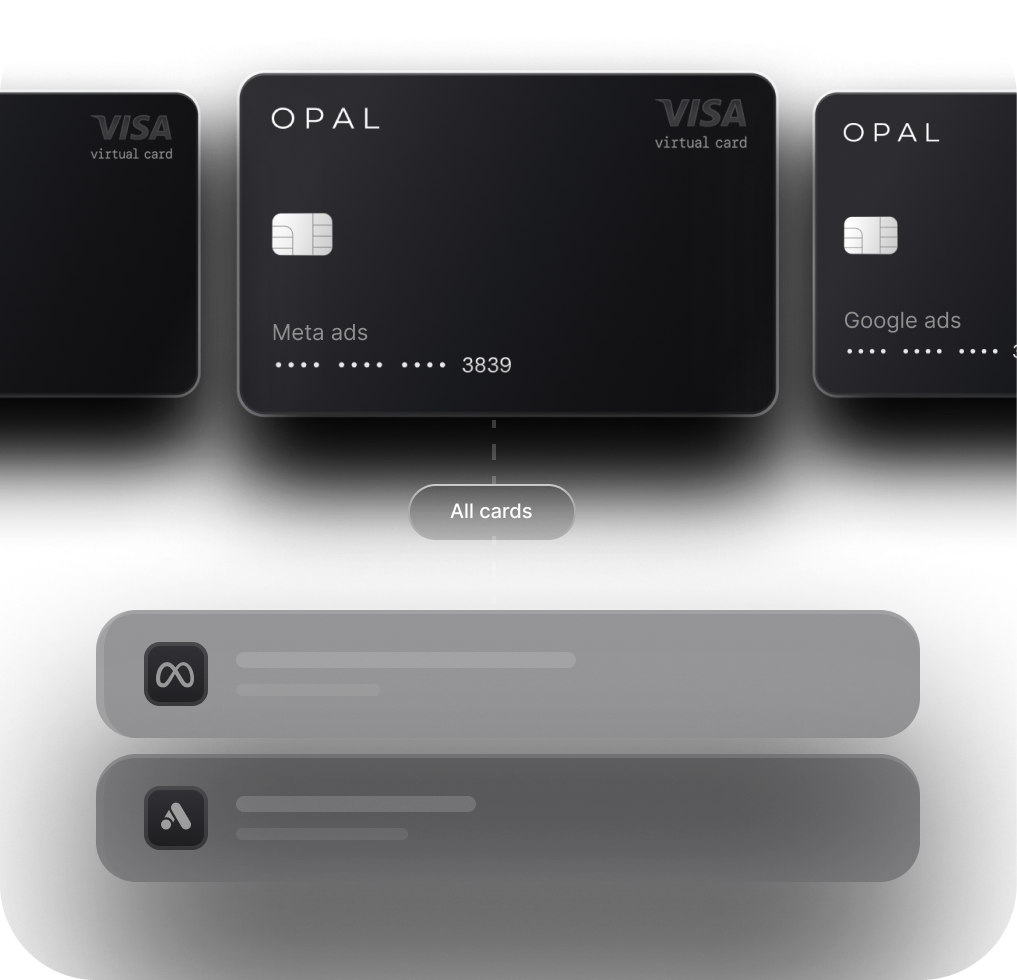
Tools like Opal give agencies a way to create virtual cards by client, platform, or campaign, set card-level spend controls, and track spend before month-end. Agencies using Opal can also earn up to 2% cashback on eligible spend. It works best when paired with consistent naming conventions and a defined monthly close process, not as a replacement for one.
A Simple Monthly Reporting Workflow Agencies Can Use
The goal is to stop rebuilding the report from scratch every month. Use the same fields, the same structure, and the same process for every client.
Confirm the client's approved monthly budget before the month begins.
Break the budget into platform and campaign allocations.
Use consistent naming conventions across cards, platforms, and reports.
Track platform spend weekly so there are no surprises at month-end.
Review card transactions before the month closes.
Match platform spend to card-level spend and flag any differences.
Note refunds, credits, failed payments, or timing discrepancies.
Prepare the client-facing summary using your standardized template.
Add variance explanations for any line that does not match the plan.
Send the report with next-month budget recommendations attached.
Agencies that want to reduce the manual work in steps 5 through 7 can explore automated ad spend reconciliation to match platform and card data without building the process entirely by hand.
Common Mistakes Agencies Should Avoid
Sending raw platform screenshots instead of a structured summary
Reporting platform spend without checking actual card charges
Running multiple clients on one shared card with no tagging system
Waiting until the last day of the month to start reconciliation
Ignoring refunds, credits, taxes, or billing timing differences
Using a different report format for every client
Reporting spend without explaining variance
Leaving the finance team out of the reporting process
Making reports too granular for executives to follow
Sending the report without a next-month budget recommendation
Final Thoughts
Better client-facing ad spend reports are not built by finding a better spreadsheet template. They come from consistent data structure, standardized fields, card-level visibility, and a repeatable monthly workflow.
Agencies that invest in reporting infrastructure spend less time defending their numbers and more time growing client relationships. Clients who can see exactly where their budget went, why any variance happened, and what you recommend for next month are clients who renew.
The report is not just a deliverable. It is the clearest signal of how well your agency manages money on someone else's behalf.
FAQ
What should be included in a client-facing ad spend report?
A client-facing ad spend report should include approved budget, actual spend, platform breakdown, campaign breakdown, variance from plan, refunds or credits, failed payment notes, billing context, and next-month budget recommendations.
How do agencies create client-facing ad spend reports?
Agencies should standardize reporting fields, track platform spend throughout the month, match it to card or payment data, explain any variances, and use the same report structure for every client every month.
Why are platform screenshots not enough for client ad spend reporting?
Screenshots do not always match card charges, billing dates, refunds, credits, taxes, or month-end reconciliation. They can support a report, but they should not replace a structured, field-standardized deliverable.
How does card-level spend data improve client reporting?
Card-level spend data separates charges by client, platform, or campaign before reconciliation begins. This makes it easier to match spend, explain billing activity, and build reports without manual tagging.
How can agencies reduce client billing disputes?
Agencies can reduce disputes by reporting approved budget, actual spend, variance, billing notes, refunds, credits, and payment issues clearly every month, and by checking card charges against platform spend before sending any report.
Is Opal the only way to create client-facing ad spend reports?
No. Agencies can use spreadsheets, platform exports, accounting tools, BI dashboards, or spend management workflows. Opal is one option for agencies that want virtual cards, card-level visibility, spend controls, cleaner reconciliation, and up to 2% cashback on eligible spend.