

Amazon Ads Virtual Cards for Smarter Ad Spend
Keep Amazon Ads campaigns funded with dedicated virtual cards, flexible spend controls, and cashback on eligible advertising purchases where card billing is supported.



Payment Failures

Mixed Account Spend

Outgrown Limits

Manual Expense Sorting
A More Organized Way to Pay for Amazon Ads
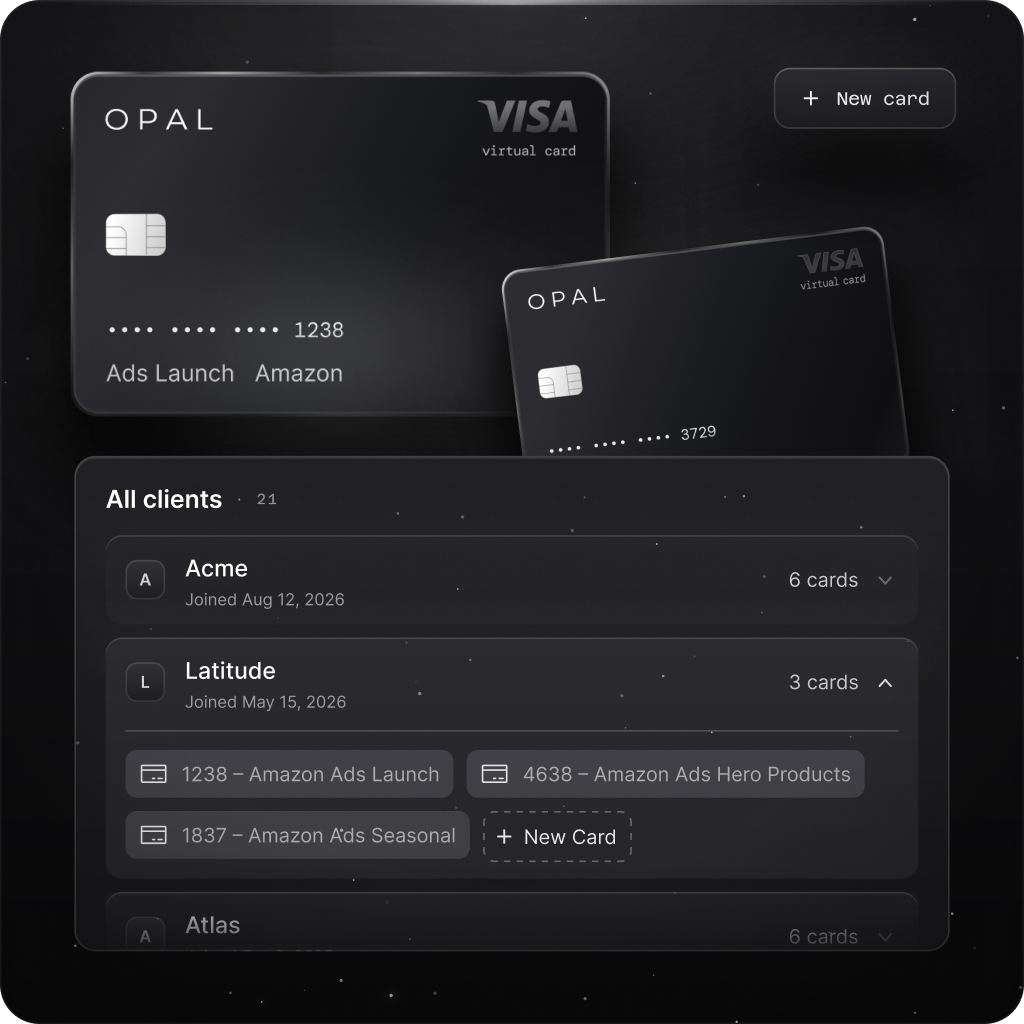
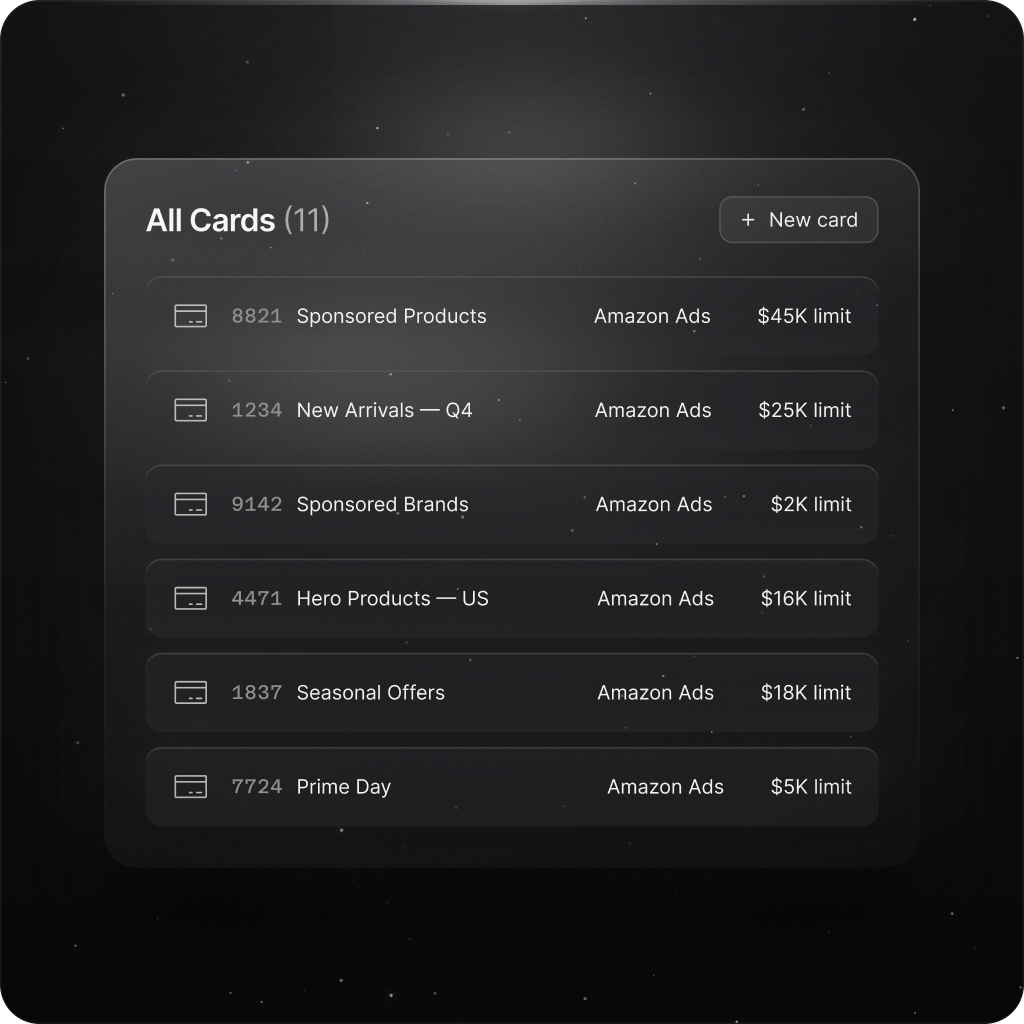
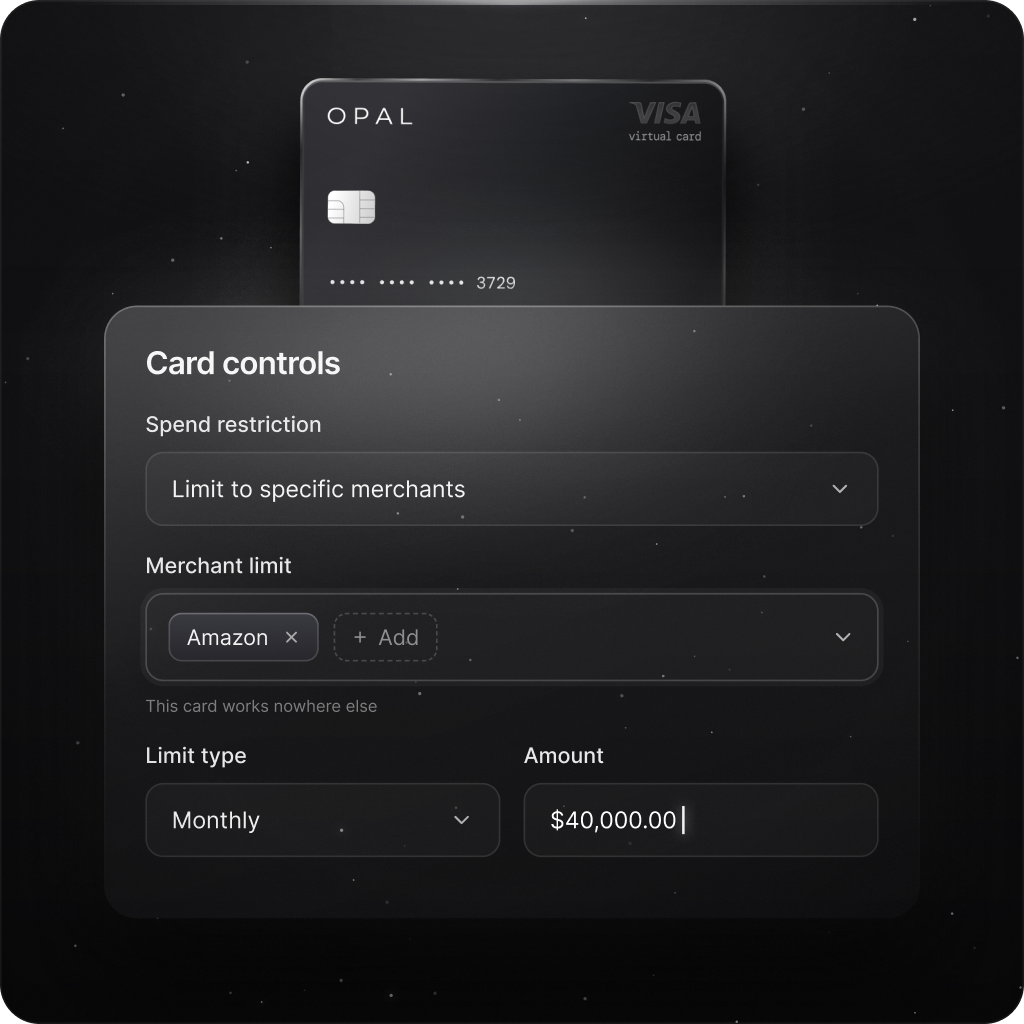
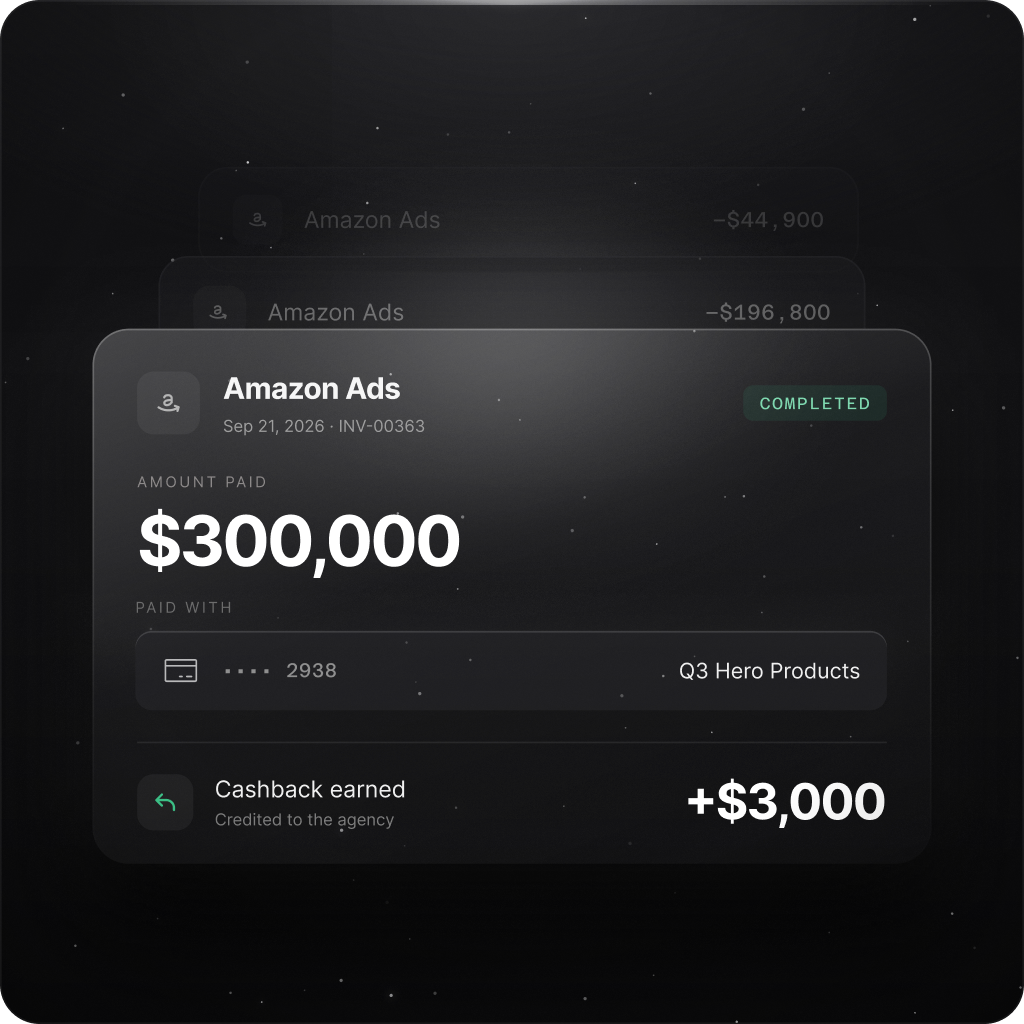
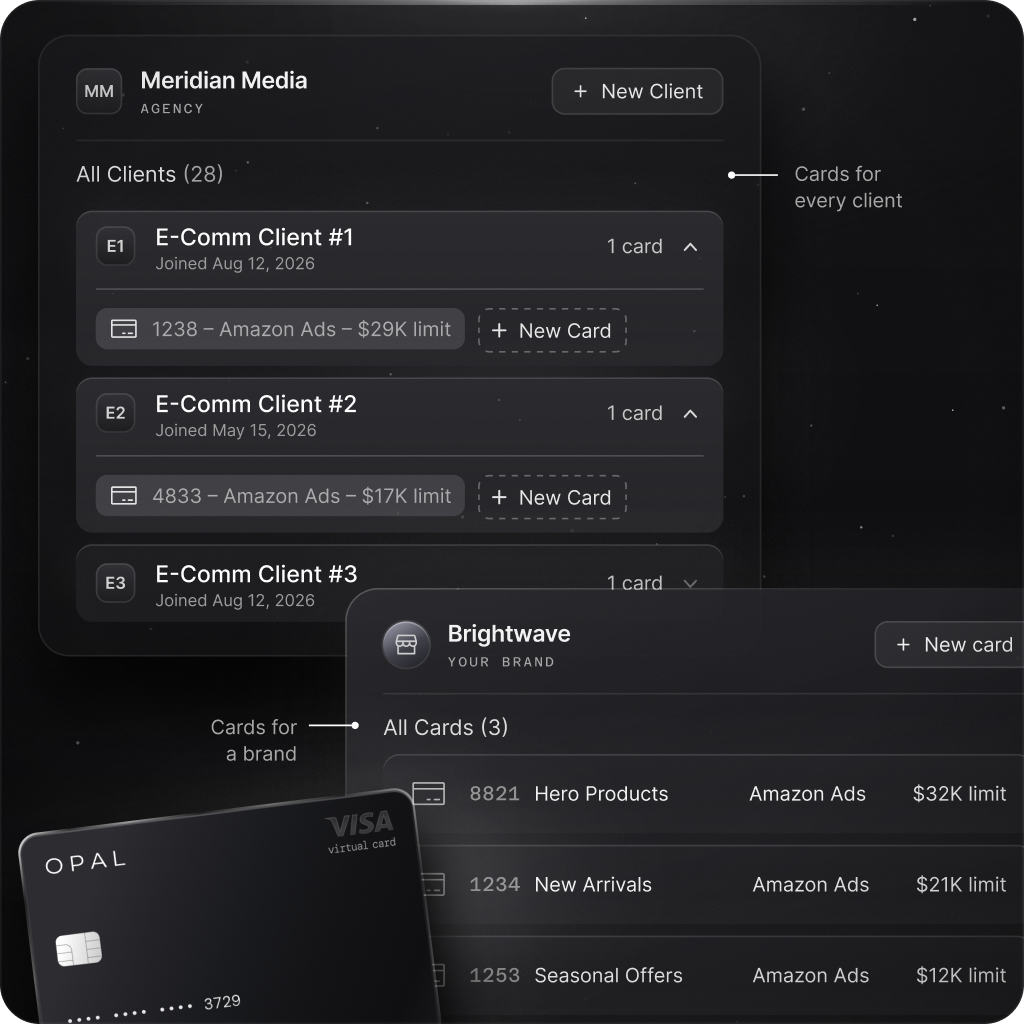
Organize Amazon Ads Spend Around Your Business
One Card Setup for Amazon Ads Campaign Planning
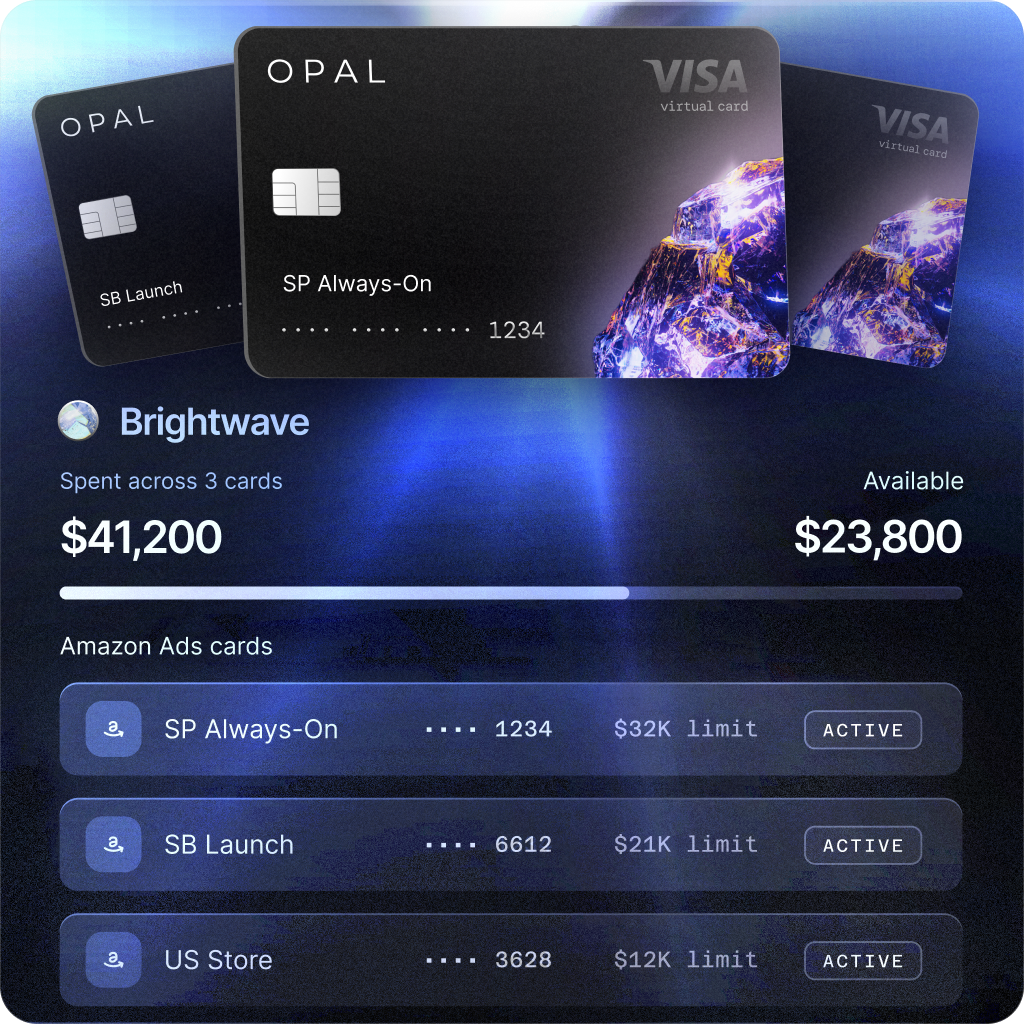
From Sponsored Products to brand-building campaigns, Opal helps eligible advertisers organize Amazon Ads payments by storefront, initiative, or client with virtual cards and flexible spending controls.

Sponsored Products launches
Give new-product promotion expenses a clear card-level spending boundary wherever card billing is available.

Sponsored Brands initiatives
Separate brand-focused advertising charges for easier budget attribution and month-end expense reviews.

Multi-storefront operations
Track costs across eligible marketplace billing profiles without mixing every charge on one card.

Retail media agency accounts
Assign dedicated payment methods by client to support cleaner reporting and billing reviews.
Whether you're supporting one Amazon Ads storefront or several retail media clients, Opal gives you clearer oversight of advertising expenses without relying on a single shared card.
Built for Teams That Depend on Ad Spend

“Opal has made managing our ad spend seamless. Reconciliation is simple, payments happen automatically, and we haven’t experienced any issues with card declines or funding delays. The cashback gives us more value than points, and the team is incredibly responsive. We would absolutely choose Opal again.”

Amazon Ads Card Frequently Asked Questions (FAQs)
An Amazon Ads card is a payment card dedicated to advertising charges on Amazon where an account permits card billing. Keeping those expenses separate can make it easier to review charges and identify billing issues.
Some Amazon Ads accounts support payment cards, while others use different billing arrangements. A virtual card may work where card billing is available, but acceptance is not guaranteed. Check your payment profile first.
A dedicated card helps separate Amazon advertising charges from unrelated business purchases, making spending easier to monitor and payment issues easier to investigate.
Yes. Opal offers unlimited virtual cards, so agencies can create a dedicated card for each client or billing profile. Each Amazon Ads account must still support card payments.
Yes. Teams can create separate Opal virtual cards for storefronts, brand lines, or product launches. Amazon Ads billing settings determine which of those cards can be added as payment methods.
Yes. Opal offers card-level spending controls, so teams can assign limits to approved advertising budgets. These controls are separate from campaign budgets within Amazon Ads.
Eligible Amazon Ads card purchases can earn cashback at the rate confirmed when Opal approves your account, subject to program terms. Charges paid through other Amazon billing methods, like invoicing, aren’t card purchases and don’t earn cashback.
Put Better Controls Behind Your Amazon Ads Spend
Create virtual cards for supported Amazon Ads payment profiles, organize spend by client or storefront, streamline reconciliation, and earn cashback when advertising charges qualify.