

Meta Ad Account Recovery: What to Do When Your Advertising Account Is Restricted or Disabled

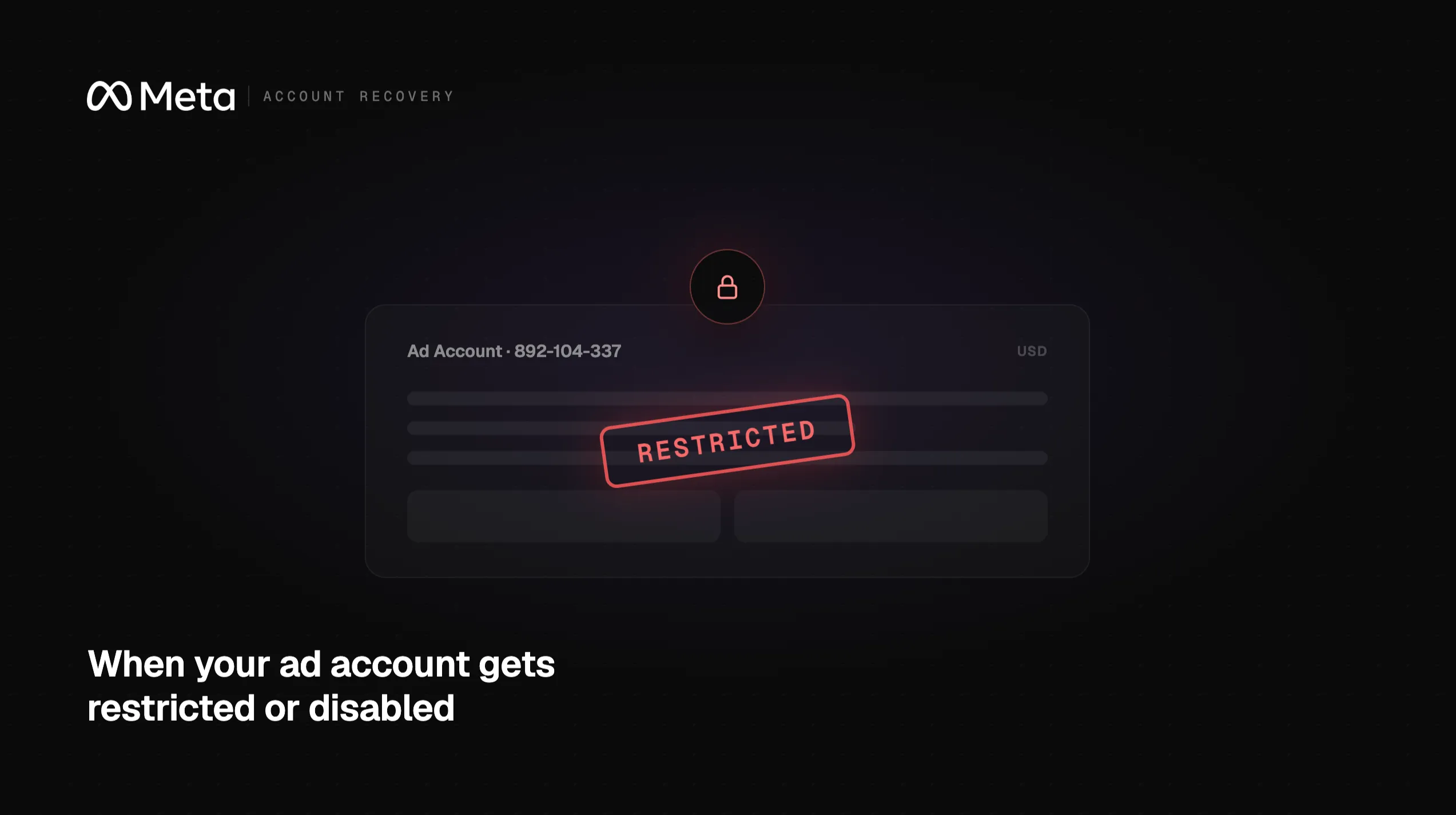
When a Meta ad account gets restricted or disabled, the impact is immediate. Campaigns pause. Revenue stops. Retargeting audiences sit idle.
For ecommerce brands, even a 48-hour gap is costly. For agencies, client relationships come under pressure fast.
Meta ad account recovery means finding why the account was restricted, fixing the issue, and working through Meta's review process to restore access. Outcomes are not guaranteed. But a calm, structured response gives you the best shot at a quick resolution.
This guide covers the common causes, the right first moves, how to reduce future risk, and when outside support is worth considering.
Key Takeaways
-
Account disruptions are costly. A restricted or disabled Meta ad account pauses all active campaigns, interrupts revenue, and can delay product launches or seasonal pushes for as long as the issue remains unresolved.
-
Act methodically, not reactively. The first steps that matter most are reviewing the account notification, securing access, and gathering documentation before filing an appeal.
-
Prevention is possible. Consistent billing practices, clean account access hygiene, completed business verification, and regular policy reviews reduce your exposure to future disruptions significantly.
-
Some situations benefit from outside support. If the account is central to your revenue, the appeal process is unclear, or the disruption is urgent, working with a team experienced in Meta ad account recovery can help you navigate the process more effectively.
-
Creating a new account is rarely the right move. Opening a duplicate account while an existing one is under review can make your situation more complicated, not less.
Why Meta Ad Account Access Matters
For most performance marketing teams, Meta is not just one channel among many. It is often the primary driver of paid acquisition. That dependency is real. Uninterrupted access is not a nice-to-have. It is an operational requirement.
Campaign performance and revenue continuity
When a Meta ad account is restricted or disabled, every active campaign stops immediately. There is no grace period. No partial delivery. No gradual wind-down. Spend halts. Impressions stop. Revenue disappears with them.
Ecommerce brands with tight sales windows feel this most acutely during launches or promotional periods. For subscription businesses and lead-gen teams, a gap in the pipeline can take weeks to rebuild. Even 24 to 48 hours without delivery can meaningfully reduce sales for brands that depend on Meta as their primary acquisition channel.
The learning phase problem
Meta's ad delivery system runs on machine learning. While campaigns are live, Meta optimizes delivery based on performance signals. A disruption resets that process entirely.
When campaigns restart after a recovery, they re-enter the learning phase. Meta's algorithm needs roughly 50 optimization events within a 7-day window before an ad set exits learning and reaches stable delivery. Until then, performance is unstable. Industry practitioners consistently report CPAs running meaningfully above baseline during this window. You are paying full price for suboptimal delivery.
The longer the disruption, the more performance ground you lose. Even a short gap resets the learning clock. A longer one means rebuilding weeks of optimization signal from scratch.
Audience data and pixel continuity
Your Meta ad account is where your pixel data, custom audiences, lookalike audiences, and conversion event history live. A restriction does not erase that data. But a prolonged disruption causes audiences to go stale quickly. Retargeting windows are time-sensitive: high-intent users who visited your site in the last 7 or 14 days fall out of those windows fast. By the time campaigns resume, those audiences are no longer warm. Rebuilding that signal layer takes real time.
Agency and client operations
For agencies managing Meta campaigns on behalf of clients, a Business Manager issue can ripple fast. Clients expect campaigns to run. When they do not, the conversation shifts from performance to accountability within hours. A clear response plan is not just good operations. It is how you protect the relationship.
Common Reasons Meta Ad Accounts Get Restricted
Meta does not always explain itself clearly when it restricts or disables an account. The notification may reference a policy category without naming the specific ad, page, or action that triggered it. Most restrictions, though, follow recognizable patterns.
Billing and payment issues
Unusual payment activity is one of the most common triggers. Failed charges, card declines, sudden spend spikes, or billing details that do not match Meta's records can all set off a review. Recently switched cards? Scaled your budget quickly? That alone can be enough to flag the account.
Policy concerns related to ads, landing pages, or products
Meta's advertising policies cover a wide range of restricted categories: financial products, health claims, political advertising, and certain regulated industries. A policy flag can come from the ad creative, the landing page, or the product being advertised. Sometimes the issue is a single word, image, or claim. Not the campaign as a whole.
Security concerns and unauthorized access
If Meta detects unusual login activity or access from unfamiliar locations, it may restrict the account as a precaution. This can happen even when no actual breach occurred.
Business verification and identity issues
Meta requires businesses to complete verification through Meta Business Manager to access certain features and maintain account standing. Incomplete verification, mismatched business information, or unresolved identity requests can all contribute to restrictions.
Repeated account quality problems
Accounts that accumulate a pattern of policy violations, low-quality ad feedback, or repeated payment issues over time may face more serious restrictions. Meta's Account Quality dashboard is the primary place to monitor your account's standing and review any open issues.
The underlying reason for a Meta ad account restriction can vary significantly from account to account. The categories above represent common patterns, not a complete list of Meta's policies or enforcement criteria.
What to Do First When a Meta Ad Account Is Disabled or Restricted
When an account goes down, the instinct is to move fast. That instinct is right. But what you do in the first few hours matters more than how quickly you do it.
Moving in the wrong direction before you understand the issue can complicate the review process significantly. Here is the sequence that works:
1. Review the account notification and Account Quality details
Start in Meta's Account Quality section within Business Manager. This is where Meta surfaces restriction notices, policy flags, and open requests for information.
Read the notification carefully. Note the specific policy category referenced, any ad sets or pages flagged, and whether Meta has given you an option to request a review. Do not assume you know the reason before reading what Meta has actually told you.
2. Secure the account
Before doing anything else, check whether the account has been compromised. Review the list of users with access to your Business Manager and remove anyone who should not be there. Confirm your payment method and billing contact are accurate and up to date. Any sign of unauthorized access should be addressed immediately through Meta's account security process.
3. Gather documentation before submitting an appeal
A well-prepared appeal moves faster than a rushed one. Before you submit anything, collect:
Business registration documents or proof of identity
Invoices, receipts, or records related to the flagged spend
Screenshots of the ads, landing pages, or creative in question
A clear, factual explanation of what your business does and how your campaigns operate
Any correspondence with Meta related to the account
4. Avoid creating duplicate accounts
This is one of the most common mistakes. Opening a new ad account while your existing one is under review violates Meta's policies. The new account can get disabled too. Worse, it signals to Meta that you are trying to work around the process. That rarely ends well.
5. Document the timeline and business impact
Keep a running record: when the restriction occurred, which campaigns were affected, what revenue or lead volume was disrupted, and every action you have taken since. If you need to escalate or bring in outside support, this documentation becomes essential.
How to Reduce the Risk of Future Meta Ad Account Disruptions
Not every restriction can be prevented. Meta's review systems are automated and imperfect. Even well-run accounts get flagged. What you can control is how much exposure you carry before it happens.
Keep account access clean
Limit Business Manager access to people who actively need it. Review user permissions regularly. Remove former employees, freelancers, or contractors who no longer work on the account. Every extra admin is a security variable.
Enable two-factor authentication on all accounts connected to your Meta Business Manager. It is a basic step. Many teams skip it.
Maintain consistent billing
Payment issues are a leading cause of account flags. Use a dedicated payment method for Meta ad spend, not a general business card shared across other expenses. Keep billing information current. Make sure the card on file has enough headroom for your typical spend volume.
Scaling budgets? Do it gradually. Meta's own guidance flags budget increases above 20% in a single edit as a meaningful risk signal. Stay below that threshold and increase in stages.
Complete business verification
If you have not completed Meta's business verification process, do it now. Verified accounts have a more established standing with Meta and are better positioned when a review does occur.
Review your ads and landing pages against Meta's policies
Before launching campaigns, review your ad creative, copy, and destination URLs against Meta's Advertising Standards. Pay close attention to restricted categories: financial services, health and wellness, supplements, and any claim that could read as misleading.
Your landing page matters as much as the ad itself. A page that contradicts the ad or makes unverified claims can trigger a policy flag. This applies even when the ad itself looks fully compliant.
Build a contingency plan
If Meta is your primary acquisition channel, plan for the possibility that access could be disrupted. That might mean:
Maintaining a secondary ad account in good standing
Having a documented escalation process for account issues
Knowing in advance who on your team or in your network has experience with Meta ad account recovery
A contingency plan will not prevent every disruption. But it cuts the response time dramatically when one does happen.
When to Get Meta Ad Account Recovery Support
Many Meta ad account restrictions can be resolved through the standard appeal process. But there are situations where going it alone is the slower, harder path.
Consider bringing in experienced support when:
-
The account is central to your revenue. If Meta is your primary acquisition channel and the disruption is costing you meaningful revenue each day, speed matters. Someone with direct experience navigating Meta's review process can help you avoid missteps that extend the timeline.
-
The appeal process is unclear or has stalled. If you have submitted an appeal and received no response, or if Meta's guidance is ambiguous, it can be difficult to know what to do next. Experienced support can help you understand your options and identify the most productive path forward.
-
The restriction involves a complex policy issue. Some restrictions involve nuanced policy categories, business verification requirements, or situations where the underlying cause is not obvious. These cases benefit from someone who has worked through similar situations before.
-
You need help with a Meta whitelist application. Certain advertising categories require businesses to apply for special access or whitelisting before running ads. If your business operates in one of those categories, navigating the application process correctly matters.
-
You are an agency managing client accounts. When a client's account goes down, the clock starts immediately. Having a support resource you can engage quickly is worth more than trying to troubleshoot alone under client pressure.
Meta ad account support is not a substitute for doing the foundational work: reviewing the notification, securing the account, and preparing your documentation. But for situations where the stakes are high and the path is unclear, experienced guidance can make a real difference.
How Opal Can Help With Meta Account Recovery
Opal works with agencies, ecommerce brands, and media teams to help restore Meta ad accounts and navigate the recovery process.
Here is what Opal can help with:
-
Meta ad account restoration. Opal's team can work with you on the recovery process for a restricted or disabled Meta ad account.
-
Meta whitelist applications. If your business needs to apply for access to a restricted advertising category, Opal can support that process.
-
Understanding your next steps. Every account situation is different. Opal can help you assess your specific circumstances and identify the most productive path forward.
Opal does not guarantee reinstatement, approval, or a specific timeline. Recovery outcomes depend on Meta's review process and the specifics of each account situation. What Opal provides is experienced guidance and direct support to help you navigate that process as effectively as possible.
Need help with Meta Account Recovery?
Opal can help restore Meta ad accounts and support Meta whitelist applications.
Frequently Asked Questions
What is Meta ad account recovery?
Meta ad account recovery is the process of regaining access to a Meta advertising account that has been restricted, disabled, or suspended. It typically involves identifying the reason for the restriction, addressing the underlying issue, and submitting an appeal or review request through Meta's Account Quality tools or Business Manager. Recovery is not guaranteed and timelines vary depending on the nature of the issue and Meta's review process.
Why was my Meta ad account restricted or disabled?
Meta restricts or disables ad accounts for a range of reasons, including unusual billing or payment activity, policy concerns related to ads or landing pages, security flags, incomplete business verification, or a pattern of account quality issues. Meta does not always provide a detailed explanation in the initial notification. Reviewing your Account Quality dashboard in Business Manager is the first step to understanding what triggered the restriction.
How long does Meta ad account recovery take?
There is no fixed timeline. Some accounts are reviewed and restored within a few days. Others take longer, particularly when the issue involves business verification, complex policy questions, or a backlog in Meta's review system. Acting promptly with a well-prepared appeal and complete documentation gives you the best chance of a faster resolution.
Can I create a new Meta ad account if mine is disabled?
Creating a new ad account while an existing account is under review or disabled is not recommended. It can violate Meta's policies and may result in the new account being disabled as well. In some cases, it can also complicate the review of the original account. The better path is to work through the appeal process on the existing account.
What information should I prepare before appealing a Meta account restriction?
Before submitting an appeal, gather the following:
Business registration documents or government-issued identity verification
Proof of payment and billing records related to the account
Screenshots or records of the ads, pages, or creative flagged by Meta
A clear explanation of your business and how your advertising operates
Any prior correspondence with Meta about the account
A thorough, well-organized submission is more likely to move through the review process efficiently.
Can Opal help with Meta ad account recovery?
Yes. Opal works with agencies, ecommerce brands, and media teams on Meta ad account recovery and Meta whitelist applications. Opal's team can help you understand your situation and navigate the process. Outcomes depend on Meta's review and are not guaranteed. To discuss your account, Book a Recovery Call.
What is a Meta whitelist application?
A Meta whitelist application is a request to Meta for permission to advertise in a restricted category that is not available to all advertisers by default. Certain industries, including financial services, housing, employment, and some health categories, require businesses to apply for and receive special access before running ads. The application process involves providing documentation about your business and how you intend to advertise. Opal can support businesses going through this process.
Conclusion
A Meta ad account disruption is a genuine operational problem. It is also a solvable one. The teams that recover fastest are not the ones with the most experience. They are the ones who respond methodically: reading the notification carefully, securing the account, preparing documentation, and avoiding the reactive mistakes that extend the timeline.
Meta ad account recovery does not follow a guaranteed path. But your approach in the first hours shapes how the process unfolds.
If your account is restricted, your campaigns are down, and you need experienced support, Opal is available to help. Book a Recovery Call to discuss your situation.