
Ad Spend Reconciliation: How to Match Meta, Google, TikTok, and LinkedIn Charges

.webp)
Ad spend reconciliation means tying every advertising charge on a company card to the platform record that produced it, then assigning that charge to the correct ad account, client, and campaign.
Finance and performance teams do it by keeping one register that links each card to its ad accounts, matching charges on the strongest identifier each platform supplies, and splitting the remainder with the platform's own campaign cost reports.
Agencies, in-house marketing teams, and e-commerce brands pay Meta Ads Manager, Google Ads, LinkedIn Campaign Manager, and TikTok Ads Manager by card, and each platform documents those payments differently.
Meta prints a 10-character reference number on the card statement, Google Ads often shows the account's 10-digit customer ID there, TikTok assigns a numeric transaction identifier (ID), and LinkedIn issues a receipt per charge on each ad account.
Across several accounts per client, paid media accounting becomes hundreds of card lines that share only an amount and a date.
Key Takeaways
Meta prints a 10-character reference number on the card statement and Google Ads often prints the 10-digit customer ID, so those lines clear first, while TikTok Ads and LinkedIn Ads lines are matched on ad account, amount, and date.
A crosswalk register that links each card to its ad accounts, clients, campaigns, and paying party removes most of the guesswork before a single export is opened.
Matching in 3 passes, from exact reference numbers to account and amount to known non-media lines, leaves only true exceptions for a person to investigate.
Google Ads cannot produce a separate statement for each campaign, so campaign-level costs come from splitting each payment by the campaign spend Google reports.
A reconciliation template needs one row per card charge, a platform reference, a status, and a named owner for every line still open.
What Does Ad Spend Reconciliation Need to Connect?
It needs to connect 5 records that sit in different systems: the card charge, the ad account, the client, the campaign, and the paying party. Most matching failures come from a missing link between 2 of those records, and very few come from a wrong amount.
Map Every Charge to 5 Records
A card charge gives you a merchant, an amount, and a posting date. The ad account shows which login spent the money, the client shows who gets billed, and the campaign shows what the money bought.
The paying party matters whenever an agency or freelancer might have used its own card.
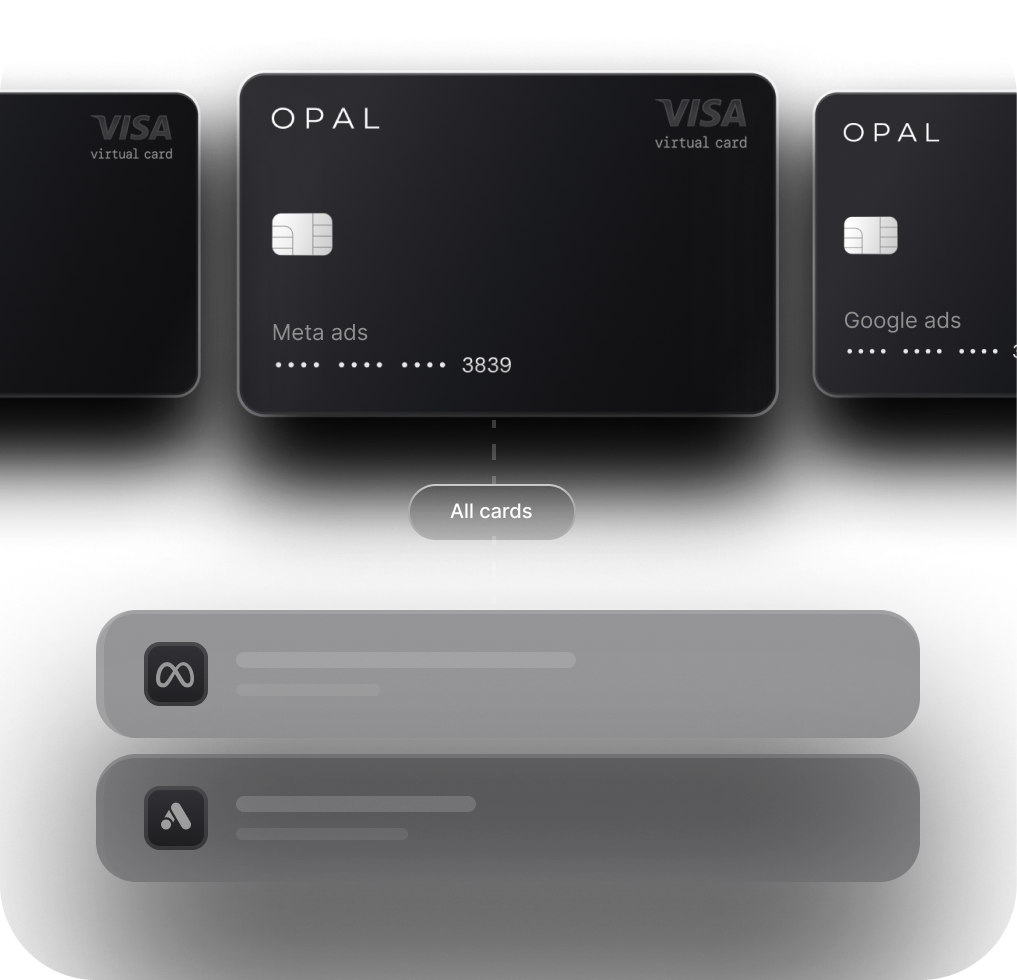
Keep those links in a crosswalk register with one row per card and ad account pair: card name and last 4 digits, platform, ad account ID, client code, campaign group, and account owner. It changes only when a card, account, or client comes or goes, so it stays short.
Give Each Link an Owner
Finance should own the link between cards and ad accounts, because finance issues and retires cards. The performance team should own the link between ad accounts and campaigns, because buyers create and rename campaigns every week. Each side updates its half the day it changes.
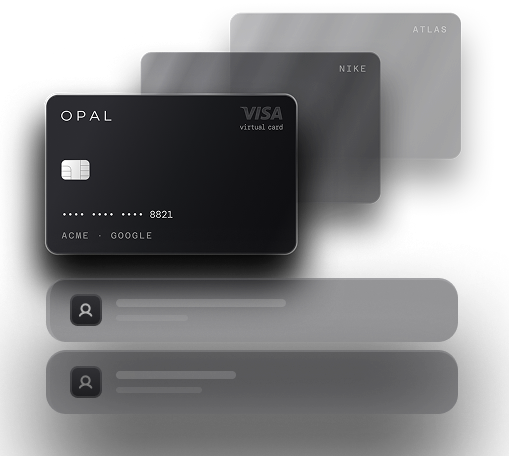
A card shared across clients shows up as several accounts on one row, and every charge on it needs a manual split. Our comparison of per-client card setups explains the structures that remove that split.
Where Does Each Platform Put Its Matching Evidence?
Each platform exposes a different key in its billing area, and that key decides how fast a card line can be cleared. Learn the 4 keys once, and the monthly workflow becomes routine.
Use the Reference Number for Meta Ads Reconciliation
Meta gives every ad account transaction a unique 10-character reference number and shows it on the receipt, the billing invoice, and the bank or card statement.
Meta's statement lookup guide says to open Payment activity under Billing & payments, read the number in the Payment method column, and search your statement for a descriptor starting with "FACEBK*" or "FACEBOOK INC." followed by that number.
Some statements cut the number short, and your card issuer can supply the full value. Busy accounts produce several numbers a week, because Meta charges at each payment threshold, as our guide to Meta payment thresholds explains.
Use Payment Receipts for Google Ads Reconciliation
Google Ads keeps its records in the Billing menu, where the Transactions page in Detailed transaction view links a printable receipt for each payment.
Google's page of common questions about Google Ads charges says the 10-digit customer ID often appears on your bank statement, and that bank and Google dates can differ by a day or two.
Match on the customer ID plus amount where it prints, and on amount and date where it doesn't. Google's help page on invoices, statements, and payment receipts also says a separate statement for each campaign is not available, so every Google Ads charge needs the allocation step covered below.
Use Transaction IDs and Receipts for TikTok and LinkedIn
TikTok's Transactions page guide lists, for each payment, the transaction time, the ad account IDs involved, a numeric transaction ID, the operator who performed the action, a status, and the amount including tax.
Successful payments come with a downloadable invoice, and a separate Costs tab holds daily cost records by campaign ID.
LinkedIn's help page on credit card receipts says billing admins and account managers can download a receipt for each charge from the ad account's Billing page, under Payment activity.
Receipts come as Portable Document Format (PDF) files or one comma-separated values (CSV) report that loads into a spreadsheet.
Compare the 4 Platforms Side by Side
The table shows where each platform keeps its charge record and what you can match on. Use it to decide which lines your first matching pass can clear.
Platform |
Where the charge record lives |
What to match on |
Campaign detail on the record |
|---|---|---|---|
Meta Ads |
Billing & payments, Payment activity |
10-character reference number on the statement |
Receipt lists the campaigns that spent |
Google Ads |
Billing, Transactions, Detailed transaction view |
10-digit customer ID when the statement shows it, plus amount |
No separate statement per campaign |
TikTok Ads |
Transactions page, Transactions tab |
Ad account, amount, and date, then the transaction ID |
Costs tab shows daily cost by campaign ID |
LinkedIn Ads |
Campaign Manager Billing, Payment activity |
Ad account, amount, and date of each receipt |
Not covered in the receipt guide |
How Do You Reconcile Advertising Spend Each Month?
Run the same 4 matching steps every month, in the same order, starting from the crosswalk and ending with a short list of owned exceptions. Allocation follows in the next section, and period cutoff stays with your close.
Step 1: Refresh the Crosswalk and Pull Both Sides
Add every card issued and every ad account opened since last month to the crosswalk, and give retired cards an end date.
Then export card transactions and platform billing records for the same month, plus a few days on each side, because card posting dates can lag.
Step 2: Match in Passes, Strongest Key First
Work through the card lines in 3 passes, and stop touching a line once it matches:
-
Pass 1, exact reference: clear Meta lines by reference number, and Google Ads lines by customer ID wherever the statement shows it.
-
Pass 2, account plus amount: clear the remaining lines on ad account, exact amount, and a short date window, then record the receipt or transaction ID.
-
Pass 3, non-media lines: tag verification charges, their refunds, chargebacks, and platform adjustments so they stop looking like missing spend.
Step 3: Tag the Lines That Aren't Media
Some card lines never buy an impression. Adding a card to Meta can trigger a small temporary authorization, which Meta voids and which should leave your statement within 3 to 5 business days.
TikTok records a card verification fee and a matching refund, plus chargebacks and system reconciliation adjustments for items such as withholding tax.
Give each of these a Non-media status in the template. They still need to net to zero or carry a reason, but never get allocated to a client.
Step 4: Assign an Owner to Every Open Line
Whatever survives 3 passes gets a named owner and a due date. Most leftovers are a card the crosswalk missed or a receipt that had not generated yet. Deciding which month a charge belongs in is a cutoff call, and our cutoff and accrual checklist covers how to settle it.
How Do You Allocate Charges to Clients and Campaigns?
Allocate each matched charge from the most detailed cost record the platform provides, and use proportional splits only where it provides none. Client and campaign amounts then always add back to the card total.
Read Campaign Costs Straight From Meta and TikTok
Meta's help page on why amount spent differs across Ads Manager and billing history says every receipt shows the amount, the reason you were billed, the campaigns that spent money, and the results. TikTok's Costs tab gives a daily record for each auction campaign ID.
Use those records as the split, and treat Ads Manager's amount spent as an estimate, since Meta notes results can take up to 48 hours to process.
Split Google and LinkedIn Charges by Reported Spend
For a Google Ads or LinkedIn Ads charge, pull campaign spend for the days since the previous payment and divide the charge in the same proportions.
Say a $4,000 Google Ads payment covers days in which 3 campaigns delivered 50%, 35%, and 15% of reported cost. Allocate $2,000, $1,400, and $600, and save the report beside the line.
Roll Up Ad Spend Reporting by Client
Group allocated amounts by client code, with a column per platform and a total that ties to the card statement. Once client and card totals agree, finance invoices from the same figures the account team shows the client. Our client spend reporting guide shows how to present that roll-up.
What Columns Belong in a Reconciliation Template?
A working template has one row per card charge and enough columns to show the whole chain from card to campaign. Copy the layout below into a spreadsheet and keep one tab per month.
Set Up One Row per Card Charge
Each column answers a likely review question. Fill the first 3 from the card export and the rest during the passes.
Column |
What goes in it |
|---|---|
Charge date |
Posting date from the card export |
Card |
Card name and last 4 digits |
Amount |
Settled amount on the card |
Platform |
Meta Ads, Google Ads, TikTok Ads, or LinkedIn Ads |
Ad account ID |
Taken from the crosswalk |
Platform reference |
Meta reference number, TikTok transaction ID, or receipt file name |
Client code |
Taken from the crosswalk |
Campaign split |
Campaign IDs and amounts, or a link to the calculation |
Status |
Matched, Allocated, Non-media, or Open |
Owner and note |
Who is resolving an open line and what they found |
Let the Status Column Run the Review
Filter on status instead of rereading the tab. Matched lines need nothing, Allocated lines need a spot check, Non-media lines need a quarterly look, and Open lines need their owner's update. A month with 300 charges and 6 open lines leaves 6 things to investigate.
When the same note recurs every month, write it into the crosswalk as a rule so pass 3 tags it next time. If your ledger runs on QuickBooks, our QuickBooks reconciliation setup guide shows how card transactions reach it.
Give Every Client Its Own Opal Card
The crosswalk shrinks and pass 2 speeds up when each card pays for one ad account. We provide and operate the card program behind that structure, and your team chooses which card serves which client.
What Opal Includes at No Charge
Every Opal account includes unlimited virtual cards, and none of them carries a per-card charge.
Give every client, ad platform, campaign, or staff member a number of its own, then set merchant rules, a spending cap, and an expiry date card by card, while our platform adds approvals, employee permissions, real-time reporting, and transaction exports. Ad spend can flow into QuickBooks or Workday.
Cashback has no ceiling: eligible ad spend pays back 1% on credit accounts, or up to 1.5% if you pre-fund, and we set your exact rate when we approve your application.
What Stays With Your Team and What Costs Extra
Your team still owns the crosswalk, the Google Ads and LinkedIn Ads splits, and cutoff calls at close, though clean card data shrinks each one.
Opal carries no annual fee and requires payment in full every month, so we debit your entire statement balance automatically. Charges are limited to the ad and media platforms Opal supports, and we serve companies based in the U.S.
Ad Pay is sold separately and has a waitlist; it covers Meta and Google invoices on a credit line from us, with a 3% processing fee. To check your card structure against this workflow, see Opal for agencies or schedule a demo with us.
Frequently Asked Questions (FAQs)
Why Can't I Find a Meta Charge on My Card Statement?
Search the statement for "FACEBK*" or "FACEBOOK INC." followed by the 10-character reference number from Payment activity under Billing & payments. If only part of it prints, ask your card issuer for the rest. A low-value line just after a card is added is likely a temporary authorization that should disappear within 3 to 5 business days.
Does Google Ads Give You a Statement for Each Campaign?
No. Google's help page on invoices, statements, and payment receipts says a separate statement for each campaign is not available. Match each Google Ads payment receipt to its card charge, then split the amount across campaigns by the campaign spend Google reports for the days that payment covers.
What Is the Small TikTok Charge That Appears When I Add a Card?
It is a card verification fee that TikTok's payment service provider generates when you add a card for automatic payments or auto recharge. TikTok lists it on the Transactions page beside a matching refund. Tag both lines as non-media in your reconciliation template so they never show up as unmatched spend.
How Do Brands Reconcile Ad Spend an Agency Paid for Them?
Ask the agency to send the platform's own billing records for each ad account it paid, such as Meta receipts or LinkedIn receipt CSV files, with its invoice. Match each rebilled line to one of those records, then confirm the ad account IDs belong to your brand. Treat any rebilled amount with no platform record behind it as open.
How Long After a LinkedIn Ads Charge Can I Download the Receipt?
LinkedIn says receipts for credit card charges appear on the ad account's Billing page, under Payment activity, within 24 to 48 hours of a processed charge. Billing admins and account managers can download them as individual PDF files or as one CSV report, and the CSV loads faster into a reconciliation template.
Is Advertising Expense Reconciliation the Same as Ad Spend Reporting by Client?
The two use the same matched data for different jobs. Advertising expense reconciliation proves that every card charge ties to a platform record and lands in the correct ledger account. Ad spend reporting by client then groups those amounts by client and platform for account managers to share. Reconcile first, then report.
Ad Spend Management: The Complete Guide for Agencies and Brands (2026)

Ad Spend Card: What It Is, Who Needs One, and How to Choose the Right One
Month-End Ad Spend Reconciliation: A Finance Checklist for Agencies