

Best Cards for Marketing Agencies Managing Client Ad Spend: 7 Options Ranked

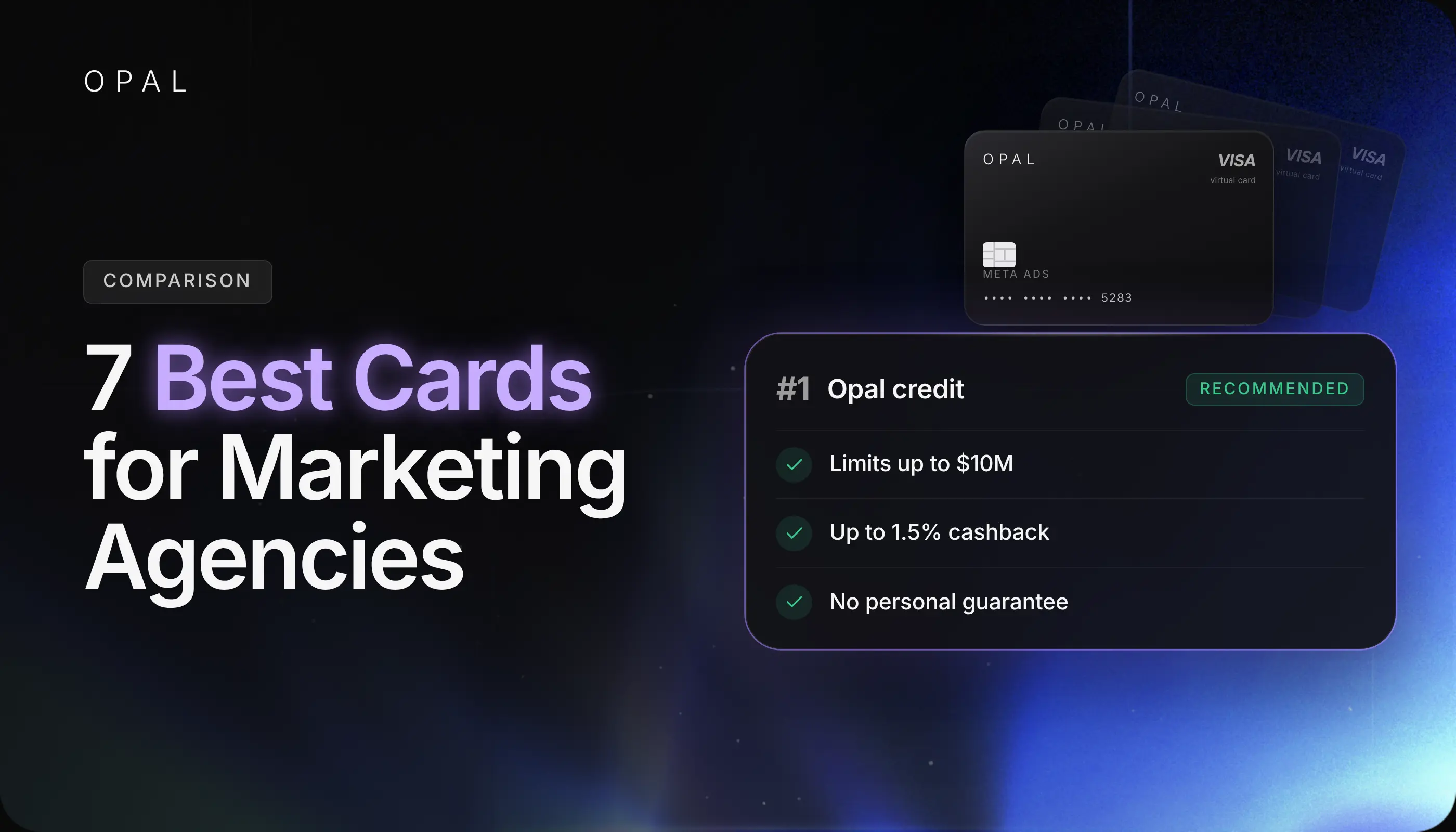
The best cards for marketing agencies managing client ad spend give every client its own card number, cap each card at the approved budget, clear every ad platform charge, and hand finance a record sorted by client.
The reliable way to rank them is to score each card against 6 agency criteria: client separation, per-client limits, payment reliability, approval controls, reconciliation, and usable capacity, using each provider's own published terms.
This guide is for digital, performance, and media agencies paying Google Ads, Meta (Facebook and Instagram), TikTok Ads, LinkedIn Ads, and Snapchat Ads for several clients at once. It compares Opal, Brex, Ramp, Slash, Dash.fi, Mercury IO, and the American Express Business Gold Card.
Those platforms charge in pieces:
-
Google's postpay setting charges whenever an account reaches its payment threshold and on the first of the month.
Meta charges at each billing threshold and on the monthly bill date.
-
Google's consolidated billing, which rolls client accounts into one invoice through a manager account, requires monthly invoicing and isn't available to media agencies, so many agencies pay each client account by card.
How you split that card across clients decides whether one client's spike can cost another client its ads.
In this article, you'll see how 7 agency cards rank on the criteria that matter for client media, with the pros, cons, and pricing of each. You'll also learn what a shared card does to a 4-client month and which card fits your client mix.
Key Takeaways
Opal ranks first on the 6 agency criteria because it pairs unlimited free virtual cards organized by client with credit sized on advertising spend rather than on the agency's bank balance.
Brex and Ramp tie for second with unlimited virtual cards, per-card limits, and approval workflows, but both size credit on company financials such as revenue, funding raised, or cash.
Slash offers separate virtual accounts per client, but the Slash Platinum Card balance is due in full daily, which ties media capacity to the cash you hold.
Mercury IO bases its limit on the balances you keep with Mercury, and the American Express Business Gold Card allows up to 99 Employee Cards, so both strain as a client list grows.
On one shared card, a single client's overspend can fill the credit line and get another client's threshold charge declined, even when that client stayed on budget.
Which Are the Best Cards for Marketing Agencies Managing Client Ad Spend?
Opal ranks first for agencies paying client media, followed by Brex, Ramp, Slash, Dash.fi, Mercury IO, and the American Express Business Gold Card. Here's the short list, with the agency each card fits:
-
Opal: best for agencies that pay most client media themselves across several ad platforms.
-
Brex: best for agencies that keep ad spend inside a company-wide spend platform.
-
Ramp: best for agencies standardizing all company spending on one card program.
-
Slash: best for agencies that want a separate account per client and can fund cards daily.
-
Dash.fi: best for in-house brand teams more than multi-client agencies.
-
Mercury IO: best for small agencies that already bank with Mercury.
-
American Express Business Gold Card: best for agencies paying for 1 or 2 clients on employee cards.
How We Ranked the 7 Cards
Each card earns 2 points per criterion for strong, 1 for partial, and 0 for weak, out of 12. Ties go to the card with stronger client separation, then stronger usable capacity, then alphabetical order. Every fact comes from the provider's own product and pricing pages, and terms change, so confirm them with the provider before you apply.
We left rewards rates out of the scoring. A cashback rate doesn't decide whether a client's ads keep running, while a declined threshold charge does, so the ranking measures control and capacity first.
The 7 Cards Side by Side
Here's how the cards compare on the facts behind each score:
|
Card |
Payment terms |
How the limit is set |
Virtual cards |
Approvals |
Score |
|---|---|---|---|---|---|
Opal |
Pay-in-full charge card, debited monthly |
On advertising spend |
Unlimited and free, by client, ad account, platform, or campaign |
Approvals and employee permissions |
12 |
Brex |
Not published on its card page |
Revenue, amount raised, or cash balance |
Unlimited |
Multi-level approval chains |
10 |
Ramp |
Charge card, 30-day payback |
Revenue or dollars raised |
Unlimited |
Configurable workflows |
10 |
Slash |
Charge card, balance due daily |
Not published on its banking page |
Unlimited and free |
Multi-step payment approvals |
8 |
Set per charge |
Revenue, spend, and payment history |
Unlimited, assigned to vendors or people |
Approval workflows |
8 |
|
Mercury IO |
Charge card, daily or 30-day repayment |
Balances held with Mercury |
Available, count not stated |
No workflow described |
6 |
Amex Business Gold |
Charge card with Pay Over Time |
No preset spending limit |
Up to 99 Employee Cards |
Not described |
4 |
Which Cards Lead for Multi-Client Agencies?
The top 3 cards all issue unlimited virtual cards with per-card limits, so they separate on how credit is sized. That difference decides how much client media you can carry in a heavy month.
1. Opal
-
Best for: agencies paying most client media themselves across 3 or more platforms.
-
Pricing: no annual fee, and virtual cards cost nothing.
-
Score: 12 of 12, strong on all 6 criteria.
Opal is a pay-in-full business charge card built for advertising spend, with credit sized on the media you run rather than your bank balance. Each virtual card carries its own spending limit, expiration date, and merchant restrictions, so a client's budget cap lives on the card.
Pros:
Unlimited free virtual cards organized by client, ad account, platform, campaign, or team.
No annual fee, no personal guarantee, no hard credit check, and transactions sync to QuickBooks.
Cons:
Works only on supported advertising and media platforms, so you'll keep another card for software and travel.
The full statement balance is debited each monthly due date, and the card serves U.S.-based businesses only.
2. Brex
-
Best for: agencies that keep ad spend inside a company-wide spend platform.
-
Pricing: Essentials at $0 per user per month, Premium at $12 per user per month, and Enterprise on custom pricing.
-
Score: 10 of 12, partial on payment reliability and usable capacity.
Brex issues unlimited virtual cards with custom spend limits by category, merchant, and amount, and every plan includes multi-level approval chains. Its card page says limits are based on revenue, amount raised, or cash balance, so client media competes with the rest of the business for the same line. See our Opal and Brex comparison for the full side-by-side.
Pros:
Unlimited virtual cards and custom limits on the free Essentials plan.
No personal guarantee, and founders' personal credit isn't used.
Cons:
Limits track company financials rather than advertising volume.
Advanced spend limit controls and dynamic approval chains require Premium.
3. Ramp
-
Best for: agencies standardizing all company spending on one card program.
-
Pricing: Free at $0 per user per month, Plus at $15 per user per month plus a platform fee, and Enterprise on custom pricing.
-
Score: 10 of 12, partial on payment reliability and usable capacity.
Ramp's corporate charge card comes with unlimited physical and virtual cards, merchant and category restrictions, and approval workflows routed by spend amount or team role. Its card page bases the credit limit on "financial factors such as revenue or dollars raised," which won't rise when a client increases its media budget. Our Opal and Ramp comparison covers the differences in detail.
Pros:
Unlimited cards, configurable approvals, and QuickBooks Online sync on the free plan.
No personal guarantee and no personal credit check.
Cons:
Limits follow revenue or funding rather than ad spend.
Approval routing by GL code or entity requires Plus.
Which Cards Fit Narrower Agency Setups?
The next 4 cards each solve part of the agency problem and leave a gap elsewhere. They can still work for a single client, a small book, or an agency with plenty of cash on hand.
4. Slash
-
Best for: agencies that want a separate account per client and can fund cards daily.
-
Pricing: Free at $0 per month and Pro at $25 per month, with membership fees that may apply to the card.
-
Score: 8 of 12, weak on usable capacity.
Slash pitches marketing agencies on separate virtual accounts per client and cards for each ad platform, with limits by amount, merchant category, or vendor. The catch is settlement: its banking page says the Slash Platinum Card balance is "due in full daily," so every day of client media has to be covered from cash. Our Opal and Slash comparison walks through the trade-off.
Pros:
Unlimited virtual cards with no issuance fee on the free plan.
QuickBooks sync and multi-step payment approvals.
Cons:
Daily settlement drains operating cash before clients pay you.
Its banking page doesn't explain how card limits are set.
5. Dash.fi
-
Best for: in-house brand teams more than multi-client agencies.
-
Pricing: the homepage lists no platform fee, so confirm card fees in the cardholder agreement.
-
Score: 8 of 12, partial on client separation, payment reliability, approvals, and reconciliation.
Dash.fi offers unlimited virtual cards with per-card limits and category or geography rules, underwritten on revenue, spend, and payment history. Its site speaks to ecommerce brands and assigns cards to vendors, teams, and people, with no client-level structure shown and no ad platforms named on the card page.
Pros:
Performance-based underwriting rather than a bank-balance limit.
No personal guarantee.
Cons:
No agency or client separation features on its card pages.
The card page lists QuickBooks without a full set of accounting connections.
6. Mercury IO
-
Best for: small agencies that already bank with Mercury.
-
Pricing: no annual fee, though you need a Mercury account first.
-
Score: 6 of 12, weak on approval controls and usable capacity.
Mercury IO is a charge card whose credit limit is "based on the total balances you hold with Mercury," and the limit may drop after large withdrawals. New customers with lower balances repay daily, and 30-day terms open once balances reach $15,000.
Pros:
No personal guarantee and no credit check at sign-up.
Custom limits, expiration dates, merchant locks, and QuickBooks sync.
Cons:
Capacity rises and falls with your Mercury balance.
The card page describes no approval workflow.
7. American Express Business Gold Card
-
Best for: agencies paying for 1 or 2 clients on employee cards.
-
Pricing: $375 annual fee.
-
Score: 4 of 12, weak on client separation and approval controls.
The Business Gold Card is a charge card with no preset spending limit and a Pay Over Time option for eligible charges. You can add up to 99 Employee Cards with limits you set, and the card page lists no virtual card numbers, so cards map to people rather than client accounts.
Pros:
Spending capacity adjusts with your purchases, payments, and credit history.
A QuickBooks connection sends employee card transactions daily.
Cons:
A 99-card ceiling, with cards tied to employees rather than clients.
No approval workflow described on the card page.
What Happens When Clients Share One Card?
One client's growth uses credit every other client depends on, and the decline lands on whichever account bills next. A round-number month shows how fast it happens.
Say 4 Clients Share a $120,000 Line
Say your agency runs 4 clients on one card with a $120,000 limit and approved monthly budgets of $60,000, $30,000, $20,000, and $10,000. Mid-month, Client A's media buyer scales a winning campaign, and A finishes at $75,000 instead of $60,000.
Total spend is now $135,000, or $4,500 a day across a 30-day statement. Charges hit $117,000 by day 26 and $121,500 by day 27, so the line fills on day 27 and Client D's next threshold charge is declined, though D stayed on budget.
The Same Month on Per-Client Cards
With 1 card per client and each limit set to the approved budget, Client A's card stops at $60,000, and the extra $15,000 becomes a limit request. Your account lead approves it or doesn't, and Clients B, C, and D keep clearing charges untouched.
Approving it means the account needs $135,000 of credit that month, so the way a card sizes its limit matters as much as card count. Whether to issue cards per client, per platform, or per campaign is covered in our breakdown of client card structures.
Which Card Fits Your Agency's Client Mix?
The right card depends on how much of your spend is client media and how many clients you carry. Match your situation first, then test the card before moving every account.
Match the Card to Your Situation
Use this table to narrow the field:
|
If your agency... |
Start with |
Why |
|---|---|---|
Pays most client media itself across several platforms |
Opal |
Free per-client cards and credit sized on ad spend |
Runs media as a small share of company spending |
Brex or Ramp |
One program for all company spend, with per-card limits |
Wants a funded account per client |
Slash |
Virtual accounts per client, settled daily from cash |
Manages 1 or 2 clients and banks with Mercury |
Mercury IO |
No annual fee and limits tied to balances you already hold |
Agencies past 50 clients feel these differences fastest, as our guide to scaling past 50 clients shows. At that size, card count, approval routing, and limit sizing all compound at once.
Pilot With 2 Clients Before You Switch
Move one large and one small client on different platforms for one billing cycle. In Google Ads, open the Billing menu, select Settings, and note the payment threshold under "How you pay," then set each card limit to the approved budget plus one threshold charge of headroom.
When the statement closes, confirm every decline traces to a limit you set, check that limit changes went through your approval step, and time how long matching charges to client invoices takes. Keep the old payment method as backup until the pilot passes.
Run Client Ad Spend on the Opal Card
If your agency pays client media itself, Opal is the card we provide and operate for that job. You set it up around your client list, and we run the card, the credit, and the cashback.
See What Every Agency Account Includes
We provide a pay-in-full business charge card with unlimited virtual cards at no cost, organized by client, ad account, platform, campaign, or team, each with its own spending limit, expiration date, and merchant restrictions. You control approvals and employee permissions across the account.
Credit is sized on your advertising spend, not your bank balance, and we may periodically review performance and offer a credit increase.
Eligible ad spend earns 1% cashback on credit accounts and up to 1.5% on pre-funded accounts, uncapped, and we confirm your rate at approval. There's no annual fee, personal guarantee, or hard credit check, and transactions sync to QuickBooks.
Check the Fit Before You Apply
You configure the cards, limits, and permissions. The full statement balance is debited automatically on each monthly due date, and if that payment can't be processed, the card may be locked.
Opal serves U.S.-based businesses and works only on supported advertising and media platforms, so most agencies keep a general business card for everything else.
Ad Pay is a separate product for Meta and Google invoices on Opal credit, with a 3% processing fee (3.5% on a connected card), and it currently runs on a waitlist.
The application takes 2 to 3 minutes, and virtual cards usually arrive within 24 to 48 hours. See how Opal agency accounts are set up, then apply from our site or book a demo.
Frequently Asked Questions (FAQs)
These questions come up when agency owners and finance leads compare cards for client media. Each answer stands on its own, so you can share one without the rest.
What Is the Best Credit Card for Agency Ad Spend Management?
For agency ad spend management, look for a card that issues a virtual card per client account, caps each at the approved budget, and sizes credit on ad volume. In our ranking, Opal scores 12 of 12 on those criteria, Brex and Ramp tie at 10, and Slash and Dash.fi follow at 8.
Should an Agency Put Every Client on One Card?
A shared card lets one client's spending use credit other clients depend on, so a single overspend can get another client's threshold charge declined. It also forces finance to split every charge by hand at month-end. One virtual card per client, or per client per platform, avoids both problems and keeps spend traceable.
Is Brex or Ramp Better for Agency Ad Spend?
Brex and Ramp tie in our ranking at 10 of 12. Both issue unlimited virtual cards with per-card limits and approval workflows, and both size credit on company financials such as revenue, funding, or cash rather than on ad spend. The choice usually comes down to which plan's approval and accounting features your finance team needs.
What Happens to Client Campaigns When an Agency Card Payment Fails?
When the card issuer declines a charge, the ad platform records an unpaid balance and can pause delivery until it's settled, and Meta can stop ads until the balance is paid. The fix is to raise the card limit or add a backup card, then pay the outstanding balance inside the platform.
Do Agency Ad Spend Cards Require a Personal Guarantee?
Opal, Brex, Ramp, Dash.fi, and Mercury IO all state on their own pages that they don't require a personal guarantee. Small business credit cards from traditional issuers often do, which makes an owner personally liable for client media. Search the application and cardholder agreement for the words "personal guarantee" before you submit anything.
Can One Client Have Separate Cards for Google Ads and Meta Ads?
Yes, if your card provider issues enough virtual cards. Put one card on the client's Google Ads account and another on its Meta ad account, and each platform's charges arrive on their own card number. You can then set a separate limit per platform and trace charges without sorting a shared statement.
Best Corporate Card for Advertising Spend in 2026: 8 Cards Compared

5 Best Virtual Business Cards for Ad Spend in 2026
Best Credit Cards for Ad Spend: 9 Options for Media Buyers and Agencies