

Meta Ads Payment Failed? How to Fix Billing Issues Before They Stop Campaigns

.webp)
If you run paid campaigns on Facebook or Instagram, a Meta Ads payment failure is one of the fastest ways to lose delivery with no warning.
Meta pauses every ad in the affected account the moment a charge does not clear, and it keeps them paused until you settle the balance.
For agencies managing multiple clients, media buyers with accounts across platforms, and e-commerce brands that depend on continuous traffic, even a few hours of downtime can mean missed revenue and wasted budget.
This guide covers why Meta Ads payments fail, how to fix a failed charge as quickly as possible, and what to do so it does not happen again.
Key Takeaways
After a failed charge, Meta pauses all ads in that ad account and keeps the account disabled until you settle what you owe, with no new charges to the card in the meantime.
The fastest recovery is Pay now in Billing & payments with a working card; if the charge keeps failing, Meta advises waiting and then paying with another card.
Most failures start with the card: an expired date, a missing card verification value (CVV), online purchases switched off, a bank decline, or too little available credit near the monthly bill date.
Ads that stay paused after the balance is paid have often reached the daily spending limit Meta sets, which resets at midnight in the ad account's time zone.
Prevention is a routine: a backup payment method on every ad account, a payment threshold no higher than the card's single-charge cap, and a credit check before each bill date.
What Does "Meta Ads Payment Failed" Mean for Your Campaigns?
It means delivery has stopped for every ad in that ad account until you clear the balance. A Facebook Ads payment failed alert is the same event under the older brand name, fixed in the same place.
What Meta Does After a Failed Charge
Meta pauses the ads, disables the ad account, and makes no further charges to the payment method until you pay what is owed. Billing & payments may also show an error saying the account is unsettled.
Your campaigns, audiences, and creative stay where they are, waiting for the balance to clear.
After you pay, Meta restarts your active and scheduled ads and attempts to catch up on missed delivery against the original dates and budgets. That catch-up is a best effort, so the sooner you settle, the less ground campaigns must recover.
Why Automatic Billing Gives a Charge So Many Chances to Fail
On automatic billing, Meta charges your card whenever accrued costs reach your payment threshold, then bills whatever remains on your monthly bill date.
The threshold climbs after successful payments, so a growing account gets charged more often and in larger amounts. Our explainer on Meta payment thresholds walks through that progression.
Each of those charges is a separate approval request to your bank. A card that clears a $500 charge in the morning, for example, can be declined for a $2,000 charge that afternoon if its credit line is nearly used, and the cost of a decline grows with spend.
How Do You Fix a Failed Meta Ads Payment Right Now?
Pay the amount due from Billing & payments, using the same card once its problem is fixed or a different one. Each step below comes from Meta's help article on fixing a failed payment.
Settle the Balance With Pay Now
Work through these steps in Meta Ads Manager to clear the balance:
Open Billing & payments and choose the affected ad account.
Click Payment methods.
Click Pay now.
Pick a payment method already on file, or add a new one, and confirm.
If the charge fails again, Meta suggests trying later with a different card. Change something before each attempt, whether the card, the bank's approval, or the available credit, because an unchanged retry hits the same wall.
Add Funds If the Account Runs on a Prepaid Balance
Some ad accounts pay from available funds, a prepaid balance, instead of automatic billing. Delivery stops when the balance runs short, and Add funds under Payment methods brings the account back, though Meta notes the recovery can take a little while.
On an automatic billing account, adding funds is optional. Meta spends available funds before it charges your card, though, so a prepaid cushion can absorb charges while you sort out a declined card.
Escalate to Business Support Home When Fixes Run Out
When charges still fail after the payment checks, Meta points advertisers to Contact support in Business Support Home.
Have the ad account identifier, the date of the failed charge, the reason shown in Billing & payments, and the last 4 digits of each card you tried ready, so support sees the whole pattern at once.
Why Was Your Meta Ads Card Declined?
A Meta Ads card declined message usually traces back to the card or its bank rather than to Meta. Meta lists 8 common reasons for a failed payment, and the table maps each one to its fix.
Reason Meta shows |
What it usually points to |
Where to fix it |
|---|---|---|
Payment method not supported |
The method isn't accepted for your country or billing setup |
Add an accepted card; American Express works only on automatic billing |
Card or recurring payment method may not be active |
The card is cancelled, frozen, or blocked from recurring charges |
Your bank or card provider |
Expiration date may be invalid |
The card on file has expired, or the date was mistyped |
Edit or replace the card in Payment methods |
Card couldn't be verified |
Card details, security code, or passcode failed a check |
Re-enter the details and confirm the phone tied to the card |
We couldn't charge your payment method |
The charge started but did not complete |
Retry later or switch cards |
Charge is declined by your financial institution |
The issuing bank refused the charge |
Call the bank and approve charges from Meta |
Connection error |
A technical failure between systems |
Wait a few minutes, then retry |
Charge is declined due to insufficient funds |
Too little balance or available credit |
Pay the card down, raise the limit, or switch cards |
Expired Cards and Mistyped Details
Meta asks you to confirm that a card's expiration date covers future charges, since a card that expires mid-cycle fails at the next threshold charge.
A replacement card may carry a new date and security code, so update Payment methods the day it arrives instead of waiting for the old card to lapse.
Bank Declines and Authorization Failures
Authorization failures happen before any money moves. Meta only accepts cards with a security code, needs online transactions enabled, and may send a passcode to the phone linked to the card, so a changed number can block verification.
When the bank declines the charge, phone the card issuer, confirm the charge was yours, and ask it to allow future charges from Meta.
Insufficient Funds and Single-Charge Caps
Insufficient funds covers both a low bank balance and a nearly maxed credit line. Meta recommends checking available credit near your monthly bill date, since that charge collects everything left since the last threshold charge.
A less obvious cause is a cap on single transactions. Some cards limit how much can be charged at once, and Meta's advice is to lower your payment threshold to match that cap so no individual charge goes over it.
Why Are Your Ads Still Paused After You Paid?
When ads stay paused after the balance clears, the likeliest cause is the daily spending limit Meta sets for the account. Meta flags it first in its failed-payment guidance, and it has nothing to do with your card.
How the Daily Spending Limit Differs From Your Budgets
Meta sets a daily spending limit for most advertisers based on advertising and payment history. Once an account reaches it, ads pause until the limit resets at midnight in the ad account's time zone. The current figure sits in the Current balance section of Payment settings.
That limit sits next to 2 numbers you control, the ad account spending limit and each campaign's daily budget, and ads stop at whichever of the 3 is lowest.
Meta raises the daily limit as you build history, follow its policies, and spend near the limit. Accounts on monthly invoicing have no daily spending limit from Meta.
When the Pause Has Nothing to Do With Billing
If the balance is paid and the daily limit has room, open Account Overview in Business Support Home and look for a restriction. Policy, security, and verification problems can disable an account regardless of payments, and our guide to restricted account recovery covers them.
How Do You Update a Meta Ads Payment Method Without Downtime?
Add the replacement before you remove anything, so the account never sits without a valid way to pay. A Meta Ads payment method swap after a failure is damage control, while the same swap a week before the old card expires keeps delivery running.
Add the New Card Before Removing the Old One
Meta requires at least one valid payment method to run ads and recommends a backup, so a problem with the primary method doesn't pause delivery.
Add the new card in Payment methods, make it primary, and keep the old card attached as the backup until a threshold charge clears on the new one. Then remove the old card or keep it as the standing backup.
Stay Within Meta's Limit on Shared Payment Methods
Meta may cap how many ad accounts can use the same payment method, typically at 10. Agencies that load one card onto every client account run into that cap, and one blocked card can fail charges on every account it funds. Structuring cards per client keeps a single failure contained to one ad account.
How Can You Prevent Meta Ads Billing Issues From Stopping Campaigns?
Preventing a Meta Ads billing issue comes down to checking 3 things on a schedule: the threshold, the card, and the bill date. Each check takes minutes.
Set Your Meta Billing Threshold Below the Card's Limits
You cannot raise a Meta billing threshold directly, but Meta's Adjust your payment threshold page shows how to set a maximum in Payment settings.
A lower maximum applies immediately, while a higher one is reached only as payments succeed. Keep it at or below any single-charge cap on the card and well under the credit you expect to have free on your busiest day.
Run a Check Before Every Monthly Bill Date
About 3 days before the bill date, compare month-to-date spend in Billing & payments with the available credit on each card.
If the margin looks thin, pay the card down early or shift spend to the backup. Review expiration dates in the same pass and flag any card expiring within 60 days.
Assign a Dedicated Card and Limit to Each Ad Account
A dedicated card for each ad account makes every decline traceable to one client and keeps other accounts' payment histories clean.
Pair it with per-card spend limits sized to each account's approved budget, so overspend stops at the card instead of on a client invoice.
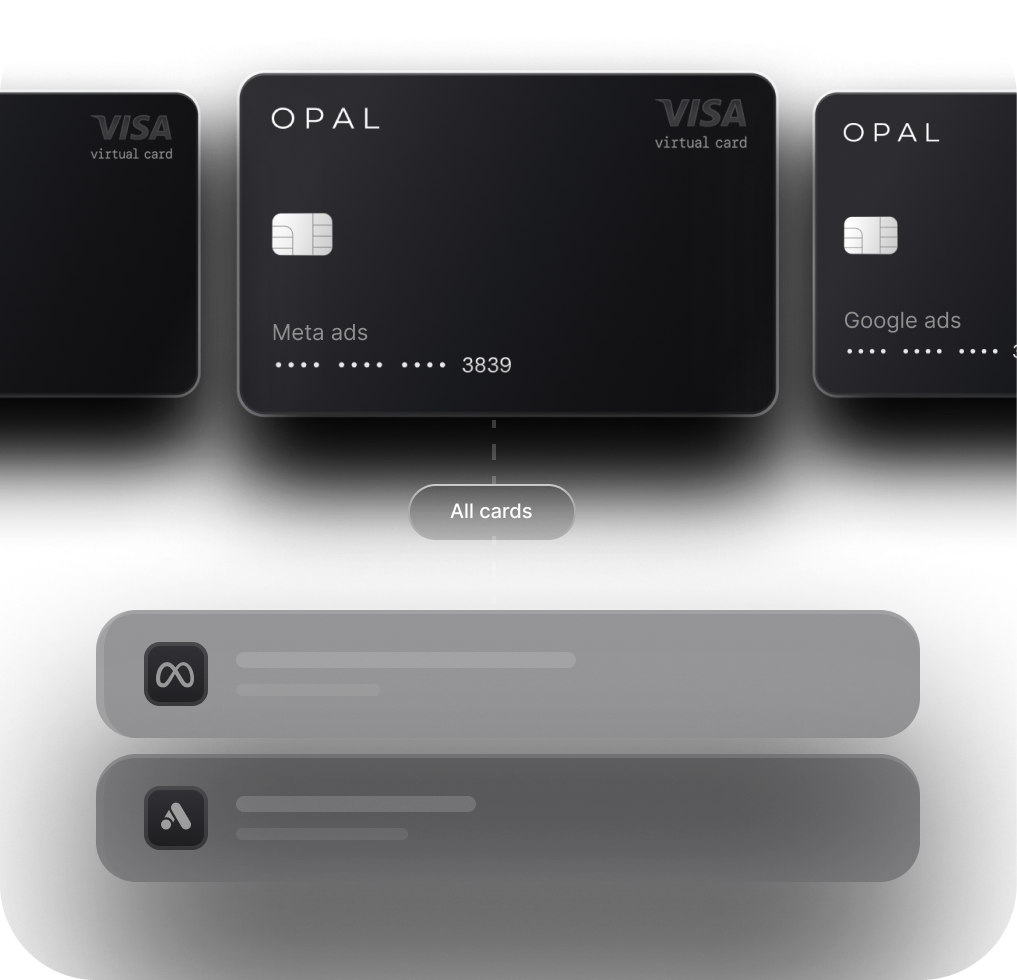
Keep Meta Charges Clearing With an Opal Card
We built Opal for teams whose ad spend has outgrown a shared business card. Here is what it does for Meta billing and where it fits.
What Opal Gives Your Meta Ad Accounts
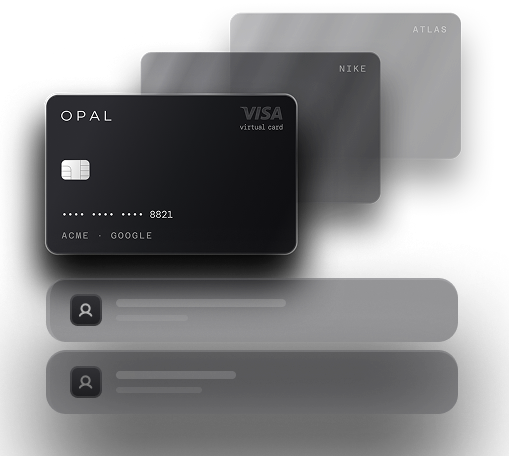
We provide unlimited virtual cards at no cost, so every Meta ad account can run on its own card number with its own expiration date, merchant restrictions, and spending limit. You set those controls, see each transaction as it happens, and sync to QuickBooks or Workday.
Cashback has no cap: eligible ad spend earns 1% on a credit account or 1.5% on a pre-funded one, your rate fixed on approval. There is no annual fee, personal guarantee, or hard credit check.
Check the Fit Before You Apply
The Opal Card is a charge card settled in full every month, and we collect the whole statement balance automatically on each due date from your linked bank account or Opal Balance. A failed debit can block new purchases on the card until you repay that balance.
Opal currently serves U.S.-based businesses, the card works only with supported ad and media platforms, and new cards usually arrive 24 to 48 hours after you apply.
If Meta bills your account by monthly invoice instead of by card, Opal Ad Pay is a separate product, currently on a waitlist, that puts Meta and Google invoices on a card.
Paying through Opal credit costs a 3% fee, and the 1% cashback brings the net cost to 2% where eligible. See Opal for Meta Ads for the setup, then apply from our site or book a demo.
Frequently Asked Questions (FAQs)
Why Did My Facebook Ads Payment Fail When My Card Works Everywhere Else?
A card that works in stores can still fail on Meta, because Meta charges it online without the card present. Meta needs online transactions enabled, a security code, and sometimes a passcode sent to the linked phone. Your bank can also decline an unfamiliar online charge, so call it and approve charges from Meta.
How Long Does It Take for Meta Ads to Resume After Paying?
Meta resumes active and scheduled ads once the amount due is paid and tries to recover lost delivery against your original dates and budgets. If you cleared the balance by adding prepaid funds, the account can take a little while to return to good standing. If ads stay paused, check the daily spending limit.
Can a Failed Payment Get My Meta Ad Account Disabled?
Yes. Meta disables an ad account when its payment method fails and keeps it disabled until the amount due is paid. Paying the automatic billing balance through Pay now can restore it. If the account stays restricted after the balance clears, the cause likely sits outside billing, such as a policy, security, or verification review.
What Causes a Facebook Ad Account Payment Error?
The common causes are an expired card, a card without a security code, online transactions switched off, a bank decline, insufficient funds, and one payment method shared across too many ad accounts. Meta also lists connection errors and cards that could not be verified. Billing & payments in Ads Manager shows which reason applied to your charge.
Does Meta Retry a Failed Payment Automatically?
Meta says you won't receive additional charges until you pay the amount due, so waiting for an automatic retry leaves your ads paused. Pay the balance yourself in Billing & payments with Pay now, using a working card. If that attempt fails too, Meta's advice is to wait and retry with another card.
Should I Lower My Meta Billing Threshold to Avoid Declines?
Lower it when your card limits how much one transaction can be, or when large charges keep getting declined. Meta lets you set a maximum payment threshold in Payment settings, and a lower value applies immediately. The trade-off is more frequent charges, so confirm the card's available credit covers a full billing cycle before you change it.
Best Credit Card for Facebook Ads and Meta Ads in 2026

How Agencies Manage Cash Flow When Meta and Google Invoices Are Due
Meta Ads Billing Threshold Explained: How It Works and How Agencies Avoid Declines