

Best Ramp Alternatives for Marketing Agencies: 6 Ad Spend Management Options Compared


Quick Answer: The best Ramp alternatives for marketing agencies are Opal for agencies paying client media on their own card, Brex for agencies replacing Ramp's whole spend suite, and BILL Spend & Expense for teams already paying vendors in BILL. Match the option to the share of your card volume that is client ad spend.
On paper, a general spend platform like Ramp covers everything an agency pays for, from software and travel to contractors and ad accounts. The gap appears once client media becomes the largest line on the card, because a limit sized on your company's revenue or cash now carries budgets that belong to a dozen different clients.
This comparison is for agency owners, finance leads, and media buyers paying Google Ads, Meta (Facebook and Instagram), TikTok, LinkedIn, and Snapchat for clients. Those platforms charge a card on file as costs build, so the card behind each account decides whether campaigns keep delivering.
In this article, we compare 6 options on how credit is sized, how each separates clients, and what switching involves. You'll also see where Ramp should stay in your stack and where an advertising charge card fits beside it.
Key Takeaways
- Ramp sets card limits from financial factors such as revenue or dollars raised, so client media draws on a line sized for your whole company's finances.
- Opal is a pay-in-full charge card for advertising, with credit limits up to $10 million, subject to underwriting, and no personal guarantee.
- Brex and BILL Spend & Expense keep bill pay, budgets, and expense workflows in one platform, which suits agencies where ad spend is a modest share of card volume.
- Slash, Airwallex, and Mercury tie card spending to balances held in their own accounts, so moving to them usually means moving operating cash as well.
- Keeping Ramp for company expenses and moving client media to a dedicated ad spend card avoids a full platform migration and keeps both workflows intact.
What Should You Look for in Ramp Alternatives for Marketing Agencies?
Look first at how each option sizes credit and separates clients, because those two factors decide whether client campaigns keep paying as budgets climb. Expense policies, travel booking, and bill pay still matter, but they rarely explain a declined Meta charge in the middle of a campaign.
Client Media Is a Different Job From Company Expenses
Most marketing agency spend management software was designed around one company spending its own money on software, travel, and vendors. Client media is larger, repeats every few days, moves with each client's budget, and often gets paid before the client's invoice is settled.
The platforms set the rhythm. Google's billing options page explains that automatic payments charge you after ads run, on the first day of the month or when you reach your threshold, whichever comes first. Accounts move off cards once they qualify for monthly invoicing, which Google's monthly invoicing guide ties to a year as a registered business, 6 months of active spend, and $5,000 a month in any 3 of the last 12 months. Until then, the card carries every charge.
How We Ordered the 6 Options
We publish this list and have placed Opal, our own card, first. We ranked every option on the same 5 questions, in this order of weight:
- Is the card built for advertising platforms, or for company spending in general?
- How is credit capacity set, and what happens to it as client spend grows?
- Can each client, ad account, or platform get its own card, limit, and permissions?
- How cleanly do transactions reach your accounting system, sorted by client?
- What does switching cost in plan fees, repayment terms, and moved bank balances?
Every competitor fact below comes from that provider's own pages at the time of writing. Terms change, so confirm each one with the provider before you apply.
Which Ramp Alternatives Lead for Agencies Paying Client Media?
Opal and Brex take the top 2 places for different reasons. Opal is built around advertising spend, while Brex is the closest match to the breadth of Ramp's platform.
1. Opal: Best for Agencies That Front Client Media
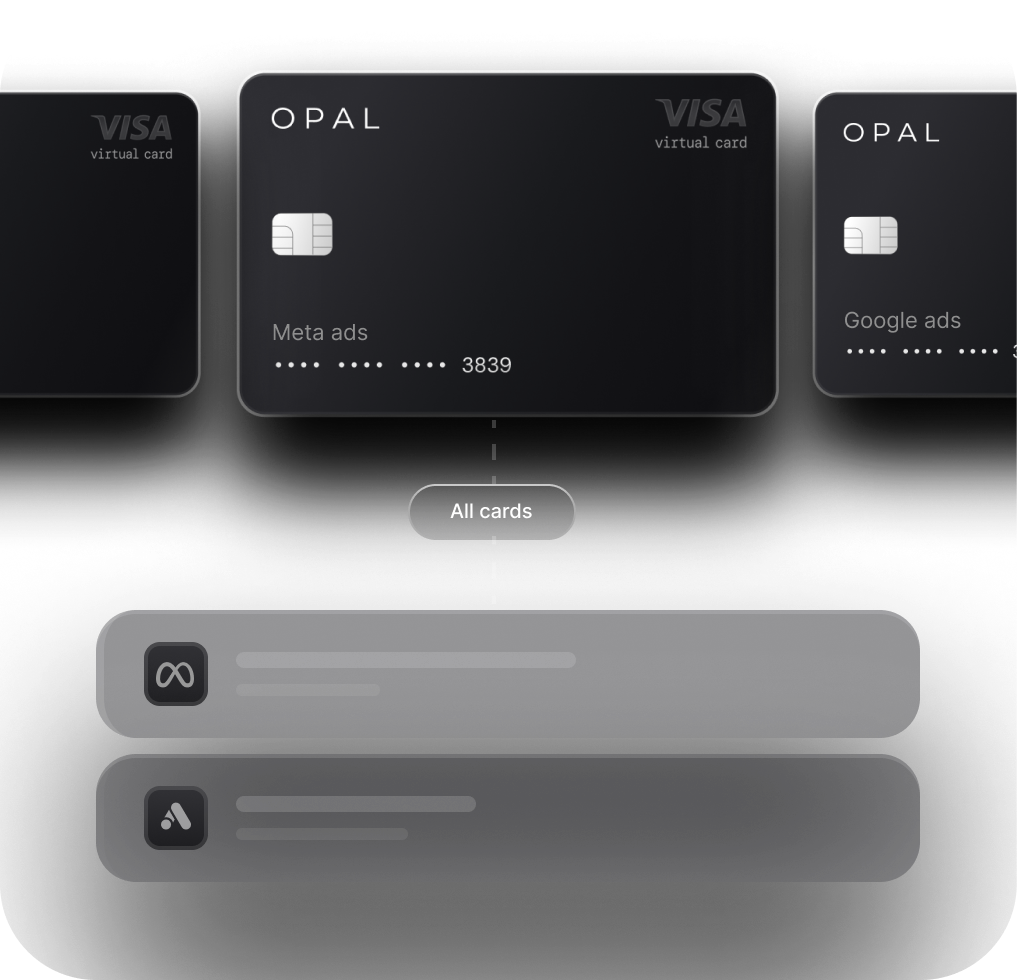
Opal is a pay-in-full charge card built for advertising spend, and it's ours. We size credit on your advertising spend and cash flow rather than your bank balance alone, with limits up to $10 million, subject to underwriting. Unlimited virtual cards can be organized by client, ad account, platform, or campaign, each with its own spending limit, merchant restriction, and team permissions. Transactions sync to QuickBooks, and you keep your current bank.
The tradeoff is scope. Card use is limited to supported advertising and media platforms, so you'll still need another card or platform for software, travel, and vendor bills, and Opal has no bill pay or travel booking of its own. We serve U.S.-based businesses, and the full statement balance is debited automatically on each due date.
On pricing, the card carries a $0 annual fee. Our Opal vs. Ramp breakdown covers the head-to-head detail this roundup leaves out.
2. Brex: Best for Replacing Ramp's Full Spend Suite
Brex is the option to look at if you want to swap one company-wide spend platform for another. Its Essentials plan includes multi-level approval chains, bill pay, travel booking, and accounting integrations including NetSuite. Brex states it doesn't require a personal guarantee, issues unlimited virtual cards, and serves U.S.-incorporated companies.
Agencies should look closely at the limit. Brex underwrites on cash, revenue, or both. On monthly payment it weighs your cash balance, cash flow, and financial performance, and on daily payment it bases limits on your Brex business account balances. An agency whose client media grows faster than its cash may see that capacity tighten in a big month.
Essentials costs $0 per user a month, and Premium costs $12 per user a month and adds live budgets, budget delegation, and dynamic approval chains. Enterprise is custom priced.
Where Do BILL Spend & Expense and Slash Fit?
Both suit agencies that want cards inside a wider finance tool. BILL's fit depends on how you report by client, and Slash's depends on how much cash you keep in its account.
3. BILL Spend & Expense: Best for Agencies Already Paying Vendors in BILL
BILL describes Spend & Expense as free to use, with the BILL Divvy Card attached. Its corporate card page lists credit lines from $1,000 to $5 million, set from business financials or, on a variable line, from cash flow, revenue, and spending patterns. BILL's requirements page states the card needs no personal guarantee and uses a soft inquiry at application. Virtual cards are unlimited at no extra cost, and two-way syncs cover QuickBooks, NetSuite, Xero, Sage Intacct, and Acumatica.
Budgets are organized by person, team, or project, so an agency would treat each client as a project. Pull a sample report before you commit and confirm it groups card charges the way your client invoices need. Applicants need a U.S. business bank account and an EIN.
BILL charges no platform fee for Spend & Expense, though its card page notes that other fees may apply under the cardholder agreement. Read that agreement before you move volume.
4. Slash: Best for Cash-Rich Agencies That Settle Daily
Slash pairs a business account with a Visa charge card. Its unlimited virtual cards can draw from selected subaccounts, each with its own merchant restrictions and spending ceiling, so an agency can hold one subaccount per client. QuickBooks, Xero, NetSuite, and Sage Intacct sync on both plans.
The repayment model shapes the rest. Slash states the card balance is due in full daily and settles from your Slash account, so effective capacity follows the cash you keep there. Its card pages don't say how limits are set or whether a personal guarantee applies to the card, so ask for both in writing.
The Free plan costs $0 a month and Pro costs $25 a month per entity. Same-day ACH and domestic wires carry small fees on Free that Pro waives.
When Do Airwallex or Mercury Make Sense for an Agency?
Both fit agencies already moving their banking to the provider, since each ties card spending to balances held in its own accounts. Neither sizes a credit line on your advertising spend.
5. Airwallex: Best for Agencies Paying Across Currencies
Airwallex runs a multi-currency business account, and its Visa debit cards draw straight from your Airwallex balance. Cards pay from the matching currency balance with no foreign transaction fee, and conversions run at the interbank rate plus 0.5% for major currencies and 1% for others. Unlimited virtual cards carry daily and per-transaction limits and merchant category restrictions, and expenses sync to Xero, QuickBooks, and NetSuite.
Funding is the constraint. Airwallex describes its cards as working without a credit line, so every ad charge comes out of cash already in the account. Fronting client media means moving that cash in first, which gets hard when several clients scale in the same month.
Explore costs $0 and includes up to 10 spend users, while Grow costs $12 per active spend user a month plus a platform fee. Accelerate is custom priced.
6. Mercury: Best for Agencies Moving Their Banking to Mercury
Mercury's IO card is a charge card for Mercury account holders. It carries no personal guarantee or annual fee, Mercury runs no credit check during IO sign-up, and you can start with virtual cards. QuickBooks and Xero automations come with the free Mercury plan.
Capacity depends on deposits. Mercury bases IO limits on the balances you hold with it, plus any external accounts you link, and its help center lists an average of at least $25,000 deposited across Mercury accounts to qualify. Newer customers on lower balances repay daily, with 30-day terms once balances reach $15,000.
The core account costs $0 a month and IO has no annual fee. Opening that account comes first, so allow time to move balances before the card can carry client media.
How Do Credit Capacity and Personal Guarantees Compare?
The options split on whether card capacity comes from underwriting your business or from cash you hold with the provider. Personal guarantees matter less as a dividing line, since most of these providers state they don't require one.
The 6 Options Side by Side
This table sets each option's published terms next to Ramp's, so you can compare them against what you have today:
| Option | Built for | How capacity is set | Repayment | Personal guarantee | Entry price | New bank account needed |
|---|---|---|---|---|---|---|
| Ramp (current baseline) | Company-wide spend | Revenue or dollars raised | Charge card, 30-day payback | Not required | Free plan $0; Plus $15 per user a month plus platform fee | No |
| Opal | Advertising spend | Up to $10 million, subject to underwriting, sized on ad spend and cash flow | Pay in full, auto-debited each due date | Not required | $0 annual fee | No |
| Brex | Company-wide spend | Cash balance, cash flow, and financial performance, or Brex account balances on daily pay | Monthly by default, daily with a Brex business account | Not required | Essentials $0; Premium $12 per user a month | No for monthly pay |
| BILL Spend & Expense | Company spend and payables | $1,000 to $5 million from financials, cash flow, revenue, and spending | Daily, weekly, or monthly schedule | Not required | Free platform | No |
| Slash | Banking plus cards | Not published | Due in full daily from your Slash account | Not stated for the card | Free $0; Pro $25 a month per entity | Yes |
| Airwallex | Multi-currency payments | No credit line; spends your account balance | Debit from balance | Not applicable | Explore $0; Grow $12 per spend user a month plus platform fee | Yes |
| Mercury IO | Mercury account holders | Balances held with Mercury and linked accounts | Daily for newer accounts, 30 days from $15,000 in balances | Not required | Core account $0 | Yes |
Questions to Put to Each Underwriter
Ask each provider what your limit is based on and what happens to it if your cash balance drops mid-month. Brex says your available limit may change as those factors change, and Mercury notes IO limits can decrease as well as increase. For the guarantee, search the cardholder agreement itself for "guarant", since marketing pages and agreements don't always match.
The difference shows up in a busy month. Say, for example, your agency pays $400,000 a month in client media across Meta and Google, about $13,300 a day, on a card settled monthly. If the limit tracks a $250,000 cash balance, charges reach the ceiling around day 19, and the card declines each platform charge after that until the statement is paid. The platforms then record the unpaid amounts and pause delivery on the affected accounts.
How Is Ramp Different From an Advertising Charge Card?
Ramp is a company-wide finance platform, and an advertising charge card is a payment tool for one category of spend. The choice turns on how much of your card volume is client media and how much is everything else.
What Ramp Covers Beyond Advertising
Ramp's Free plan includes unlimited physical and virtual cards, bill pay by ACH, card, check, or wire, travel booking, approval workflows, and QuickBooks Online and Xero integrations. Plus costs $15 per user a month plus a platform fee and adds automated approvals and integrations such as NetSuite and Sage Intacct. For an agency whose biggest costs are salaries, software, and contractors, that breadth is what you'd give up by leaving.
Ramp's corporate card is a charge card with a 30-day payback and no personal guarantee. Its limits rest on financial factors such as revenue or dollars raised, which is where agencies fronting large client budgets start comparing Ramp competitors for ad spend.
What Changes When Client Media Gets Its Own Card
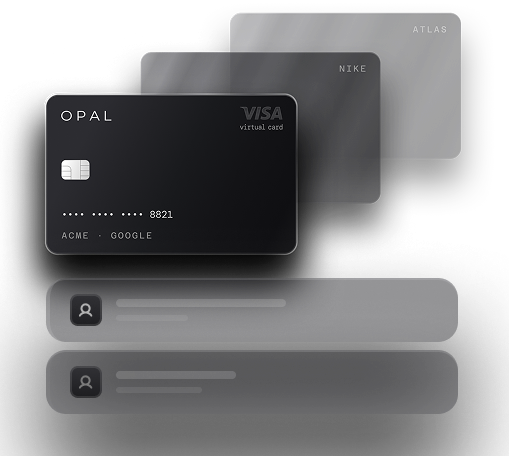
A dedicated advertising card sizes the line on the spend it carries and gives each client its own card number. When a Meta charge posts, it lands on that client's card, so your month-end close starts from a list already sorted by client instead of one statement you tag by hand.
Our month-end reconciliation checklist walks through that close step by step. The cost is a second card program, with its own statement date and payment, beside whatever runs your company expenses.
Which Option Fits an Agency Managing Many Clients?
The fit depends on how many clients you pay for, how much of their media runs on your card, and which accounting system closes your month. Agencies whose clients pay platforms directly need far less card capacity than agencies that front every dollar.
Match the Option to Your Agency
Use this matrix to pick a starting point, then confirm the detail in the right-hand column with the provider:
| Your situation | Shortlist first | Confirm before you sign |
|---|---|---|
| Client media is most of your card volume across several platforms | Opal | That your clients' platforms are supported, and the limit offered at approval |
| Ad spend is a small share and you want one platform for all spend | Ramp or Brex | How the limit moves when your cash balance changes |
| Vendor bills already run through BILL | BILL Spend & Expense | Your credit line, and whether project budgets report cleanly by client |
| You hold large cash reserves and want banking and cards together | Slash or Mercury | Daily repayment terms and any minimum balance |
| Clients or vendors bill in several currencies | Airwallex | Whether debit-only funding covers your biggest media weeks |
Set Permissions Before Any Client Moves
Decide who can create cards, who can raise a limit, and which media buyers see which clients before you issue the first card. A buyer who handles 4 clients should reach those 4 clients' cards and no others. Then check that each card maps to the right customer or class in QuickBooks, Xero, or NetSuite, since a card landing in the wrong client's ledger costs more time than it saves.
Our guide to separating client ad budgets explains why that boundary matters. It matters most when a client asks to see exactly what was spent on their behalf.
When Should an Agency Use Opal Instead of Ramp?
Use Opal for client media when ad spend drives most of your card volume and your limit, rather than your expense policy, is what interrupts campaigns. Keep Ramp at the center when company expenses, vendor bills, and travel make up most of what your finance team manages.
Signs Client Media Has Outgrown a General Card
Declines that cluster near statement close are the clearest signal, especially when they hit whichever client's account charged last. Others include one card shared across several clients, a finance lead spending days each month tagging platform charges, or a current card that needed an owner's personal guarantee to reach its limit.
Signs Ramp Should Stay Your Main Platform
If most clients pay Meta and Google directly, or your largest Google accounts already pay by monthly invoice and bank transfer, card capacity matters far less. Ramp's bill pay, travel booking, and procurement add-ons then do more for your team than a dedicated ad card would.
If your agency sits between the two, you can run both, with Ramp for company spend and Opal for client media. Our page with Opal and Ramp compared shows that split in detail.
Move Client Media Onto the Opal Card
If client media is the spend that strains your current setup, we built the Opal card for that one job. Here's what we provide and where the product stops.
What We Provide on Every Account
We provide and operate the card, with unlimited virtual cards at no cost, each with its own spending limit, expiration date, and merchant restrictions. You set approvals and employee permissions so each media buyer reaches the right clients. Every account comes with a $0 annual fee, no personal guarantee, no hard credit check, no bank switch, and QuickBooks sync.
Configure Your Cards and Know Where the Card Stops
You configure the cards, limits, and permissions. Opal is a pay-in-full charge card, so the full balance is collected automatically on each due date, and a failed debit can lock the card. Ad Pay is a separate product for Meta and Google invoices, with a 3% fee on Opal credit and 3.5% on another card, so check its availability with our team.
The application takes 2 to 3 minutes, and virtual cards usually arrive within 24 to 48 hours. Look through how Opal for agencies works, then start an application for the Opal card or book a demo with our team.
Frequently Asked Questions (FAQs)
Do I Have to Switch Banks to Use a Ramp Alternative?
It depends on the provider. We don't require a bank switch for Opal, which works with U.S.-based banks, with limited exceptions. Mercury's IO card is for Mercury account holders, and Slash and Airwallex cards draw on balances held in their own accounts, so moving to one of those usually brings some operating cash with it.
Can We Keep Ramp and Add an Ad Spend Card?
Yes. Ramp can keep handling company expenses, bill pay, and travel while client media moves to a dedicated ad spend card. Each program has its own statement and payment date, so your finance team reconciles two feeds. Use the same client and campaign names in both, and month-end matching still lines up in your accounting system.
How Do We Move Existing Card Payments on Our Ad Accounts?
Add the new card as a payment method in each ad account's billing settings, make it the primary method, and leave the old card attached until the first charge clears on the new one. Switching between billing cycles, rather than days before a threshold charge, lowers the chance of a failed payment pausing delivery.
Will Switching Change Our Accounting Workflow?
Switching changes the feed more than the system. Opal syncs transactions and exports to QuickBooks, and the other providers here publish their own accounting integrations. Before you close a month on the new feed, check that each card maps to the right client, class, or customer, and that platform charges arrive with enough detail to match invoices.
Is There a Ramp Alternative Built for Media Buyers?
Media buyers paying platforms for clients or brands need card-level limits and permissions more than travel booking or bill pay. We built Opal for that work, with virtual cards by ad account or platform and permissions set per buyer. The other options here center on company-wide spend or banking, with ad spend as one category among many.
Opal vs. Ramp for Marketing Agencies: Which One Actually Handles Ad Spend?

Ramp vs Brex vs Opal: Which Spend Management Platform Fits Your Business?

Best Credit Cards for Ad Spend: 9 Options for Media Buyers and Agencies