

Consolidate Google Ads Billing Across Client Accounts: Pick the Payment Model That Fits Your Agency

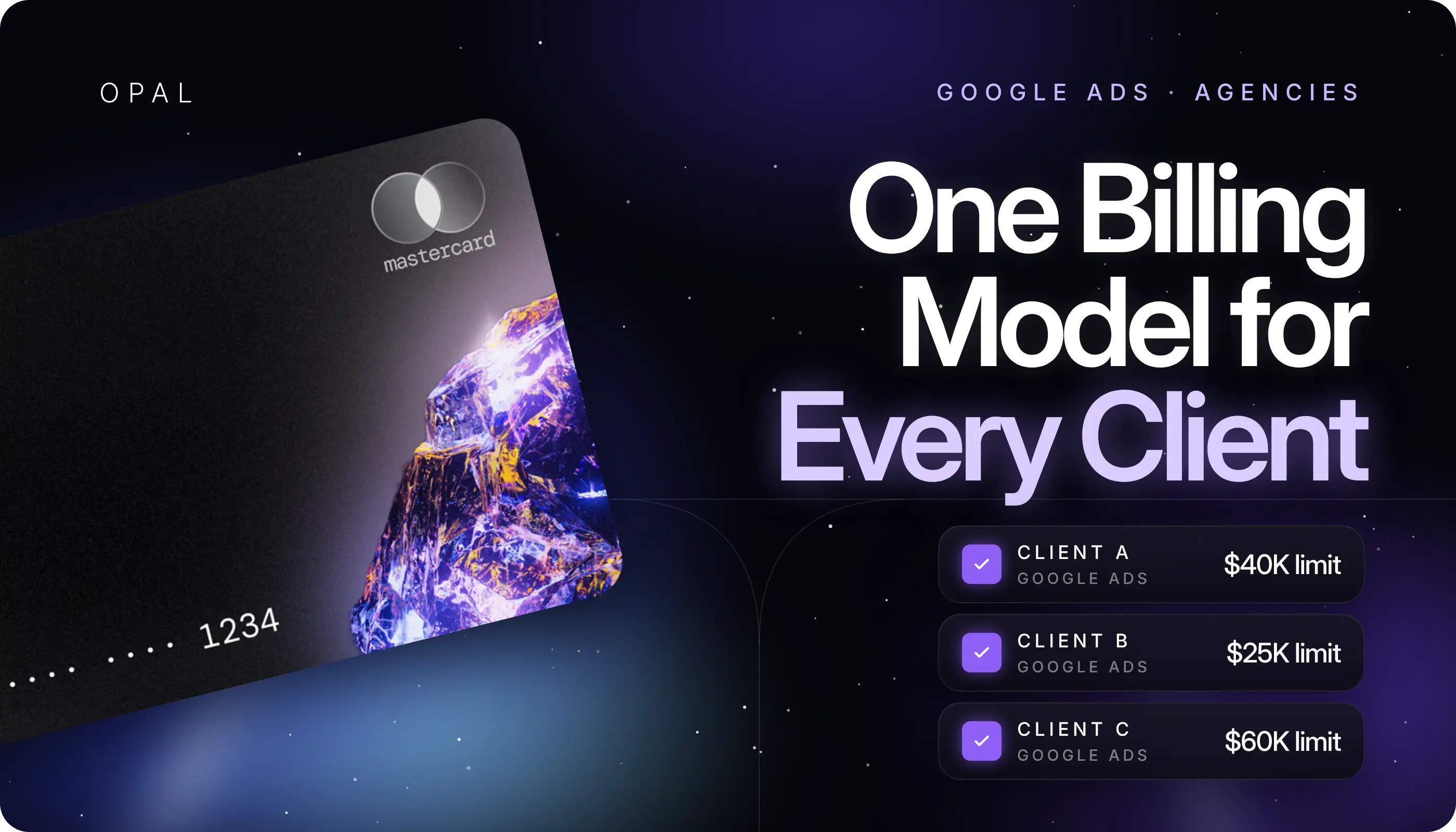
To consolidate Google Ads billing across client accounts means paying for every client's advertising through one billing relationship instead of a separate arrangement per account.
There are 2 ways to do it: Google's consolidated billing, which groups accounts on one monthly invoice under a paying manager account, and centralized card payments, where one card account settles each client account's automatic charges.
The reliable way to choose is to match the model to your credit position and client contracts, then give every account one label, a purchase order (PO) number or a dedicated card, that ties each charge to one client.
The question comes up for agencies, resellers, and in-house teams that run several brands from a Google Ads manager account (often still called My Client Center, or MCC).
Google bills each account through a payments profile, the record that holds legal, tax, and payment details, and each account pays on one of 2 settings in the U.S.: postpay automatic payments, usually charged to a card, or monthly invoicing on a Google credit line.
Past a handful of clients, finance wants one payment run, while account managers still need to prove what each client spent.
In this article, you'll learn how the 2 models work, who qualifies for each, and which agency structures each one suits. You'll also see how to keep client-level attribution intact and how to reconcile a book where some accounts sit on an invoice and others run on cards.
Key Takeaways
Google's consolidated billing puts many Google Ads accounts on one monthly invoice, and it requires a manager account, approval for monthly invoicing, and a shared currency on each invoice.
Google lists monthly invoicing requirements that include at least 1 year as a registered business, 6 months of account history in good standing, and $5,000 USD of monthly spend in any 3 of the last 12 months.
Centralized card payments keep each account on postpay automatic payments, so every account is still charged on its own threshold or monthly date while 1 card account pays them all.
Client-level attribution comes from a purchase order (PO) number on each account budget under consolidated invoicing, and from a dedicated virtual card per ad account under card payments.
The payments profile you attach decides who is financially responsible for an account, so your billing model also decides who carries each client's media balance.
A mixed setup reconciles cleanly when every account has exactly 1 billing route and 1 client code recorded before its first click.
How Do You Consolidate Google Ads Billing Across Client Accounts?
You consolidate in one of 2 places: on Google's side, by putting client accounts on one consolidated invoice, or on the payment side, by paying each account's charges from one card account. Both give finance a single bill to settle, and they differ in who extends the credit and what you pay with.
Group Accounts on One Invoice Through a Paying Manager
Under consolidated billing, client accounts link to one common manager account, which Google calls the paying manager, and share a billing setup on monthly invoicing.
Google's guide to manager account billing setups explains that you can use the same billing setup for multiple client accounts, and that any account added to a setup already in use lands on the same consolidated invoice. You then make 1 invoice payment for all of them on the terms agreed with Google.
Pay Each Account From One Card Account
Under centralized card payments, each client account stays on postpay automatic payments, and Google charges the card on file after ads run, either on the first day of the month or when spend reaches the account's threshold.
Most postpay customers can reuse one payments profile across several accounts, while each account keeps its own payments account.
Consolidation happens at your card provider, where one credit line and one statement cover every card you have issued. Our guide to consolidating on one card covers how rewards behave once that spend is pooled.
What Is the Difference Between Consolidated Invoicing and Centralized Card Payments?
Consolidated invoicing runs on Google's credit and pays monthly in arrears, while centralized card payments run on your card provider's credit and pay account by account as charges trigger. The table maps where each model puts the moving parts.
Compare the Two Models Side by Side
Use this comparison when you brief your finance lead or a new client:
What You're Comparing |
Consolidated Invoicing |
Centralized Card Payments |
|---|---|---|
Google payment setting |
Monthly invoicing |
Postpay automatic payments |
Who extends the credit |
Google, after a credit review |
Your card provider |
When Google bills |
1 invoice a month, emailed by the 5th business day |
Per account, whenever it hits its threshold or the 1st arrives |
How you pay Google |
1 payment per invoice, usually within 30 days |
Card charges, settled through your card statement |
What stops delivery |
An exhausted account budget, or exceeding payment terms or the credit line |
A declined charge, which can lead Google to pause the account's ads |
Client attribution |
An amount and PO number per account on the invoice |
A dedicated card per account on the statement |
Know What Each Model Leaves Separate
Neither model merges client budgets. On an invoice, Google still lists the amount spent for each Google Ads account, and each account keeps its own account budget.
On cards, each account still triggers its own charges, so 10 accounts mean 10 charge patterns a month. Our guide to Google Ads billing thresholds explains how those per-account charge points rise over time.
Who Qualifies for Google Ads Consolidated Billing?
You qualify when Google approves you for monthly invoicing and your accounts sit under a paying manager with a linked payments profile. Google reviews the credit side, so plan for an application rather than a settings change.
Check the Monthly Invoicing Requirements
Google's page "About monthly invoicing" lists requirements that include, but aren't limited to, a business registered for at least 1 year, a Google Ads account in good standing that has been active for at least 6 months, and at least $5,000 USD of spend per month in "any 3 of the last 12 months."
The account must link to a manager account, and a company contact accepts the terms. Google then reviews your company's credit history, and the bill-to details on the account must match the company that applied for the credit line.
Confirm Access, Currency, and Account Limits
To create or manage a billing setup, you need Admin, Standard, or Billing-only access to the paying manager account. Google's page "About consolidated billing" adds 3 limits worth checking now:
Every account on 1 invoice must use the same currency, and mixed currencies produce 1 invoice per currency.
A single consolidated invoice can hold up to 50,000 Google Ads accounts.
Google restricts the feature for some agency types and regions, so read the eligibility note on that page before you build a plan around it.
Which Billing Model Fits Your Agency Structure?
The right model follows your client contracts and your cash position more than your client count. Use the profiles below to find the closest match, then test it against your own numbers.
Agencies That Hold a Google Credit Line
If you already meet the invoicing requirements and bill clients after the month closes, consolidated invoicing fits. You make 1 payment against 1 document, and terms of about 30 days line up with a monthly client invoice.
The trade is concentration: the payments profile on the billing setup is financially responsible, so every linked client's spend becomes your balance with Google.
Agencies Growing Toward the Invoicing Threshold
Agencies with clients spending below $5,000 a month, or with less than a year of history, usually can't get monthly invoicing yet.
Centralized card payments let you run every account from one card account now, with spend limits per card. Our pre-launch billing setup guide lists what to agree with each client first.
Agencies Running Both Models at Once
Many larger books end up mixed, with high-spend clients on the invoice and newer or seasonal clients on cards. That split works as long as each account sits on exactly 1 route, which the next 2 sections cover.
How Does Client-Level Attribution Work in Each Model?
Attribution works by attaching one client identifier to each account before spend starts, a PO number for invoiced accounts and a card for postpay accounts. Get that label right at setup and the month-end split becomes a lookup.
Tag Invoiced Accounts With a PO Number
Every account on monthly invoicing needs an account budget, set from the paying manager under Billing, then Account budgets.
Each budget takes a name, an amount or an unlimited setting, a start date, an optional end date, and an optional purchase order number.
Google's guide to updating PO numbers confirms that the number appears on the next monthly invoice for that budget, and that you can regenerate an open invoice with a corrected PO number. Use the client's own PO or your internal client code, never both.
Tie Each Card to One Ad Account
On postpay, Google doesn't carry PO numbers, so the card becomes the label. Issue 1 virtual card per client account, name it after the client and the Google Ads customer ID, and set its limit to the approved monthly budget plus a margin for threshold timing.
Every charge on that card then belongs to one client. Our breakdown of card structure models compares per-client, per-platform, and per-campaign layouts.
How Do You Keep Google Ads Billing Reconciliation Clean With Mixed Payment Methods?
You keep it clean by reconciling each source on its own schedule against a single billing map, then checking that the 2 totals add up to your Google Ads spend. The map does the matching work, and the sources only confirm it.
Build a Billing Map Before Spend Starts
Create a sheet with 1 row per Google Ads account and these columns: client name, customer ID, billing route, PO number or card name, payments profile, and the date the route started. Update it the same day any account changes billing setup or card. Our month-end close checklist shows where this map plugs into accruals and cutoff.
Match Each Source on Its Own Schedule
For example, say you manage 10 accounts. The 6 larger clients sit on the consolidated invoice with $180,000 of combined October spend, and 4 smaller clients run on cards spending $6,000, $9,000, $12,000, and $15,000, or $42,000 in total. Your map should show $222,000 across all 10 accounts.
In early November, match the 6 invoice lines to their PO numbers for $180,000. Then filter your card statement by the 4 card names for $42,000. Any gap against the Google Ads spend report points to an account on the wrong route or a card shared across accounts.
Run Centralized Google Ads Payments on the Opal Card
If centralized card payments fit your agency, we provide the card account that sits behind every client's billing setup. You keep Google's billing settings as they are and swap in a dedicated Opal virtual card per account.
See What Every Agency Account Includes
We issue unlimited virtual cards at no cost, organized by client, ad account, platform, campaign, or team, each with its own spending limit, expiration date, and merchant restrictions.
You control approvals and employee permissions, and transactions sync to QuickBooks.
Eligible ad spend earns 1% cashback on credit accounts and up to 1.5% on pre-funded accounts, uncapped, and we confirm your rate at approval. We charge no annual fee, you won't sign a personal guarantee or face a hard credit pull, and your credit is sized on your advertising spend rather than your bank balance.
Check the Fit Before You Apply
You configure the cards and limits. The Opal Card is a pay-in-full charge card, with the full statement balance debited automatically on each monthly due date, and a debit that can't be processed may lock the card.
We serve U.S.-based businesses, and the card works on supported advertising and media platforms, so keep a general business card for other expenses.
For accounts already on a Google invoice, Ad Pay is a separate product for Meta and Google invoices, currently offered by waitlist, with a 3% processing fee on Opal credit or 3.5% on a connected card. Applying online takes 2 to 3 minutes, and virtual cards usually arrive within 24 to 48 hours. See our agency card program, then apply from our site or book a demo.
Frequently Asked Questions (FAQs)
These are the questions agency owners and finance leads raise most often once a second billing route appears. Each answer stands on its own, so you can share one without the rest of the page.
Can I Pay a Google Ads Consolidated Invoice With a Credit Card?
Google's billing options page describes monthly invoices as paid by check or bank transfer within the terms agreed with Google. Paying one with a card means routing it through an invoice payment service, so check that service's processing fee and weigh it against the extra days of cash flow it buys.
Does Consolidated Billing Combine Budgets Across Client Accounts?
No. Consolidated billing combines the invoice and the payment, not the budgets. Each Google Ads account keeps its own account budget, and the invoice lists the amount spent for each account alongside its purchase order number. Google also provides a monthly cost report per account, so client totals stay separate even when you pay them together.
Do I Need a Manager Account to Pay for Multiple Google Ads Accounts?
You need one for consolidated billing, because every account on the invoice links to a paying manager. Card payments don't require that setup, since most postpay customers can reuse one payments profile across accounts. Most agencies still run client access through a manager account, so linking accounts there is a sensible step either way.
How Do I Show Each Client What They Spent on Google Ads?
On consolidated invoicing, pull the account's line and PO number from the invoice, plus its file from the monthly cost report Google provides. On card payments, export the transactions for that client's dedicated card for the billing period. Either source gives a client a document that ties directly to their own Google Ads account.
What Happens to Billing When a Client Leaves the Agency?
Set an end date on the account budget, or remove the card, so spend stops on the agreed day. Then move the account to the client's own billing setup or payments profile. Spend that accrued while the account sat on your setup or card remains your balance to settle, so close out that final line first.
Which Is Easier to Reconcile, Invoices or Cards?
Invoices give you 1 document a month with a PO number per account, which suits large, stable clients. Cards give you a charge stream per account that clears through 1 statement, which suits clients still below invoicing requirements. Reconciliation stays simple in either case when every account maps to exactly 1 identifier.
Best Credit Cards for Google Ads Agencies in 2026: Ranked by Cash Back, Limits, and Client Controls

Best Credit Cards for Google Ads With High Limits
How to Earn Rewards on Google Ads and Meta Ads Spending