
Google Ads Billing Threshold: How It Works and How to Raise It (2026)

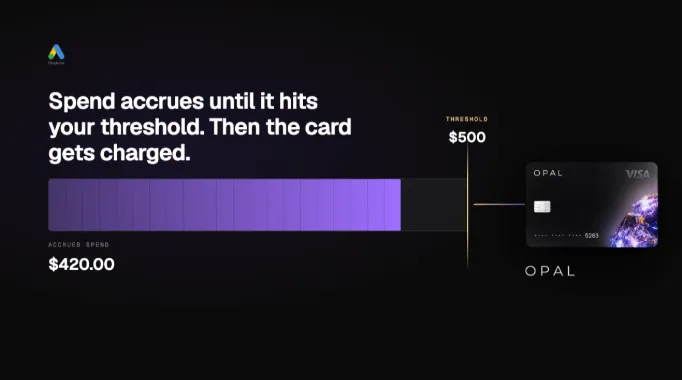
A Google Ads billing threshold is the cumulative spend amount that triggers an automatic charge to your payment method. Google charges your card every time your ad costs hit that threshold, then resets the counter to zero. Charges also fire on the first day of each month for any remaining balance below it. New accounts start at $50. The typical self-serve ceiling is $500.
Most advertisers assume Google bills monthly, like a utility. It doesn't. At significant daily spend, a low Google Ads billing threshold means your card gets charged dozens of times per day, which is where campaign pauses, declined cards, and confused finance teams come from.
Key Takeaways
Google Ads charges your card when spend hits your billing threshold or on the 1st of the month, whichever comes first
New accounts start at a $50 threshold; the typical self-serve ceiling is $500
Thresholds rise automatically as you build payment history with on-time charges
A low threshold at high daily spend means multiple card charges per day, creating real decline and fraud-flag risk
Agencies sharing one card across multiple client accounts compound this risk significantly
Monthly invoicing (no threshold) requires $5,000/month in spend for 3 of the last 12 months and 6+ months of account history
The structural fix is one dedicated virtual card per client account, not a single high-limit card for everything
What Is a Google Ads Billing Threshold?
Google Ads uses two triggers to charge your payment method under automatic payments, whichever comes first:
-
Your billing threshold is reached. Spend hits the set amount, a charge fires immediately, and the balance resets to $0.
-
The first day of the month arrives. Whatever balance remains gets charged, even if you haven't hit the threshold.
Per Google's billing documentation, each charge covers current advertising costs, any unpaid balance carried over from the previous month, and applicable taxes. If spend accelerates faster than the billing cycle can process, Google may charge slightly more than the threshold in a single transaction. That's documented behavior, not an error.
How Is a Google Ads Billing Threshold Different From a Budget Cap?
These two are completely independent. A budget cap controls how much Google spends on your behalf in a given day or month. The billing threshold controls when Google charges your payment method for costs already incurred.
A $10,000/month campaign budget with a $500 billing threshold means Google charges your card roughly 20 times per month, not once. Each charge is a live authorization request against your payment method.
To find your current threshold: Go to Billing in your Google Ads account, click Summary, and check the "Next automatic payment" section.
How Does the Threshold Escalation Ladder Work?
Google's threshold system runs on payment history. New accounts start low because Google has no record with you. Each charge that clears on time moves the limit up; each one that fails moves it back.
The typical self-serve progression for US accounts, per Google's charge frequency documentation:
Stage |
Typical Threshold |
What It Takes |
|---|---|---|
New account |
$50 |
Verified payment method, first campaign active |
Early stage |
$200+ |
Threshold reached and paid before 30-day cycle ends |
Standard ceiling |
Up to $500 |
Consistent payment history over several months |
Above ceiling |
Account-specific |
Manual request or managed account relationship |
Monthly invoicing |
No threshold |
$5,000/month for 3 of last 12 months, 6+ months account history |
Exact intermediate steps vary by account, currency, and region. Google does not publish a fixed escalation schedule.
What Slows or Resets the Progression?
-
A declined payment. One failed charge damages your payment credibility with Google and can freeze automatic increases.
-
Adding a new payment method. This is a documented re-verification trigger. Threshold progression may pause during the review window.
-
Making manual payments before the threshold fires. This removes the spending-velocity signal Google uses to decide when to raise the limit.
-
Account inactivity. The account needs to be actively spending and clearing charges for the limit to move.
What Are the Three Google Ads Payment Modes?
Which payment mode an account uses determines whether thresholds apply at all.
Payment Mode |
How It Works |
Threshold Applies? |
|---|---|---|
|
Automatic payments |
Postpay. Google charges when spend hits threshold or on the 1st. |
Yes |
|
Manual payments |
Prepay. You fund the account; campaigns draw from that balance. Pause when balance hits zero. |
No |
|
Monthly invoicing |
Google sends one invoice per month. No mid-month charges. |
No |
Automatic payments is the default for most self-serve accounts. Google's automatic payments documentation notes you can switch to manual in Billing Settings, though this isn't available in all accounts.
Manual payments eliminate threshold friction but create a cash flow problem for agencies: you're fronting client spend before billing the client.
Monthly invoicing is the cleanest structure for high-spend accounts. Per Google's invoicing eligibility documentation, qualifying requires:
Business registered for at least one year
Active Google Ads account in good standing for at least 6 months
Minimum spend of $5,000/month for any 3 of the last 12 months
The catch agencies miss: spend history is evaluated per account, not across your business. A new client account doesn't qualify based on your agency's overall track record. There is no self-serve application path. Contact your Google Ads account manager or Google Ads support directly to apply.
For a full comparison of how billing works across Google, Meta, TikTok, and Amazon, see how ad platforms bill in 2026.
For Google Ads accounts already on monthly invoicing, Opal Ad Pay pulls invoices from your email automatically and processes payment against the Opal credit line, replacing a manual accounts-payable process with an automated one. See the full Ad Pay breakdown for how it works across multiple clients.
Why Do Low Thresholds Cause Campaign Pauses?
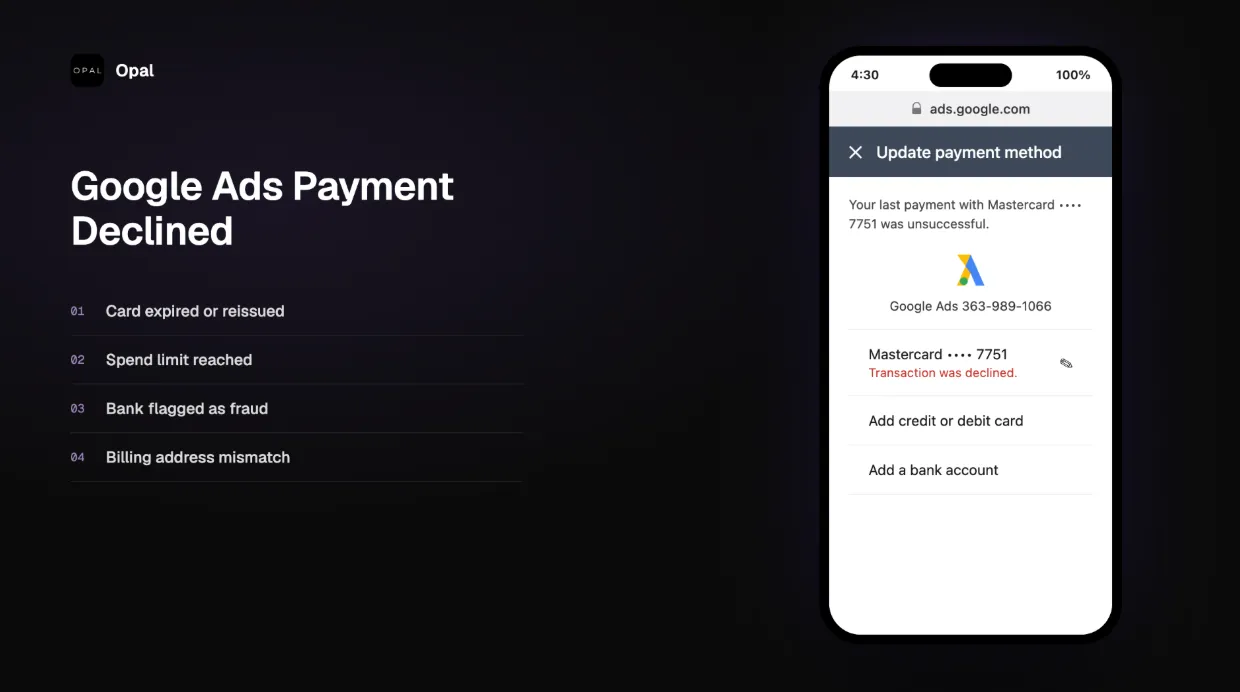
A low threshold at high daily spend means Google fires dozens of authorization requests against your card in a single day. When one fails, campaigns stop. At $10,000/day with a $500 threshold, that's 20 charges before noon. The real agency risk is that Google's MCC structure lets multiple client accounts share one payments profile: a single failed charge can pause every account on that profile simultaneously. For the full breakdown of pause triggers, recovery steps, and how to prevent cascades across client accounts, see what to do when an ad campaign pauses mid-flight.
How Do You Raise Your Google Ads Billing Threshold?
A Google Ads billing threshold increase happens automatically when your spend consistently hits the current limit before the 30-day billing cycle ends. You cannot manually trigger one, but you can build the payment history that causes it, and avoid the behaviors that stall it.
What Works
Let the threshold trigger naturally. Reaching your current threshold before the billing cycle ends is the clearest indicator to Google that your spending velocity has outgrown the current limit. Making a manual payment before it fires obscures that pattern.
Keep your payment method clean. Successful charges build the billing history that drives threshold increases. Failed ones set it back. Audit your card's expiration date before it lapses. An expired card that causes a missed charge looks identical to a failed payment in Google's billing system.
Use the self-serve threshold editor if it's available. Some US accounts have access to an "Edit threshold" option in Billing Settings, per Google's threshold documentation. To check:
Go to Billing in your Google Ads account
Click Settings
Open "How you pay"
Look for the "Edit threshold" link
If it doesn't appear, the option isn't available for your account.
Contact Google Ads support with spend documentation. If you have a Google Ads account manager, you can request a manual threshold review with 3-6 months of payment history. Without that documentation, support cannot override the automated system.
What Doesn't Work
Requesting an increase without documentation
Switching payment methods frequently (each new card restarts the trust relationship)
Using prepaid or debit cards (higher decline rates create the history you're trying to avoid)
Disputing threshold charges (chargebacks signal payment unreliability; contact Google support first)
Does Card Choice Affect Threshold Behavior?
Yes. Card choice directly affects whether Google Ads threshold charges clear or decline. Most billing problems that look like threshold problems are actually card problems: the threshold fired correctly, but the card couldn't absorb it. The three failure points are available credit, velocity limits, and merchant category blocks.
Why Cards Decline at Threshold Volume
When Google fires a threshold charge, your card issuer runs it through three checks:
-
Available credit. If the card is at or near its limit, the charge declines regardless of legitimacy.
-
Velocity checks. High-frequency charges in a short window trigger fraud detection, even if each individual charge is within the limit.
-
Transaction category. Google Ads typically charges under MCC 7311 (Advertising Services). Some issuers block this category entirely. A card can appear correctly configured in Google and still get declined at the network level.
Per Google's payment settings documentation, billing details must also match exactly between Google and the card issuer. A ZIP code mismatch or name format difference can cause a decline.
The limit question is secondary to the architecture question. A single high-limit card across all your accounts is still a single point of failure: one velocity trigger or fraud flag takes down every account at once. For a full breakdown of card programs at scale, see Best Credit Cards for Google Ads With High Limits and the best cards for Facebook ad spend.
The threshold problem has two layers: the platform-side limit you're waiting to grow, and the card-side capacity you need while it grows. Opal was built by former media buyers who ran into this exact problem. It's a Visa charge card issued by First Internet Bank, designed from the ground up for agencies and high-spend advertisers, not a general business card with ad spend bolted on.
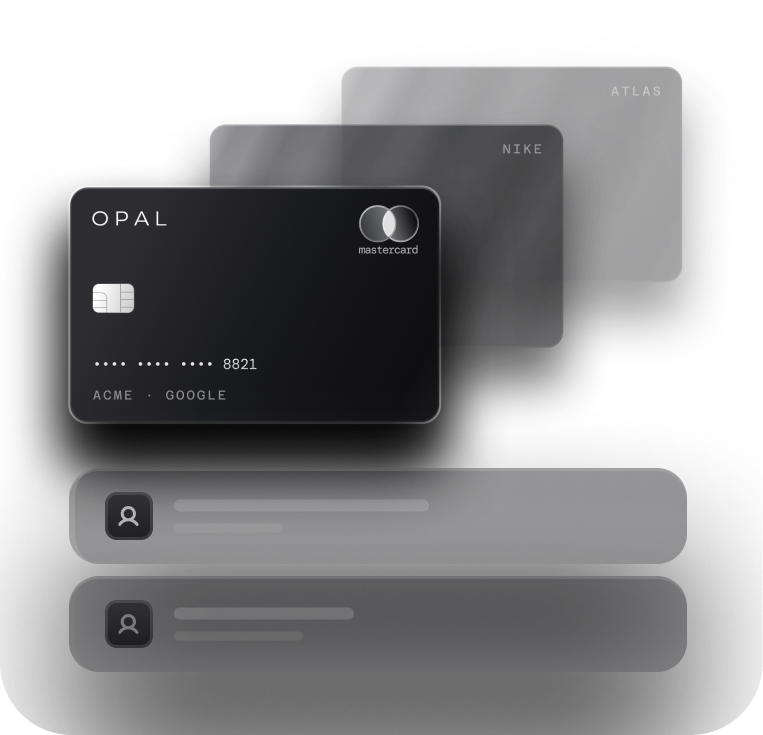
Unlimited virtual cards, one per client account. Each card has its own billing relationship with Google, its own threshold progression, and spend controls sized to that client's actual budget. A decline on one account doesn't touch any other, and each account builds its threshold history on its own timeline rather than competing for capacity on a shared card.
Credit limits up to $10M underwritten against your managed spend volume, not your company's cash on hand. No personal guarantee. No hard credit check. Because the limit scales with your book of business rather than a fixed revolving ceiling, the card doesn't deplete mid-day the way a standard business credit card does when Google fires 20 threshold charges in a single day.
Up to 1.5% cash back on Google, Meta, TikTok, Amazon, LinkedIn, Snapchat, and Apple Search Ads, with no annual fee.
The agency running 20 Google Ads client accounts on one legacy business card is building 20 independent threshold clocks against one payment ceiling, with a shared payments profile that can cascade a single failure across every account at once. The structural fix is purpose-built card infrastructure, not a higher limit on the same flawed setup.
See how Opal works for agencies: no annual fee, no hard credit check, two-minute application.
Frequently Asked Questions
How does Google Ads billing threshold work in practice?
A Google Ads billing threshold is the cumulative spend amount that triggers an automatic charge to your payment method. Google charges your card every time spend reaches this amount, then resets the counter. New accounts typically start at $50. Thresholds rise automatically with consistent on-time payment history, with a typical self-serve ceiling of $500.
Why did Google charge my card multiple times today?
Google charges your card each time cumulative spend hits your billing threshold, not once per day or per month. If your threshold is $200 and you spent $1,000, Google attempted five separate charges. This is normal behavior under automatic payments, not a billing error.
How do I raise my Google Ads billing threshold?
Let your threshold trigger naturally by spending past it before the 30-day cycle ends. Some US accounts can use the self-serve "Edit threshold" option in Billing Settings. For higher limits, contact Google Ads support with 3-6 months of payment history. Monthly invoicing, which removes the threshold entirely, requires $5,000/month for 3 of the last 12 months.
What happens when a Google Ads payment is declined?
Google may pause your ad campaigns until the payment goes through. Some accounts get a short grace period. Google retries failed charges automatically over several days. If retries keep failing, the account can be suspended for non-payment. Resolve it by making a manual payment or updating your payment method in Billing.
What is a Google Ads payments profile?
A payments profile is a billing entity that governs one or more Google Ads accounts. Accounts under the same MCC may share a profile and payment method by default, meaning a payment failure on one account can pause all accounts on that profile. Agencies should give each client account its own payments profile and dedicated card.
What is the difference between a Google Ads billing threshold and a daily budget?
A daily budget controls how much Google spends on your behalf per day. The billing threshold controls when Google charges your payment method for costs already incurred. They are completely independent. A $5,000 daily budget with a $500 threshold means roughly 10 card charges before your monthly budget is exhausted.