
Merchant Locked Card for Ad Spend: Controls, Descriptors, and Misuse

.webp)
A merchant locked card is a payment card, usually a virtual card, that the issuer approves at one named merchant only, so a charge from any other business is declined at authorization before money moves.
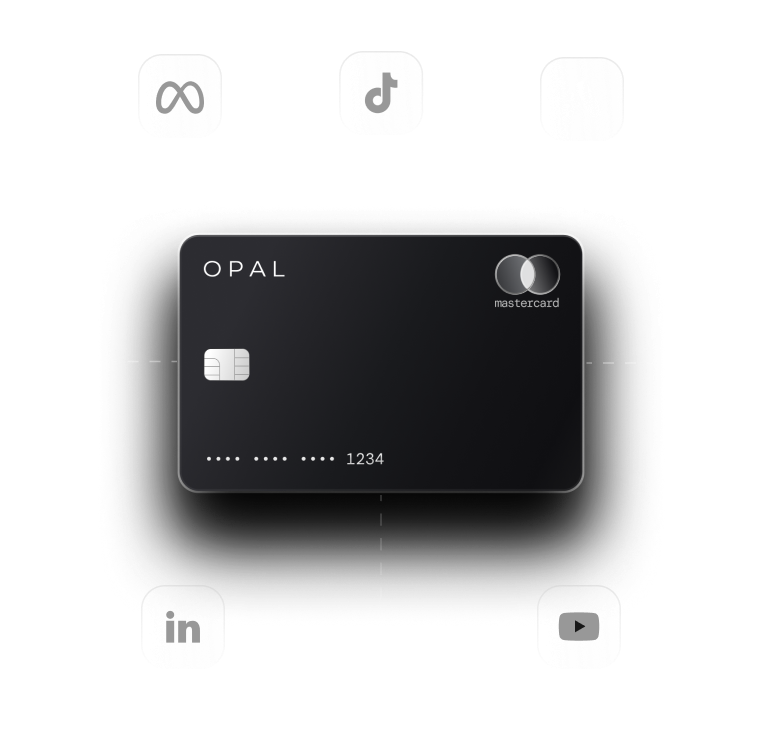
To use one for advertising, issue a separate card for each ad platform or ad account, restrict it to that platform, and add the number as the payment method inside that one account.
The check runs on data the card networks already carry. Visa's merchant data rules require every transaction to arrive with a merchant name and a merchant category code (MCC), a four-digit code defined under International Organization for Standardization (ISO) standard 18245 and assigned to each business by the acquiring bank that processes its payments.
Advertisers in the United States rely on that check because Google Ads, Meta Ads Manager, TikTok Ads, and LinkedIn Campaign Manager store card numbers, bill them repeatedly, and give access to agency staff and contractors.
The weak points are the descriptor a platform prints, which can change, and misuse that happens inside the approved merchant, which a lock cannot see.
Key Takeaways
A merchant locked card declines any charge from a business other than the one it was issued for, which makes a leaked ad card number worthless outside that platform.
A merchant category code (MCC) restriction is wider than a merchant lock: Visa's code 7311, Advertising Services, also covers ad agencies, so a category rule admits every merchant carrying that code.
Neither Google nor Meta publishes the merchant category code on its ad charges, and acquiring banks assign the code, so the dependable source is a charge already posted to your card.
Meta's help center says its ad charges begin with either "FACEBK*" or "FACEBOOK INC.", so any rule that matches descriptor text has to accept both forms.
A merchant lock cannot tell one Google Ads or Meta ad account from another, and pairing one card per ad account with the reference each platform prints is what exposes misuse inside the approved merchant.
How Does a Merchant Locked Card Work?
The card issuer compares each incoming authorization with the restriction stored on the card and declines anything that falls outside it.
Because the decision lands before the charge posts, there is no refund to chase and no client invoice to correct afterward.
What the Issuer Reads on Every Charge
An authorization request arrives with merchant data attached: the name the merchant bills under, its category code, and identifiers set by the acquiring bank that signed the merchant up.
Visa requires that name to be the one cardholders recognize, and it requires the merchant data to stay consistent from authorization through to the final transaction record.
A merchant lock asks that data a single question, whether the charge comes from the one business the card was issued to. A merchant locked virtual card for Meta therefore approves Meta and declines a software vendor, an online retailer, or a second ad platform presented with the same number.
Lock the Card Before the Number Goes Anywhere
Issuers apply the restriction in one of two ways. You name the merchant when you create the card, or the first merchant to charge it becomes the only one allowed afterward. With first-charge locking, whoever charges the number first defines the merchant, so paste a new card straight into the intended ad account and nowhere else, and prefer naming the merchant at issue when your card platform offers it. Our merchant lock glossary entry holds the short definition, and the setup order here is what keeps the lock dependable on ad platforms.
Which Merchant Restriction Should an Ad Card Carry?
Merchant restrictions on cards come in two strengths, and they fail in opposite directions. Set them beside a spending limit, the third control most ad cards carry, and the gaps each one leaves become easy to see.
Compare Lock Types Side by Side
The table scores each control against the misuse and billing events that actually reach ad cards. Read each row as the issuer's decision at authorization, made before anything posts.
|
Event at authorization |
Merchant lock |
Category (MCC) restriction |
Spending limit |
|---|---|---|---|
What the rule matches |
One named merchant |
A four-digit category code |
A dollar amount per period |
Leaked number used at another business |
Declined |
Declined unless that business shares the code |
Approved until the limit is reached |
Number added to a second ad account on the same platform |
Approved |
Approved |
Approved until the limit is reached |
Platform changes its descriptor or billing entity |
Can decline real charges if the rule matches the old name or entity |
Unaffected while the code stays the same |
Unaffected |
Best fit |
One card per ad account |
One card paying several advertising vendors |
Every ad card, as the backstop |
Stack the Controls on One Card
Most ad teams combine a merchant lock with a ceiling on the same number, and use a category restriction in place of the lock only where one card has to pay several advertising merchants.
The lock keeps the number from traveling, and the ceiling caps what any single account can draw. Neither depends on the platform's own budget settings, which anyone with access to the ad account can edit.
What Merchant Category Code Do Google Ads and Facebook Ads Use?
Neither Google nor Meta publishes the code its ad charges carry, and the acquiring bank assigns it under the card network's rules.
Visa's category for businesses that place advertising on the internet for clients is 7311, Advertising Services, so that is the code an advertising rule normally targets, and you should confirm it from your own posted charges.
How Visa Defines Advertising Services
Visa's Merchant Data Standards Manual describes 7311 as covering merchants that prepare advertising and place it in print, broadcast, internet, or other media for clients on a contract or fee basis, and it lists ad agencies under the same code.
The manual lets a merchant with more than one line of business use a separate code for each line, and Visa reserves the right to correct an assignment. A company selling ads alongside other services can therefore post different codes for different products under one brand.
Read the Code From a Posted Charge
The merchant category code for Google Ads and the merchant category code for Facebook Ads can only be confirmed from your own transactions. Let the first real charge post, open it in your card platform's transaction detail or export, and record the code and merchant name exactly as shown.
If the code is missing, ask your issuer's support team to read it from the posted transaction, and repeat the check after any platform billing change. The same codes decide whether ad spend earns a bonus rewards rate, a separate problem covered in our post on category code mismatches.
What Happens When an Ad Platform Changes Its Billing Descriptor?
A merchant lock tied to an old name or billing entity can decline a legitimate charge, while a category rule usually keeps working as long as the code stays the same.
The safeguard is to learn each platform's descriptor before you write the rule and to check the first charge after any billing change.
What Google and Meta Print on Your Statement
Google's help center says a Google Ads charge typically appears as "GOOGLE ADS" followed by an ID, and that the 10-digit customer ID shows on many bank statements. Meta's guide to finding ad charges says each transaction has a 10-character reference number beginning with "FACEBK" or "FACEBOOK INC.", and it warns that some statements cut that reference short. One platform with two accepted prefixes is precisely the case a text-matching rule has to plan for.
Allow the Verification Charge Before the First Bill
Platforms test a new card before they bill it. Meta says a small charge right after you add a card is usually a temporary authorization that it voids at once, gone from the statement in 3 to 5 business days, and Google notes that an authorization request can appear as a pending amount identical to a processed charge.
Your restriction has to approve these requests too, so set the lock before you paste the number into the ad account, and read the issuer's decline reason before loosening any rule when a card fails to save.
Keep Charges Clearing After a Change
When a card that worked last month declines, compare the declined authorization's merchant name and code with the last successful charge.
If only the name moved, update the lock to the platform's current billing identity instead of widening the card to a broad category.
Where the platform accepts a backup payment method, store a second locked card in that slot, and use our checklist for declined Google Ads payments if delivery has already stopped.
Can Virtual Cards Limit Merchant Spending Inside One Platform?
Only partly, because a lock limits which business can bill the card and cannot see which account inside that merchant is billing.
A card locked to Meta pays your client's ad account and any other Meta ad account the same number is added to.
Tie Each Card to One Ad Account
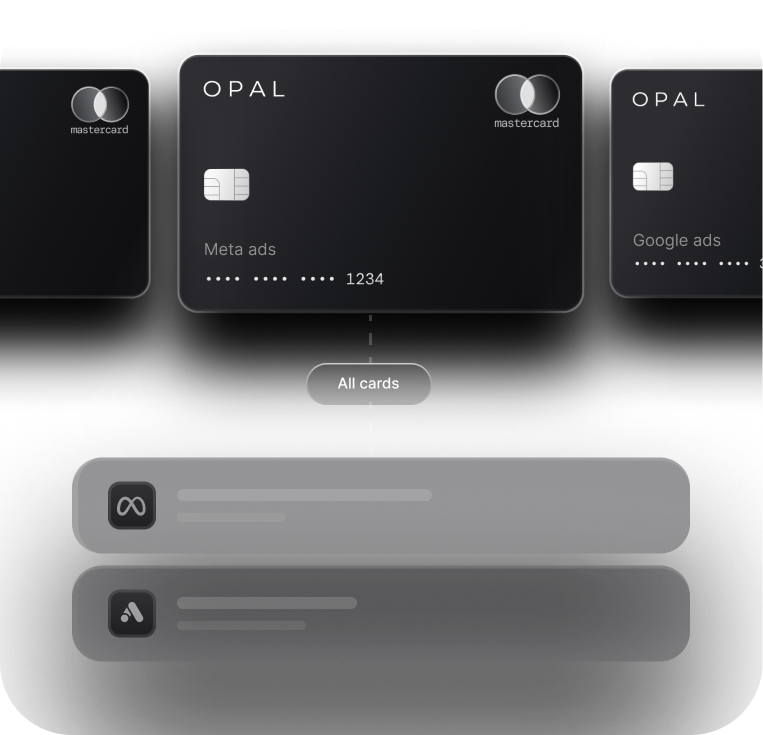
Give each ad account its own virtual card for a specific merchant, and name the card after the account it pays.
Then match the reference each platform prints: the Google Ads customer ID on the statement line against the account the card was issued for, and Meta's reference number against Payment activity under Billing & payments in Ads Manager.
A charge whose reference belongs to an account you never assigned to that card is the misuse a merchant lock lets through, and this routine catches it on the first statement instead of at quarter end.
Close the Gaps a Lock Leaves Open
Two routes stay open on an approved merchant: someone adds the number to a different account on the same platform, or someone takes over the ad account and runs ads billed to your card.
A per-card ceiling caps the damage from both, and removing stale users on the platform side closes the second, a cleanup covered in our Meta account recovery steps.
Card access is the other half, so give each buyer only the cards they run, the structure set out in our piece on media buyer permissions.
Lock Every Ad Card to Its Platform With Opal
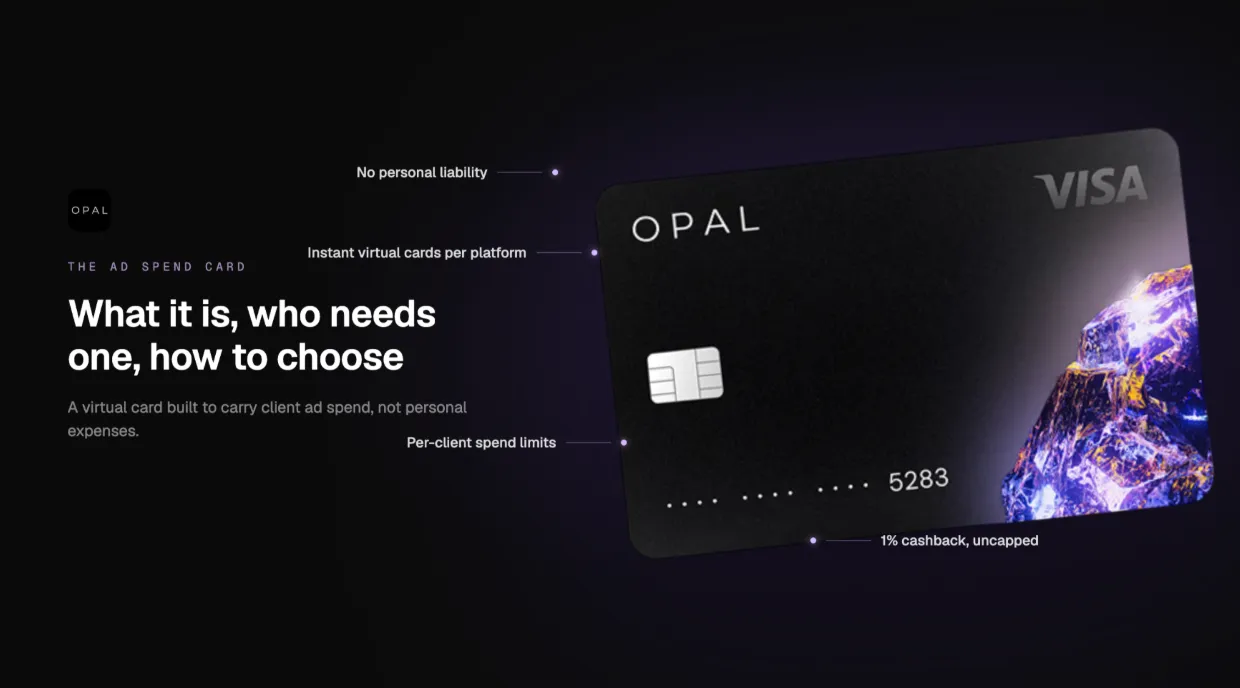
Our card is designed around advertising spend, and every virtual card you create comes with merchant controls. You decide where each number may be charged, and we issue the cards, extend the credit, and check every charge against the rules you set.
What We Provide
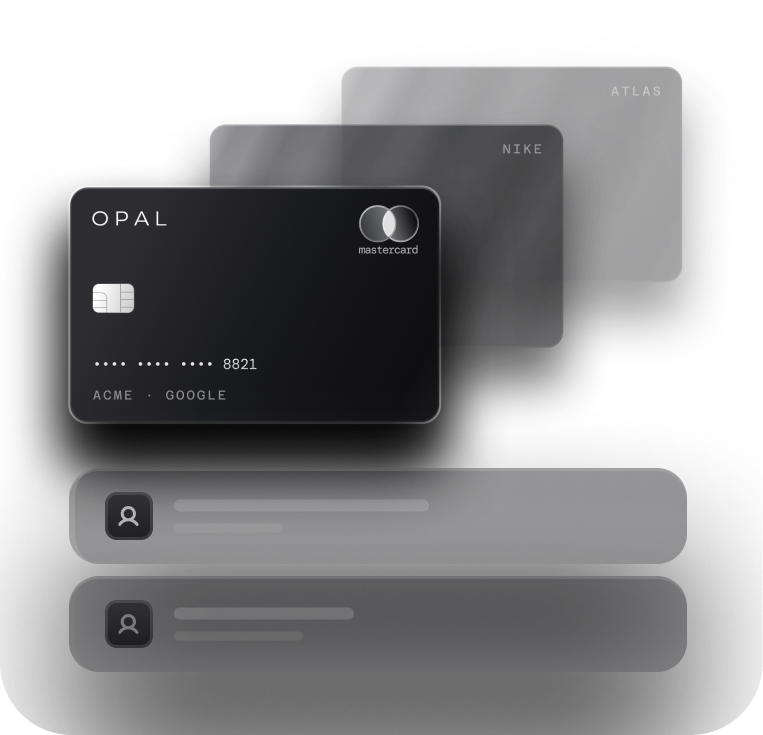
There is no cap on how many virtual cards an account creates and no charge for them, and each one takes a separate limit, a merchant restriction, and an expiry date.
The program restricts every card to supported ad and media platforms, so an Opal number already fails at a general retailer before you add a per-card lock, and it will not pay vendors outside advertising and media.
Cashback on eligible ad spend runs up to 1.5% with no cap, at a rate we set when we approve your application. There is no annual fee, and we ask for neither a personal guarantee nor a hard credit check.
What You Configure
You choose the structure: one card per client, platform, or ad account, the merchant each card is restricted to, its limit, and which team members can use or manage it. Approvals, real-time transaction visibility, exports, and QuickBooks and Workday integrations support the statement matching described above.
Opal works as a pay-in-full charge card that debits the entire statement balance automatically each month, it serves businesses based in the United States, and the short application form needs 2 to 3 minutes, with cards usually following 24 to 48 hours later. Start with Opal for agencies to see how the cards map to your accounts.
Frequently Asked Questions About Merchant Lock
What Is a Merchant Locked Virtual Card?
A merchant locked virtual card is a virtual number its issuer approves for one named merchant only. Charges from any other business are declined at authorization, before money moves. Advertisers typically issue one per ad platform or ad account, so a number copied out of Google Ads or Meta Ads Manager cannot be spent anywhere else.
Will a Locked Card Still Pay Recurring Ad Platform Charges?
Yes. A merchant lock controls who can bill the card and puts no cap on how many times that business bills it, so threshold billing and monthly charges from the approved ad platform keep clearing. Pair the lock with a spending limit set above your forecast, so a heavy billing day does not trip the ceiling and pause your campaigns.
What Merchant Category Code Does Google Ads Use?
Google does not publish the code on its help pages, and the acquiring bank assigns it. Visa's category for businesses placing advertising on the internet for clients is 7311, Advertising Services, the code an advertising category rule would normally name. Confirm the actual code by opening a posted Google Ads charge in your card platform's transaction detail.
What Merchant Category Code Does Facebook Ads Use?
Meta does not publish the code for its ad charges, and the code is assigned by the acquiring bank under card network rules. An advertising category rule would normally name 7311, Visa's Advertising Services category. Check a posted charge that begins with "FACEBK*" or "FACEBOOK INC." in your card platform to see the code your Meta Ads Manager billing carries.
Why Did My Locked Card Decline a Real Meta or Google Charge?
Check three causes first: a lock set after the platform's verification authorization, a rule matching an outdated merchant name or billing entity, or a spending limit already reached. Compare the declined authorization's merchant name and code with your last successful charge, then update the lock to the platform's current billing identity rather than removing it.
Does a Merchant Lock Stop Someone Using My Card on Another Ad Account?
No. A lock checks the merchant, so a card locked to Meta pays any Meta ad account the number is added to. Issue one card per ad account, cap it with a spending limit, and match the Google customer ID or Meta reference number on each statement line to the account the card was issued for.
%20(1).webp)