

Automate Meta Invoice Reconciliation: An Agency Guide to Matching Rules and Exceptions

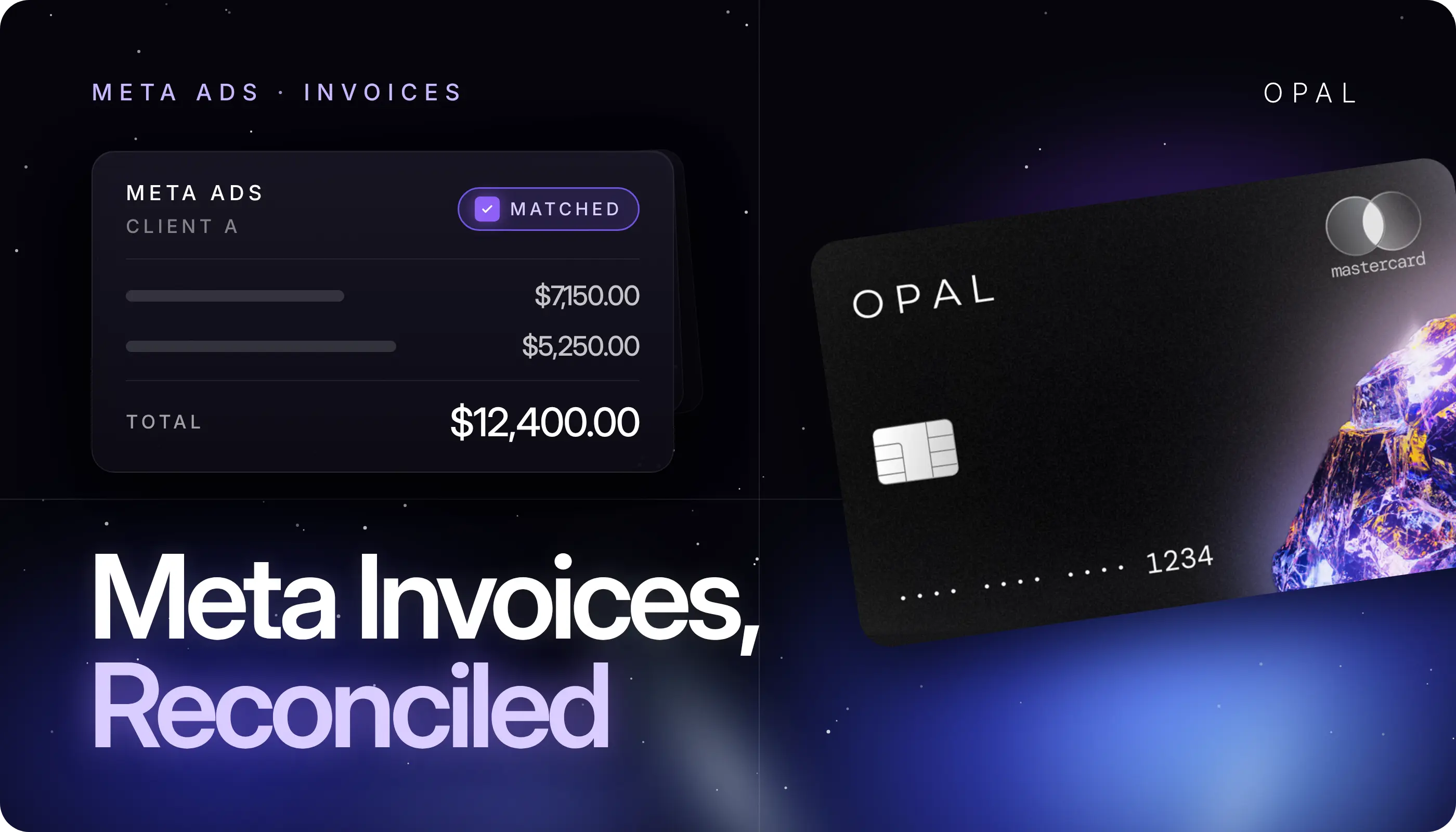
To automate Meta invoice reconciliation is to let rules match every Meta receipt or monthly invoice to the payment that settled it and the ledger entry that records it, so your team reviews only the records that fail to match.
The reliable way to do it is to give each client ad account its own payment record, match on account, amount, and a short date window, and send credits, refunds, taxes, partial payments, and duplicates to a named exception queue.
This guide is for agencies managing client media on Meta (Facebook and Instagram) and the finance teams behind that spend.
Most agency-managed accounts pay Meta in 1 of 2 ways: automatic card charges as spend builds, each with its own downloadable receipt, or monthly invoicing on a Meta credit line.
In both cases the billing record, the payment, and the QuickBooks entry come from different systems on different clocks, which is why mismatches in a Meta Ads accounting workflow pile up by month end.
Key Takeaways
Automating Meta invoice reconciliation means matching each Meta receipt or monthly invoice to its payment and ledger entry by rule, with people reviewing only the lines that fail.
A dedicated payment record per client ad account, such as 1 virtual card each, turns attribution into a lookup and makes amount and date matching dependable.
Meta reports ad delivery in each ad account's time zone and describes its spend metric as estimated, so Ads Manager spend should check your billing records, not replace them.
Credits, refunds, taxes, partial payments, and duplicate records each need their own rule or a named reviewer, because a plain amount match misreads all 5.
Internal Revenue Service (IRS) Publication 583 says a card statement must show the amount, payee, and date, and advises keeping invoices as well, so store each Meta receipt beside its statement line.
How Do You Automate Meta Invoice Reconciliation?
You decide which record pairs with which, let ranked rules do the pairing, and send everything else to a queue. The setup has 2 parts: a clean link between each ad account and its payment record, and matching rules ordered by confidence.
Link Each Ad Account to One Payment Record
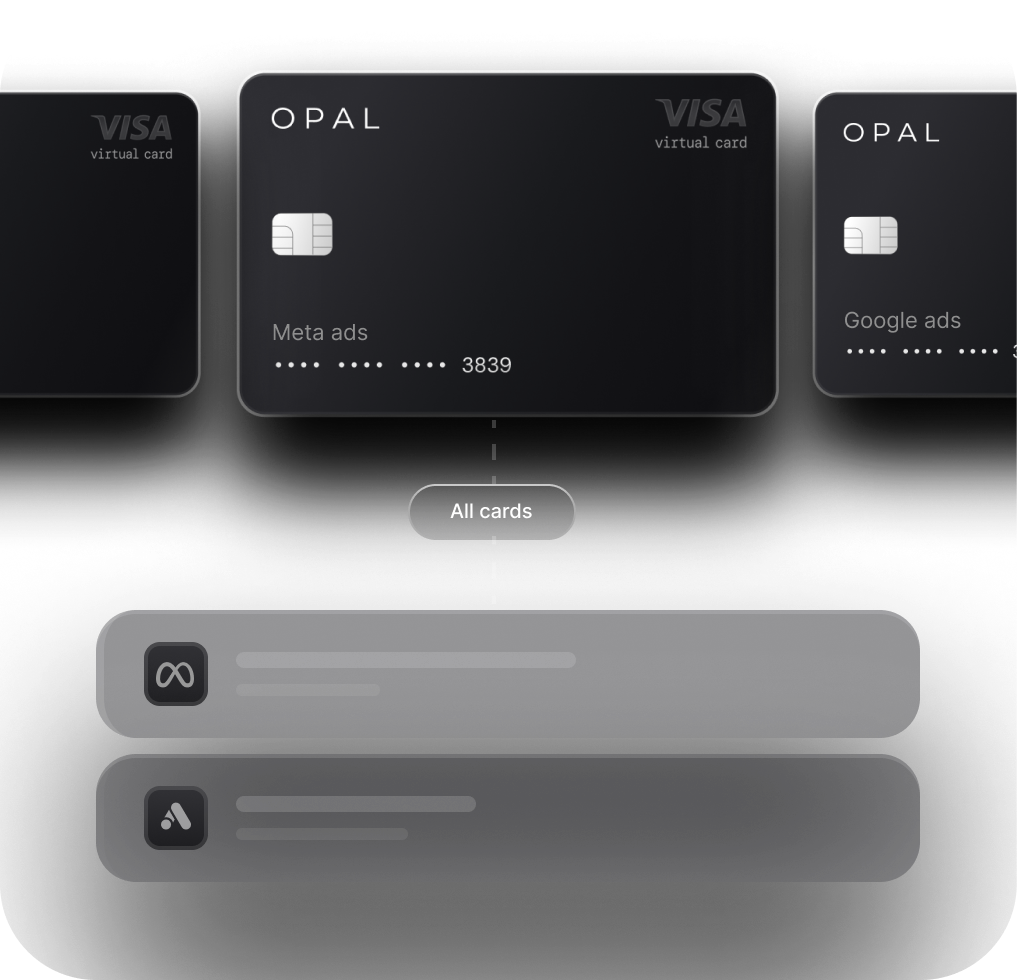
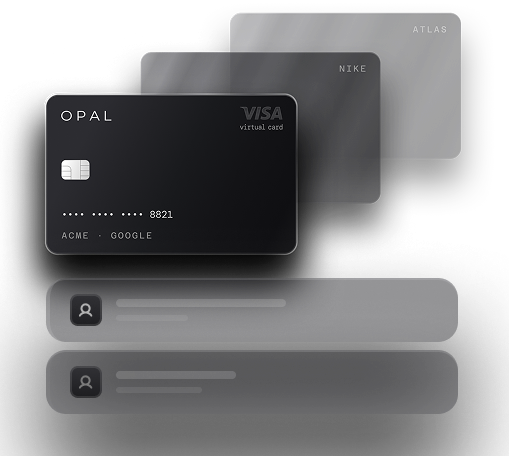
Matching works when each Meta charge can belong to 1 client. On card-billed accounts, that means a dedicated card per client ad account, so the card tells you whose spend it is before any rule runs.
On monthly invoicing, it means keeping each client's ad accounts on their own invoice. Shared payment methods force someone to sort each charge by hand, and our card-per-client setup guide walks through the alternative structure.
Rank Your Matching Rules by Confidence
Run the rules in this order, stopping at the first that clears the line:
-
Exact match: same payment record, same amount, same date. Clear it automatically.
-
Window match: same payment record and amount, with dates inside a set window. Clear it and log the gap.
-
Pattern match: a negative amount, a tax line, or an amount that repeats an earlier charge. Tag the exception type and hold it.
-
No match: send it to the exception queue with the ad account and amount attached.
Say a client's Meta account shows 12 card charges in a month totaling $48,600, plus 1 refund of $350. The first 2 rules clear 11 charges worth $46,200. The 12th, a $2,400 charge that Meta dated the 31st and your card feed posted on the 1st, falls outside the window, and the refund needs its original receipt, so your reviewer handles 2 lines out of 13.
Which Meta Records Should Your Rules Match?
Match Meta's billing documents to your payment records, and use Ads Manager spend as a reasonableness check. Which billing document you get depends on how the ad account pays Meta.
Receipts on Card-Billed Accounts
Each card charge produces a receipt you can view and download from the ad account's billing settings. The receipt ties 1 card charge to 1 ad account, so it is the record your rules should pair with the card statement line. Download receipts on a set schedule, because a missing receipt is easier to chase while the charge is recent.
Invoices on Monthly Invoicing Accounts
Accounts on Meta's monthly invoicing pay against a credit line and receive an invoice instead of a receipt per charge.
Meta's developer documentation on invoice groups, written for business partners, says ad accounts can be added to a group up to 3 days before the invoice is sent, and that groups can't be created, edited, or deleted from 2 business days before to 4 business days after month end. Set groups by client before that freeze, or each shared invoice needs splitting before it can be matched.
Ads Manager Spend as a Cross-Check
Ads Manager spend tells you what Meta delivered, which can differ from what it billed. Meta's Ad Insights reference describes the spend metric as estimated, and Meta's Insights API guidance says metrics may keep updating for a couple of days after an ad finishes and stop changing after 28 days.
Once figures settle, compare delivered and billed totals by ad account, and read a large gap as a sign of a credit, refund, or missing receipt.
Why Do Meta Billing Dates and Card Dates Disagree?
They record different moments. Meta reports ad delivery in the ad account's time zone, while your card feed dates a transaction when the issuer posts it, and those calendars rarely agree at the edge of a day or month.
Find Each Account's Time Zone
Meta's Insights API guidance states that insights are reported in the ad account's time zone, and Meta's ad account reference stores that zone with its offset from Coordinated Universal Time (UTC).
An account set to Pacific time closes its day 3 hours after one set to Eastern time, so activity near midnight can carry different dates in Meta and in your books.
Record the zone beside each ad account in your matching table, since this is a frequent cause of a Meta invoice and card statement mismatch.
Set the Date Window From Your Own Data
Posting lag varies by card issuer, so measure it instead of guessing. Pull 1 month of matched pairs, note the gap in days between each receipt date and its posting date, and set the window just wide enough to cover most pairs.
A window that is too wide pairs charges with the wrong receipt when an account has several same-size charges, and our explainer on Meta billing thresholds shows why those repeat.
Which Meta Exceptions Can't Automation Resolve on Its Own?
Credits, refunds, taxes, partial payments, and duplicate records all break a plain amount match, and each needs a person to make a call. Rules can still find and label them, which is most of the work.
Use this map to route each exception to the right rule and reviewer:
Exception |
How it shows up |
What the rule can do |
What a person decides |
|---|---|---|---|
Reporting-date difference |
Receipt and card line dated a day or more apart |
Match inside the date window |
Whether a pair outside the window is the same charge |
Ad credit or coupon |
Billed total runs below delivered spend |
Flag accounts where billed is below delivered |
Which credit applied and how it reaches the client |
Refund |
Negative card line, often in a later month |
Tag negative amounts by ad account |
Which original receipt it reverses |
Tax |
Receipt or invoice total above the media amount |
Split the tax line to a tax account |
How the tax is booked and rebilled |
Partial payment |
Invoice still open after a payment posts |
Match payments to invoice number, not month |
When the balance gets paid and who approves it |
Duplicate record |
Same charge appears twice in the ledger |
Flag matching account, amount, and date |
Which entry to remove |
Credits and Refunds Need a Link Back
A refund reverses part of an earlier charge and often lands on a later statement. Book it against the original receipt rather than netting it into the month it arrived, or the client's spend history shows a dip that never happened.
Ad credits work the other way. When a credit or coupon covers part of an account's delivery, billed totals run below Ads Manager spend, so note which credit applied before you invoice the client.
Taxes and Partial Payments Get Their Own Lines
If a Meta receipt or invoice shows tax, split it to a tax account before matching, so the media amount compares cleanly with delivered spend.
Partial payments mostly affect monthly invoicing, where a payment can settle part of an invoice and leave a balance open. Match every payment to the invoice number it pays, and keep that invoice open until the balance reaches zero.
How Do Duplicate Meta Records Get Into the Books?
Check your own data feeds first, because a duplicate in the ledger often starts with 2 sources recording the same Meta charge. Repeat charges that look identical on the card can be real, so the rule has to tell the two apart.
Two Feeds Recording One Charge
The usual pattern is a card transaction that syncs to your accounting software while someone also enters the same Meta receipt as a bill, or a bank feed and a card integration importing the same line.
Pick 1 source of record for card charges, attach receipts to that entry, and flag any 2 ledger entries with the same ad account, amount, and date.
Repeat Charges That Are Real
Card-billed Meta accounts can be charged several times in a day as spend crosses the billing threshold, and those charges can share an amount.
Each one has its own receipt, so a duplicate rule should look for a matching receipt before it flags anything. If you find 2 card charges and 1 receipt, raise it with Meta Business Support from that ad account, with both statement lines ready.
How Should Agencies Hand Reconciled Meta Spend to Clients?
Rebill clients from the reconciled record, and keep the evidence a client's finance team would need to trace each line. That traceability is what makes agency ad spend reconciliation useful outside your own books.
Keep an Evidence Pack per Ad Account
IRS Publication 583 says a card statement used as proof of payment must show the amount charged, the payee's name, and the transaction date. It adds that proof of payment alone does not establish a deduction, so invoices and sales slips should be kept too.
For each ad account and period, store the Meta receipts or invoice, the matching statement lines, and a note on every exception you cleared.
Leave Cutoff Decisions to the Close
Matching proves every charge is accounted for, while the month-end close decides which period each charge belongs to.
Accruals, straddling charges, and write-off thresholds live in our month-end close checklist, and the matched records from your Meta Ads invoice reconciliation are what that close starts from.
Run Meta Reconciliation on Opal Virtual Cards
Automation holds when each charge arrives tied to a client, which starts with the card. We provide the card and its controls, and you configure them around your ad accounts.
What We Provide for Each Meta Ad Account
We provide the Opal Card, a pay-in-full business charge card for ad spend, with unlimited virtual cards at no cost.
Each card carries its own spending limit, expiration date, and merchant restrictions, with approvals and employee permissions for your team. Transactions sync through our QuickBooks integration, and transaction exports cover the rest of your stack.
Eligible ad spend earns 1% cashback on credit accounts and up to 1.5% on pre-funded accounts, uncapped, and we confirm your rate at approval. You pay no annual fee, sign no personal guarantee, and face no hard credit check.
Know the Limits Before You Apply
You configure the cards and decide whether each maps to a client, ad account, or campaign. The Opal Card is pay-in-full: the full statement balance is debited automatically on each monthly due date, and the card may be locked if that payment can't be processed. It works on supported advertising and media platforms for U.S.-based businesses, so most teams keep a general business card for other expenses.
Ad Pay is a separate product for paying Meta and Google invoices, currently offered through a waitlist. It charges a 3% processing fee on Opal credit, with 1% cashback bringing the net cost to 2% where eligible, or 3.5% on a connected card, and our Ad Pay explainer covers the details.
The application takes 2 to 3 minutes and virtual cards usually arrive within 24 to 48 hours, so review our agency solution page, then apply from our site or book a demo.
Frequently Asked Questions (FAQs)
Why Doesn't My Meta Ads Manager Spend Match My Card Statement?
Ads Manager shows delivered spend, which Meta describes as estimated, while your card statement shows billed charges dated when your issuer posts them. Time zones, ad credits, refunds landing in a later month, and tax on receipts all widen the gap. Compare the two by ad account after Meta's figures settle.
Can Facebook Ads Invoice Automation Work in QuickBooks?
Yes, for matching and coding. When each client ad account runs on its own card and card transactions sync to QuickBooks, attribution arrives with the transaction and rules can pair it with the Meta receipt. Refunds, ad credits, and partial invoice payments still need a reviewer before the period closes.
How Do I Record a Meta Refund That Posts in a Later Month?
Book the refund against the original Meta receipt it reverses, not as a reduction of spend in the month it arrived. Note the original receipt date and amount on the refund entry. That keeps the client's spend history accurate and gives your month-end close what it needs.
Do I Need Meta Receipts If I Already Have the Card Statement?
Yes. IRS Publication 583 accepts a card statement as proof of payment when it shows the amount, payee, and date, but says proof of payment alone does not establish a deduction and advises keeping invoices too. A Meta receipt also ties the charge to a specific ad account.
How Should an Agency Reconcile Meta Ad Spend Across Many Clients?
Give each client ad account its own payment record, either a dedicated card or its own Meta invoice group, so every charge belongs to 1 client. Then match receipts or invoices to payments by account, amount, and date, and route credits, refunds, taxes, partial payments, and duplicates to a reviewer.
What Changes When a Meta Account Moves to Monthly Invoicing?
You stop matching many receipts to card lines and start matching 1 invoice per account or invoice group to the payments that settle it. Match by invoice number, track partial payments until the balance reaches zero, and set invoice groups by client before Meta's month-end editing freeze.
Best Credit Card for Facebook Ads and Meta Ads in 2026

How Agencies Manage Ad Spend Across Google, Meta, TikTok, LinkedIn, and Amazon
How to Earn Rewards on Google Ads and Meta Ads Spending