

Spend Control Software for Agencies: 6 Platforms Ranked on Client Budgets, Approvals, and Virtual Cards

Spend control software is a platform that issues business cards and enforces the rules attached to them, such as spending limits, merchant restrictions, approval chains, and user permissions, when a purchase or request is made.
The reliable way for a marketing agency to rank these platforms is to score each one on client budgets, approvals, virtual cards, permissions, and accounting sync, then confirm each feature's pricing tier on the vendor's own pages.
These controls matter most to agencies, media buyers, and in-house growth teams paying Meta (Facebook and Instagram), Google Ads, TikTok Ads, and LinkedIn Ads on Visa or Mastercard business cards for many clients at once.
U.S. internet advertising revenue reached $294.6 billion in 2025, up 13.9%, according to the Interactive Advertising Bureau (IAB) and PwC internet ad revenue report.
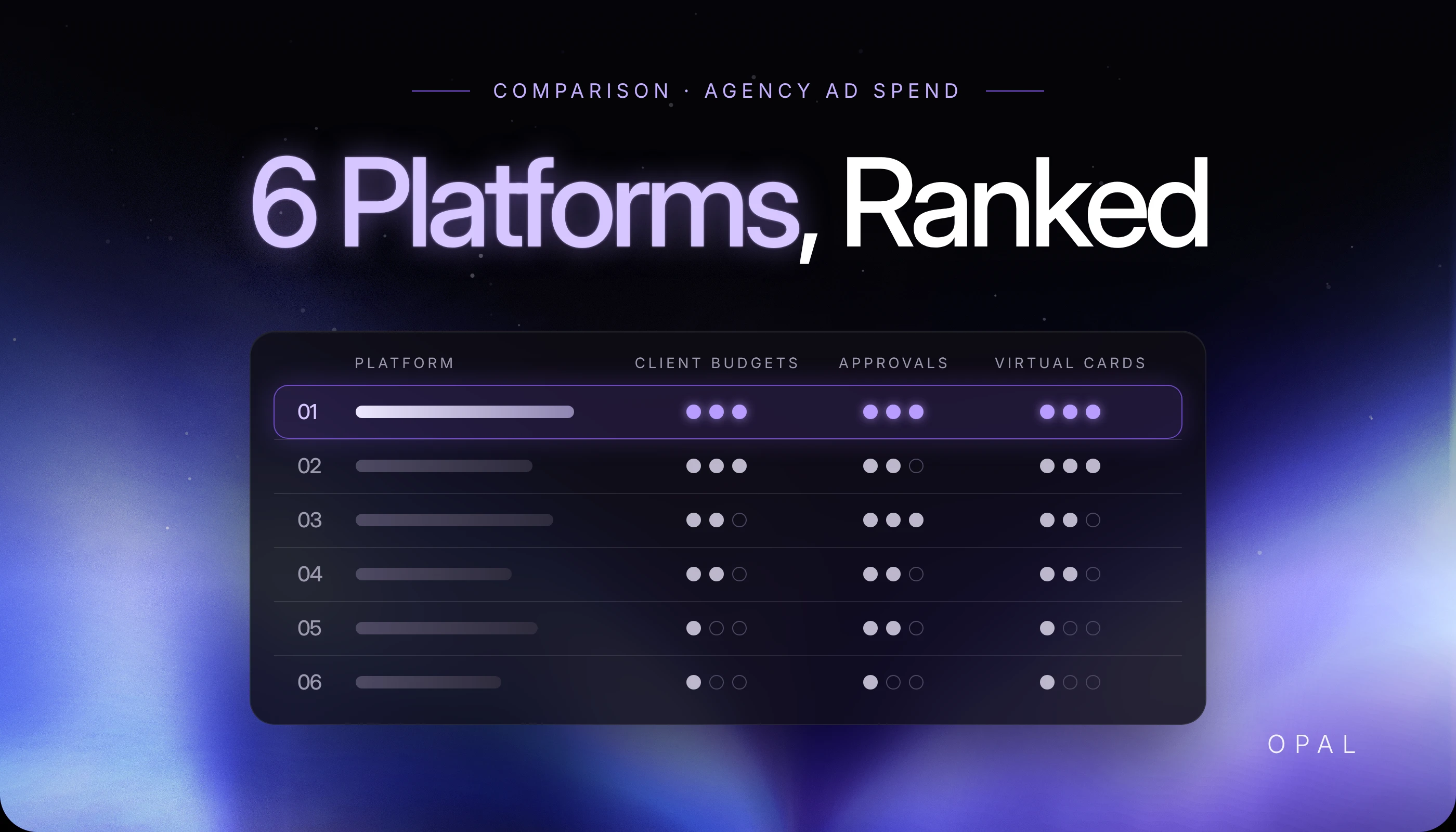
The 6 platforms compared here (Opal, Ramp, Brex, BILL Spend & Expense, Slash, and Payhawk) differ most in whether budgets, approvals, and roles come included or sit on a paid tier.
In this article, you'll see how the 6 platforms rank for agency work and what each does with client budgets, approvals, and virtual cards. You'll also learn how to test an approval workflow in a demo and price the plan that holds each feature.
Key Takeaways
Spend control software enforces rules on a card before a charge clears, while an approval workflow holds a request, such as a new card or an outgoing payment, until a named person signs off.
Opal ranks first for agencies paying client ad spend because it issues unlimited free virtual cards and tracks budgets per client, campaign, or card, with no annual or subscription fee.
Ramp and Brex both start at $0, but Ramp places budget tracking and general ledger (GL) routing on its $15-per-user Plus plan, and Brex places custom roles and live budgets on its $12-per-user Premium plan.
Payhawk routes card requests and top-up requests through multi-step approvals, and its U.S. Cards & Expenses module starts at $449 a month.
The Association for Financial Professionals (AFP) reports that 76% of U.S. organizations faced attempted or actual payments fraud in 2025, which makes approval chains on outgoing payments worth testing alongside card limits.
What Should Spend Control Software Do for a Marketing Agency?
Spend control software should keep each client's ad budget on its own card, decline charges that break the rules, and send exceptions to a person who can approve them. Within the wider stack of marketing agency financial software, it is the layer that decides whether money moves at all.
Separate Client Budgets at the Card Level
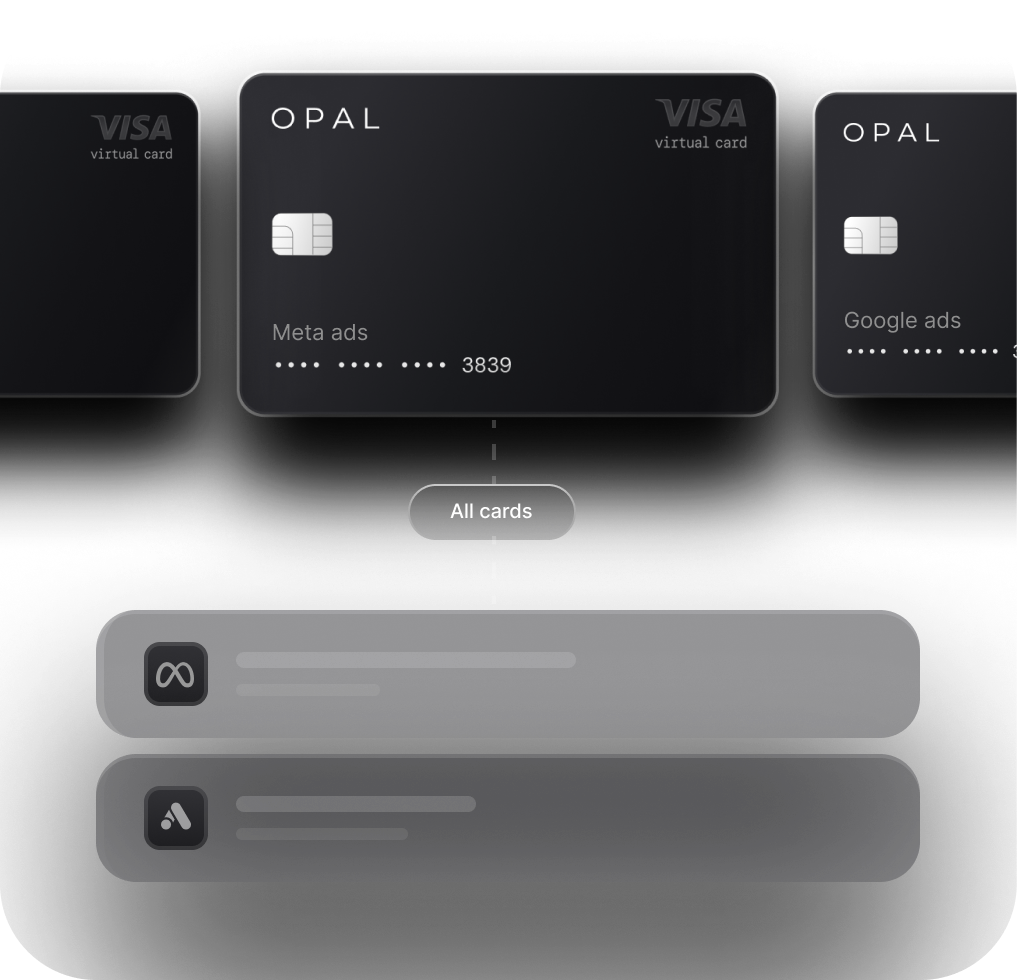
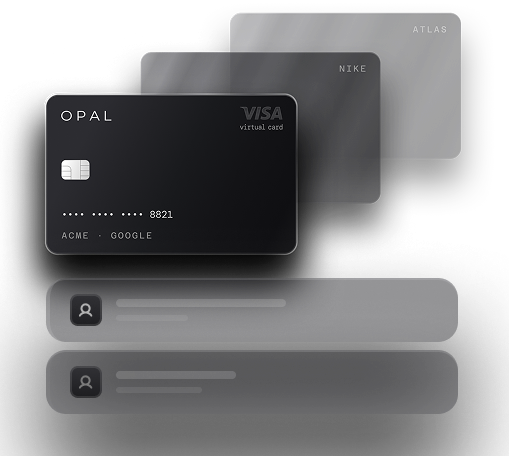
An agency card program works most cleanly when each client, and often each ad account, has a dedicated virtual card with its own limit. For example, a $40,000 monthly Meta budget for one client then cannot spill onto another client's card. Our guide to separating client ad budgets covers the account structure in more detail.
Check how each platform labels a budget before you compare features. Some attach budgets to people, teams, or departments, which means you would create one team or department per client to get the same separation.
Tell Approval Workflows Apart From Card Limits
A card limit is a rule the card enforces on its own, such as a monthly cap, a merchant lock, or an expiry date. An approval workflow is a routing rule that holds a request, such as a new card, a higher limit, or a vendor payment, until a named person signs off. Product pages often use "approvals" for both, so check which objects a platform actually routes. Our explainer on card control layers shows where each limit is enforced.
How Do the 6 Platforms Compare on Agency Spend Controls?
All 6 platforms issue virtual cards with spending limits, but they differ on card supply, where budgets live, and which plan unlocks approvals and custom roles. The first table covers pricing, cards, and budgets, and the second covers approvals, roles, and accounting sync.
Compare Pricing, Virtual Cards, and Budgets
Each row reflects the provider's own published pricing and product pages as checked on October 30, 2026:
Platform |
Entry Price |
Virtual Cards |
Client or Project Budgets |
|---|---|---|---|
Opal |
$0 annual fee, no subscription fee |
Unlimited and free |
Budgets per client, campaign, or card |
Ramp |
Free at $0 per user; Plus at $15 per user per month plus a platform fee |
Unlimited physical and virtual |
Department-level limits; budgets vs. actuals on Plus |
Brex |
Essentials at $0 per user; Premium at $12 per user per month |
Unlimited virtual |
Spend limits on all plans; live budgets on Premium |
BILL Spend & Expense |
$0 per user per month |
As many as needed at no extra cost |
Budgets by person, team, or project |
Slash |
Free at $0 per month; Pro from $25 per month |
Unlimited virtual |
Card groups with top-level budgets |
Payhawk |
Cards & Expenses from $449 per month (U.S.) |
A set number per plan, with more available |
Shared team or project budgets; budget management add-on |
Compare Approvals, Permissions, and Accounting Sync
The approvals column separates routed approval chains from card-level rules, using each provider's own description:
Platform |
Approval Routing |
User Permissions |
Accounting Sync |
|---|---|---|---|
Opal |
Spend approvals alongside card limits and merchant restrictions |
Employee cards with their own limits and permissions |
QuickBooks |
Ramp |
Rules by amount, department, or vendor; accounting-field routing on Plus |
Custom roles on Plus |
QuickBooks Online and Xero on Free; NetSuite and Sage Intacct on Plus |
Brex |
Multi-level approval chains on all plans |
Custom roles on Premium |
NetSuite, QuickBooks, Xero, and Sage Intacct |
BILL Spend & Expense |
Expense review with approver reminders; card-spend approval chains not described |
Admin-controlled employee cards |
QuickBooks, NetSuite, Xero, Sage Intacct, and Acumatica |
Slash |
Multi-step approvals on outgoing payments and bills |
Permission levels to create, view, or edit cards |
QuickBooks and Xero |
Payhawk |
Multi-step approvals for card requests and top-ups |
Budget owner role with the budget add-on |
Xero, QuickBooks Online, and Exact Online; NetSuite as an add-on |
Prices and plan contents change, so confirm the tier on each provider's site before you sign. Ramp, Brex, BILL, Slash, and Payhawk are trademarks of their respective owners, and Opal is not affiliated with them.
Which Platforms Rank Highest for Agency Spend Control?
Opal, Ramp, and Brex take the top 3 places because each combines unlimited virtual cards, card-level rules, and a documented approval layer on a plan that starts at $0. The order reflects fit for agencies paying client media, not the length of each feature list.
1. Opal: Built Around Client Ad Spend
We built Opal as a pay-in-full charge card for advertising, so its controls follow clients, campaigns, and ad platforms rather than departments. You can issue unlimited free virtual cards, set a spending limit, an expiration date, and a merchant restriction on each, and track budgets per client, campaign, or card.
Our agency program pairs those card rules with spend approvals and employee permissions, and transactions sync to QuickBooks. The card works on supported advertising and media platforms only, so most agencies keep a general business card for software and travel.
-
Best for: U.S. agencies and media buyers separating client budgets across Meta, Google Ads, TikTok Ads, and LinkedIn Ads.
-
Entry price: $0 annual fee and no subscription fee.
2. Ramp: Approval Rules Across Company Spend
Ramp issues unlimited physical and virtual cards on a corporate charge card with a 30-day payback period, and admins can block specific merchants and categories. Approval rules can run by amount, department, or vendor.
For an agency, the features closest to client separation sit on the Plus plan: budget tracking against actuals, and conditional routing on accounting fields such as GL code or entity. Ramp's pages don't describe budgets by client, so you would map each client to a department, and our Ramp vs Brex breakdown covers how both handle ad spend.
-
Best for: Agencies that want one approval policy across all company spending.
-
Entry price: Free at $0 per user, with Plus at $15 per user per month plus a platform fee.
3. Brex: Multi-Level Approval Chains on Every Plan
Brex issues unlimited virtual cards with embedded controls for category and merchant, and vendor cards can be set to recur or expire. Its pricing page lists multi-level approval chains, custom spend limits, and spend requests on every plan, including the $0 Essentials tier.
Custom roles and permissions, live budgets, and budget hierarchies move up to Premium. Brex serves U.S.-incorporated companies, and you can tag client spend to a project when each charge is coded.
-
Best for: Agencies that need routed approvals on a $0 plan.
-
Entry price: Essentials at $0 per user, with Premium at $12 per user per month.
Where Do BILL, Slash, and Payhawk Fit on the List?
BILL Spend & Expense, Slash, and Payhawk each cover part of the agency checklist well but leave a gap in approvals, card supply, or price. Those gaps place them 4th to 6th for agencies paying client media.
4. BILL Spend & Expense: Free Budgets by Project
BILL Spend & Expense costs $0 per user per month and includes corporate cards, budgets, and expense tracking. You can set budgets by person, team, or project, and BILL adds no charge for extra virtual cards.
Approval routing is the gap for agency use. The Spend & Expense pages describe expense review and reminders for approvers, while configurable approval workflows appear on BILL's separate accounts payable (AP) plans, which start at $49 per user per month.
-
Best for: Agencies that want project budgets and accounting sync without a subscription.
-
Card terms: A charge card with the balance due in full each cycle, for registered U.S. businesses with an Employer Identification Number (EIN).
5. Slash: Multi-Step Approvals on Payments
Slash pairs a Visa charge card with business banking and issues unlimited virtual cards with spend limits, per-transaction limits, and merchant restrictions. Card groups set a top-level budget per department, and permission levels control who can create, view, or edit cards.
Its approval chains cover outgoing payments and bills, with each step assigned to a named person or a role such as Admin. Card requests aren't described as an approval object, and the card balance is due in full daily, which shapes cash planning for agencies that bill clients monthly.
-
Best for: Agencies that pay vendors and contractors from the same account as their cards.
-
Entry price: Free at $0 per month, with Pro from $25 per month.
6. Payhawk: Card Requests Routed Through Approvals
Payhawk routes card requests, top-up requests, and reimbursable expenses through multi-step approvals built on amount, merchant, project, or person. Cards carry per-transaction and monthly limits plus merchant, category, and country controls, on debit or credit cards.
It ranks last here on agency fit, because each plan includes a set number of cards and the U.S. Cards & Expenses module starts at $449 a month. Native NetSuite sync and budget management are add-ons.
-
Best for: Agencies with entities across the U.S., Canada, the United Kingdom, and Europe.
-
Entry price: Cards & Expenses from $449 per month in the U.S.
How Do You Test Approval Workflows Before You Sign?
Test approvals by running real requests from a seat that cannot approve them, on the plan you intend to buy. An admin demo can show features from every tier and hide what your plan leaves out.
Run 3 Requests From a Non-Admin Seat
Ask the vendor for a trial login with a standard user role, then submit each of these and note who receives it:
Request a new virtual card for a named client with a $5,000 monthly limit.
Ask for a $2,000 increase on an existing card's limit.
Submit an outgoing payment above your approval threshold, such as a $10,000 vendor bill.
Record whether anything changed before approval, who was notified, and whether the audit log names the approver. In its payments fraud and control survey, the Association for Financial Professionals (AFP) found that 76% of U.S. organizations faced attempted or actual payments fraud in 2025 and 74% were affected by business email compromise (BEC), so the third test matters even if cards are your focus.
Price the Tier That Holds Each Feature
Write down which plan each passed test sits on, then price that plan for your team. Say 10 people need seats: Ramp Plus comes to $150 a month before its platform fee, Brex Premium comes to $120 a month, and Payhawk's Cards & Expenses module starts at $449 a month, with the final price set by seats, cards, and transaction volume.
The $0 plans then compete on which gaps you would cover by hand. If you're still deciding who holds which card, our guide to media buyer spend permissions maps roles to limits, and our startup spend platform scorecard shows a way to weight each criterion.
Run Client Ad Spend Through Opal Cards
If your shortlist is about client media rather than company expenses, the Opal card puts each client's ad budget on its own card with rules you set. Here is what we provide and where the card stops.
See What Every Opal Account Includes
We provide the card and the platform, including unlimited virtual cards at no cost, and you decide the spending limit, expiration date, and merchant restrictions on every one. Spend approvals and employee permissions sit alongside those card rules, and transactions sync to QuickBooks.
Eligible ad spend earns up to 1.5% uncapped cashback, and we confirm your rate at approval. Accounts carry no annual fee and need no personal guarantee, and we don't run a hard credit check.
Check the Fit Before You Apply
You configure the cards and set each limit. Because the card is pay-in-full, each due date brings an automatic debit of the whole statement balance, and the card may be locked if that payment can't be processed. It serves U.S.-based businesses on supported advertising and media platforms only.
Ad Pay is a separate product for Meta and Google invoices, currently taking waitlist sign-ups, with a 3% processing fee on Opal credit or 3.5% on another card.
The application takes 2 to 3 minutes, and virtual cards usually arrive within 24 to 48 hours. See how the setup works on our Opal for agencies page, then apply from our site or book a demo.
Frequently Asked Questions (FAQs)
What Is the Difference Between Spend Control and Expense Management?
Spend control applies rules before a purchase happens, such as card limits, merchant restrictions, and approval chains for new cards or payments. Expense management handles what follows: receipt capture, categorization, reimbursements, and sync to the ledger. Most platforms in this comparison do both, but agencies paying client media lean harder on the controls that act before a charge clears.
Do Spend Management Tools for Agencies Support Client-Level Budgets?
Some do natively and some need a workaround. Opal tracks budgets per client, campaign, or card, and BILL Spend & Expense sets budgets by person, team, or project. Platforms that budget by department can still separate clients if you create one department or spend program per client, at the cost of extra setup.
Which Agency Expense Approval Tools Offer Approval Chains on a Free Plan?
Brex lists multi-level approval chains on its $0 Essentials plan. Ramp places conditional routing on accounting fields such as entity on its $15-per-user Plus plan, and Payhawk's approvals sit in modules starting at $449 a month. Confirm the tier during a trial with a standard user login, since demos often run on the highest plan available.
Are Virtual Card Spending Controls Enough Without Approvals?
For recurring ad spend, card limits and merchant locks cover much of the risk, because a card locked to one ad platform with a monthly cap declines charges anywhere else. Approvals add a second person to decisions that change those rules, such as issuing a new card, raising a limit, or releasing a large vendor payment.
Can Opal Replace Ramp or Brex for an Agency?
Opal covers ad spend on supported advertising and media platforms, so agencies still need a general business card or spend platform for software, travel, and other company costs. One workable setup runs client media on Opal cards and everything else on the existing tool, with QuickBooks receiving transactions from both.
How Much Does Advertising Budget Control Software Cost for a Small Agency?
Entry plans range from $0 to several hundred dollars a month. Opal, BILL Spend & Expense, Brex Essentials, Ramp Free, and Slash Free start at $0, while Ramp Plus costs $15 per user per month plus a platform fee and Brex Premium costs $12 per user. Payhawk's U.S. Cards & Expenses module starts at $449 a month.
5 Best Virtual Business Cards for Ad Spend in 2026

Ad Spend Management: The Complete Guide for Agencies and Brands (2026)

Ad Spend Payment Readiness Checklist: What to Confirm Before You Raise Meta and Google Budgets